Thinking About Making a WhatsApp Christmas Card This Year?

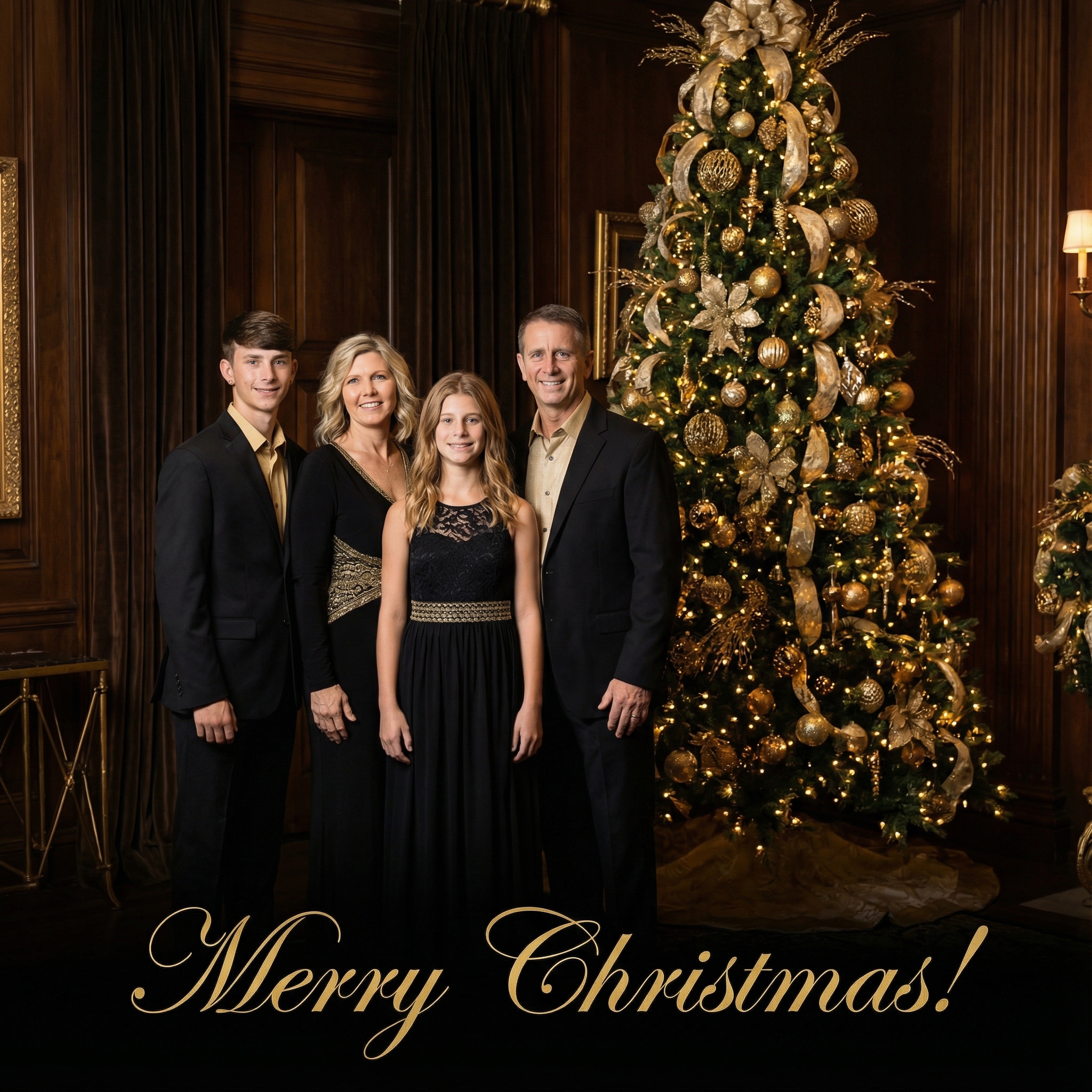

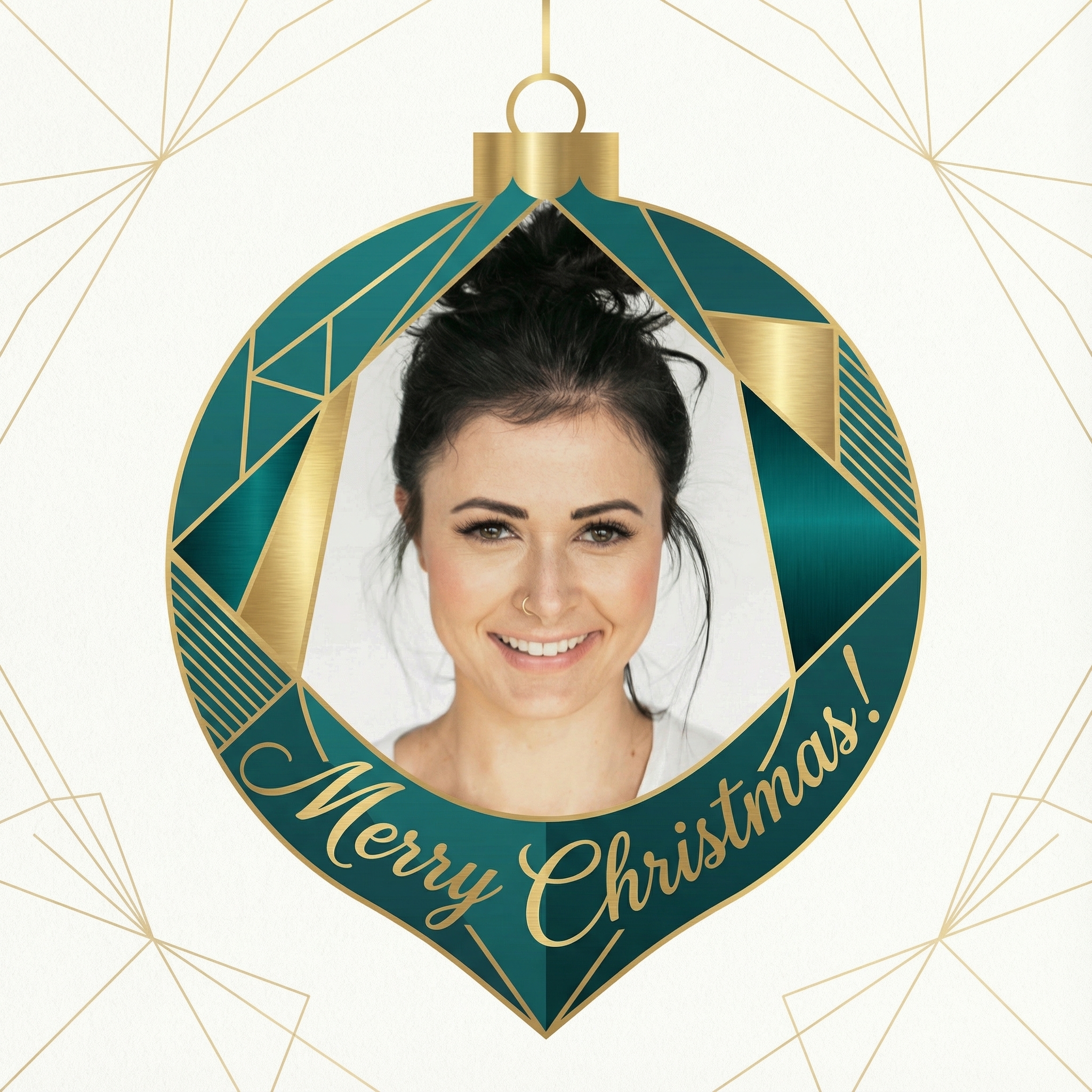
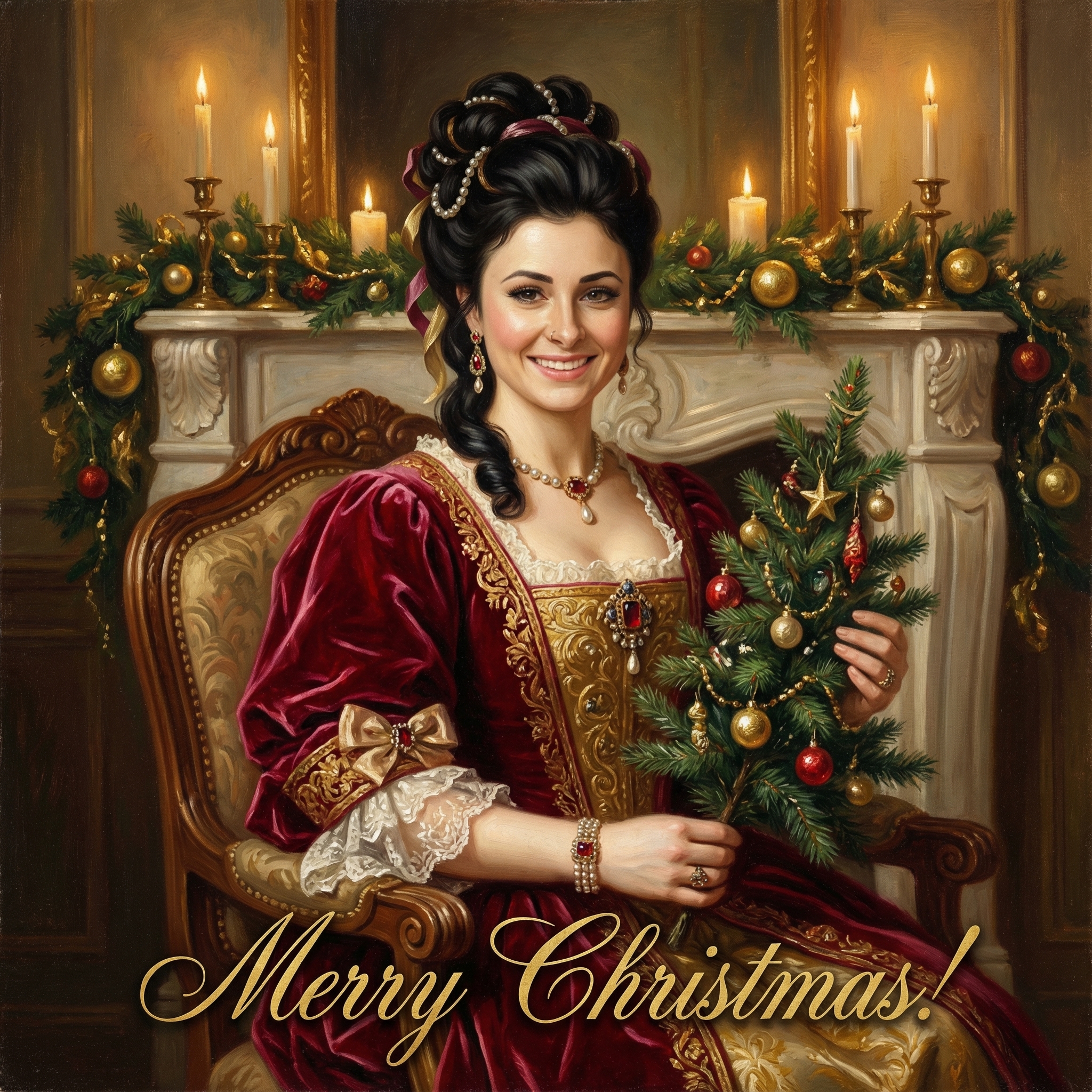
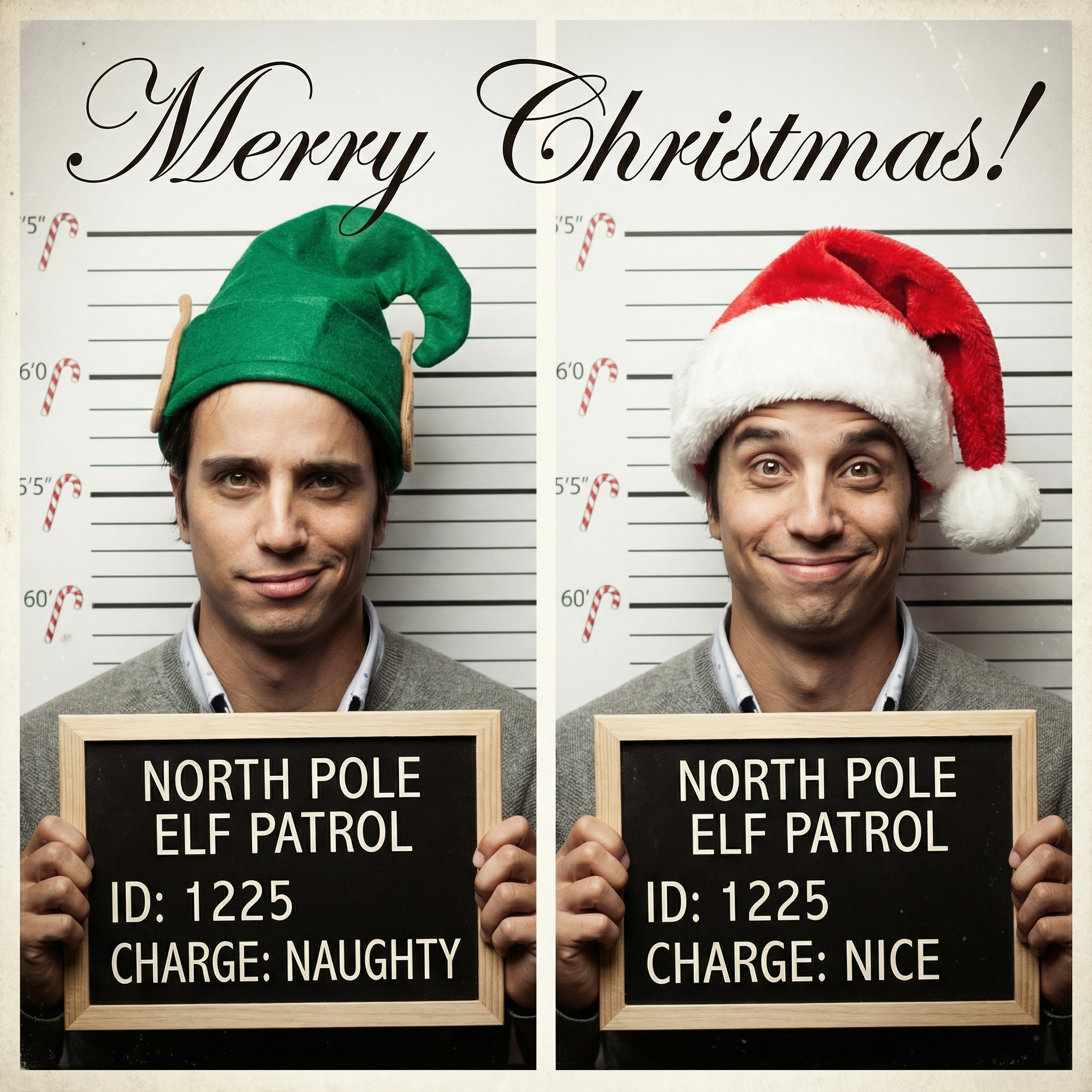
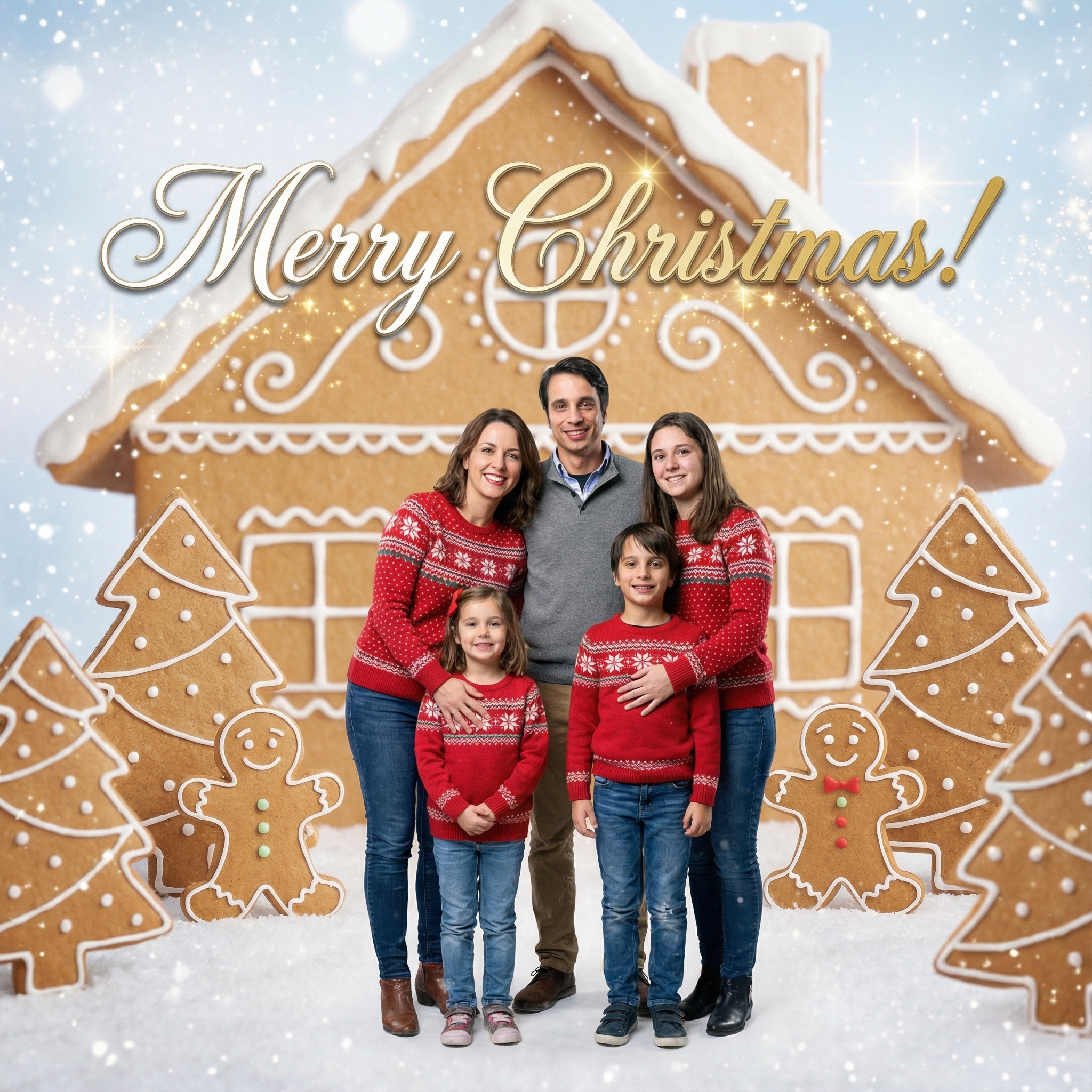
Choose from our collection of beautiful Christmas card styles. From classic to modern, there's a perfect style for everyone.

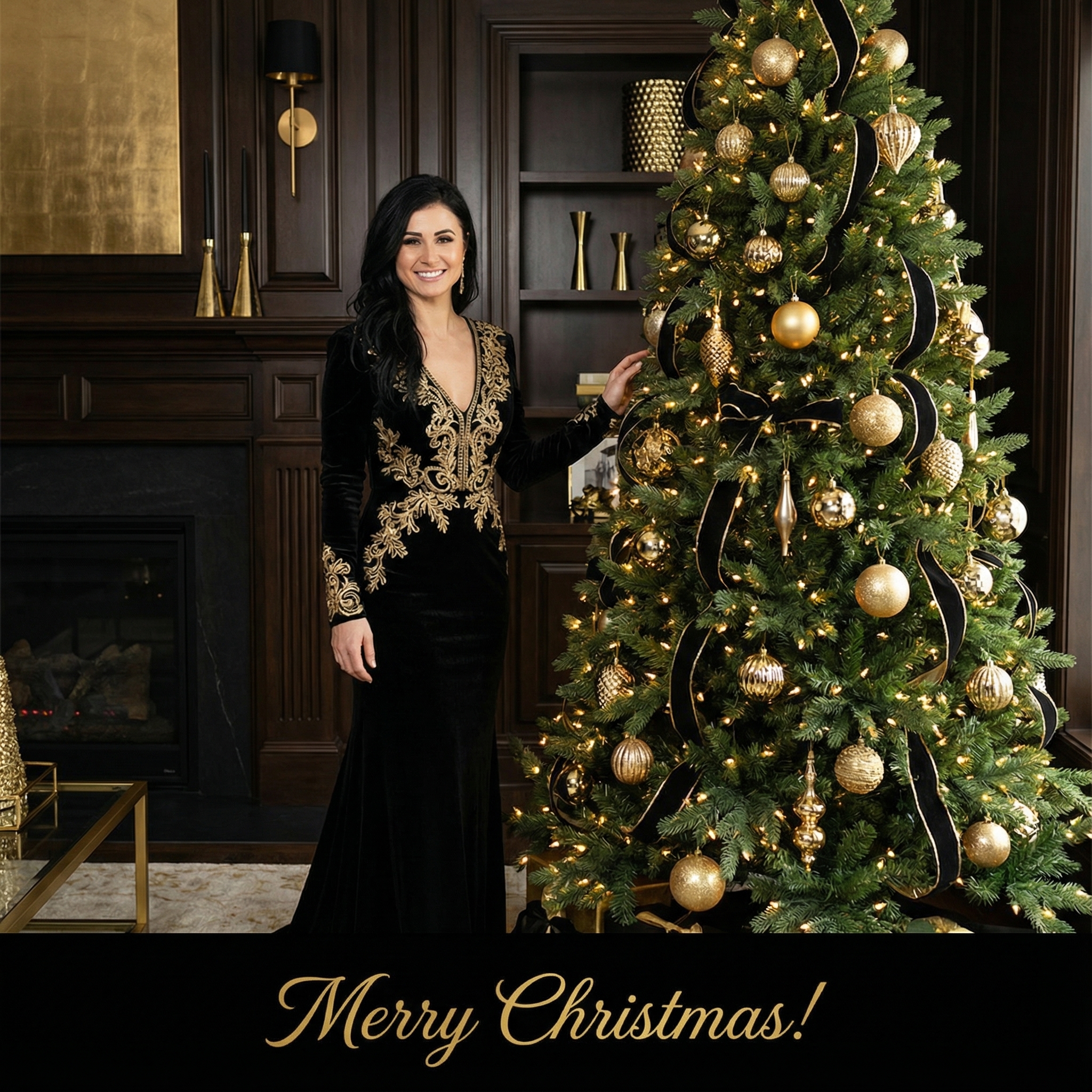






Create your Christmas card in three simple steps
Upload a clear photo of yourself. Our AI uses your unique features to create personalized Christmas cards.
Choose from 12+ beautiful Christmas card styles and add a personal message to your Christmas card.
Within 10 minutes your Christmas card is ready. Download the HD version and have it printed or send it digitally to your family and friends.
Hoe meer kaarten, hoe meer korting. Van €3,99 per kaart tot slechts €2,50 per kaart.
€3,33 per kaart
17% korting
€2,99 per kaart
25% korting
€2,50 per kaart
37% korting
Well, there are a few reasons, honestly. First off, convenience is a big one. You can send a WhatsApp Christmas card to pretty much anyone, anywhere in the world, in an instant. No worrying about international postage or if it'll even arrive before Christmas Day. It’s also a bit more eco-friendly, cutting down on paper and printing. If you're like me and have friends and family spread across different countries, sending a digital card just makes sense. And let's be real, sometimes you just run out of time to get to the shop for physical cards, or the perfect one just isn't there. Making your own digital card means you can send something truly unique and from the heart, which is always a lovely touch. It's about connecting with people, right? And a thoughtful digital card does that just as well as a physical one, sometimes even better because of how quickly it reaches them.
Before you dive into any apps or tools, just think for a minute about what kind of vibe you're going for. Do you want something super simple, or are you feeling a bit more creative this year? The beauty of a WhatsApp Christmas card is that you've got loads of options, and you don't need to be a graphic designer to pull them off. You could just use a nice photo, maybe a little collage, or even a tiny video clip. It all depends on how much time and effort you want to put in, but trust me, even the simplest ideas can look really effective and heartfelt.
This is probably the easiest way to make a great Christmas card for WhatsApp. Pick a really nice photo – maybe one of your family, your pets in some festive gear, or even a beautiful winter scene you captured. Once you've got your picture, you can use a simple photo editing app on your phone (most phones have one built-in) to add some text. Something like 'Merry Christmas from the [Your Name/Family Name]!' or 'Wishing you a wonderful holiday season!' works perfectly. My friend Sarah just took a gorgeous picture of her dog in a Santa hat, added 'Happy Holidays from the Smith family!' and sent it out as her WhatsApp Christmas card. It was super cute and everyone loved it because it felt so personal to her.
If you want to step it up a notch without getting too complicated, a collage is a fantastic idea. You can use free apps like Canva or even some of the photo collage features built into your phone. Gather a few favourite photos from the year – maybe a holiday snap, a picture of the kids, or a fun family selfie – and arrange them together. You can add a festive background, a border, or even some little graphic elements like snowflakes or stars. It looks like you put in a lot of effort, but it's actually pretty quick to do. For instance, you could feature a 'year in review' kind of collage with three or four key moments. Add a simple 'Merry Christmas!' at the bottom, and you've got a really sweet WhatsApp Christmas card that tells a little story.
Now, if you're feeling a bit more adventurous, a short video or an animated GIF can be a really fun way to send your greetings. Imagine a quick clip of your kids singing a Christmas carol, or your cat batting at a bauble, or even just a simple animation of falling snow with your message. You can record a short video on your phone, trim it down, and then either send it as is or use a GIF maker app to convert it. GIFs are great because they loop, and they're usually smaller in file size, which means they load quickly for whoever receives them. It definitely makes for a more dynamic and memorable WhatsApp Christmas card.
The visual is important, of course, but the message is really where it's at. Don't just send a generic 'Merry Christmas' image and leave it at that. Think about what you'd write in a physical card. A little personal touch goes a long way. Maybe a quick update on what you've been up to this year, a specific memory you share with the person you're sending it to, or just a genuine 'Thinking of you and hope you have a wonderful holiday season.'
For close friends, you can even include a little inside joke or a reference to something you did together. For family, a simple 'Can't wait to see you soon!' or 'Missing you lots!' can mean the world. The key is to make it feel like you actually thought about them when you sent it, not just that you hit 'send all' on a broadcast list. It’s the difference between a mass message and a heartfelt greeting.
You don't need fancy software or a design degree to make something lovely. There are plenty of user-friendly tools out there, many of them free, that can help you whip up a great Christmas card for WhatsApp in no time:
Canva: This is a fantastic online tool that's super intuitive. They have tons of templates for cards, social media posts, and more, which you can easily adapt. You can upload your own photos, pick fonts, and add graphics. It's pretty much a go-to for anyone wanting to create something visually appealing without any prior design experience. You can find it at Canva's website. Adobe Express (formerly Spark Post): Similar to Canva, Adobe Express offers a lot of templates and easy-to-use editing features. It's great for quick designs, adding text to photos, and creating collages. If you're already familiar with Adobe products, this might feel natural, but it's also very welcoming for beginners. Check it out at Adobe Express. Photo editing apps on your phone: Don't underestimate the power of your phone! Apps like Snapseed, PicsArt, or even the built-in photo editors on iPhones and Androids can do a lot. You can crop, add filters, adjust colours, and most importantly, add text overlays directly onto your chosen photo. They’re usually free and right there on your device, making them super convenient. GIF makers: If you're going the animated route, apps like GIPHY CAM or even just screen recording a short animation and converting it online can work. Just search for 'GIF maker' in your app store, and you'll find plenty of options. Unsplash or Pexels: If you don't have a personal photo you want to use, or you're looking for a beautiful festive background, websites like Unsplash offer high-quality, free stock photos that you can use as a base for your card. Just make sure to pick something that feels right for your message.
Once your beautiful WhatsApp Christmas card is ready, there are just a couple of things to remember before you hit send. First, think about the file size. WhatsApp can handle fairly large files, but for quick loading and less data usage for the recipient, try to keep your image or GIF file size reasonable. Most apps will optimize this for you, but it's something to be aware of if you're sending a high-resolution photo.
Also, consider the orientation. Most people view WhatsApp on their phones, so a portrait (vertical) orientation usually works best for images and videos, as it fills the screen nicely. If you're sending to a large group, remember that a broadcast list might be better than a group chat if you want to send the same card to many people but still have it arrive as a personal message to each. And again, don't forget to type out a little personal greeting with* the card when you send it. It makes all the difference!
---
Can I really make a good-looking WhatsApp Christmas card even if I'm not a designer? Absolutely! Many of the tools mentioned, like Canva and Adobe Express, are designed specifically for people without design experience. They offer templates and drag-and-drop interfaces that make it incredibly easy to create something professional and beautiful. Plus, a simple, heartfelt photo with text can be just as impactful.
What's the best file format for a WhatsApp Christmas card? For images, JPEG or PNG are generally your best bet. JPEGs are great for photos as they offer good compression, while PNGs are good if your card has text or transparent elements. For animated cards, a GIF is ideal, and for video, MP4 is the standard.
Is it okay to send the same WhatsApp Christmas card to everyone? It’s perfectly fine to send the same base card to everyone, but try to add a personal message when you send it to each individual or small group. This makes it feel much more thoughtful than just a generic broadcast.
Are there any free tools for making these cards? Yes, lots! Canva offers a robust free tier, as does Adobe Express. Your phone's built-in photo editor is free, and there are many free photo editing and collage apps available in app stores. You don't need to spend any money to create a lovely digital card.
How do I make sure my WhatsApp Christmas card looks good on different phones? Stick to common image formats (JPEG, PNG) and try to keep the resolution reasonable – not too low that it's blurry, but not so high that the file size is huge. Most modern phones will display these formats well. Using a portrait orientation often helps ensure it fits well on most phone screens without too much cropping or scrolling.