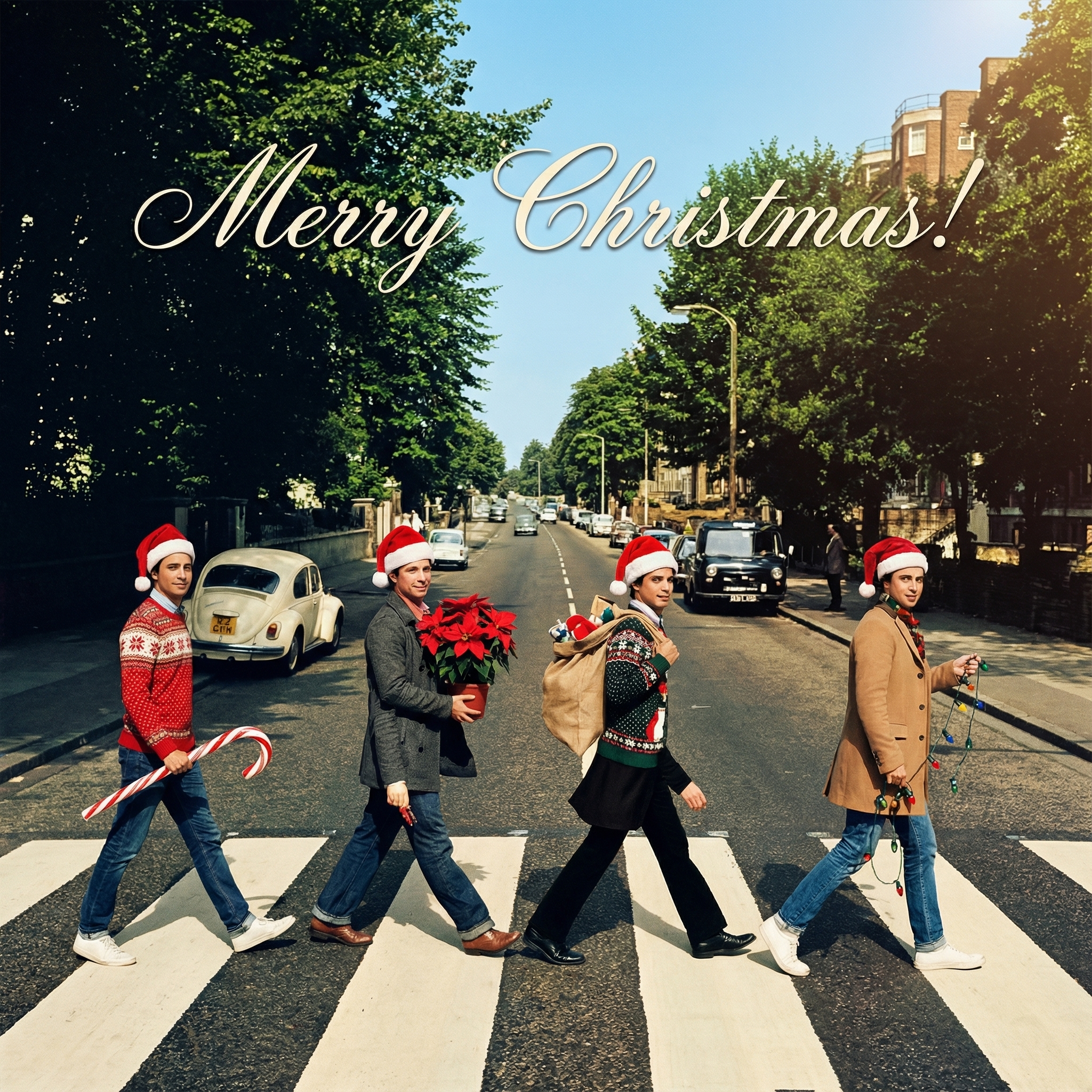
Thinking About Sending a Digital Christmas Card for Free This Year?
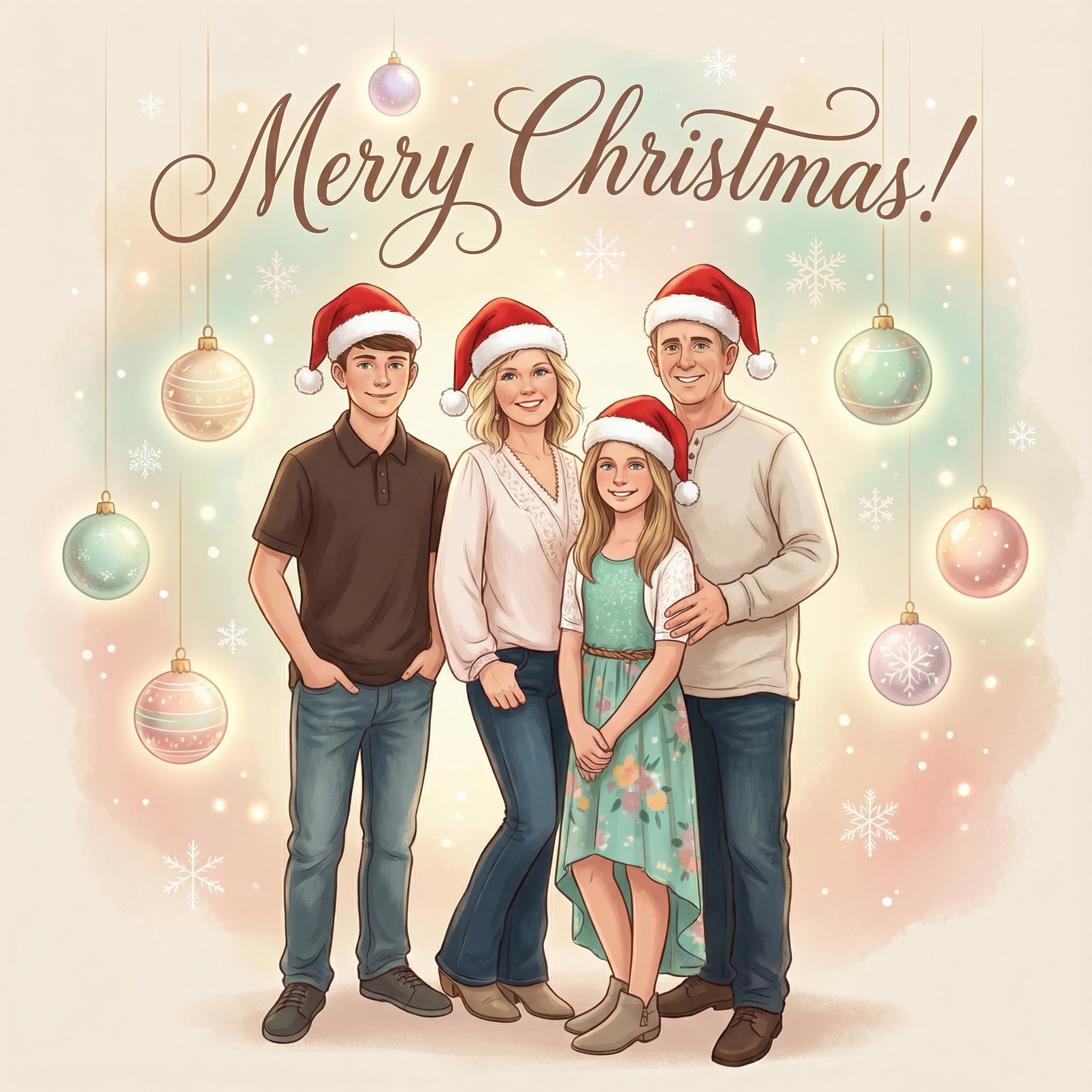
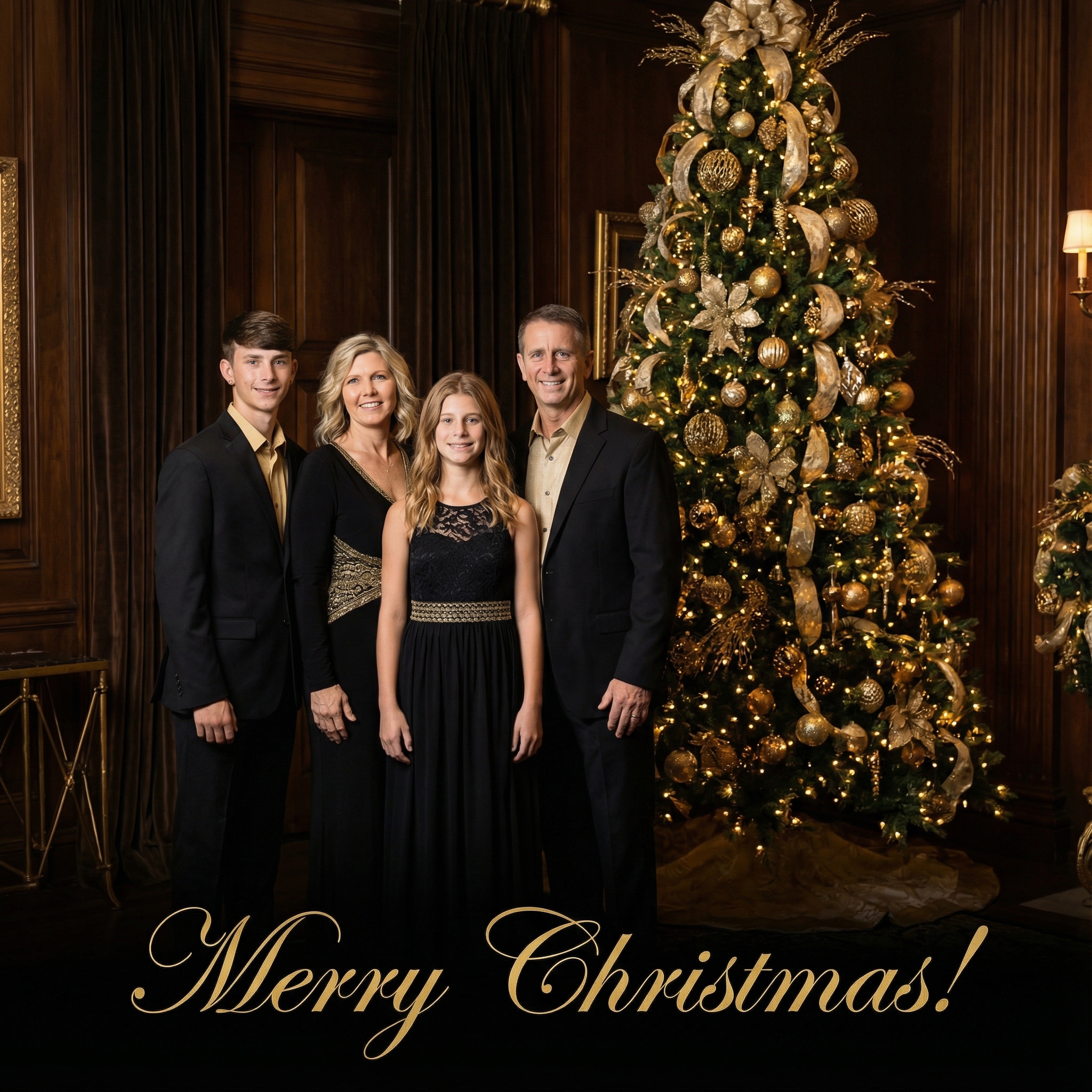
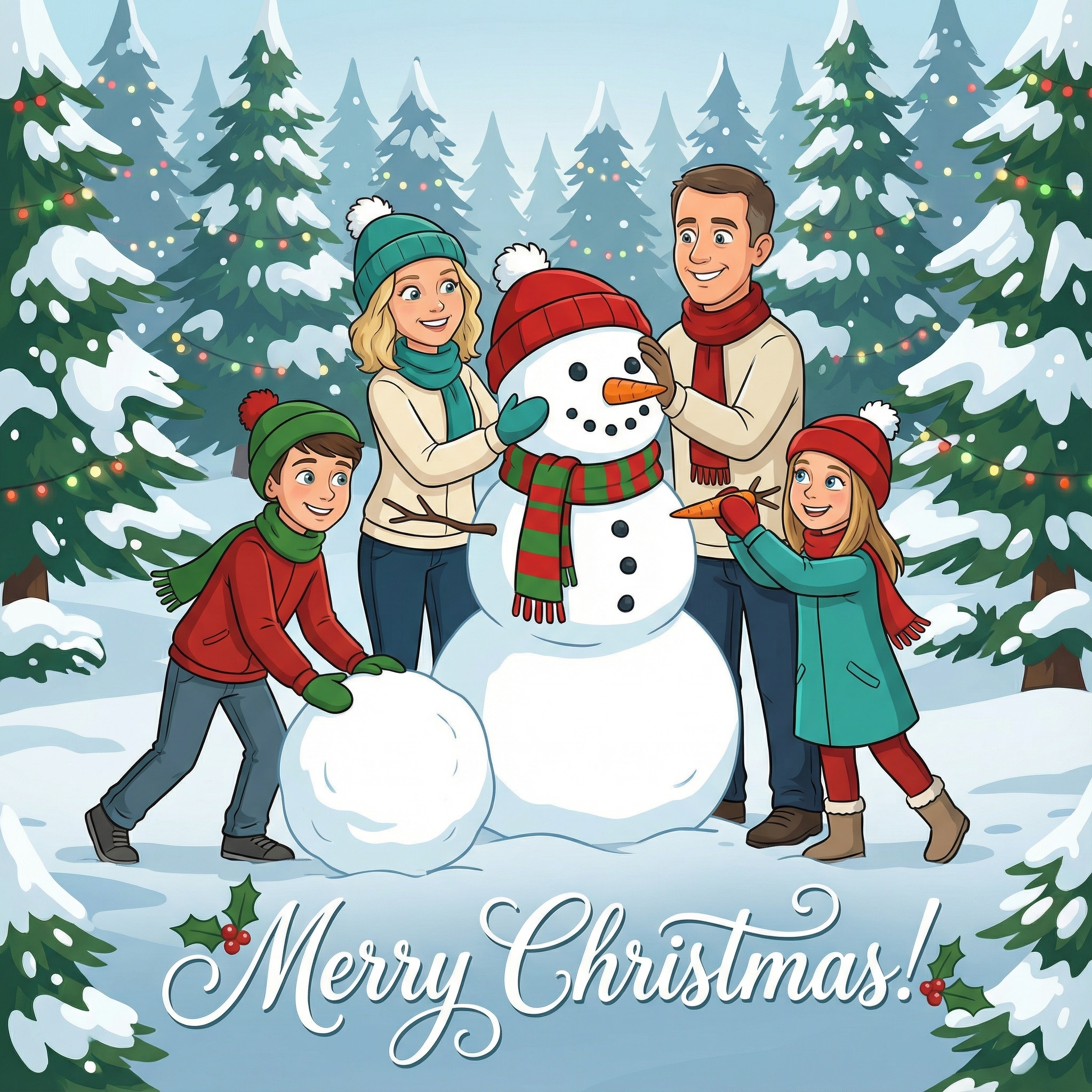
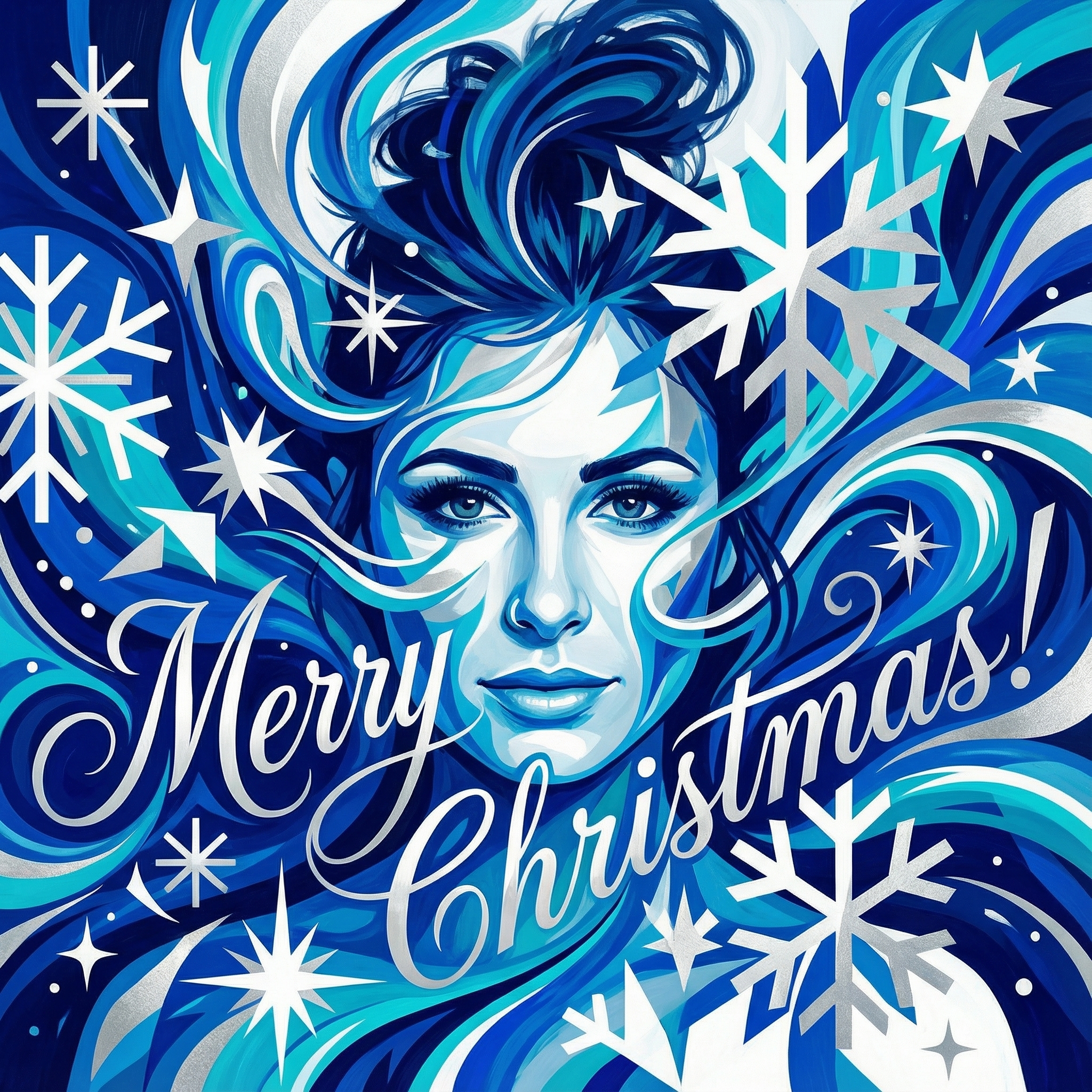
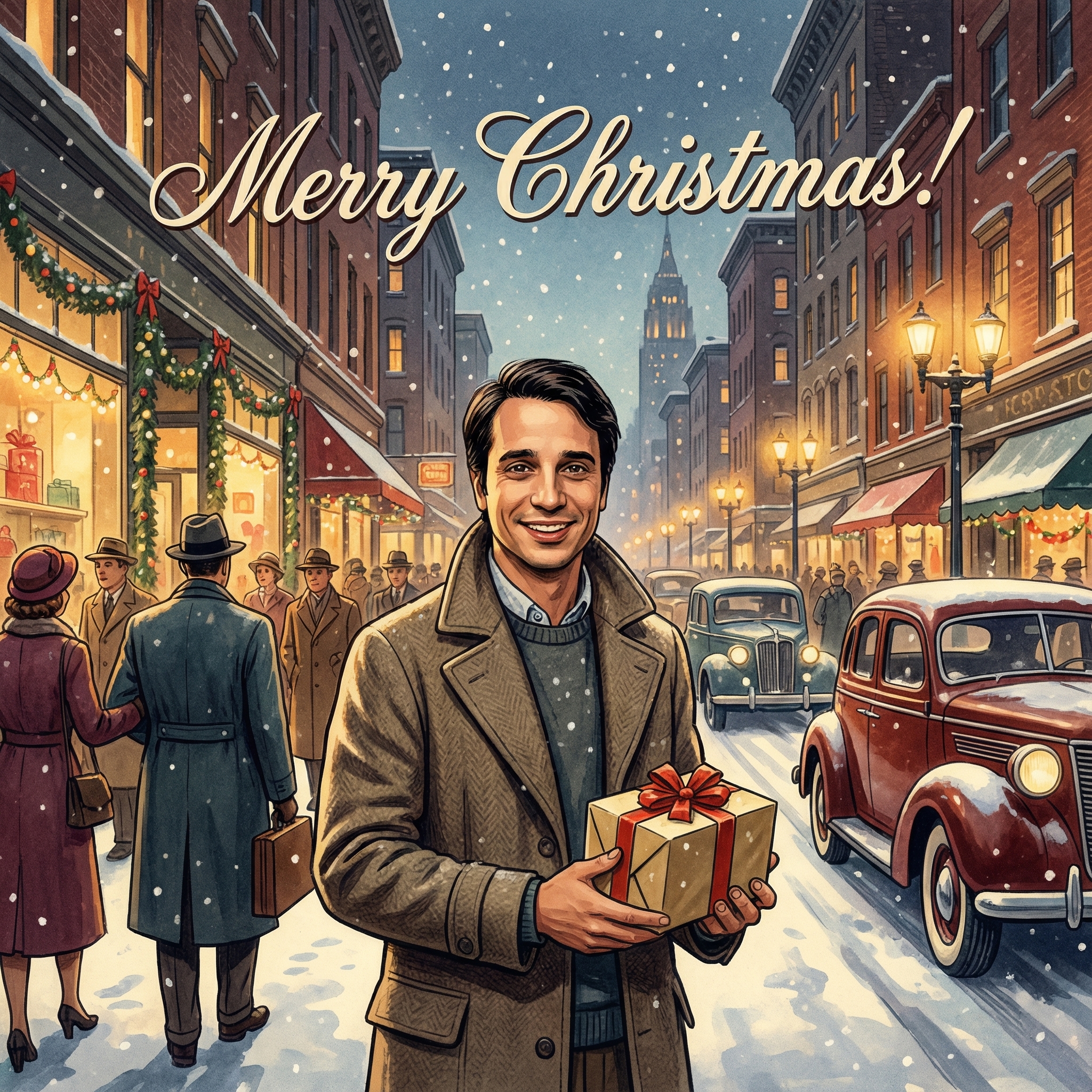
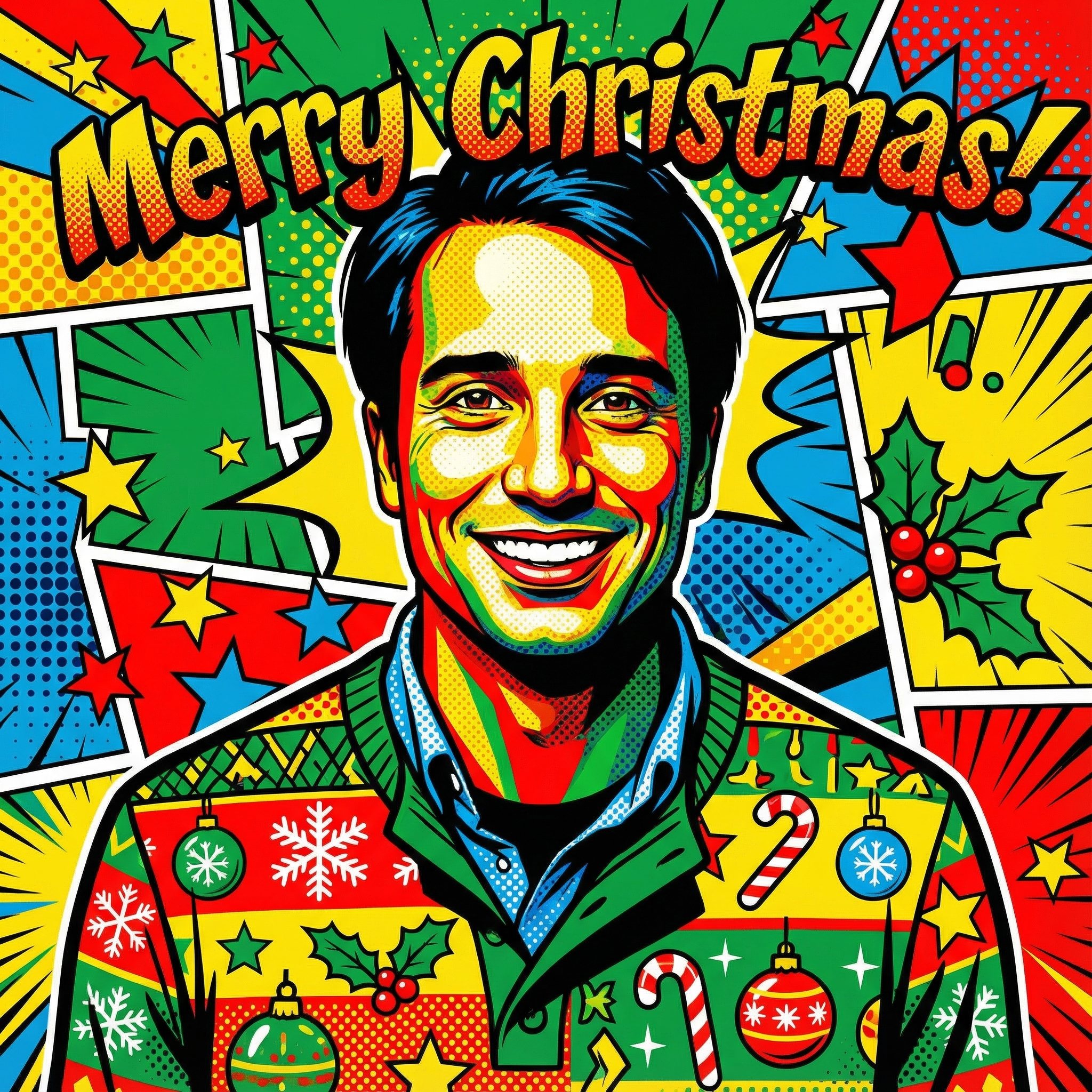
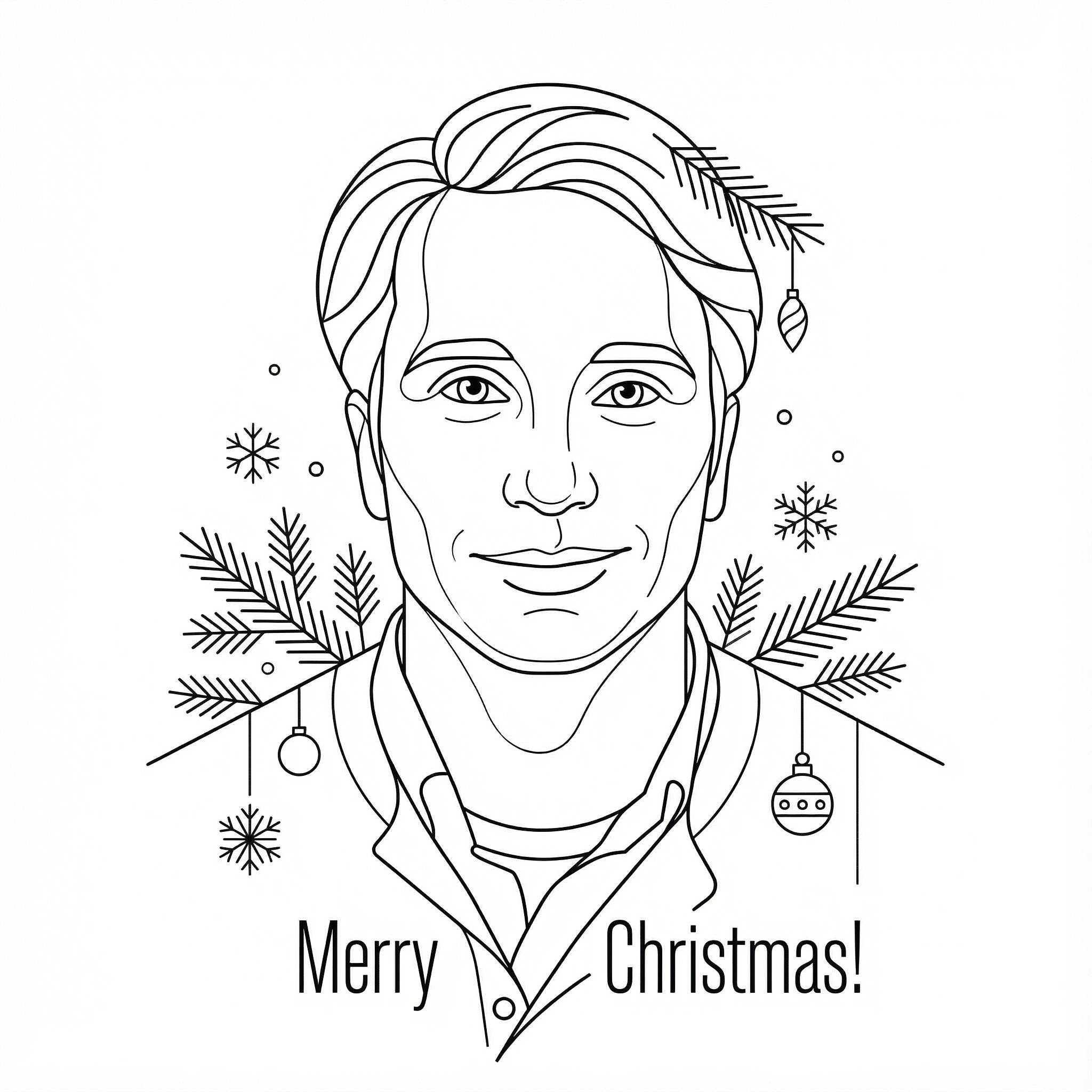
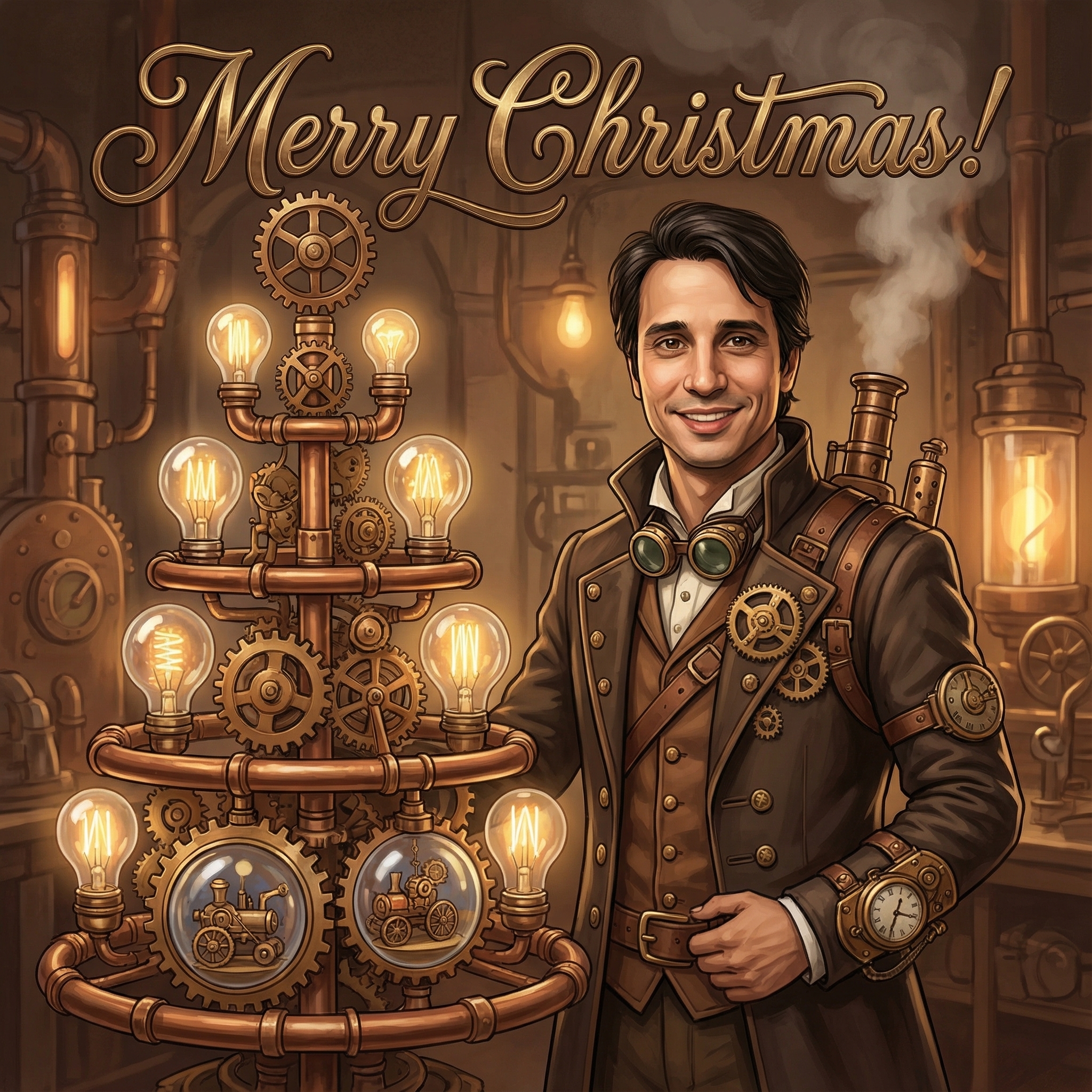
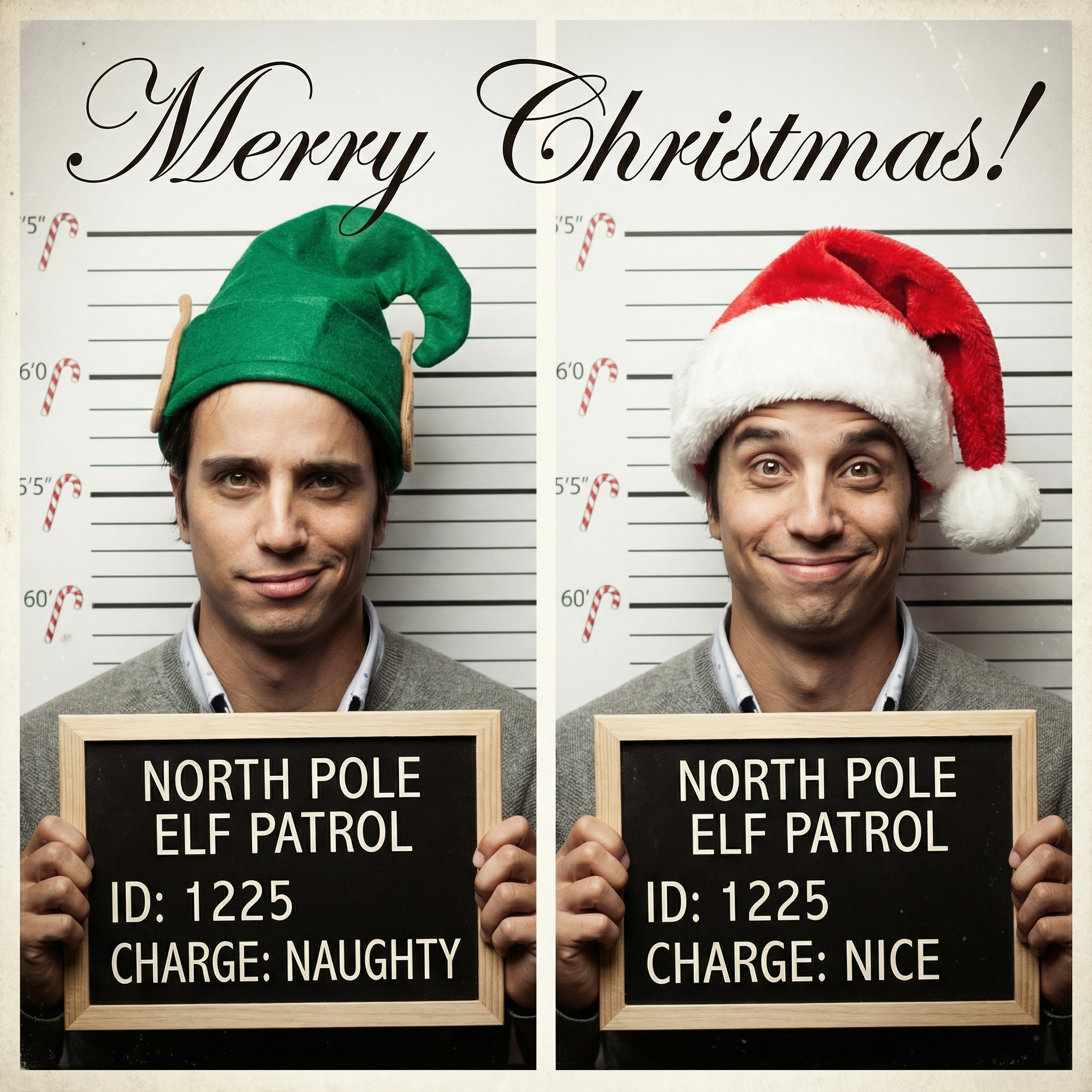
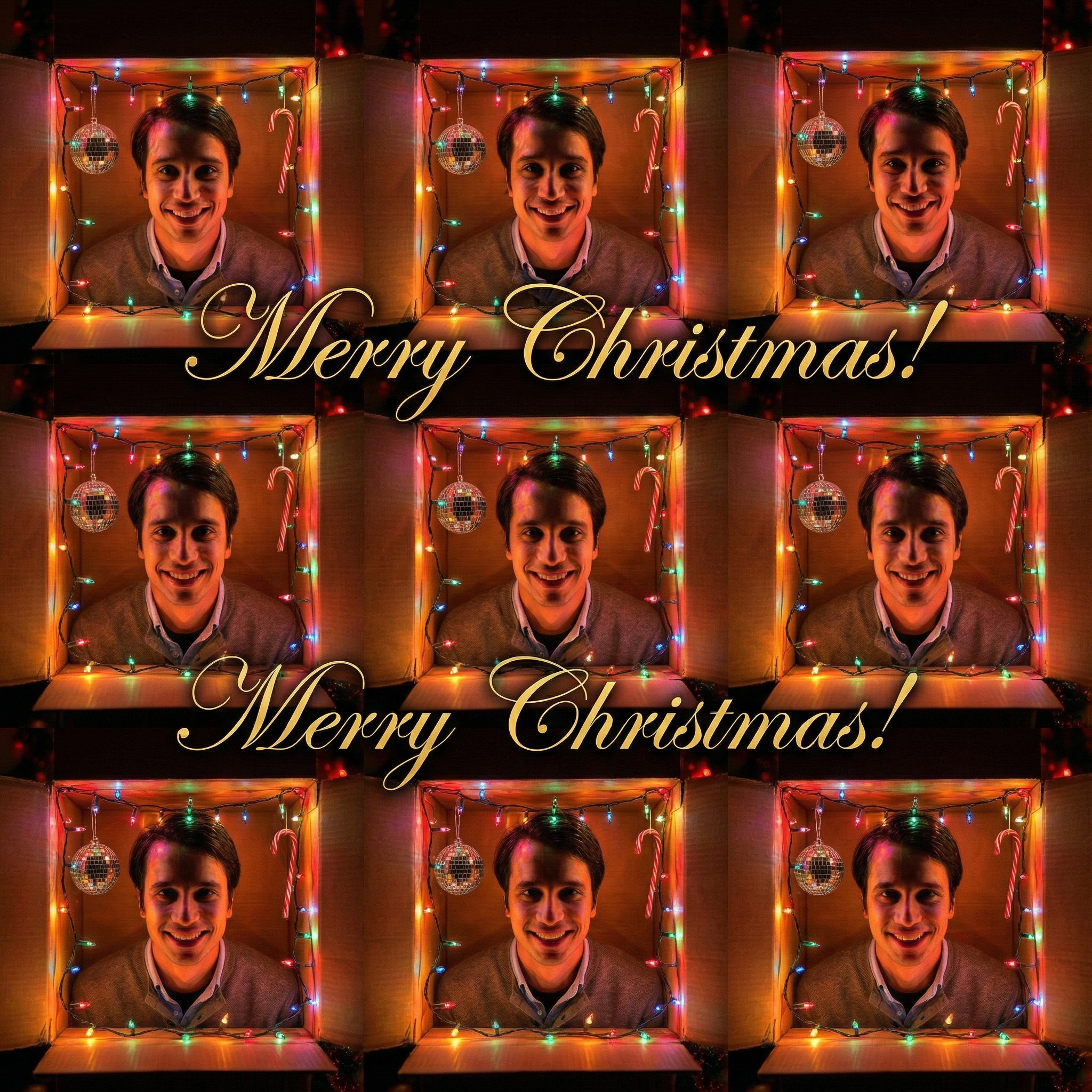
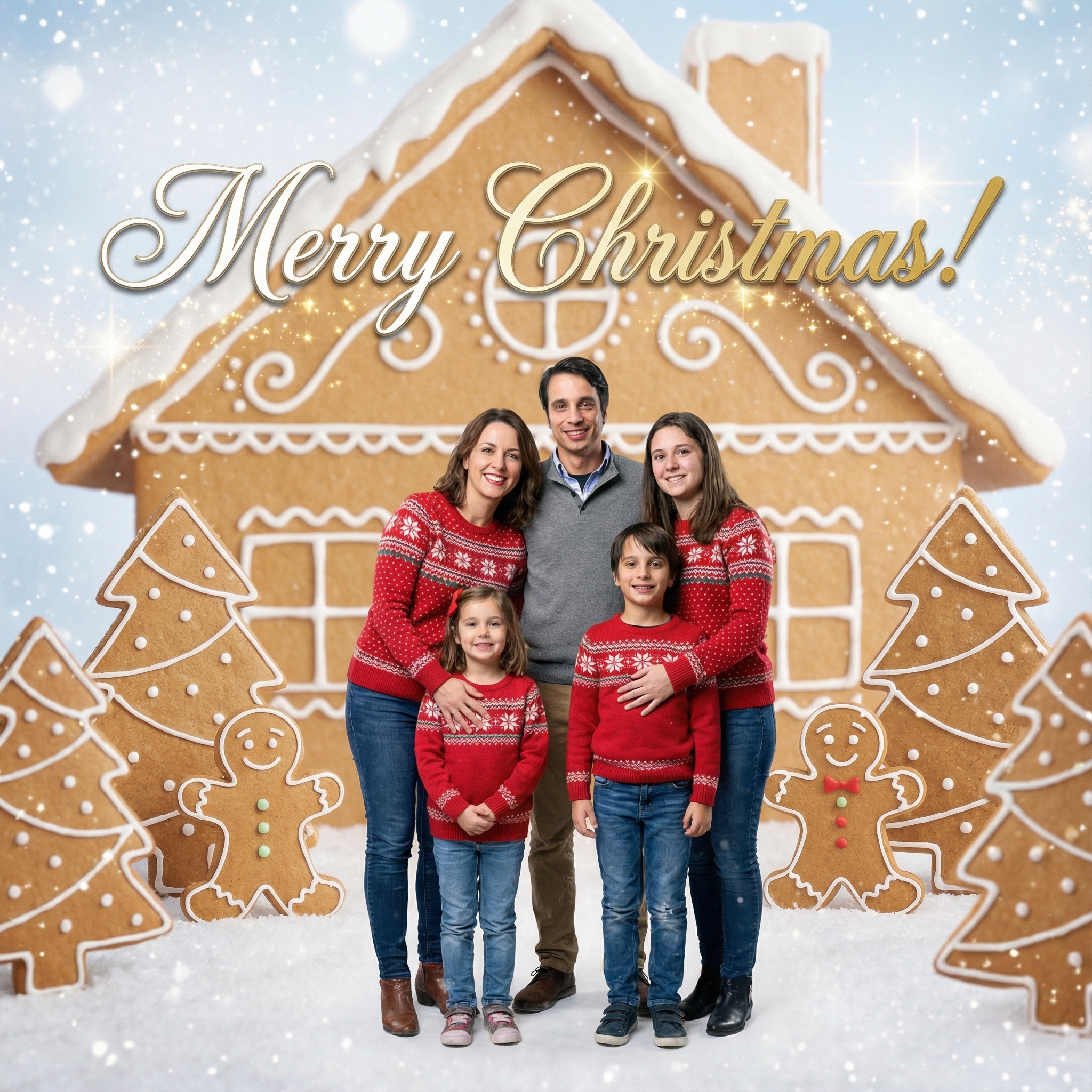
Choose from our collection of beautiful Christmas card styles. From classic to modern, there's a perfect style for everyone.
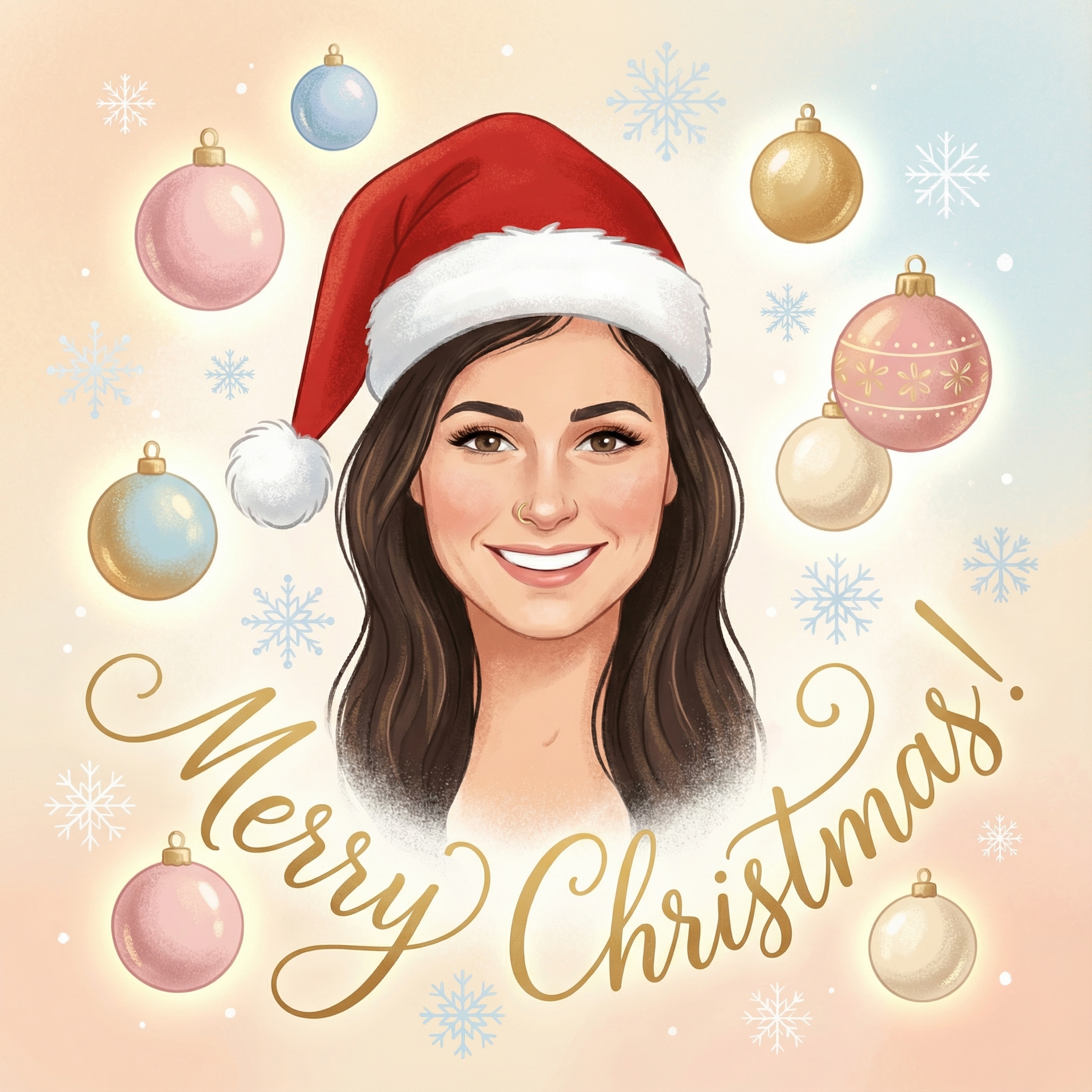
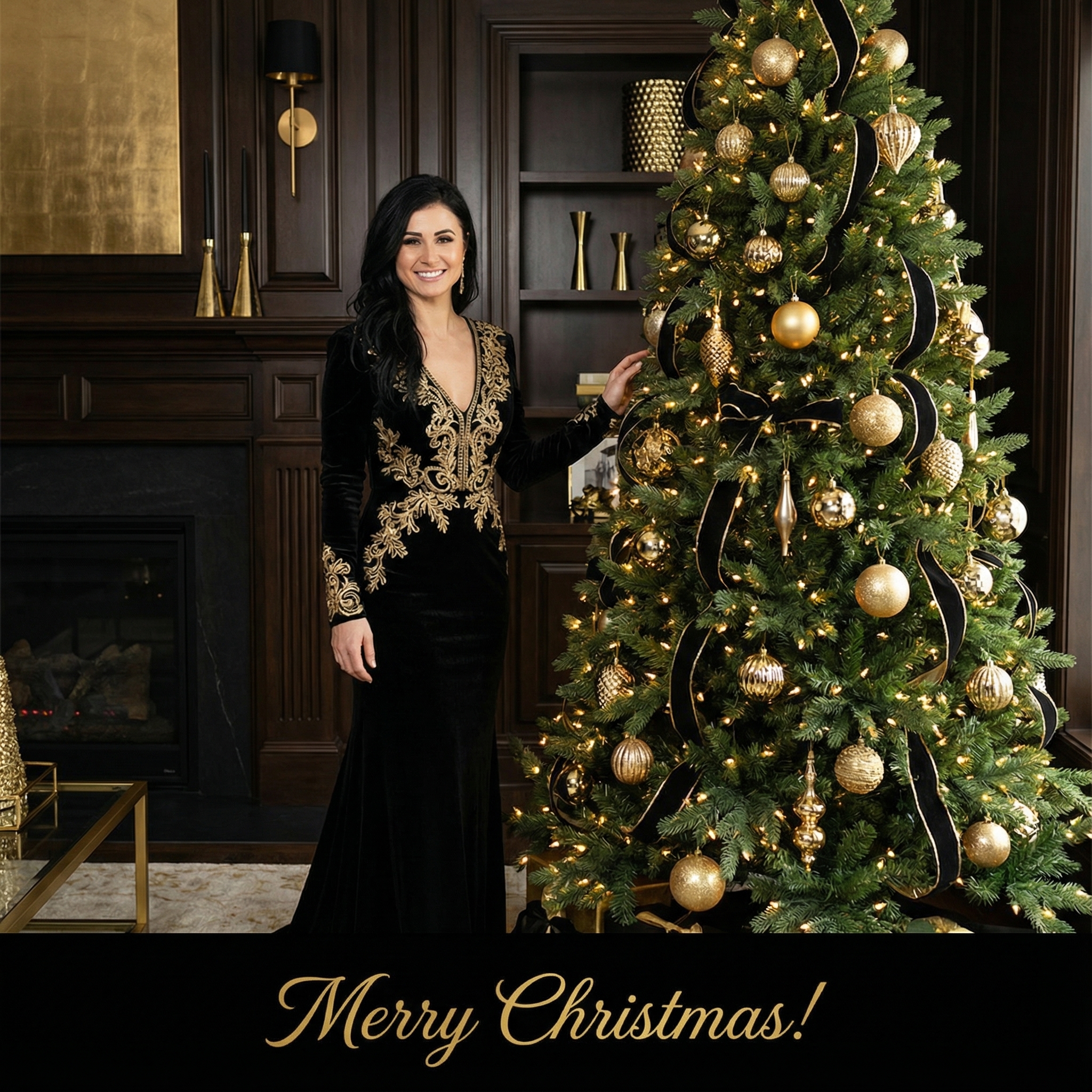

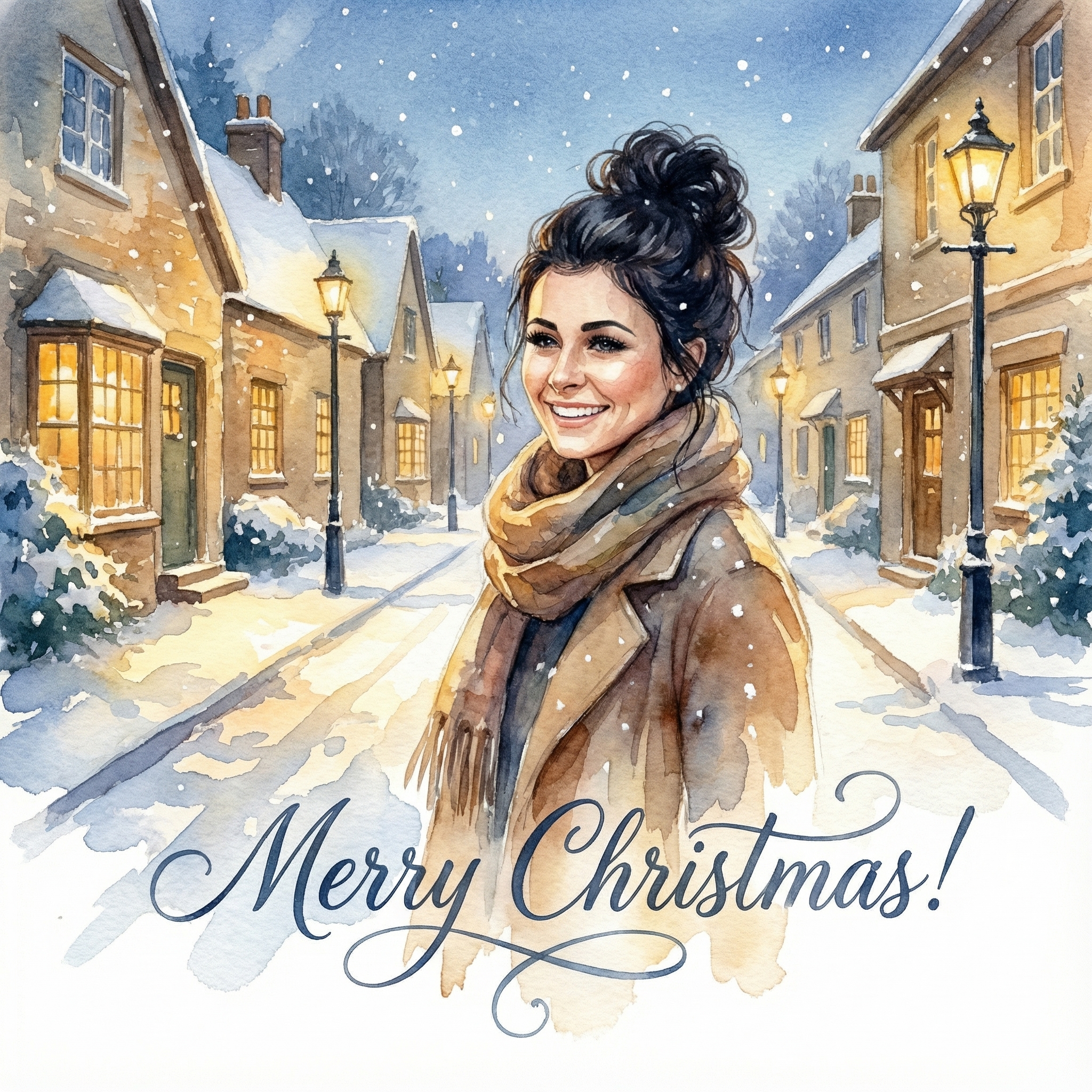
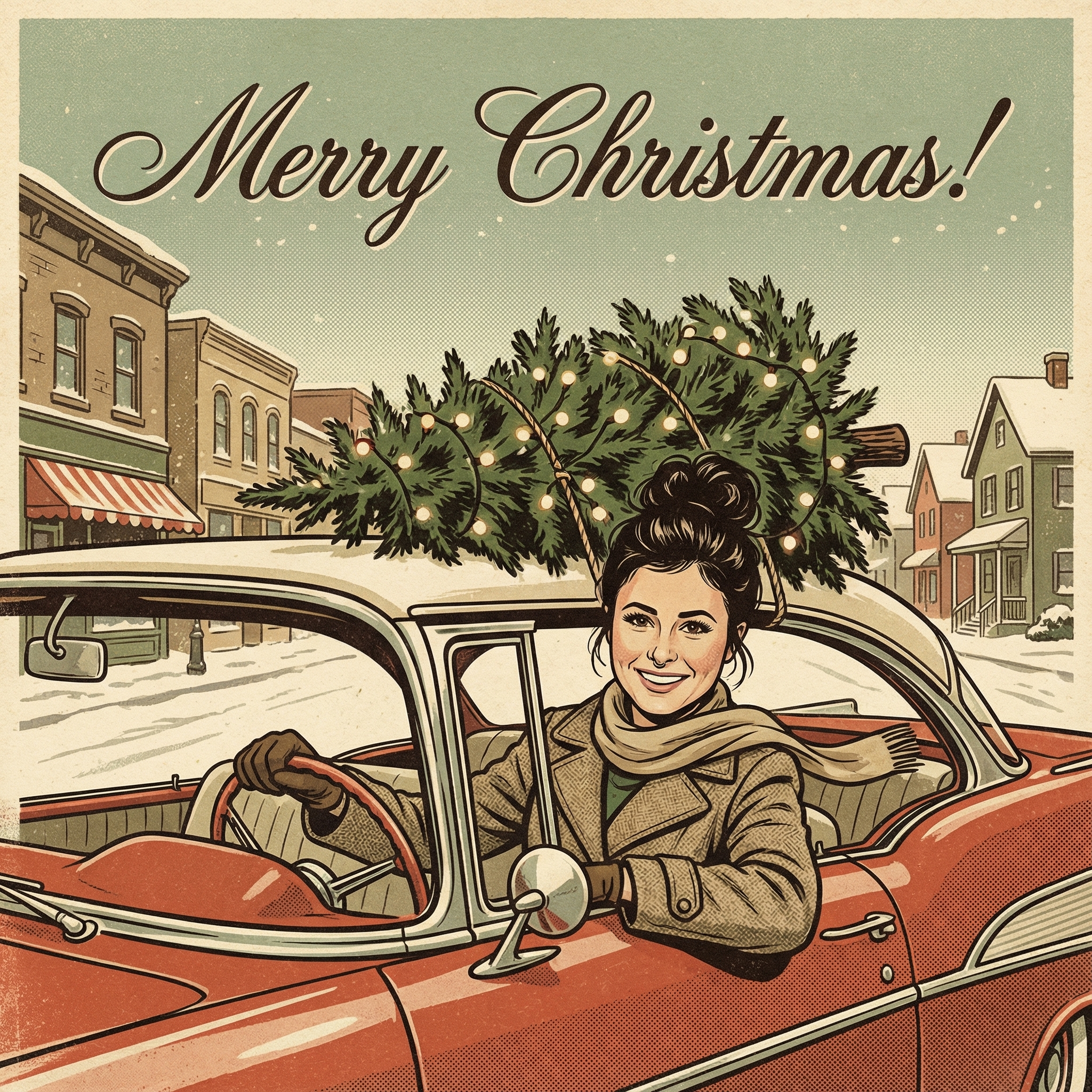
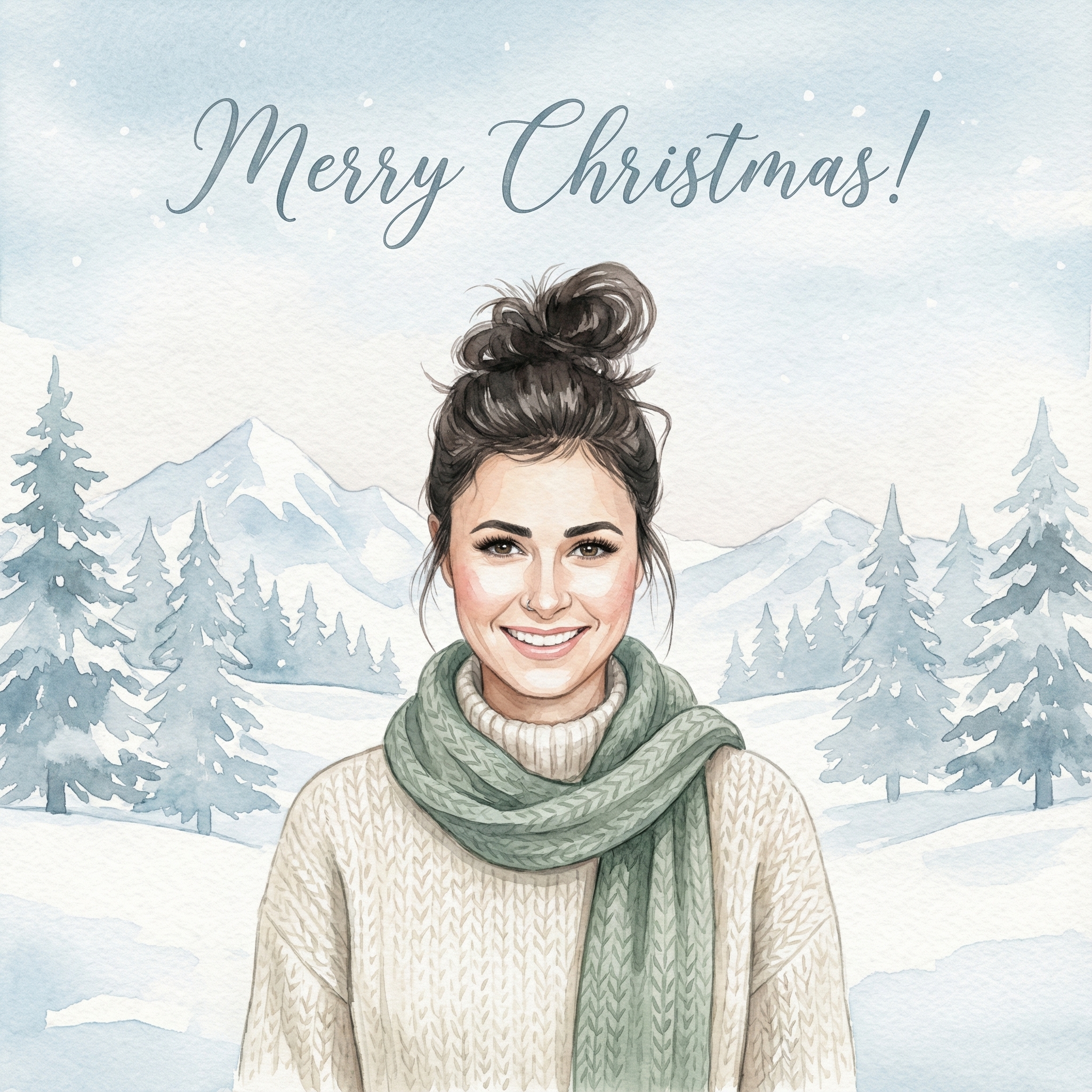
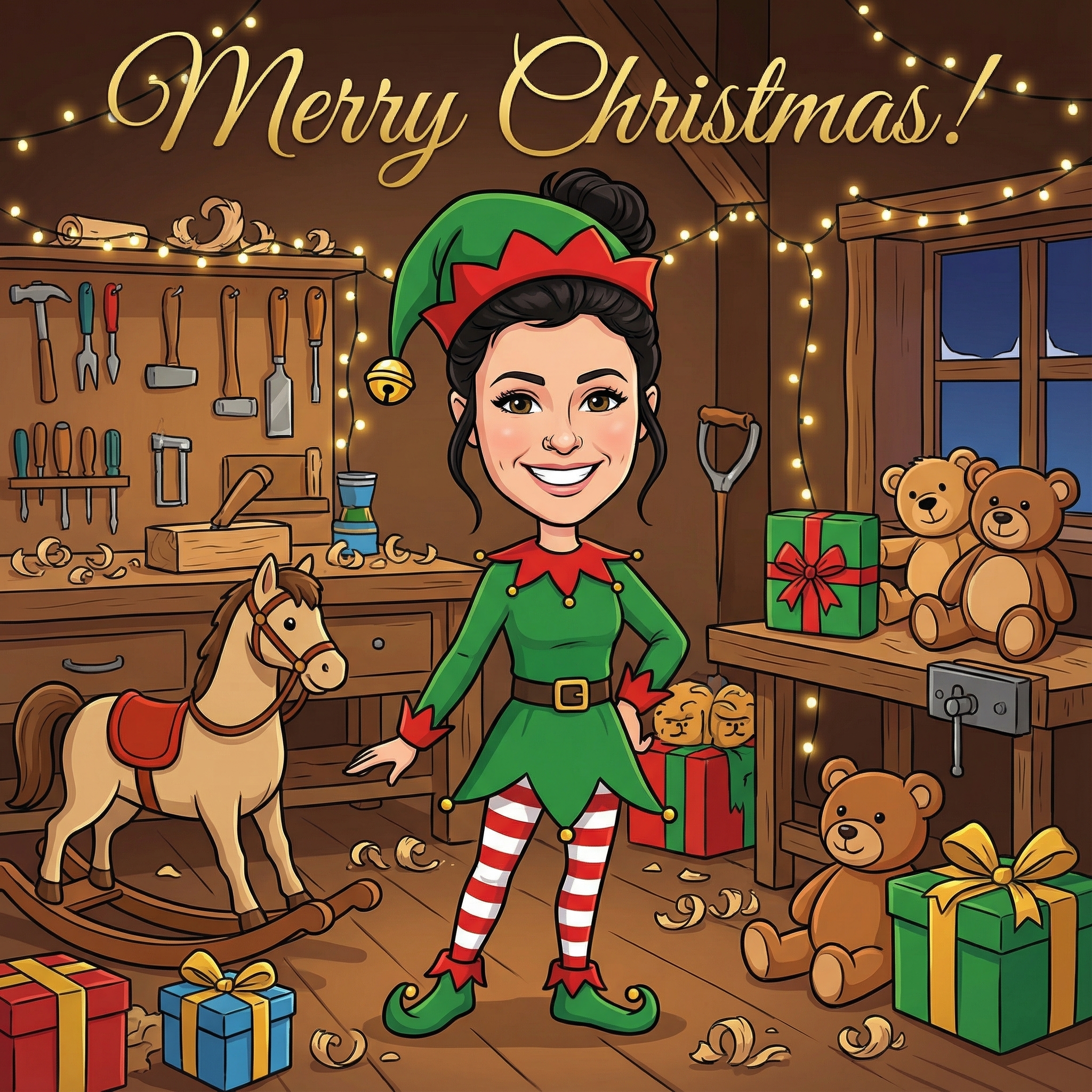
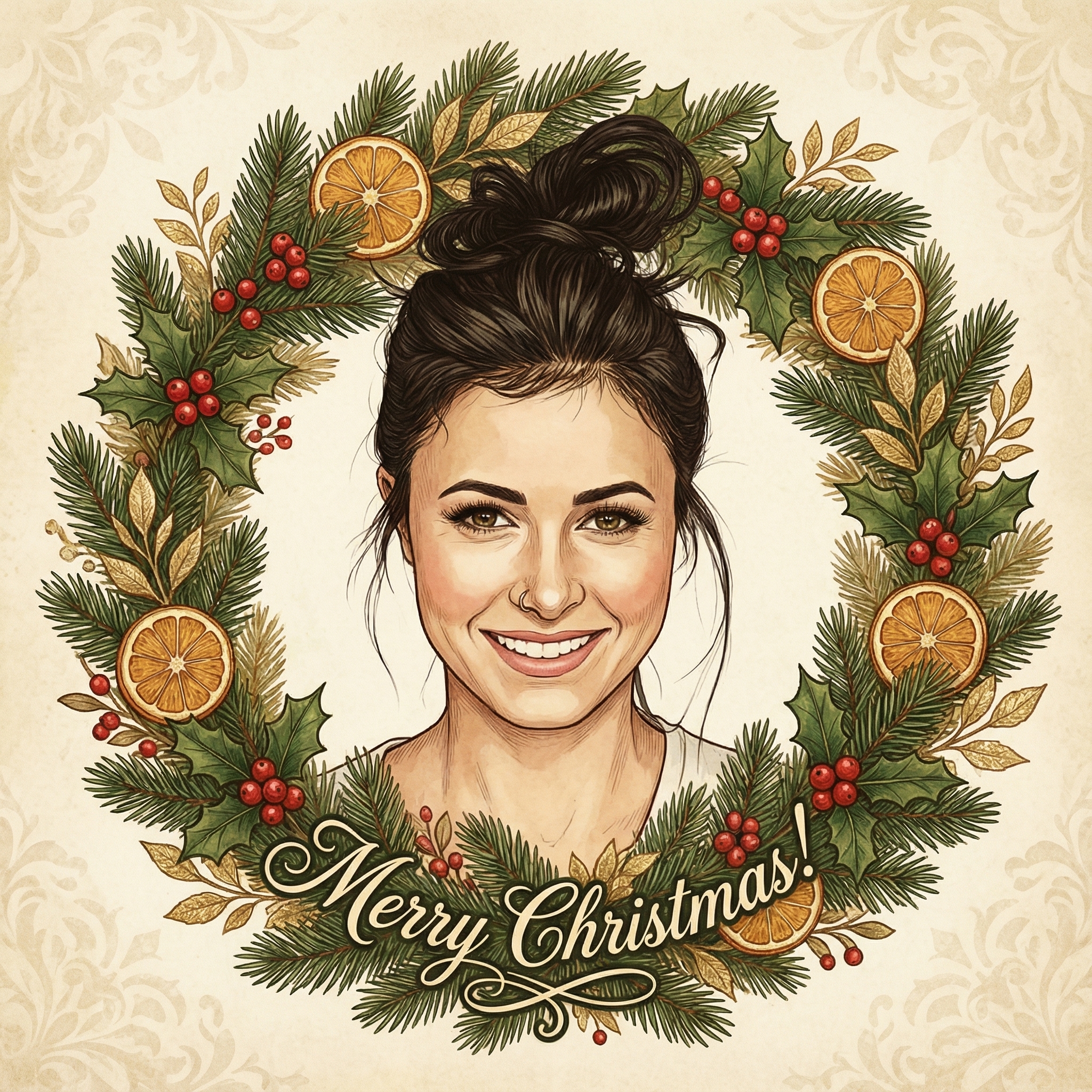
Create your Christmas card in three simple steps
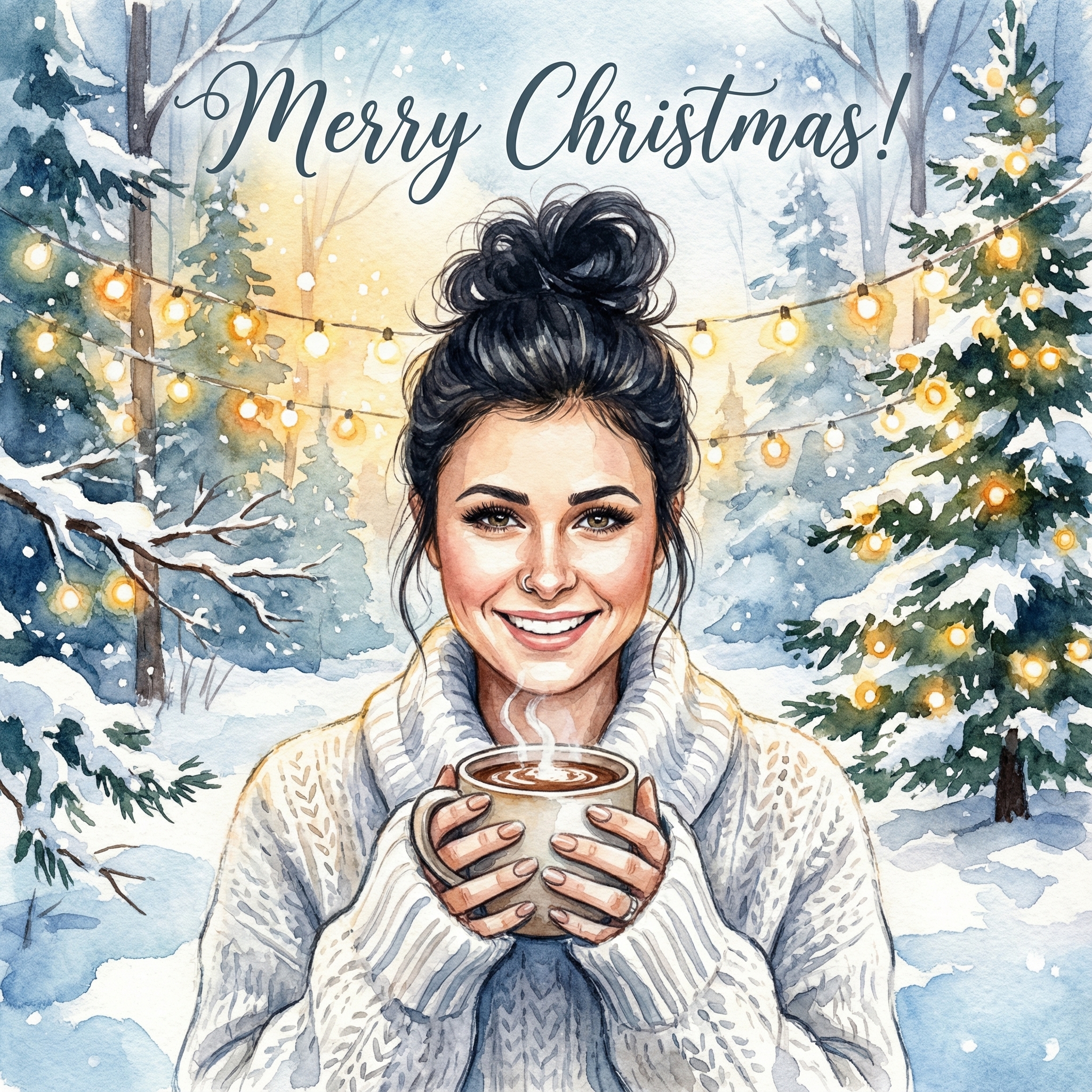
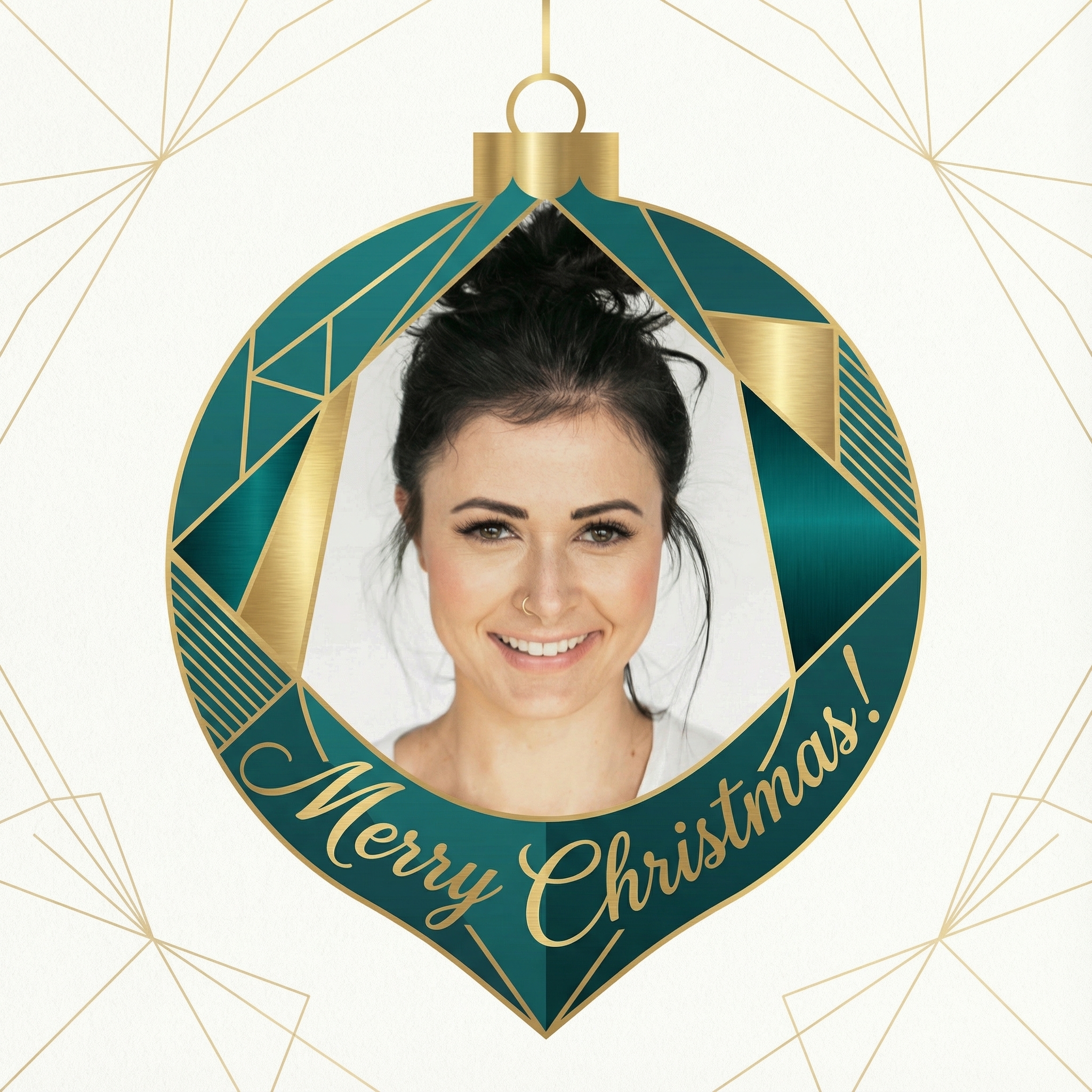
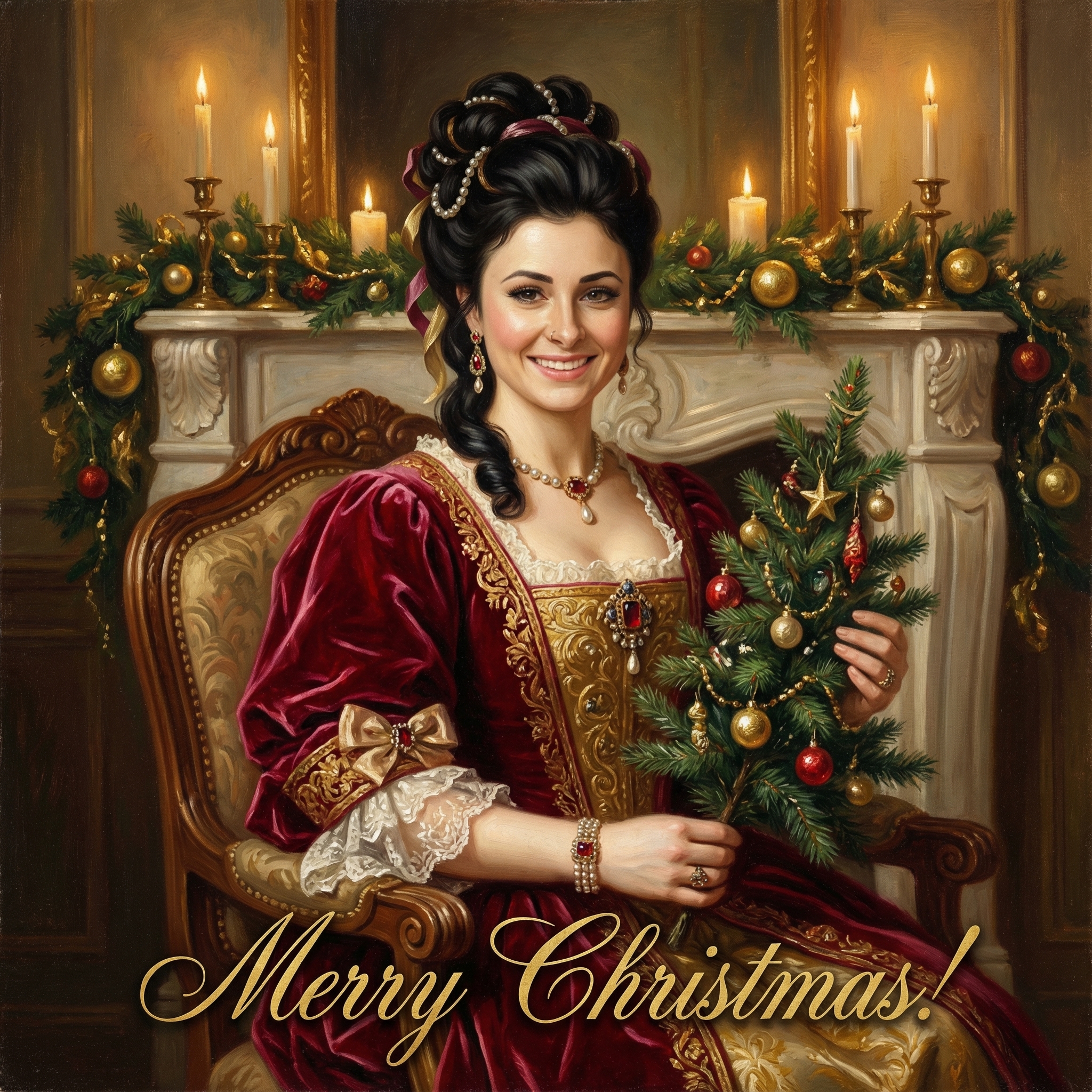
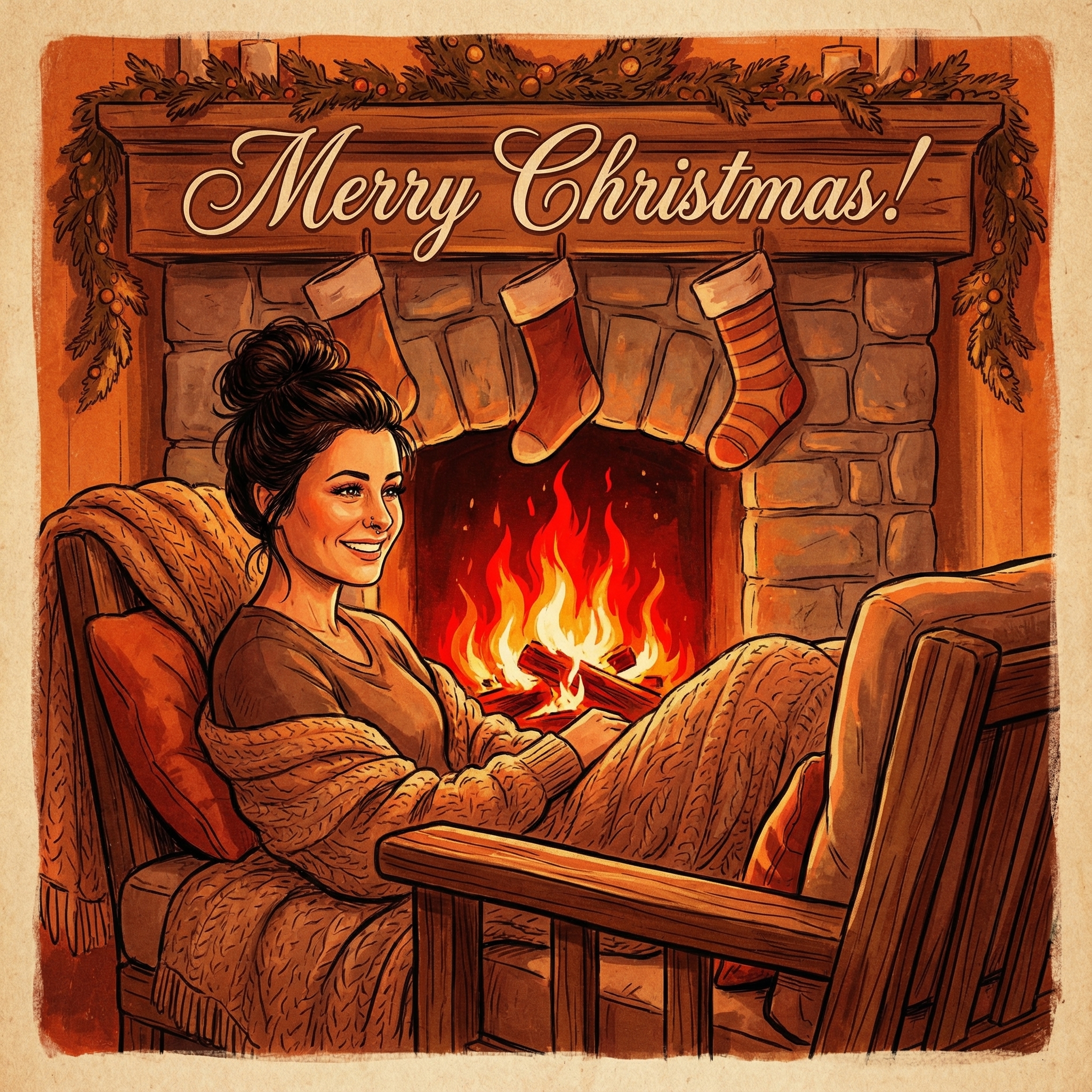
Upload a clear photo of yourself. Our AI uses your unique features to create personalized Christmas cards.
Choose from 12+ beautiful Christmas card styles and add a personal message to your Christmas card.
Within 10 minutes your Christmas card is ready. Download the HD version and have it printed or send it digitally to your family and friends.
Hoe meer kaarten, hoe meer korting. Van €3,99 per kaart tot slechts €2,50 per kaart.
€3,33 per kaart
17% korting
€2,99 per kaart
25% korting
€2,50 per kaart
37% korting
Okay, so why go digital when a physical card feels so traditional and cozy? Well, for starters, there's the cost. Printing, envelopes, stamps – it all adds up pretty quickly, doesn't it? Especially if you have a big list of friends and family. When you opt for a digital Christmas card free of charge, you cut out all those expenses. That's more money for presents, or maybe even an extra festive treat for yourself!
Beyond the budget, digital cards are also incredibly convenient. No more trips to the post office, no worrying if they'll arrive on time, and honestly, it's just so much faster to send. Plus, you can reach people all over the world instantly. Imagine sending a heartfelt message to a cousin in Australia or a friend who moved to Canada, and they get it almost immediately. Pretty neat, right?
And let's not forget the creative freedom! You're not limited by paper size or what a printer can handle. You can add photos, videos, GIFs, music – pretty much anything you can think of to make your card truly unique and personal. It's a chance to really let your personality shine through without any extra cost.
The possibilities are actually pretty endless when you're making a digital Christmas card free. You're not just stuck with a static image. Think about what you want to convey and who you're sending it to. Here are a few ideas:
Photo Collages: This is a classic for a reason. Gather your favorite photos from the past year – maybe a family vacation, a funny moment with your pet, or just some lovely candid shots. You can arrange them beautifully, add some festive overlays, and a warm message. It’s a lovely way to share memories.
Short Video Messages: This is probably the most personal option. Imagine recording a quick 30-second video of you and your family wishing everyone a Merry Christmas. You could sing a little carol, share a funny anecdote, or just send warm wishes. It feels much more direct and intimate than a written message, and you can easily share these as part of your digital Christmas card free creation.
Animated GIFs: Want something fun and a bit quirky? Create a custom GIF! Maybe it's a short clip of your cat knocking over a tree ornament (safely, of course!), or a silly dance. GIFs are super shareable and always bring a smile.
Interactive Cards: While a bit more advanced, some free tools allow you to create simple interactive elements. Think clickable links to a shared photo album (like a Google Photos album from the year) or a favorite Christmas recipe. It turns your card into a little experience.
Illustrations or Drawings: If you're a bit artistic, why not draw your own festive scene? Even a simple doodle can be incredibly charming and personal. You can then digitize it and add text.
Alright, so you're convinced you want to try making a digital Christmas card free. But how do you actually do it without spending money on fancy software? Good news: there are tons of fantastic free tools out there that are perfect for this. You don't need to be a design expert, honestly.
1. Canva (Free Version): This is probably my top recommendation for anyone looking to create visually appealing digital content without much fuss. Canva has a fantastic free tier that gives you access to tons of templates, fonts, graphics, and stock photos. You can easily upload your own pictures, drag and drop elements, and create a beautiful card in minutes. They have specific Christmas card templates you can just customize. It's super intuitive, even if you've never used design software before. You can find their website at Canva.
2. Google Photos / Google Slides: If you're looking for something really simple, Google Photos can help you create photo collages or even short videos from your existing pictures. For something a bit more structured, Google Slides (part of Google Workspace, which is free for personal use) works surprisingly well for creating simple, multi-page digital cards. You can add text, images, and even embed videos. Just export it as a PDF or image file when you're done.
3. GIMP (GNU Image Manipulation Program): This is a powerful, open-source alternative to Photoshop. It has a steeper learning curve than Canva, but if you're comfortable with a bit more technicality and want full control over your images, GIMP is incredible. It’s completely free and packed with features for editing photos, creating graphics, and even basic drawing. You can download it from GIMP's official site.
4. Online Photo Editors (like Pixlr X or Photopea): These are web-based editors that offer a lot of functionality without needing to download anything. They're great for quick edits, adding text to photos, or combining images. Pixlr X is very user-friendly for basic tasks.
5. Free Stock Photo/Video Sites: Need some festive backgrounds or elements but don't have your own? Websites like Unsplash or Pexels offer high-quality, free-to-use photos and videos that can add a professional touch to your card. Just make sure to check their usage licenses if you're ever unsure.
With these tools, you can craft a beautiful digital Christmas card free using these simple tools. The key is to start with a clear idea of what you want to achieve.
Anyone can use a template, right? But the magic of a handmade (or should I say, self-designed) digital card is making it truly yours. Here’s how you can add those personal touches:
Your Own Photos & Videos: This is a no-brainer. Nothing says 'personal' like actual pictures of you, your family, your pets, or moments from your year. Even a silly selfie with a Santa hat can be charming.
Handwritten Messages (Digitized): If you like the look of your own handwriting, write your message on a piece of paper, take a clear photo of it, and then import it into your digital card. It adds a lovely, authentic feel.
Inside Jokes or Memories: If you're sending to a close friend or family member, reference an inside joke or a shared memory. Even a small line of text can bring a huge smile.
Favorite Quotes or Song Lyrics: Do you have a favorite Christmas carol or a quote that resonates with you during the holidays? Include it! It adds depth and personality.
Custom Color Schemes: Instead of just using default colors, pick a palette that you love or that reflects your personal style. Maybe it's bright and modern, or classic and muted.
Once you've picked your tool and gathered your elements, it's time to put it all together. Don't be afraid to experiment! Try different layouts, fonts, and graphic elements. A good tip is to keep it relatively simple – sometimes less is more. Make sure your message is clear and the overall design isn't too cluttered. Think about the flow: where do you want people's eyes to go first? Usually, it's the main image or the greeting.
If you're making a video card, keep it short and sweet. Most people won't watch a five-minute video. A quick, cheerful message that's under a minute is perfect. For photo collages, make sure the photos are good quality and not too small that you can't see them properly. Remember, the goal is to spread joy and connect, so focus on warmth and authenticity.
So you've finished your masterpiece – your amazing digital Christmas card free of charge! Now what? Getting it to your loved ones is usually pretty straightforward:
Email: This is the most common method. You can attach your card as an image (JPEG or PNG), a PDF, or if it's a video, a link to where it's hosted (like YouTube or Google Drive). For images, consider embedding it directly into the email body so people see it right away without downloading. Just be mindful of file size so it doesn't bounce.
Messaging Apps: Apps like WhatsApp, Messenger, or even just text messages are great for sending image or video cards directly to individual contacts or small groups. It's instant and personal.
Social Media: If you're comfortable, you can post your card on platforms like Facebook or Instagram. This is a great way to reach a lot of people at once, especially those you might not have email addresses for. Just remember that it's public, so make sure you're happy for everyone to see it.
Personal Website/Blog (if you have one): If you have your own space online, you could host your card there and share a link. This gives you full control over how it looks and any extra messages you want to include.
Before you hit send, always do a quick test. Send it to yourself or a trusted friend first to make sure everything looks right, links work, and the message comes through clearly. Nothing worse than sending out a beautiful card only to realize a typo or a broken link!
Making a digital Christmas card free really is a fantastic way to spread some holiday cheer without adding stress or expense to an already busy time of year. It's eco-friendly, super flexible, and allows for a level of personalization that's tough to beat with traditional cards. Whether you're a tech whiz or just learning the ropes, there's a free tool and a creative approach out there for you.
So, why not give it a try this year? You might just find a new favorite Christmas tradition. Happy creating, and Merry Christmas!
---
Absolutely! In many ways, a digital card can be even more personal. You can include videos, voice messages, a whole year's worth of photos, or even links to shared memories. A physical card is limited by paper, but a digital one lets you pour in so much more of your personality and year's story.
No worries at all! Tools like Canva are designed to be incredibly user-friendly, with drag-and-drop interfaces and tons of ready-made templates. You don't need any special design skills. If you can use a computer or smartphone for basic tasks, you can definitely make a great digital card.
Yes, you absolutely can! By using free online tools and your own photos, videos, and messages, you can create a unique, custom card that reflects you and your family perfectly, all without spending a dime. The 'free' aspect doesn't mean less quality or less personalization; it just means you're smart about the tools you use.
The easiest way for a large list is usually email. You can send a group email (using BCC for privacy) or use a mailing list service if you have one. For closer friends and family, messaging apps like WhatsApp or even a direct message on social media work really well too.