Want to Make Digital Christmas Cards for Free? Here's How!
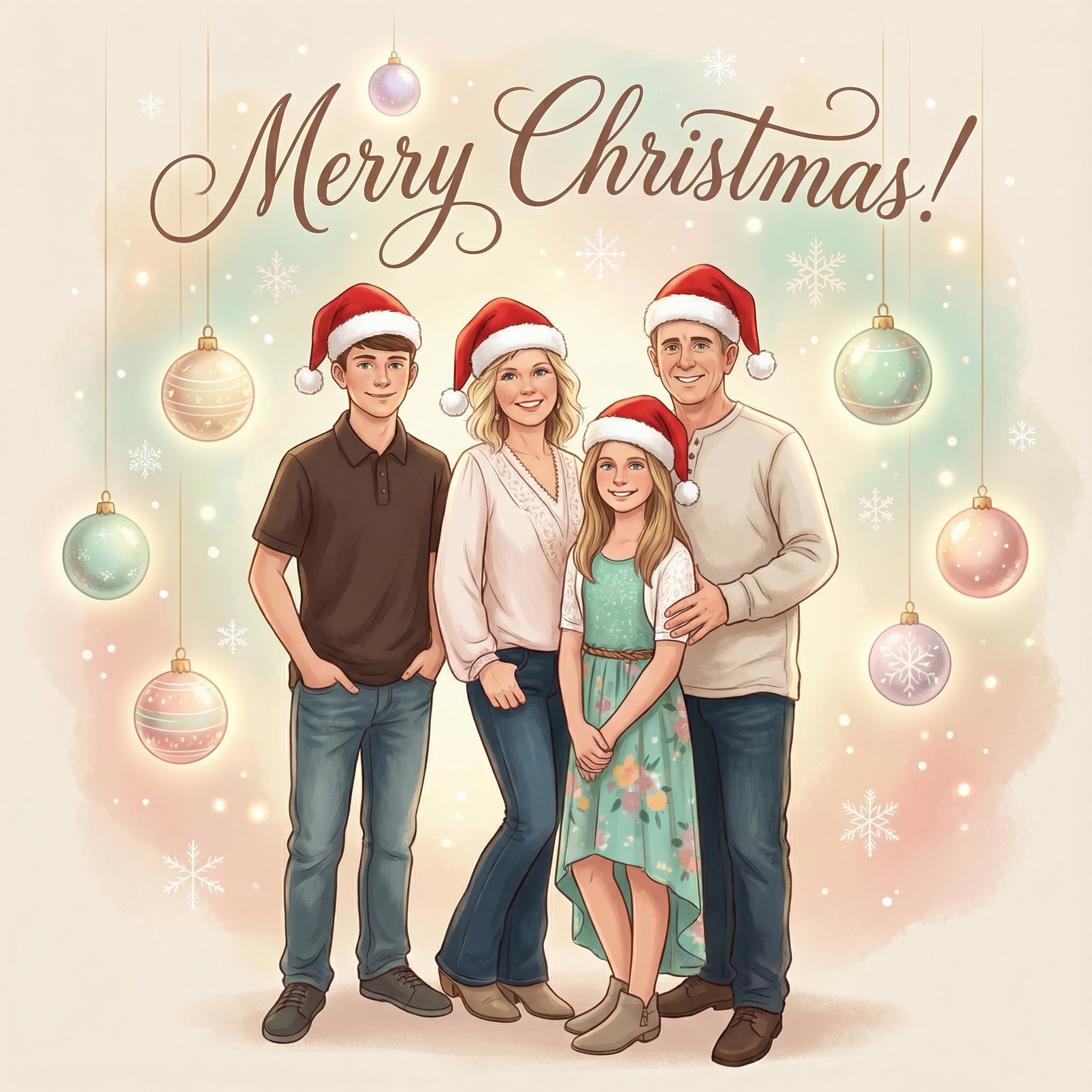
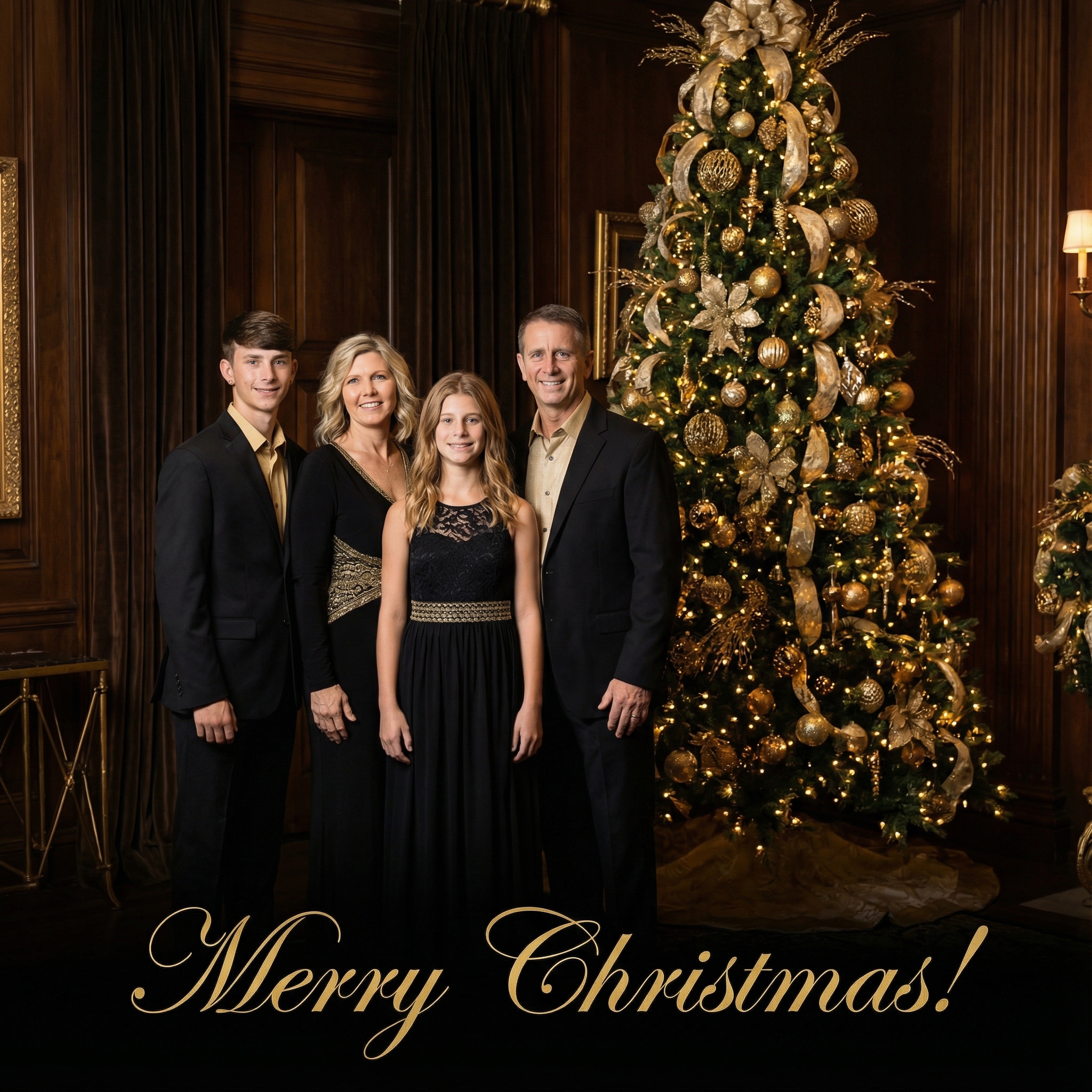
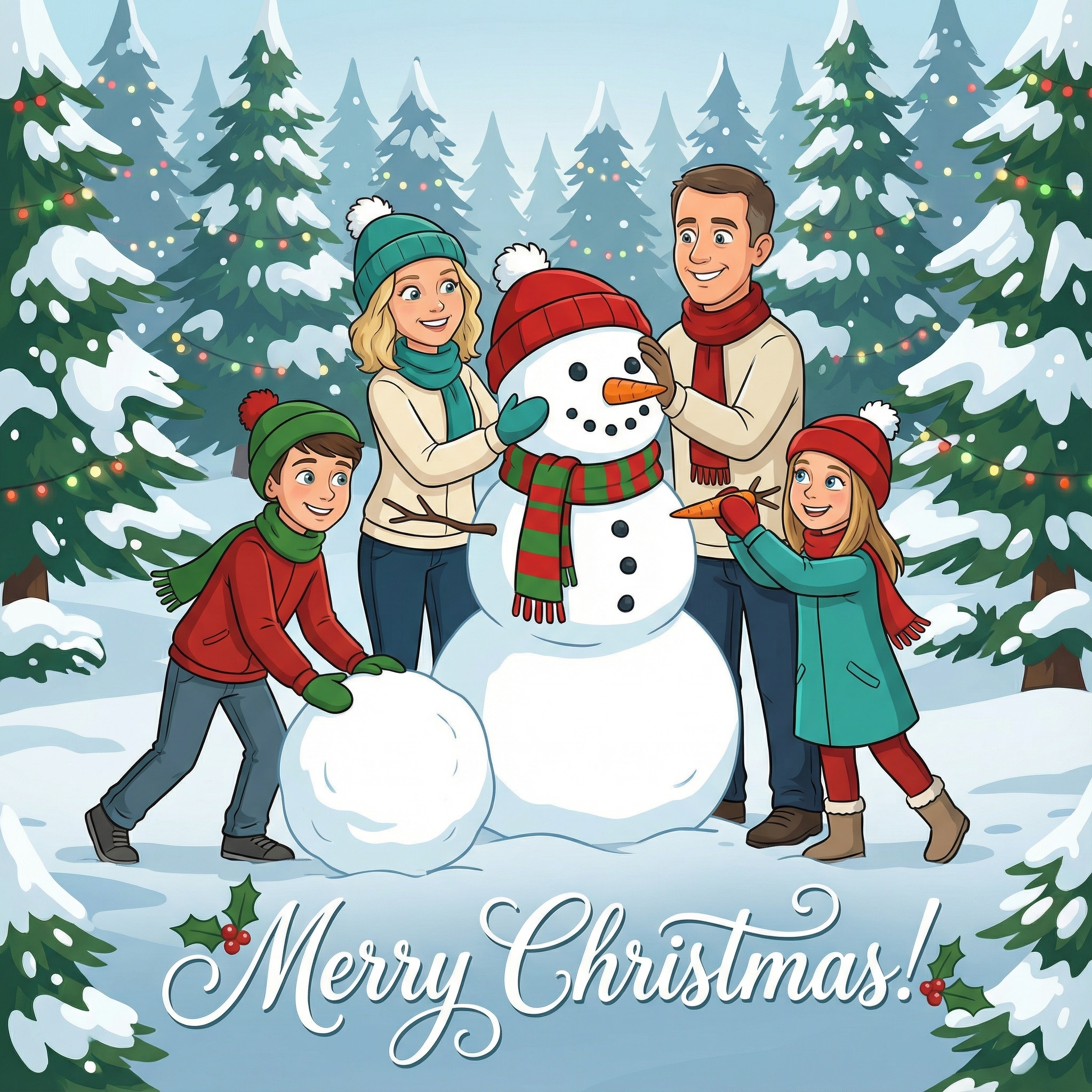
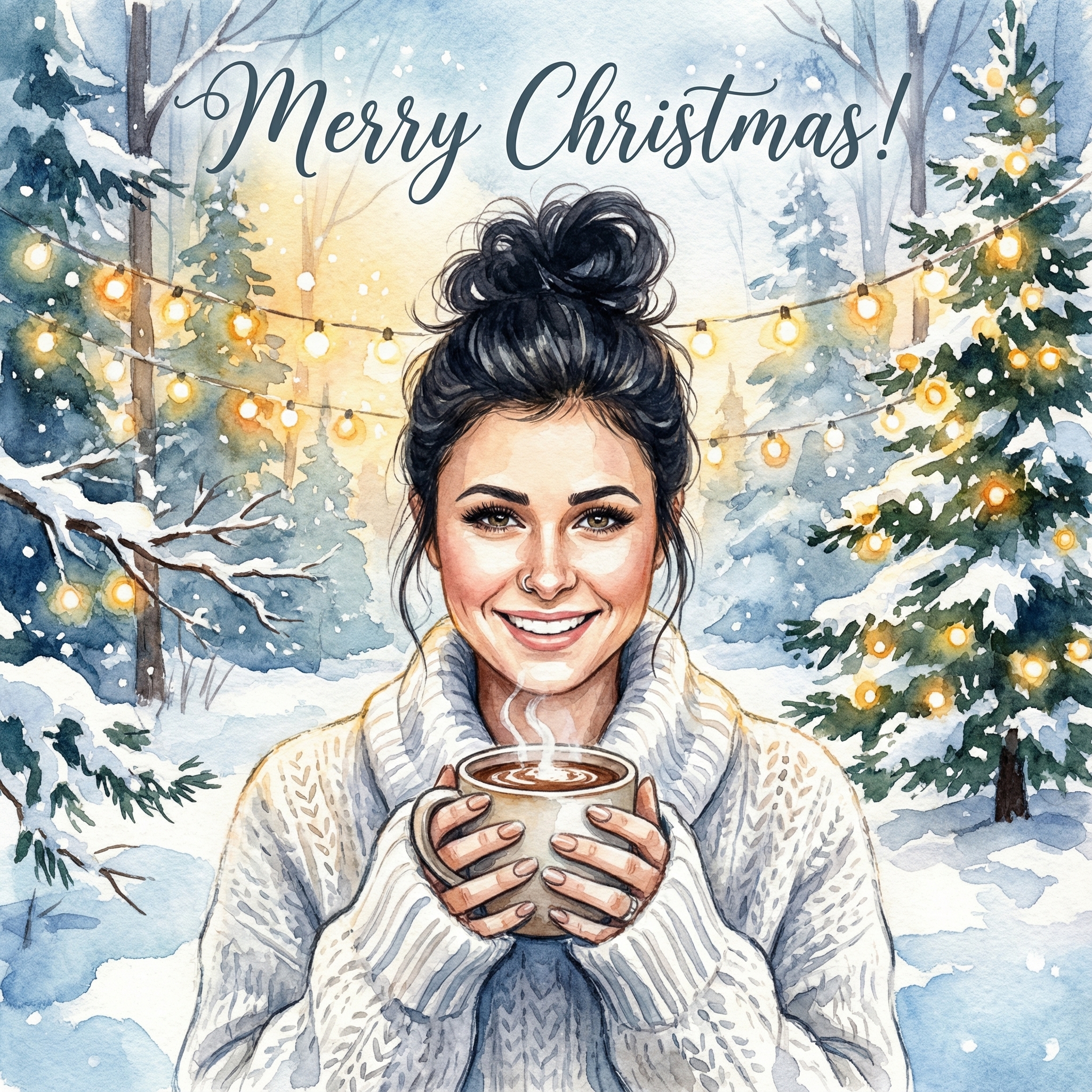
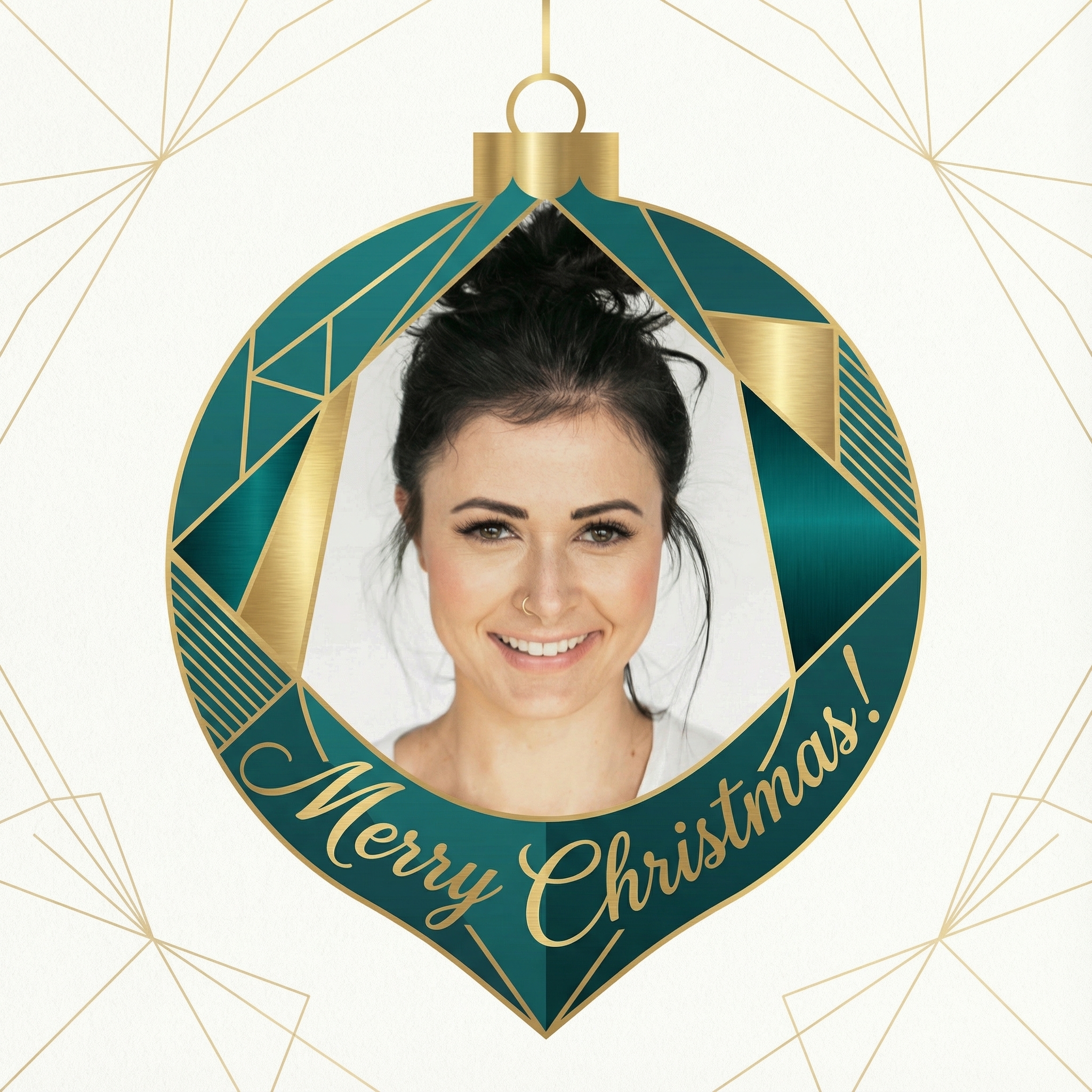
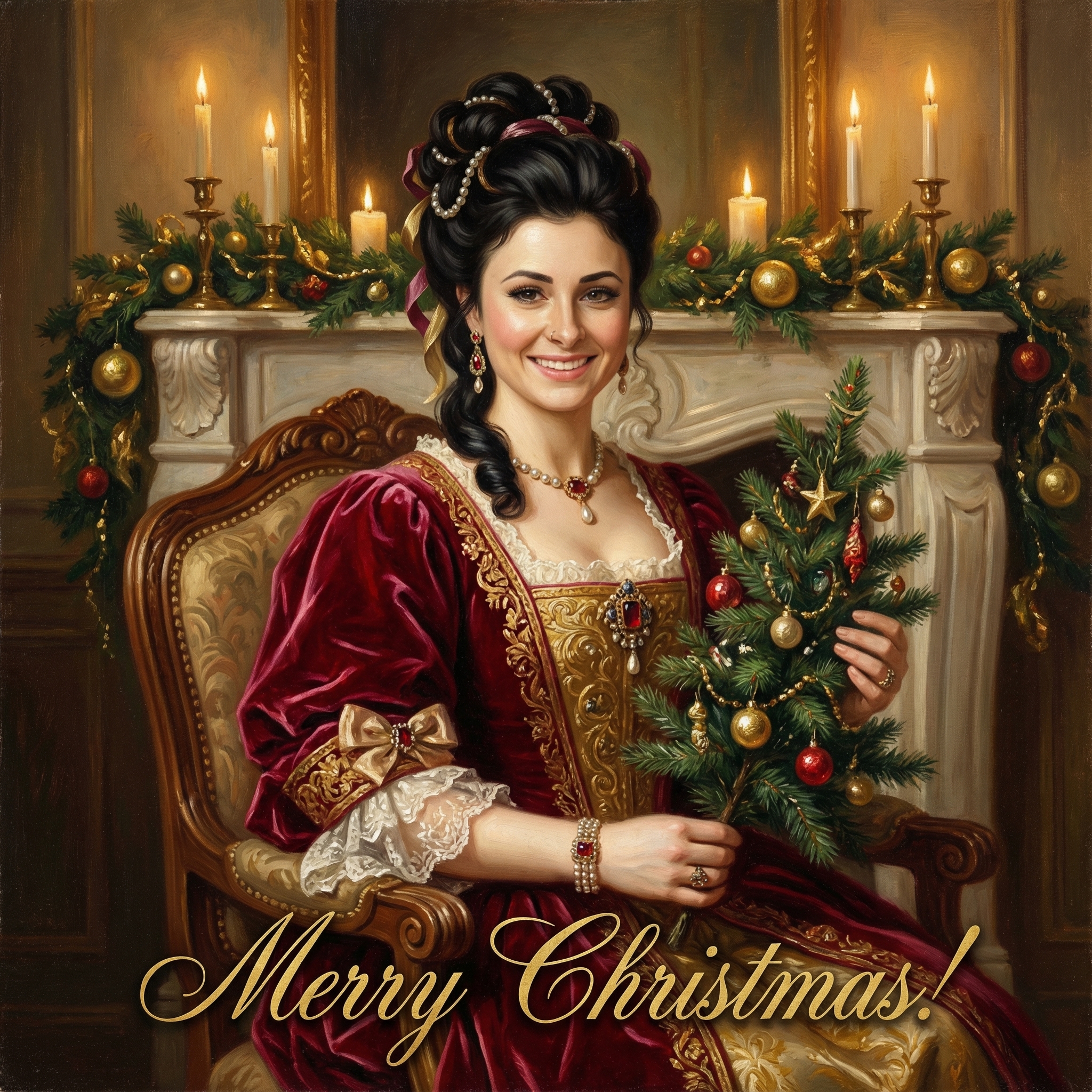
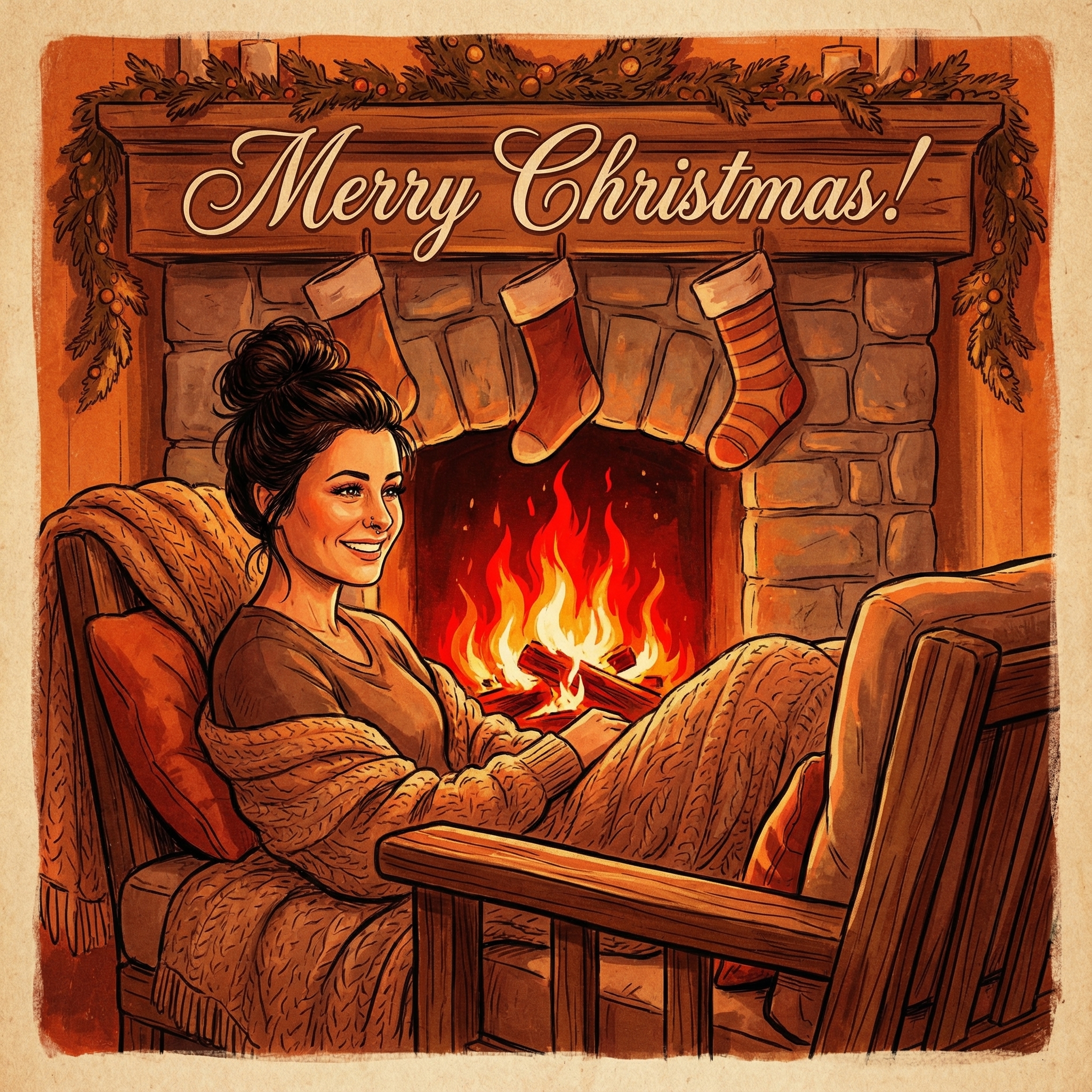
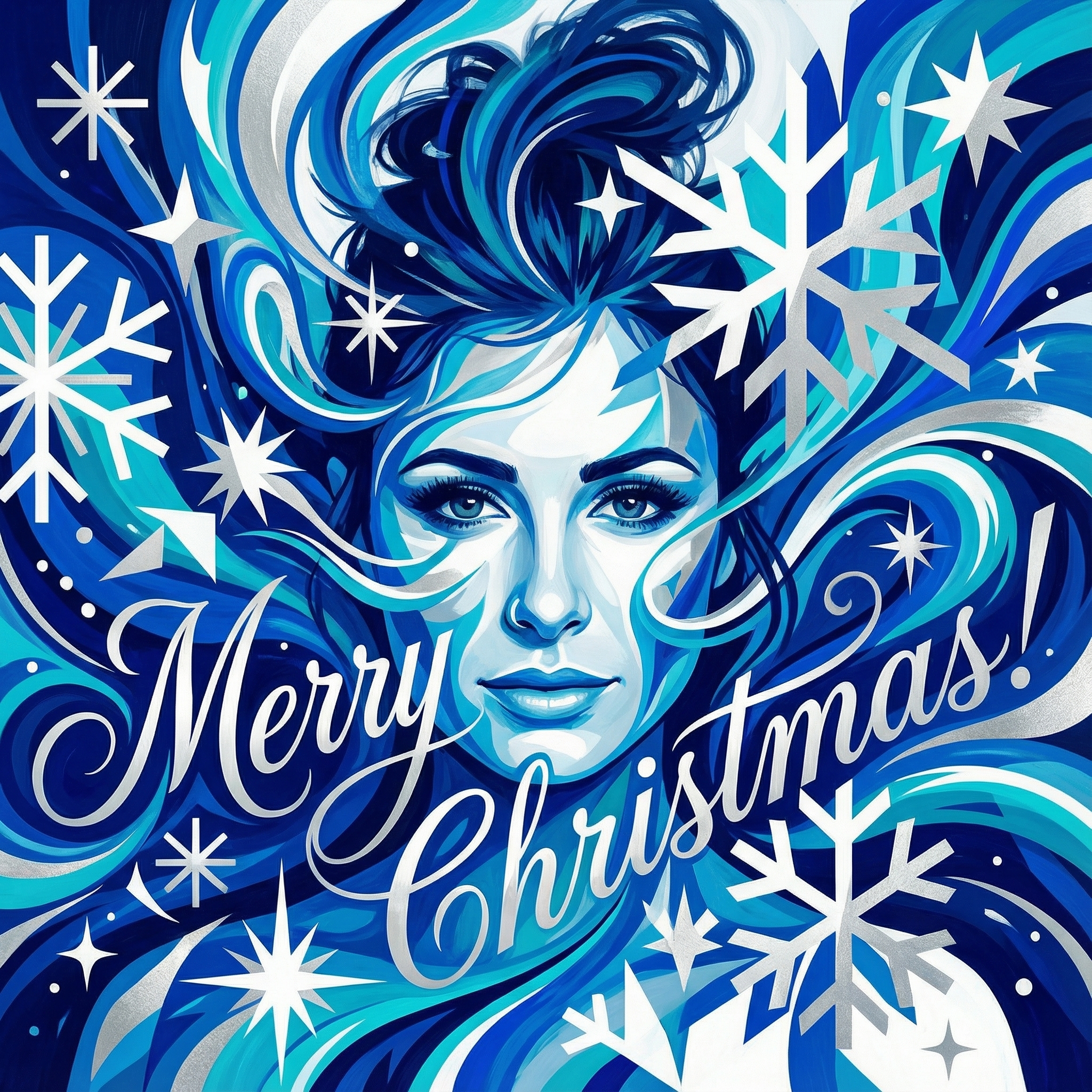
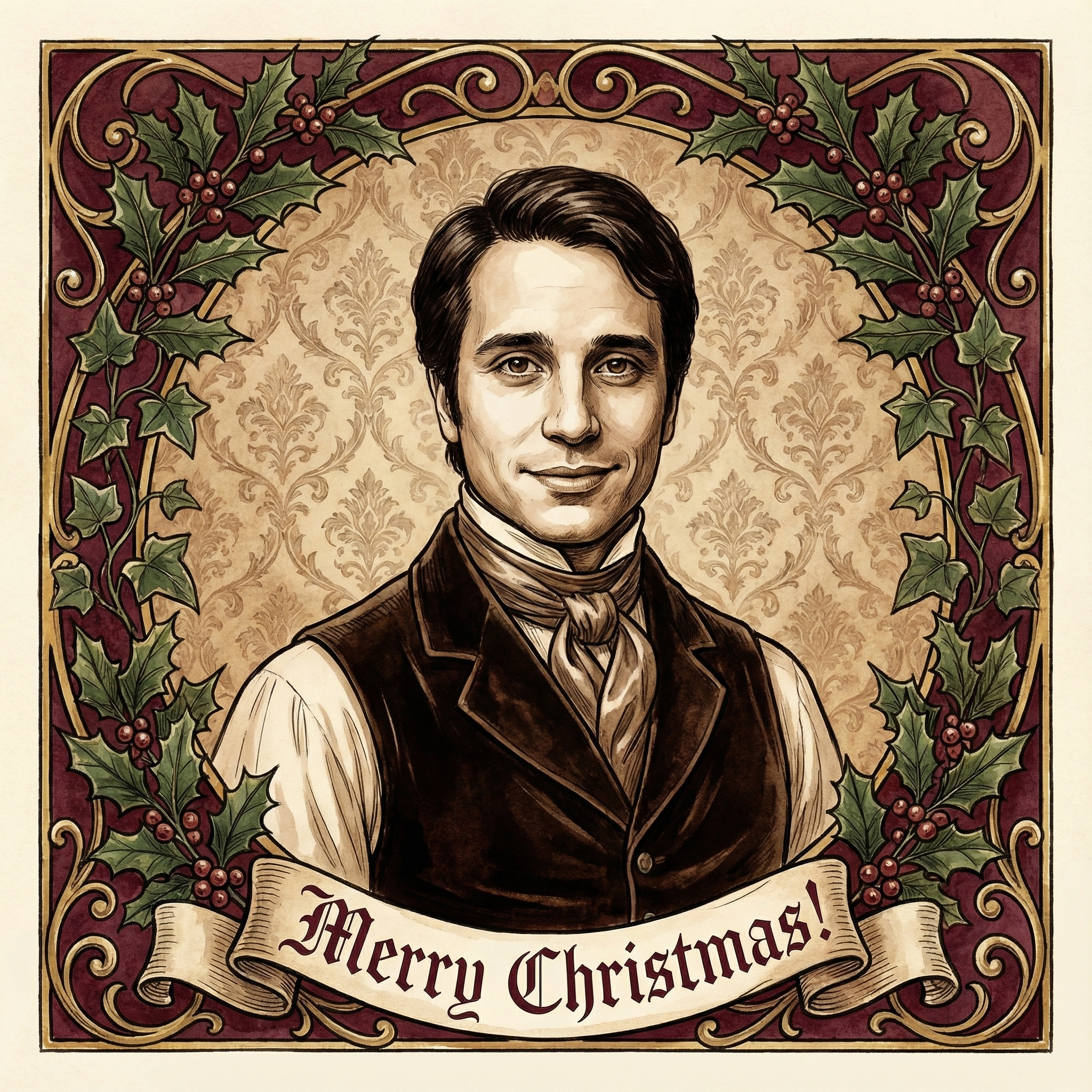
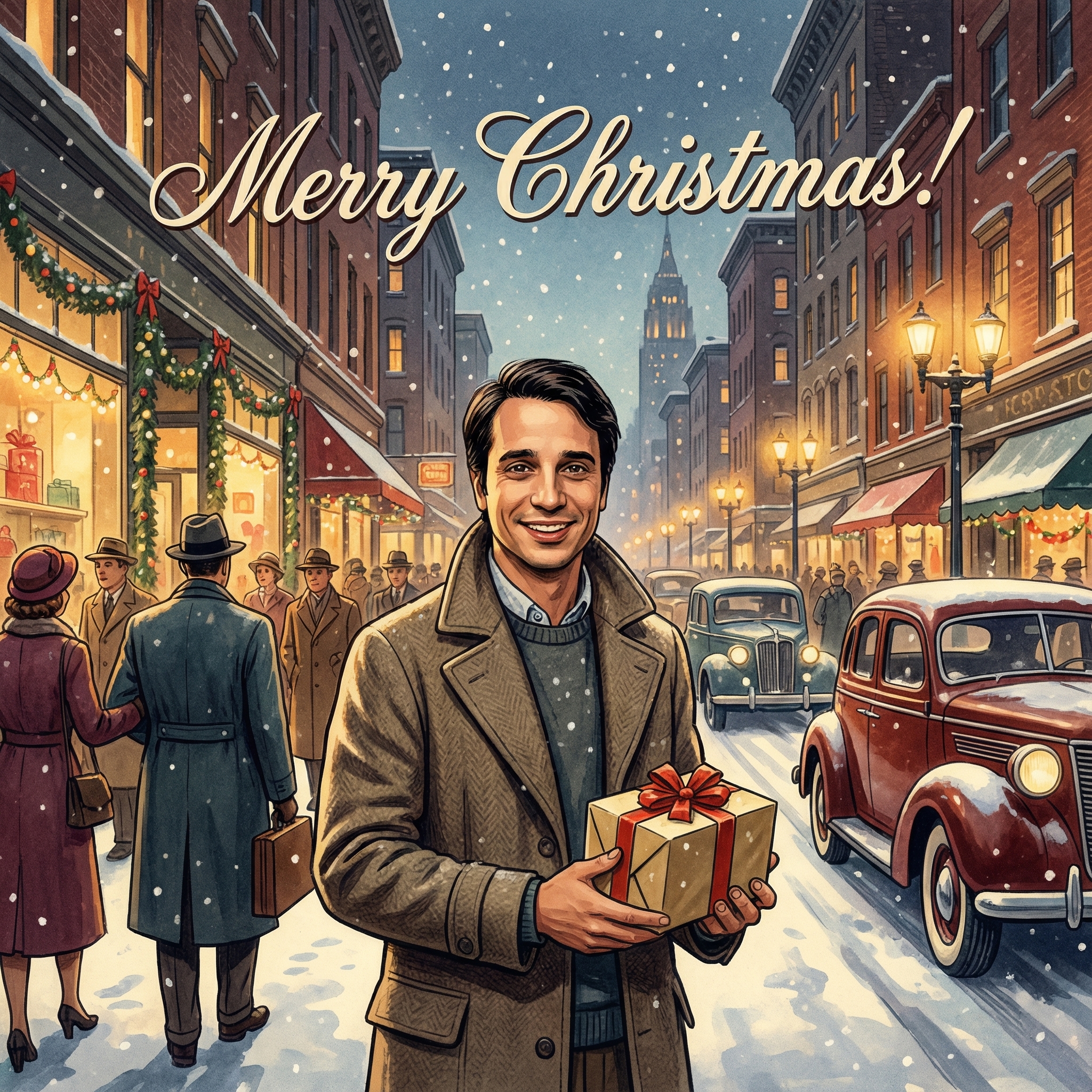
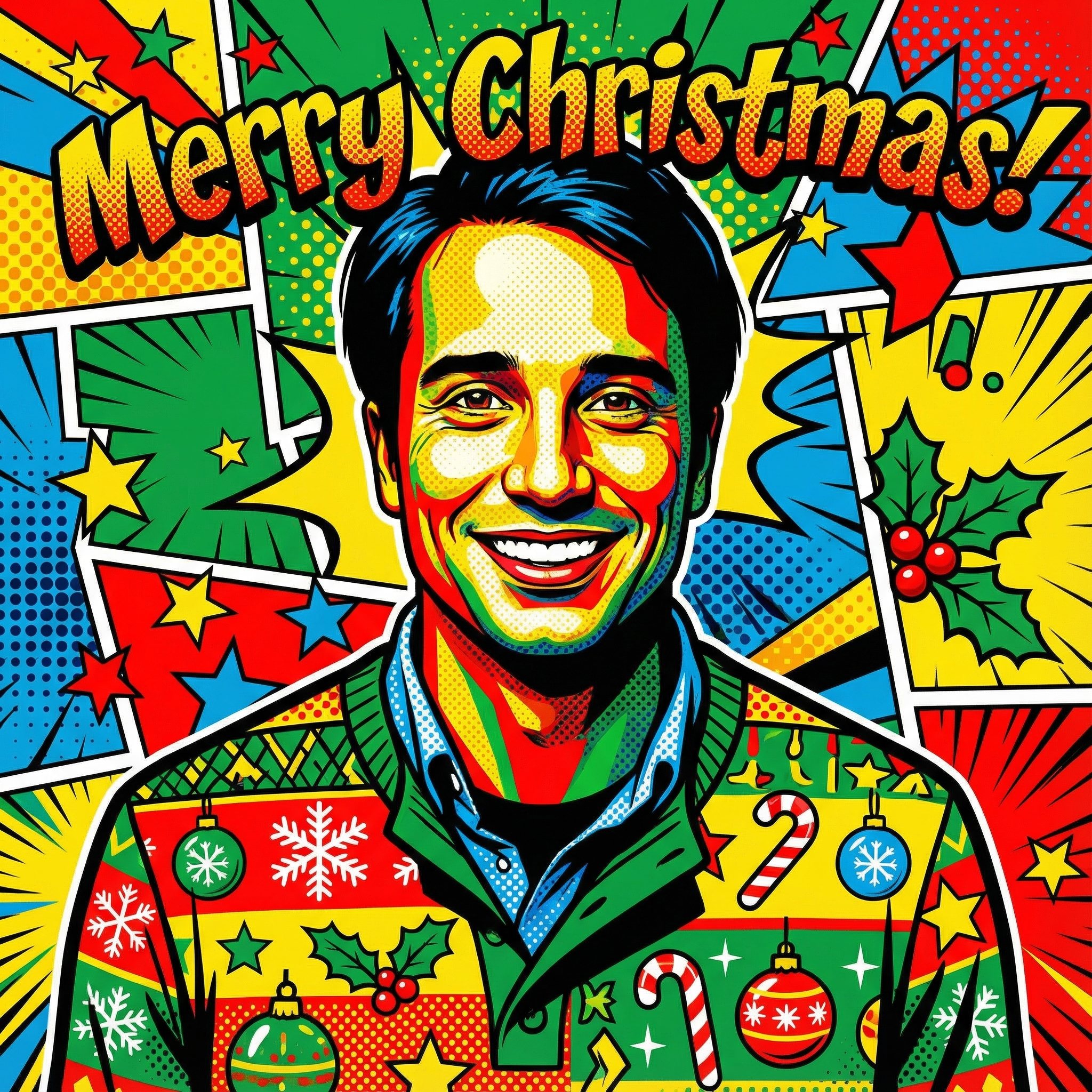
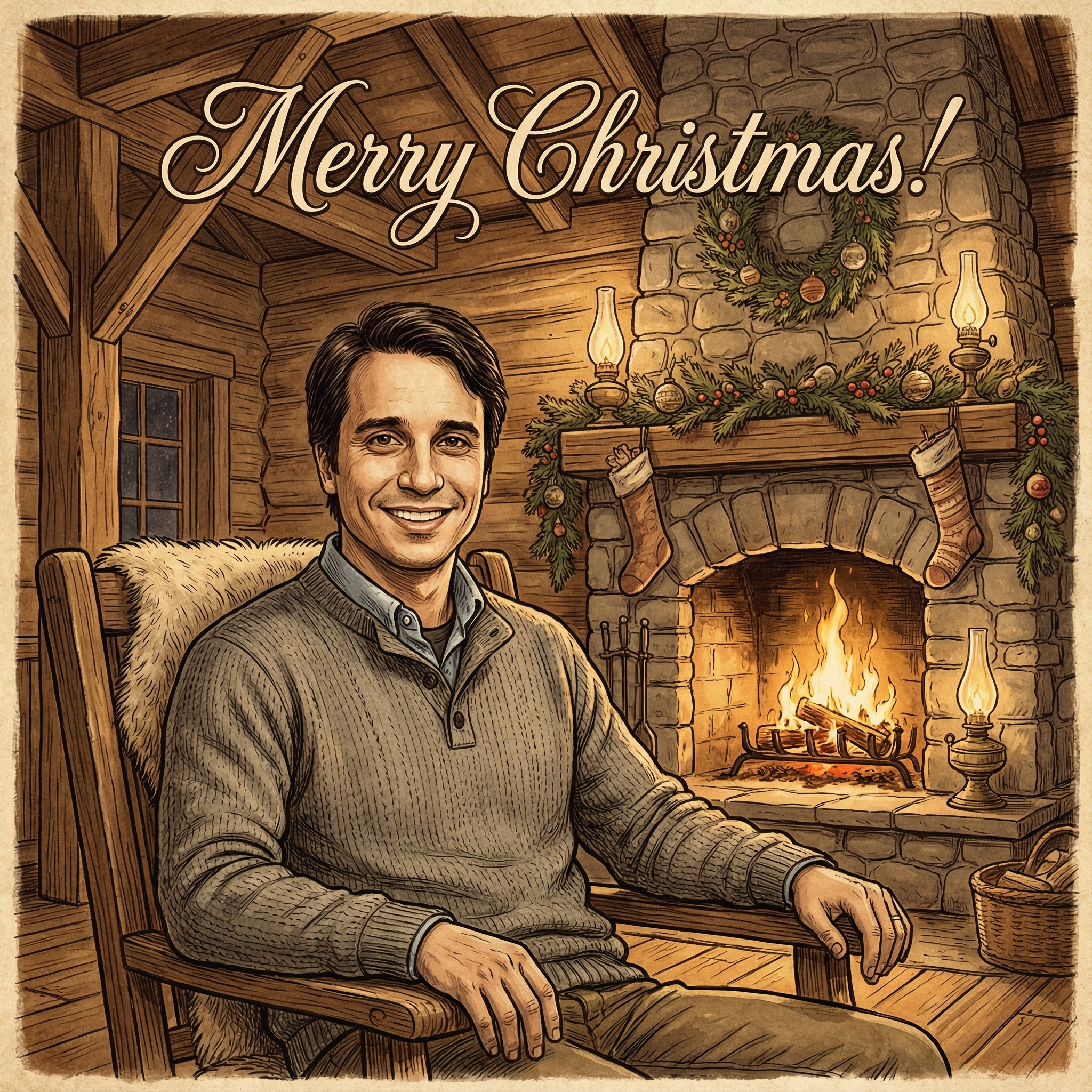
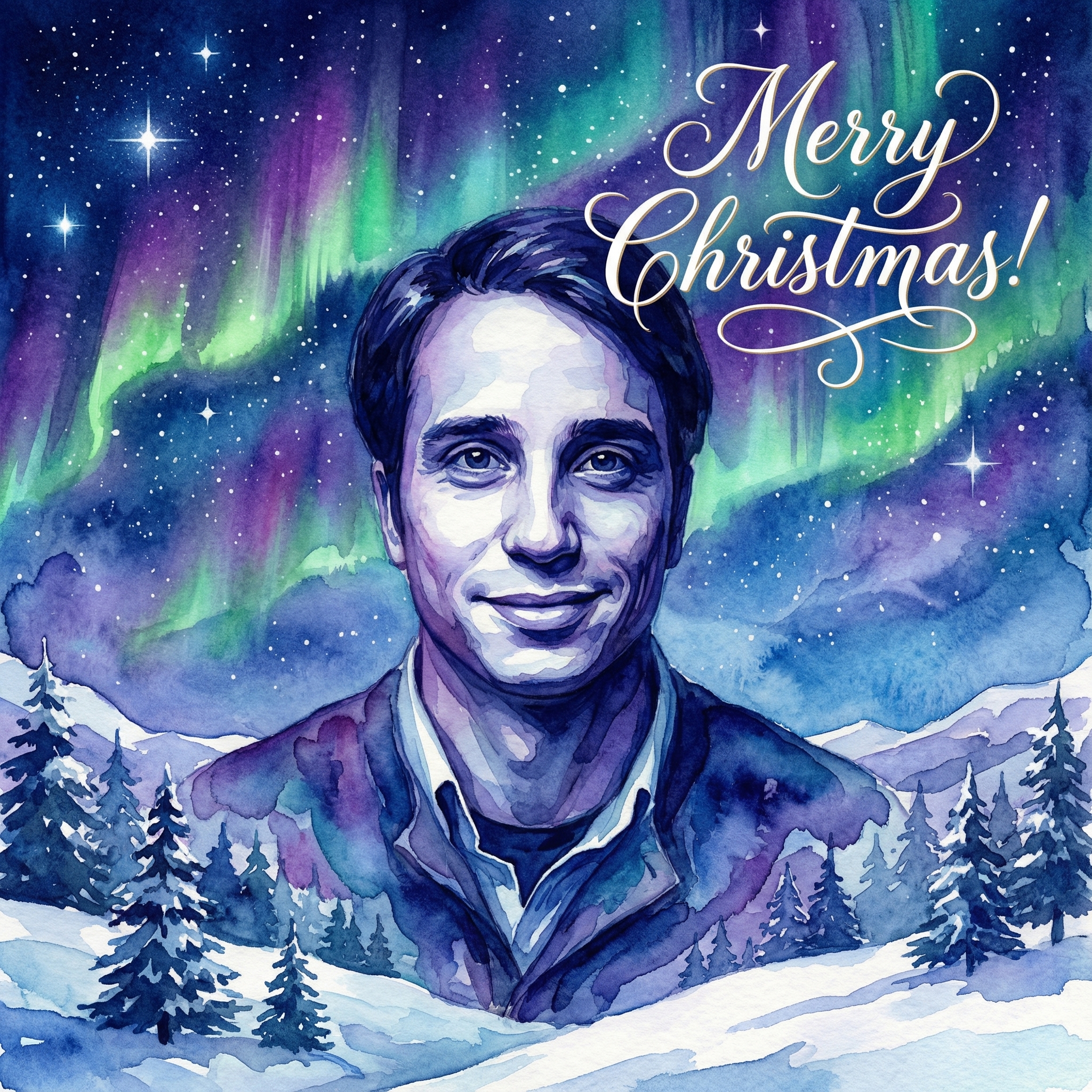
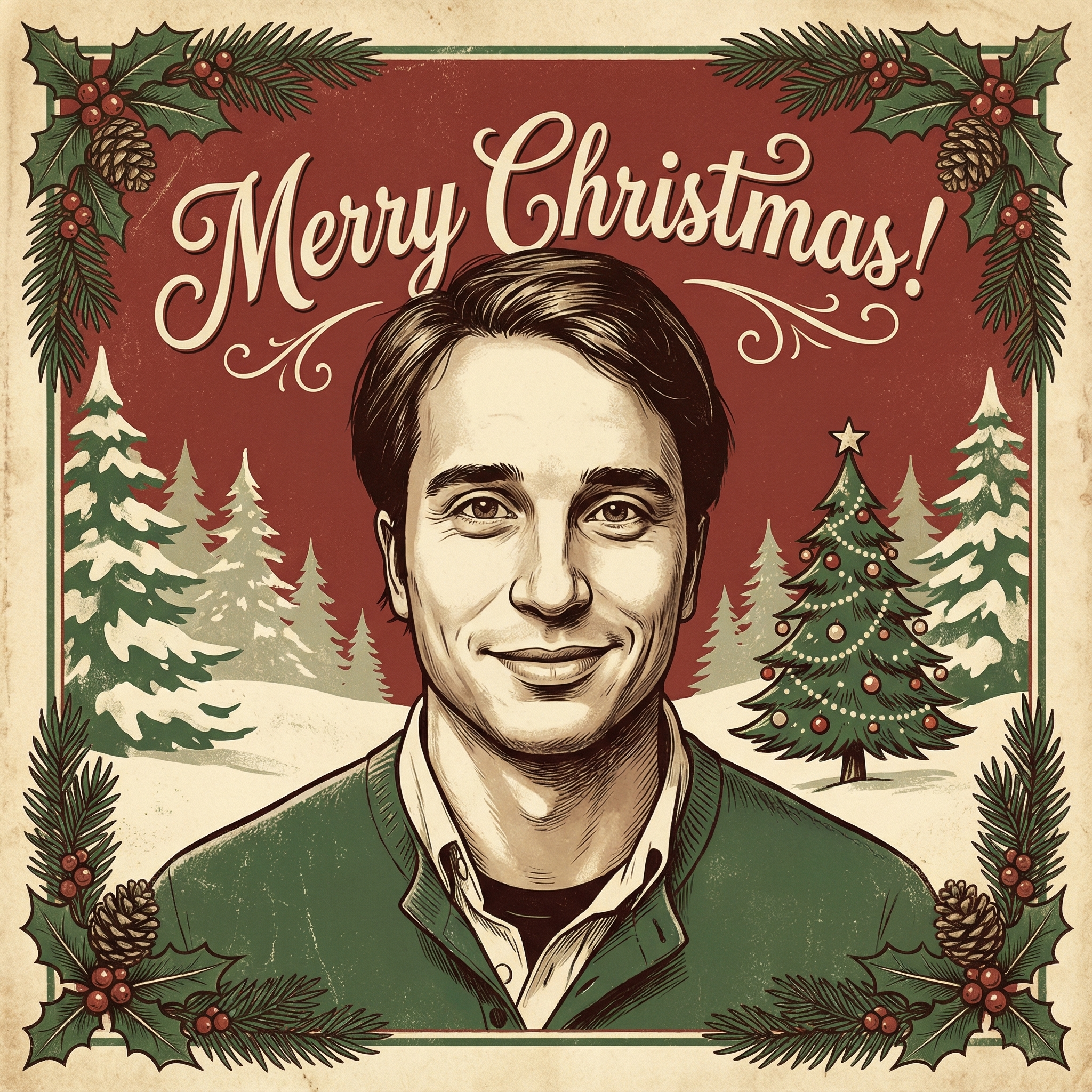
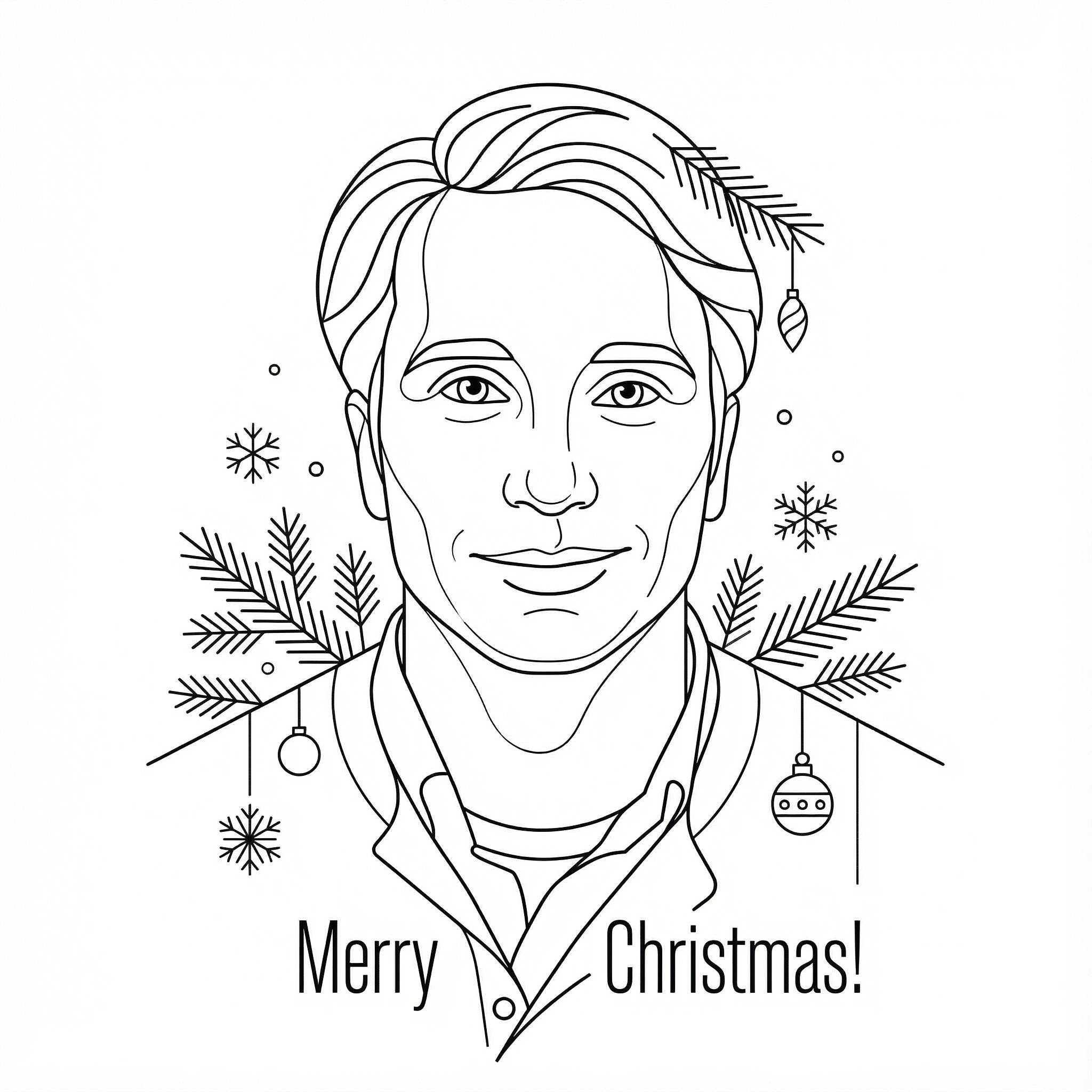
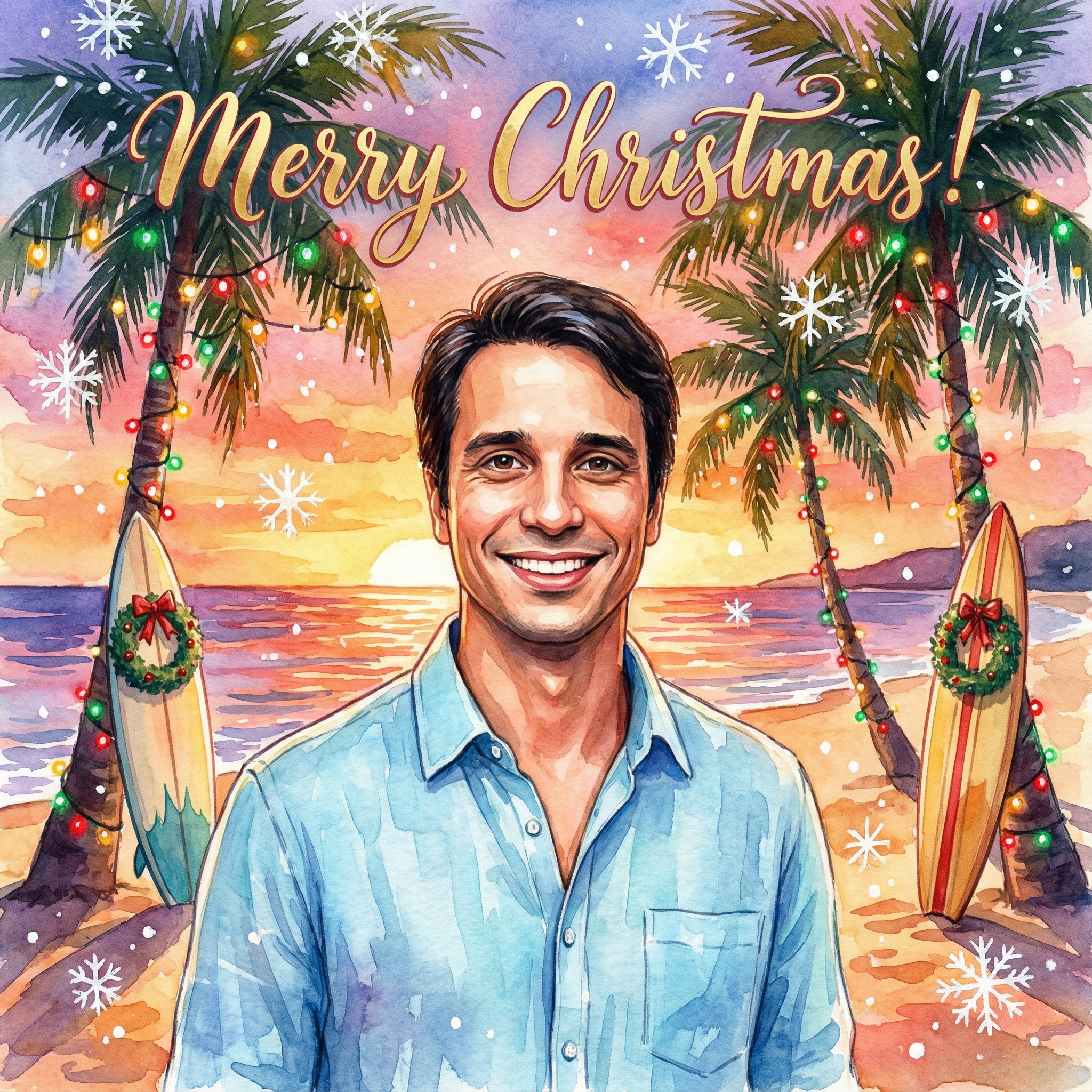
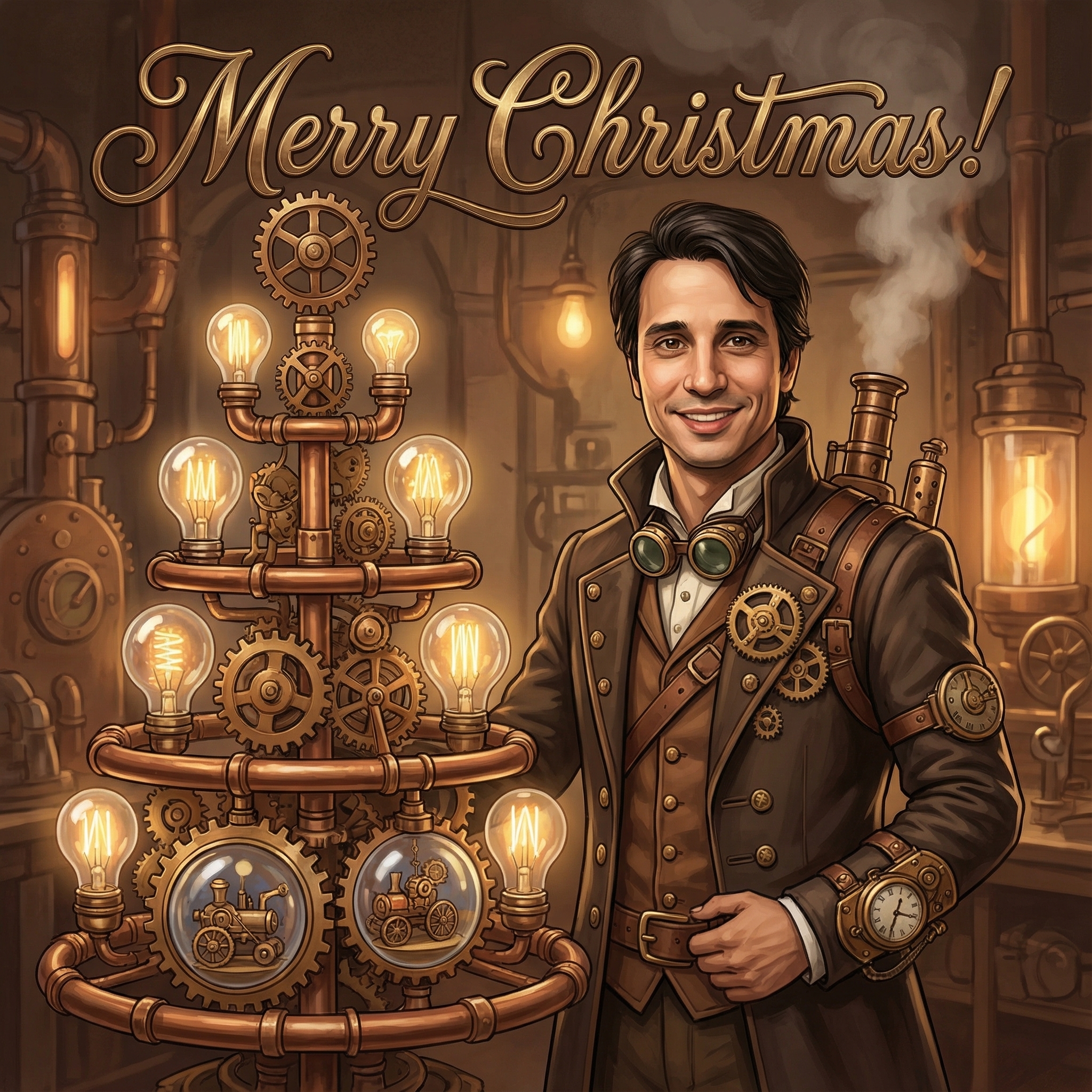
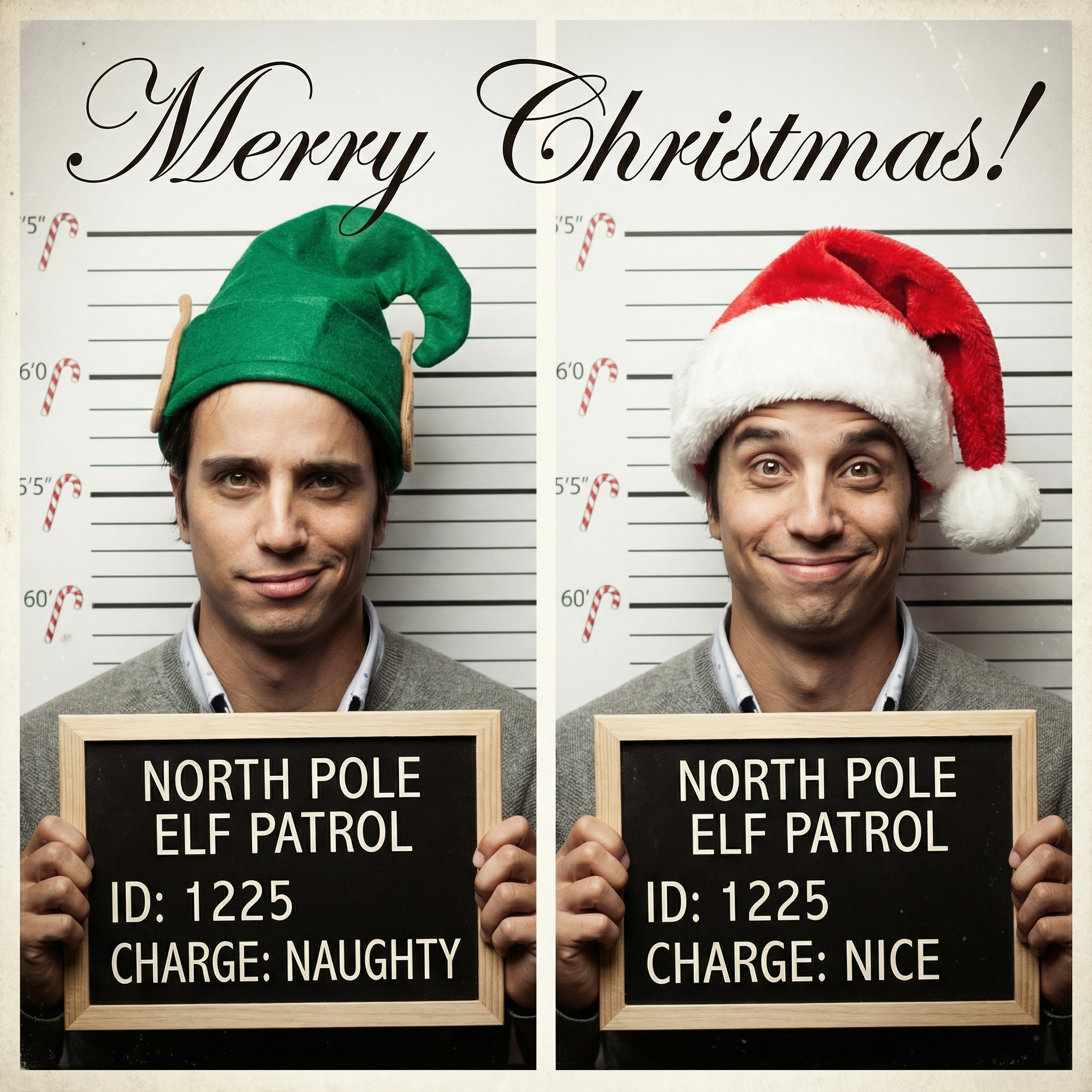
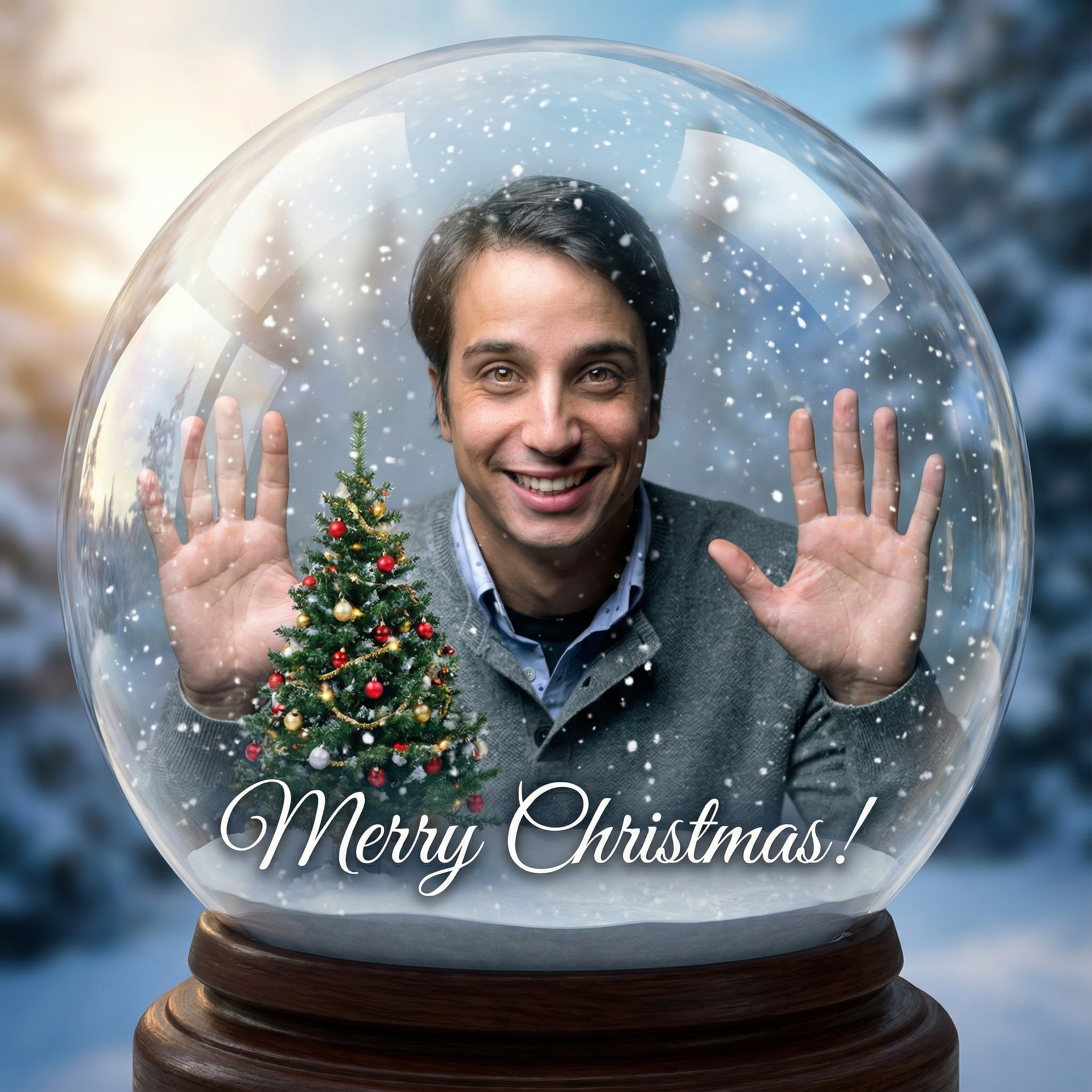
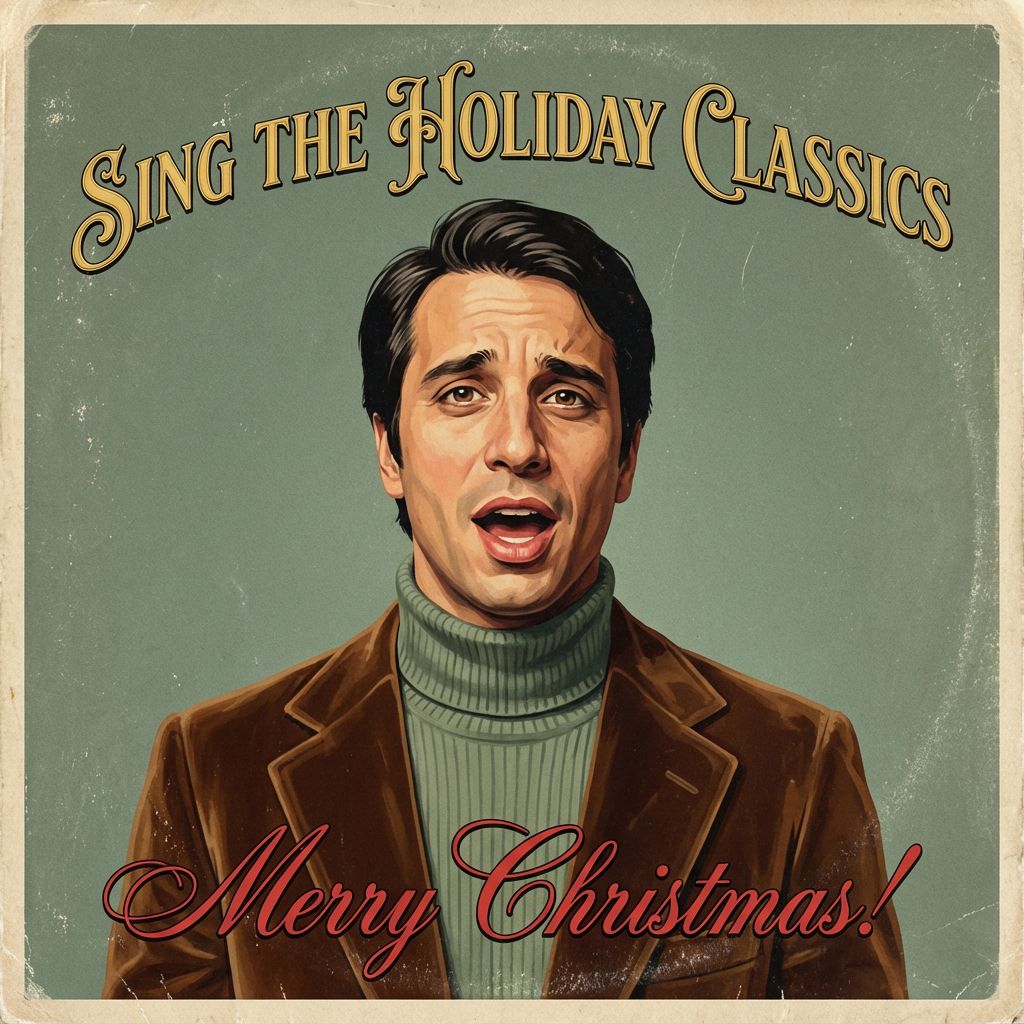
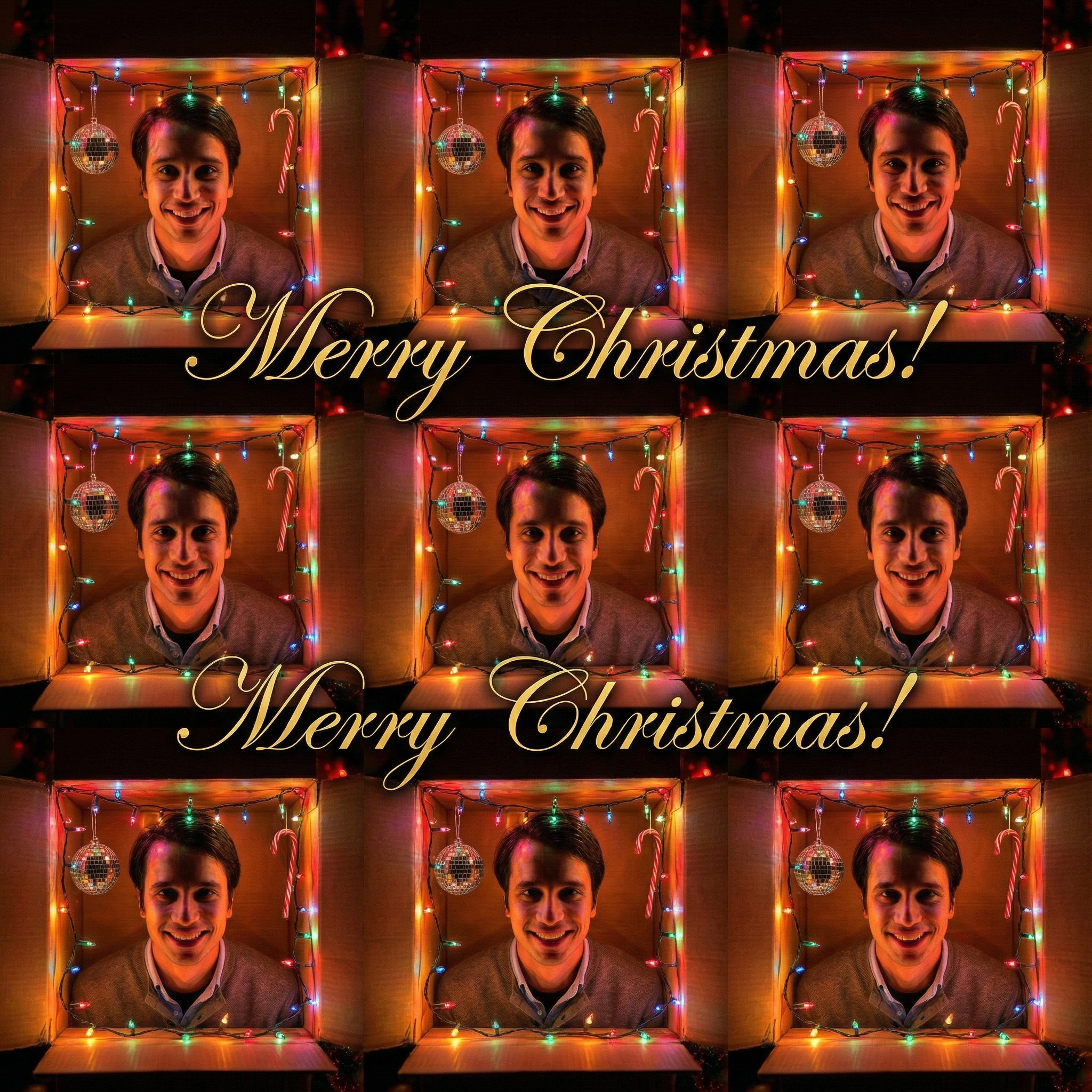
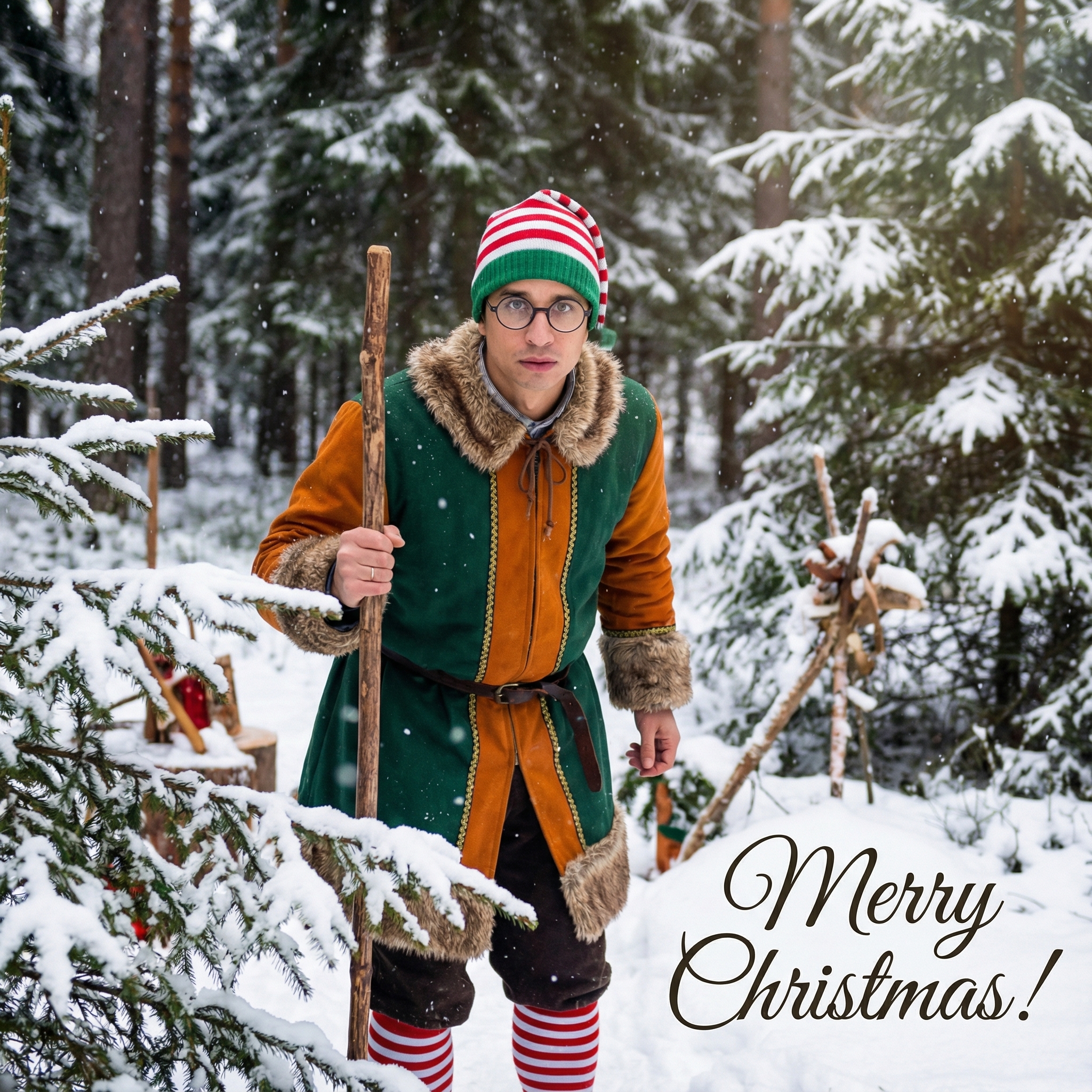
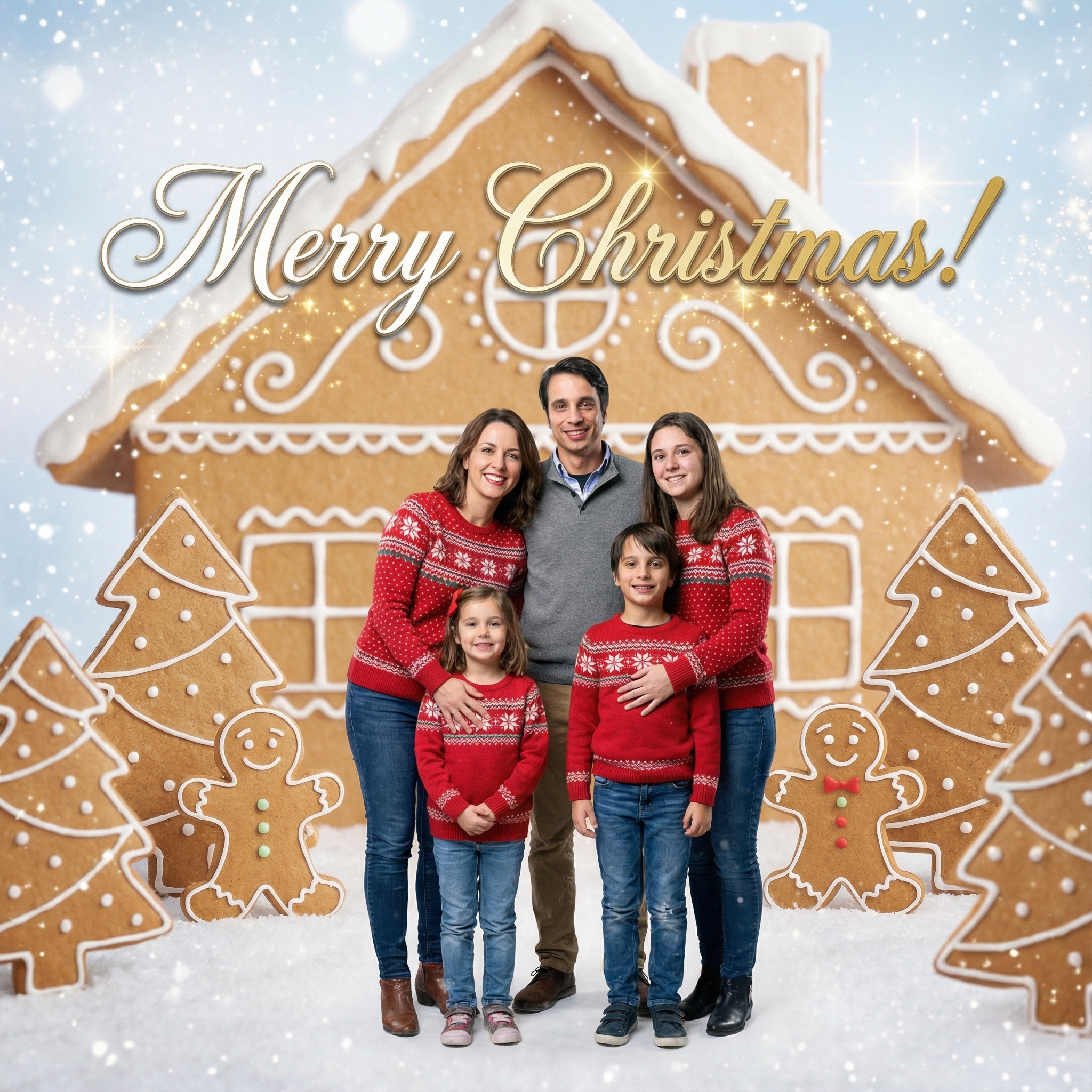
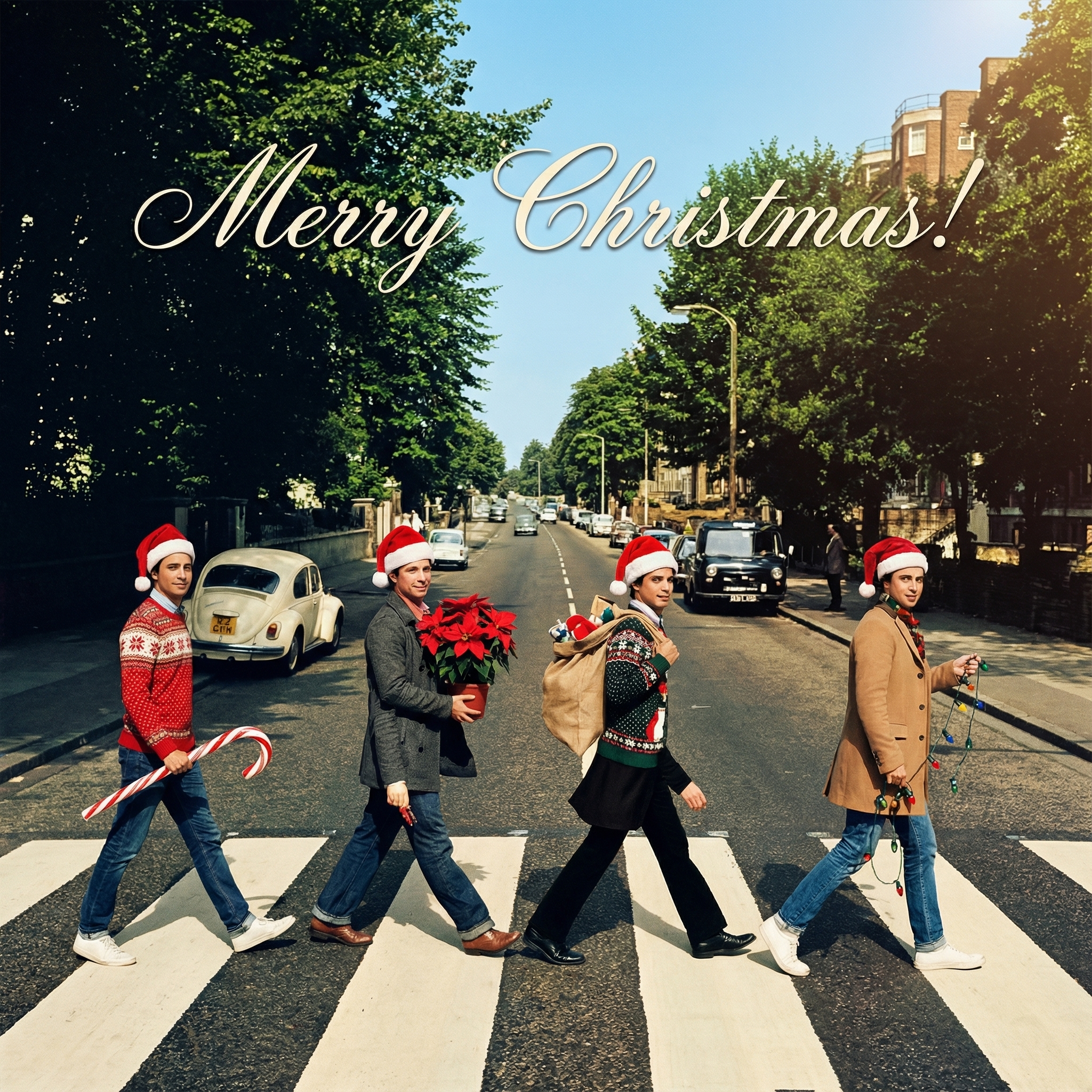
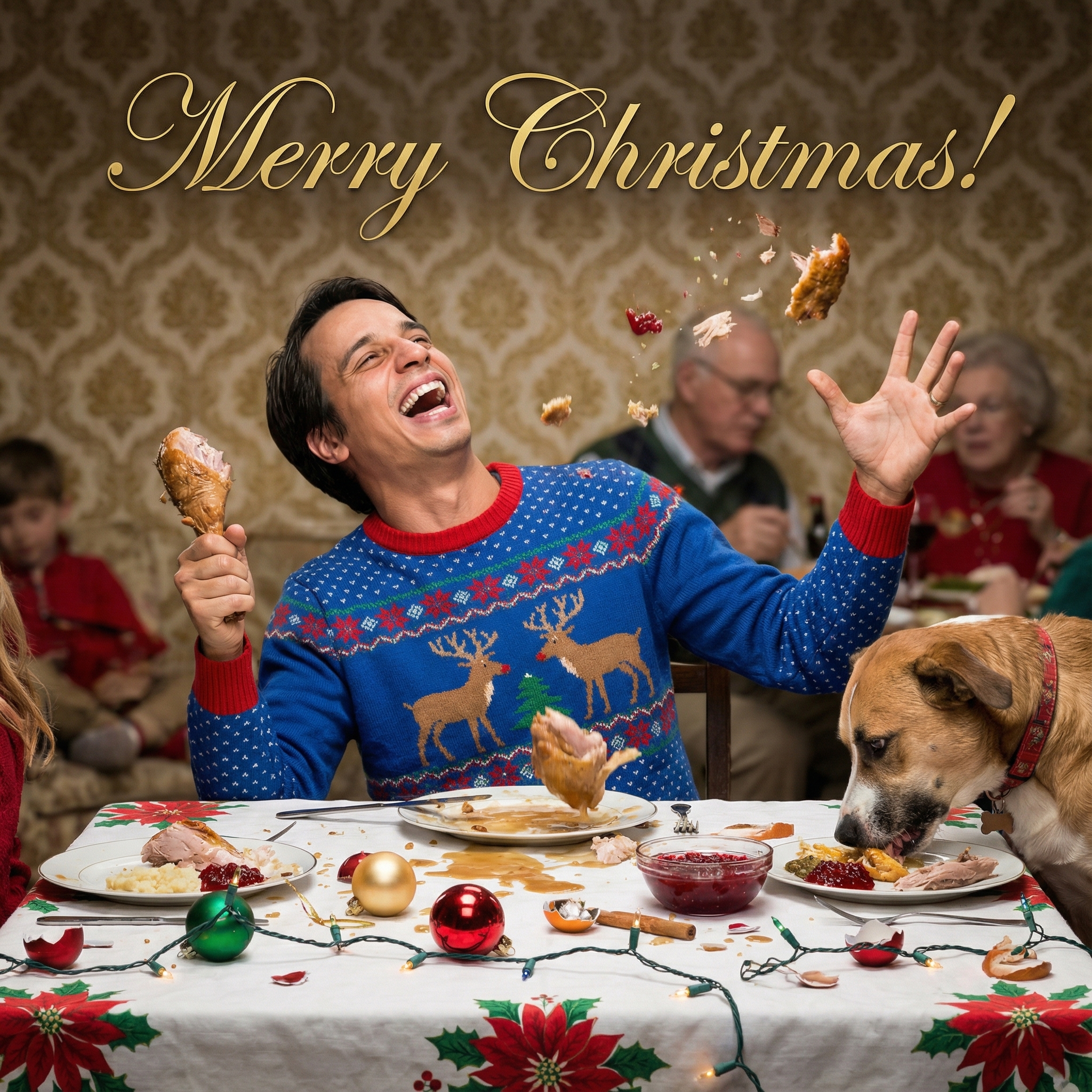
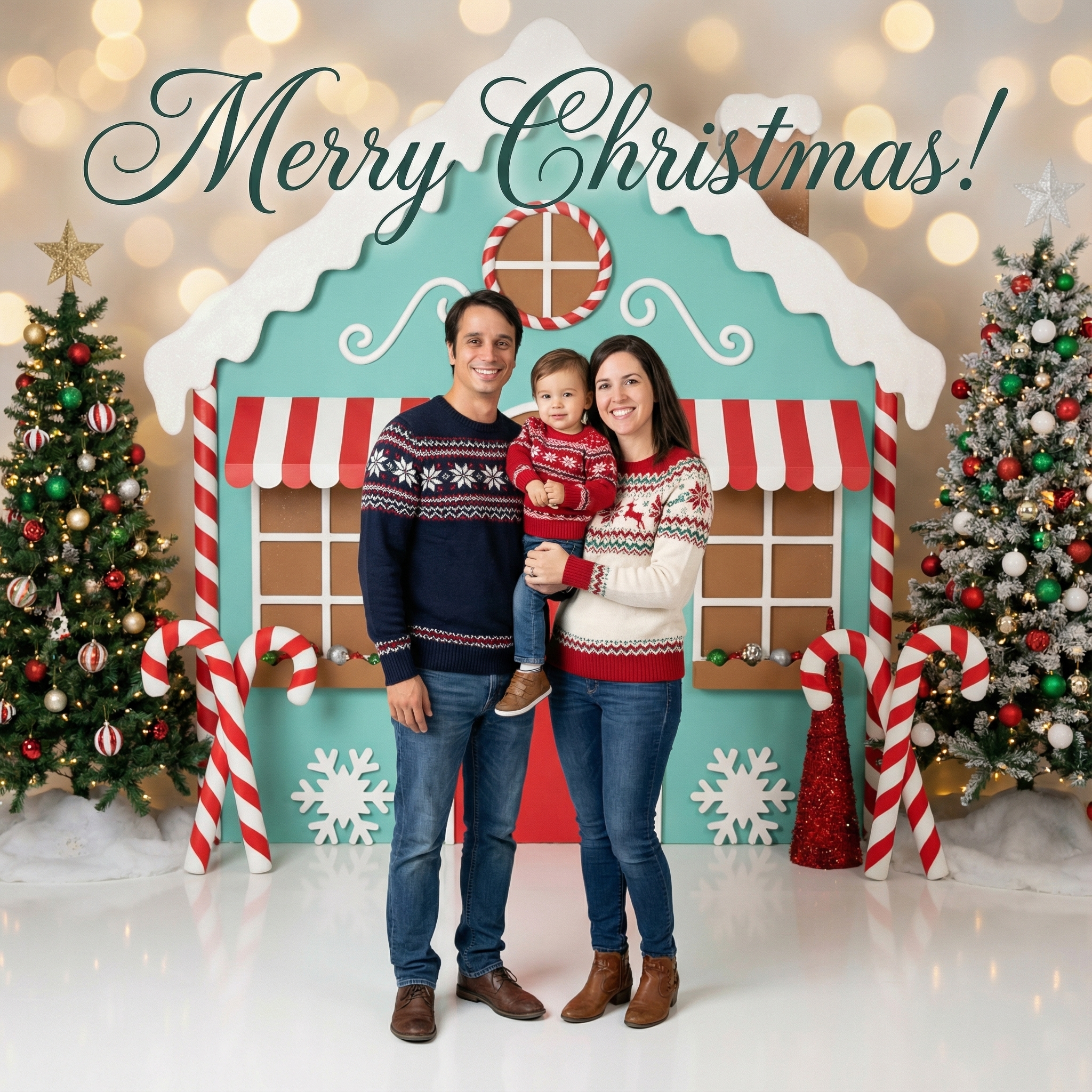
Choose from our collection of beautiful Christmas card styles. From classic to modern, there's a perfect style for everyone.
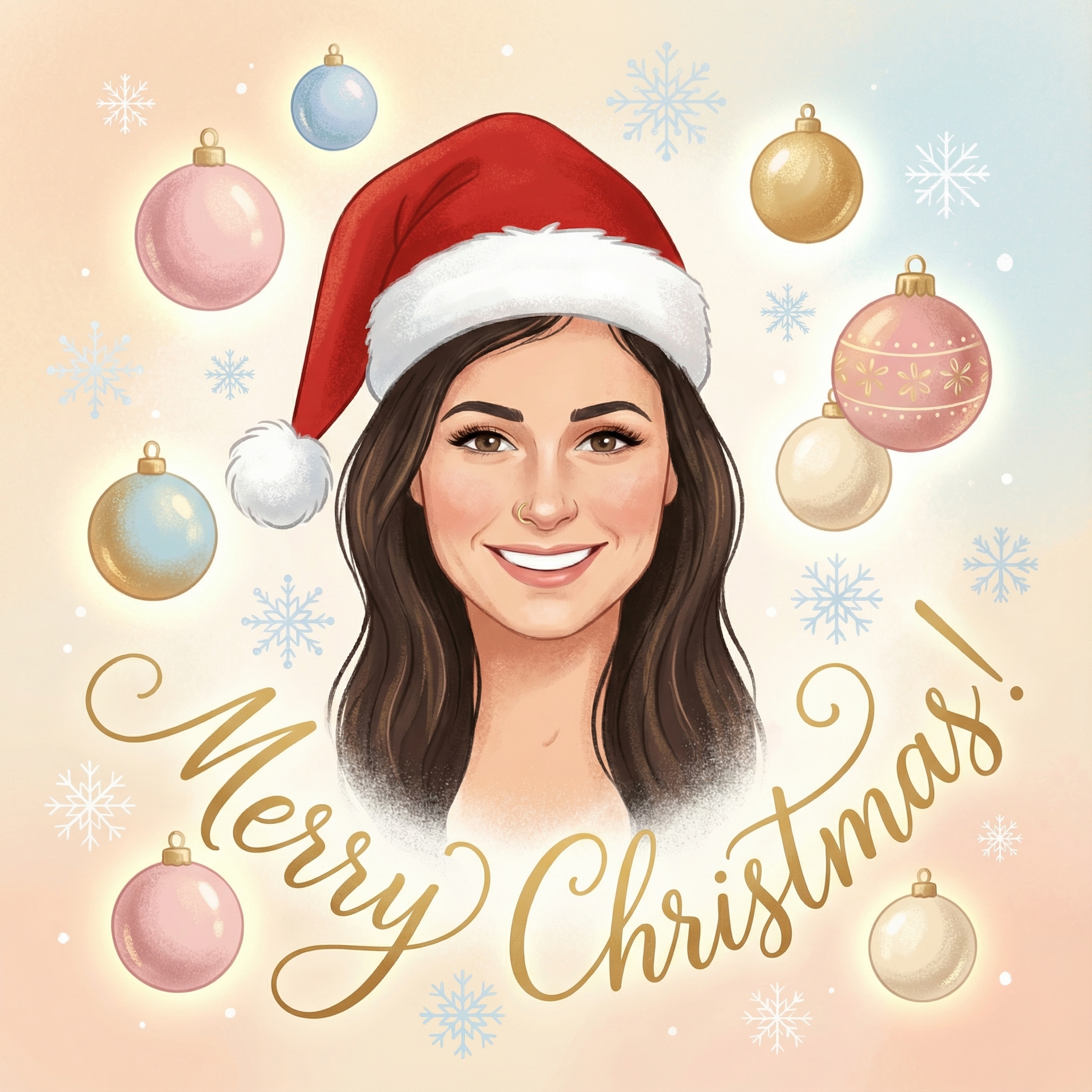
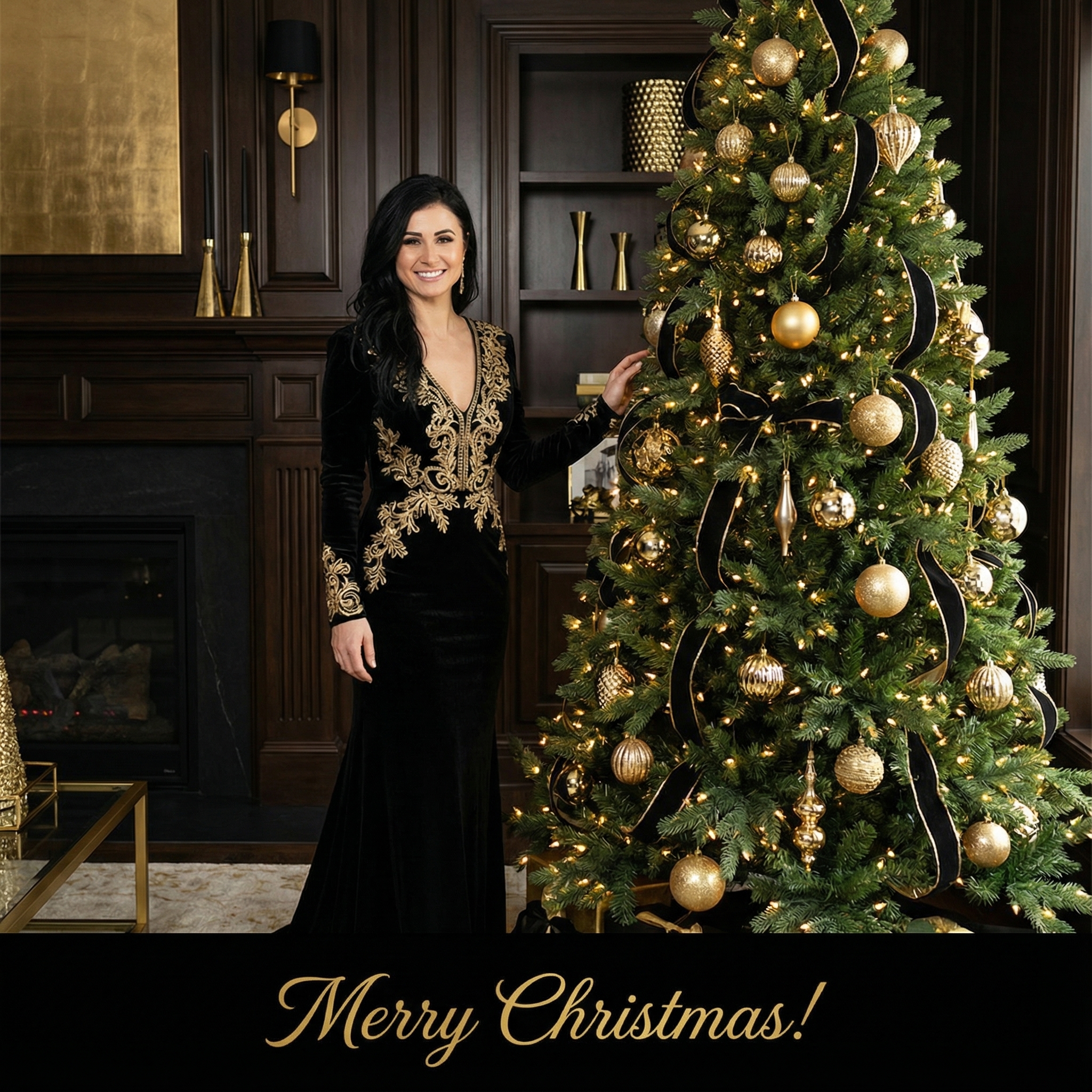
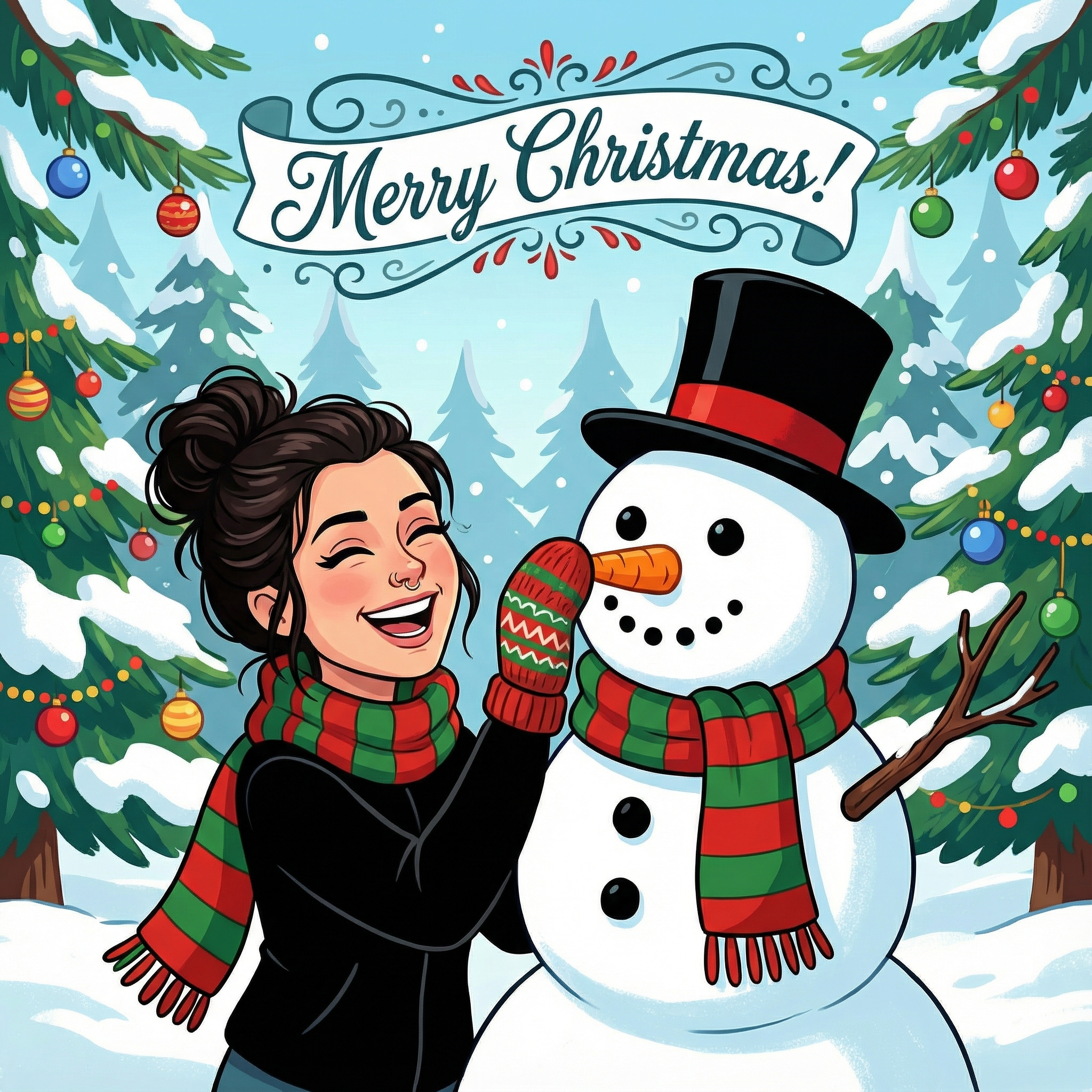
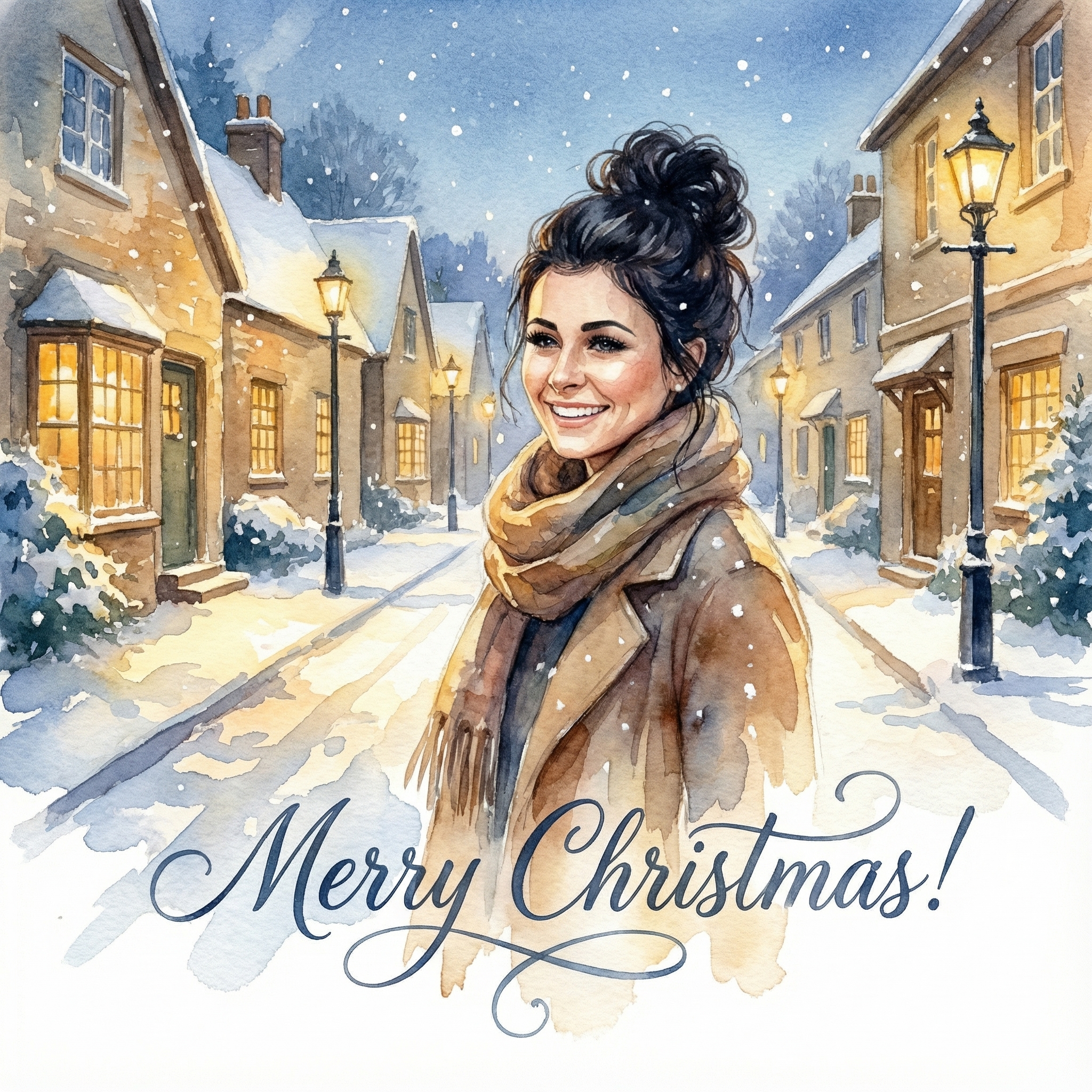
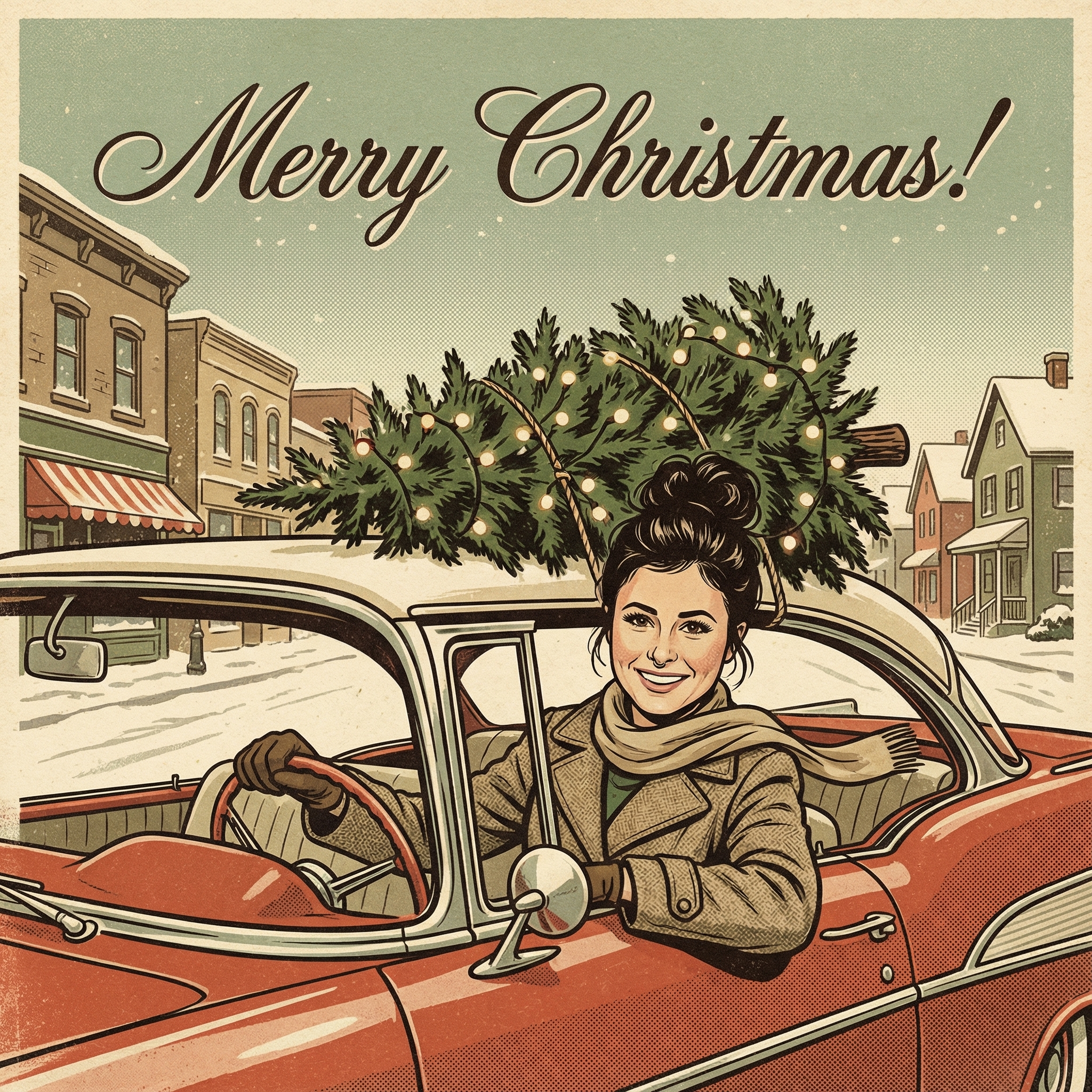
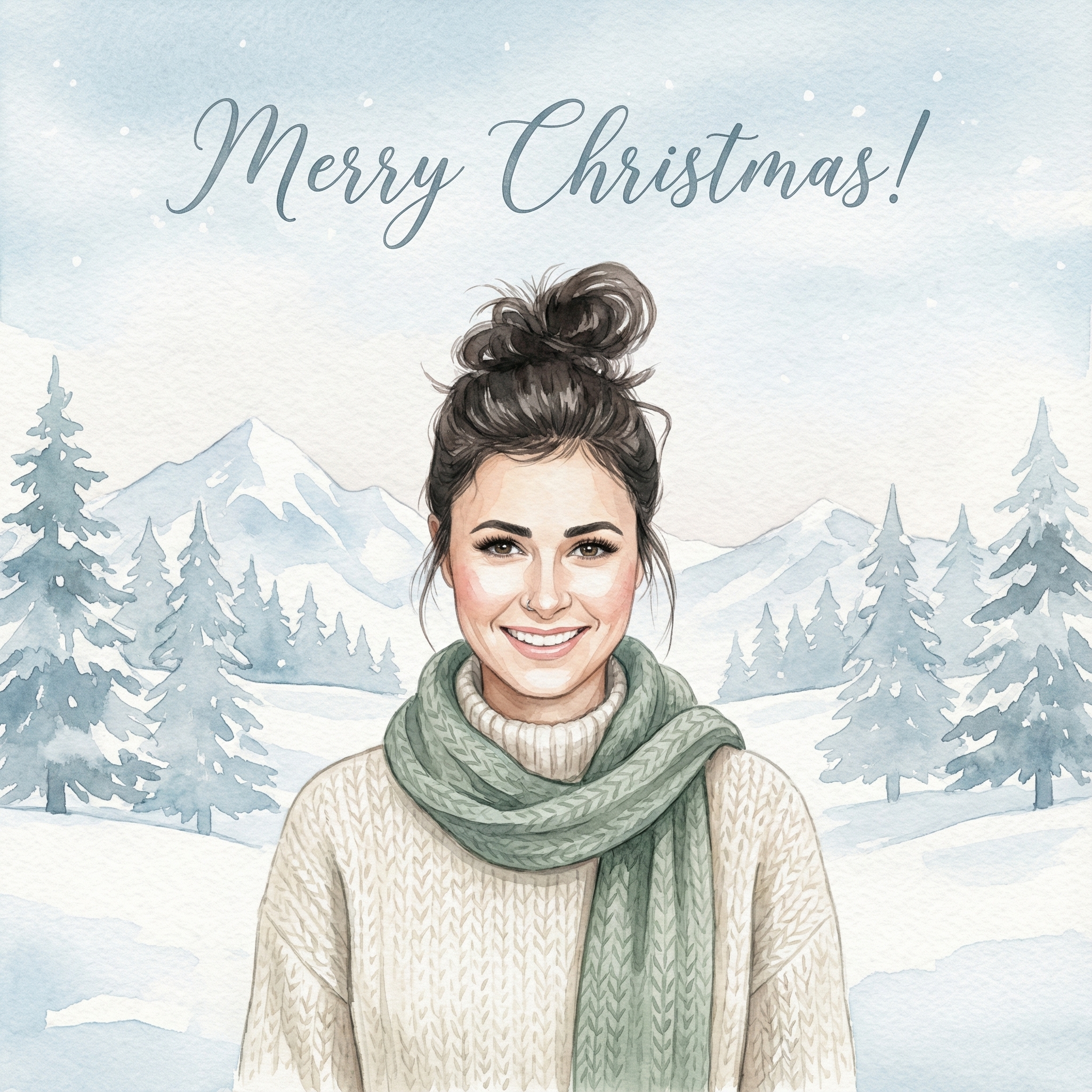
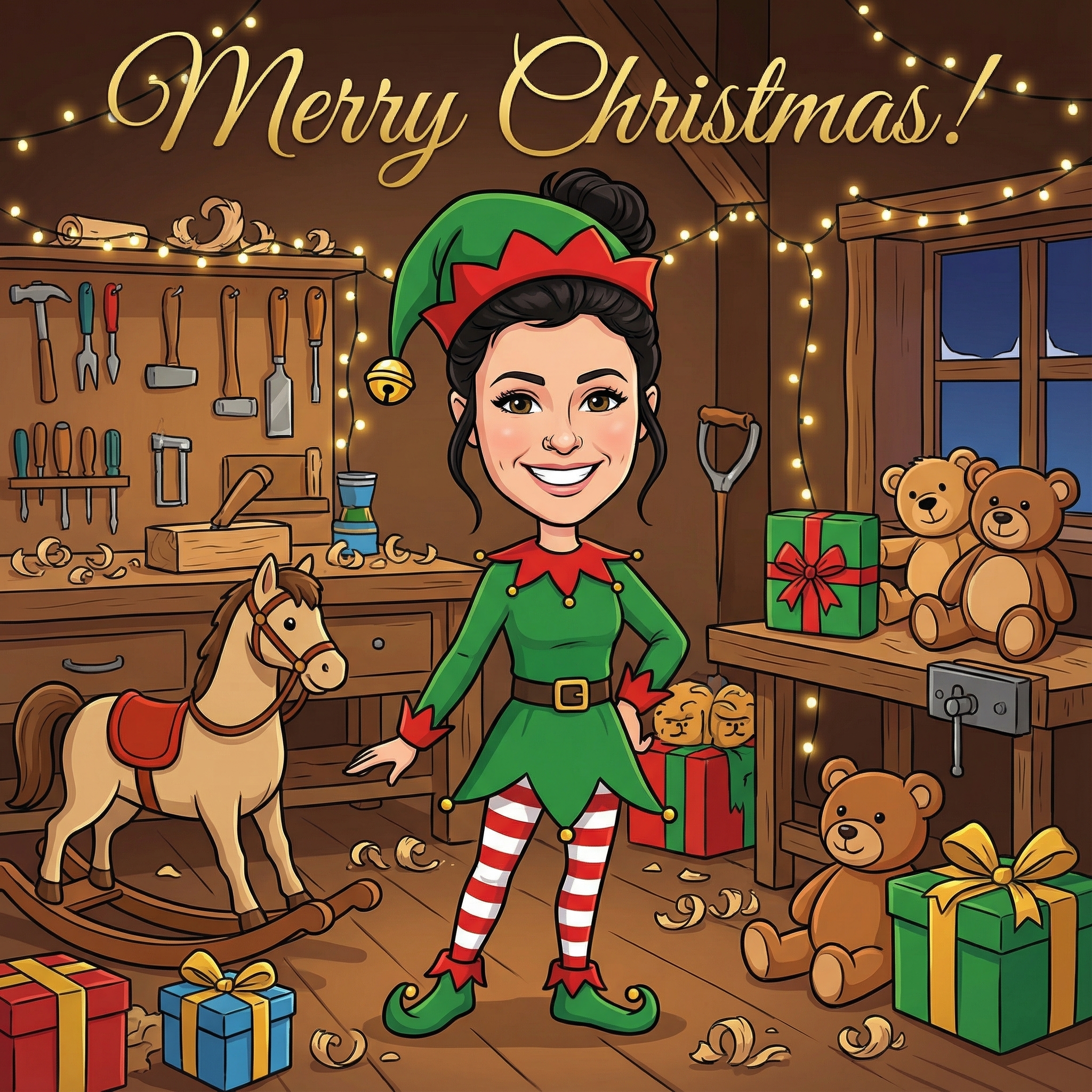
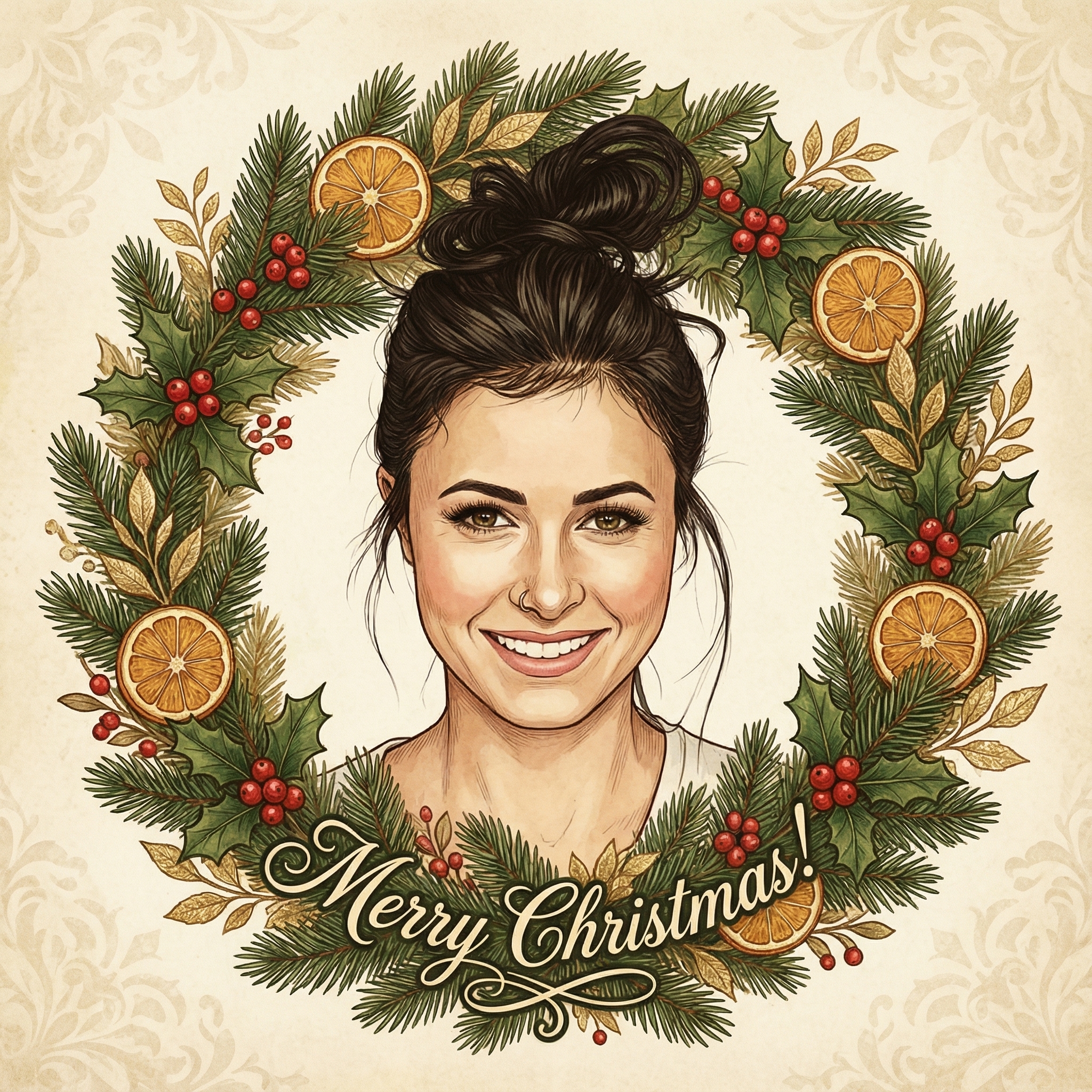
Create your Christmas card in three simple steps
Upload a clear photo of yourself. Our AI uses your unique features to create personalized Christmas cards.
Choose from 12+ beautiful Christmas card styles and add a personal message to your Christmas card.
Within 10 minutes your Christmas card is ready. Download the HD version and have it printed or send it digitally to your family and friends.
Hoe meer kaarten, hoe meer korting. Van €3,99 per kaart tot slechts €2,50 per kaart.
€3,33 per kaart
17% korting
€2,99 per kaart
25% korting
€2,50 per kaart
37% korting
Okay, so maybe you're thinking, "Digital cards? Really?" And I get it. There's a certain charm to a physical card. But honestly, going digital, especially when you can make digital Christmas card free, has some serious perks. First off, the cost. Christmas can be expensive enough without adding dozens of cards, stamps, and trips to the store. Making them digitally means you save all that cash. Think of it as more money for presents, or maybe even a nice treat for yourself!
Then there's the convenience factor. No more hand cramps from writing out addresses, no more worrying if you bought enough stamps, and definitely no more last-minute dashes to the post office. You can create your cards from the comfort of your couch, send them out with a few clicks, and they arrive instantly. How cool is that? Plus, it's pretty much instant gratification for both you and the recipient.
And let's not forget about the planet. All those paper cards add up. Going digital is a small but meaningful way to reduce your environmental footprint during the holidays. It feels good to know you're spreading cheer without adding to the waste. So, really, there are a lot of good reasons to consider this route this year.
The beauty of wanting to make digital Christmas card free is that you don't need any fancy software or a graphic design degree. Seriously! Most of what you need is probably already on your computer or easily accessible online.
You’ll want a computer or even a tablet, and a decent internet connection. That’s pretty much it for the technical stuff. For the creative part, you might want some photos – maybe some recent family shots, a cute picture of your pet, or even a fun throwback from a past Christmas. These personal touches are what make your card truly yours, even if you didn’t spend any money making it.
There are a bunch of fantastic free tools out there that let you create really impressive digital cards. You don't have to be a tech wizard to use them either; many are super intuitive.
One of my absolute favorites is Canva. Have you heard of it? It’s a website that's basically a treasure trove of templates and design elements. They have tons of free Christmas card templates you can customize. You can upload your own photos, change the text, pick different fonts, and even tweak the colors to match your style. It’s incredibly user-friendly, and you can pretty much design anything you can imagine there. It’s a prime example of how you can make digital Christmas card free without sacrificing quality or creativity.
Another great option is GIMP, which stands for GNU Image Manipulation Program. It's a free, open-source alternative to Photoshop. Now, GIMP is a bit more advanced and has a steeper learning curve than Canva, but if you're feeling adventurous or already have some basic photo editing skills, it gives you a lot more control. You could start with a blank canvas or find some free Christmas-themed images online (just make sure they're free to use!) and build your card from scratch.
Then there are various online greeting card makers, like Greetings Island or Smilebox (they often have free options or trials). These can be really simple to use because they guide you through the process step-by-step. They might have a slightly more limited selection of free designs compared to Canva, but they're great for quick and easy cards. Just make sure you check for watermarks if you're using the totally free versions.
Just because you didn't pay for it doesn't mean it can't be amazing! Here are a few ideas to make your cards special:
Personal Photos Are Key: This is probably the easiest way to add a personal touch. A recent family photo, a funny picture of your kids, or even a collage of memories from the year. People love seeing familiar faces! A Heartfelt Message: This is probably the most important part. Instead of just a generic "Merry Christmas," try to write something specific to the person you're sending it to. Maybe a quick memory you shared, a little update on your life, or a sincere wish for their year ahead. Even if you make digital Christmas card free, the words are priceless. Add a Little Animation (If Your Tool Allows): Some digital card makers let you add subtle animations, like falling snow or twinkling lights. This can add a really festive and dynamic feel to your card, making it even more engaging than a static image. Theme It Up: Think about what your family loves. Do you have a shared love for a certain movie, hobby, or even a silly inside joke? Incorporate that into your card's design. It shows you put thought into it and will definitely bring a smile to their face. Simple is Often Best: You don't need to overload your card with too many elements. Sometimes a clean design with a great photo and a genuine message is far more impactful than something cluttered.
Once you've finished designing your awesome digital Christmas card, sending it out is super straightforward.
The most common way is via email. You can either download your card as an image file (like a JPEG or PNG) or a PDF, and then attach it to an email. Or, if the tool you used (like Canva) has a sharing feature, you can often just share a link directly to the card. When you send it via email, you can customize the email subject line and body text to make it even more personal, almost like an envelope for your digital card.
Another option is to share it through social media if you're sending it to a group of friends or family who are all on the same platform. You could post it to a private group, or even send it as a direct message. Just be mindful of privacy settings if you're sharing family photos!
For those who aren't super tech-savvy or don't use email much, you could even print out a copy at home if you have a printer, or at a local print shop, and hand-deliver it. It's not strictly "digital" anymore, but it uses your free digital design!
While it's great to make digital Christmas card free, there are a couple of small considerations.
Image Quality: Make sure the photos you use are good quality. Blurry or pixelated images won't look great on a digital card. File Size: If you're emailing a lot of people, be aware of the file size of your card. Some email providers have limits on attachments. Most tools will let you download in a web-optimized format which is usually perfect. Test It Out: Before you send it to everyone, send a test card to yourself or a close friend to make sure it looks right and the links (if any) work. * Don't Stress: The whole point of making digital Christmas card free is to have fun and spread cheer, not to add more stress to your holiday season. If something isn't working perfectly, just simplify!
Honestly, making your own digital Christmas cards for free is such a rewarding experience. You get to be creative, save some money, and send something truly personal that your loved ones will really appreciate. It’s a win-win all around!
---
Q: Is it really possible to make digital Christmas card free without hidden costs? A: Yes, absolutely! Many platforms like Canva offer robust free versions with plenty of templates and features that let you create beautiful cards without spending a dime. Just be sure to stick to the free templates and elements they provide.
Q: Do I need special software to design these cards? A: Not at all! Most free digital card creation can be done right in your web browser using online tools like Canva or Greetings Island. For more advanced editing, free software like GIMP can be downloaded, but it's not necessary for basic card making.
Q: Can I include my own photos in a free digital Christmas card? A: Yes, almost all free digital card makers allow you to upload your own photos to personalize your designs. This is one of the best ways to make your card truly unique and special.
Q: How do I send my digital Christmas cards once they're made? A: The most common way is to download your finished card as an image (JPEG, PNG) or PDF file and attach it to an email. Many online tools also offer direct sharing options via email or social media.
Q: Will a free digital Christmas card look professional? A: Absolutely! With the right tools and a little creativity, your free digital Christmas card can look just as professional and heartfelt as any store-bought or paid-for version. The key is good design choices and a personal message.