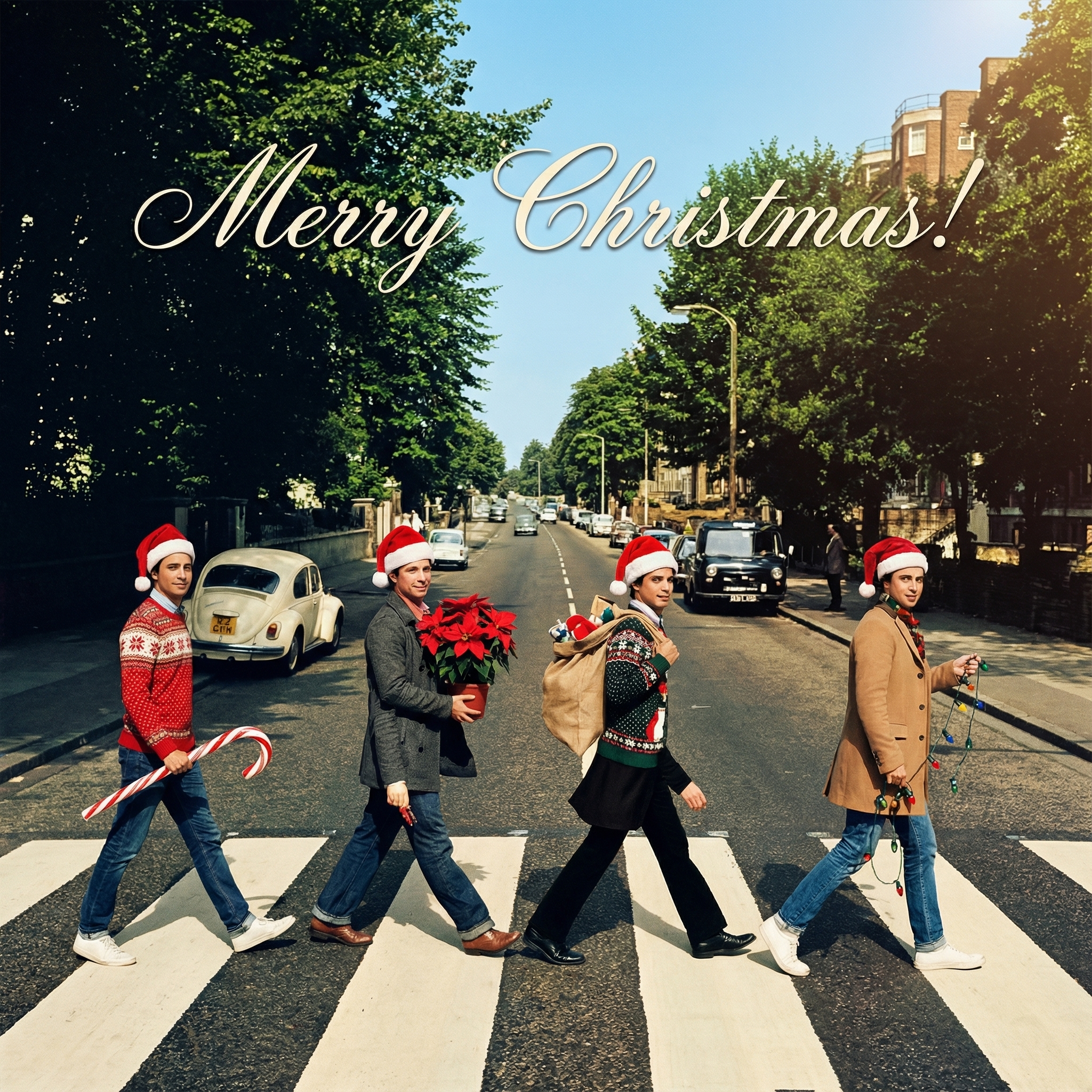
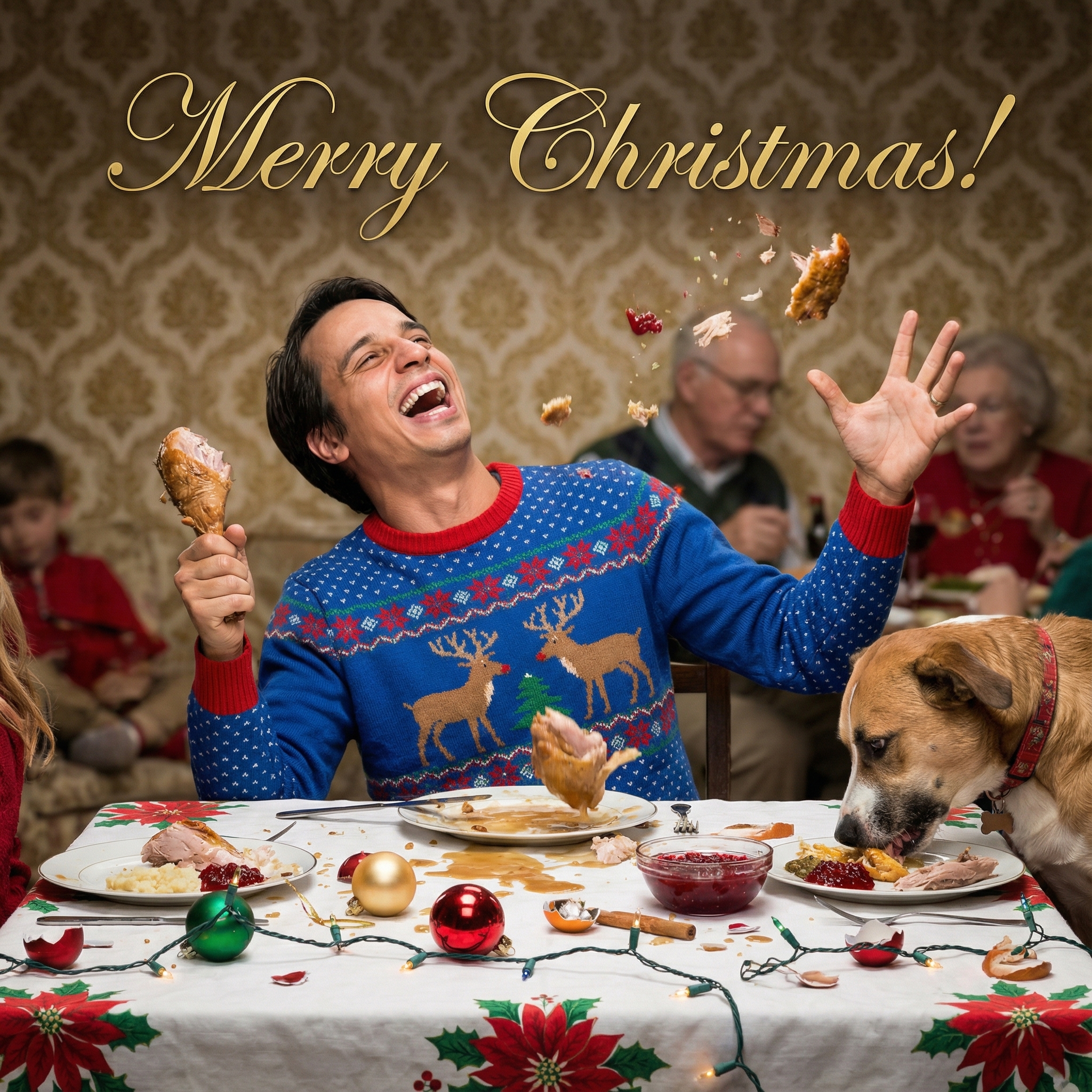
Want to Make Digital Christmas Cards This Year? Here's How!
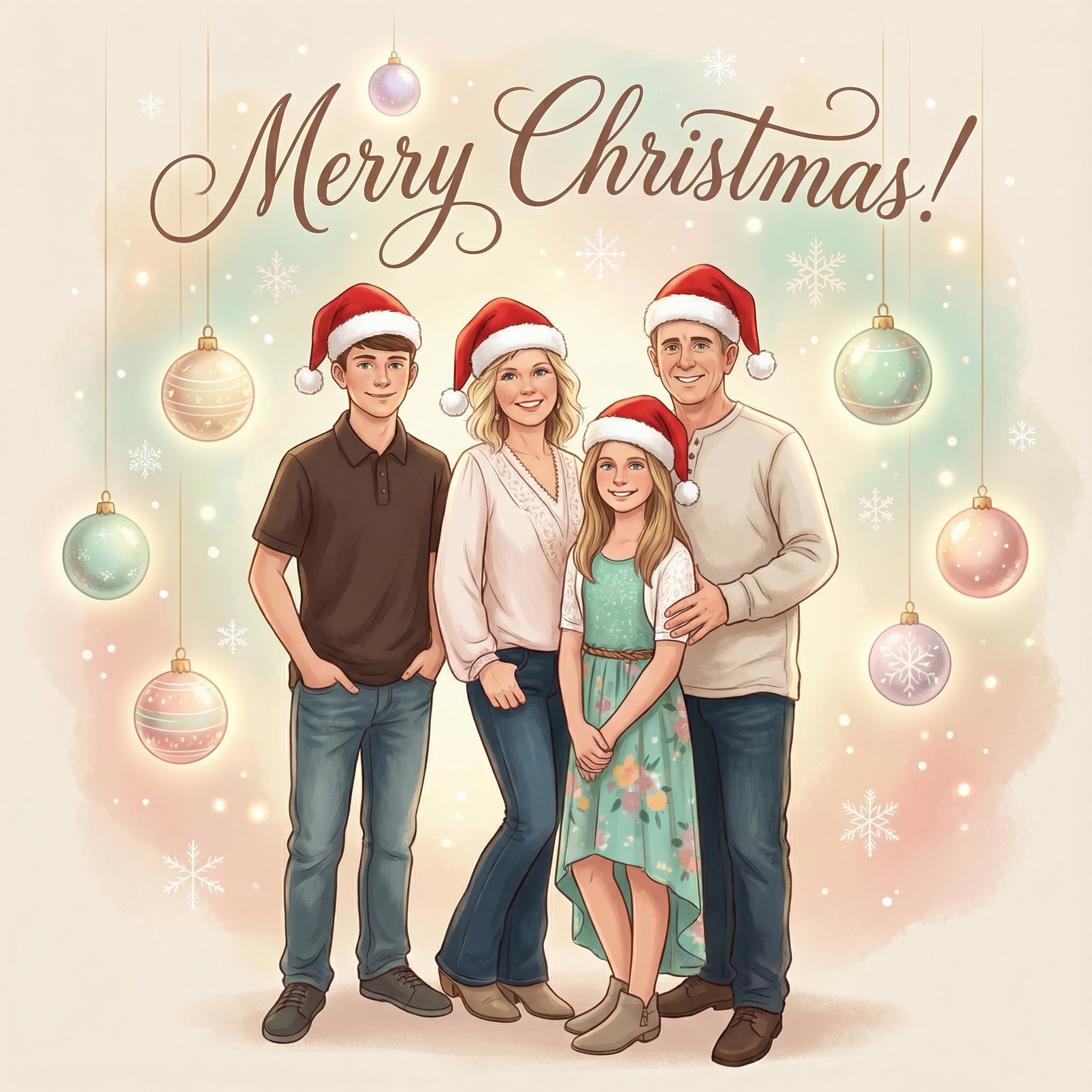
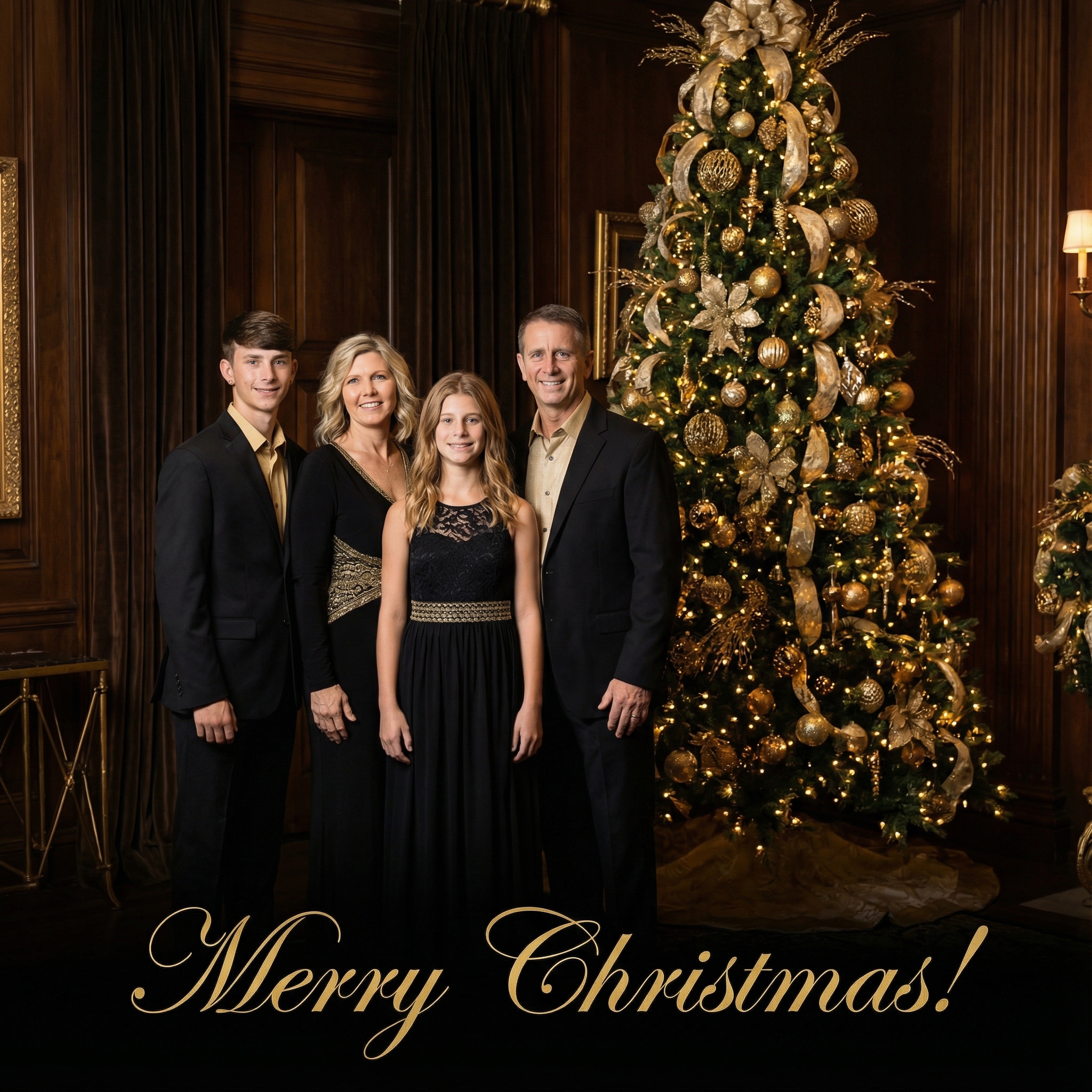
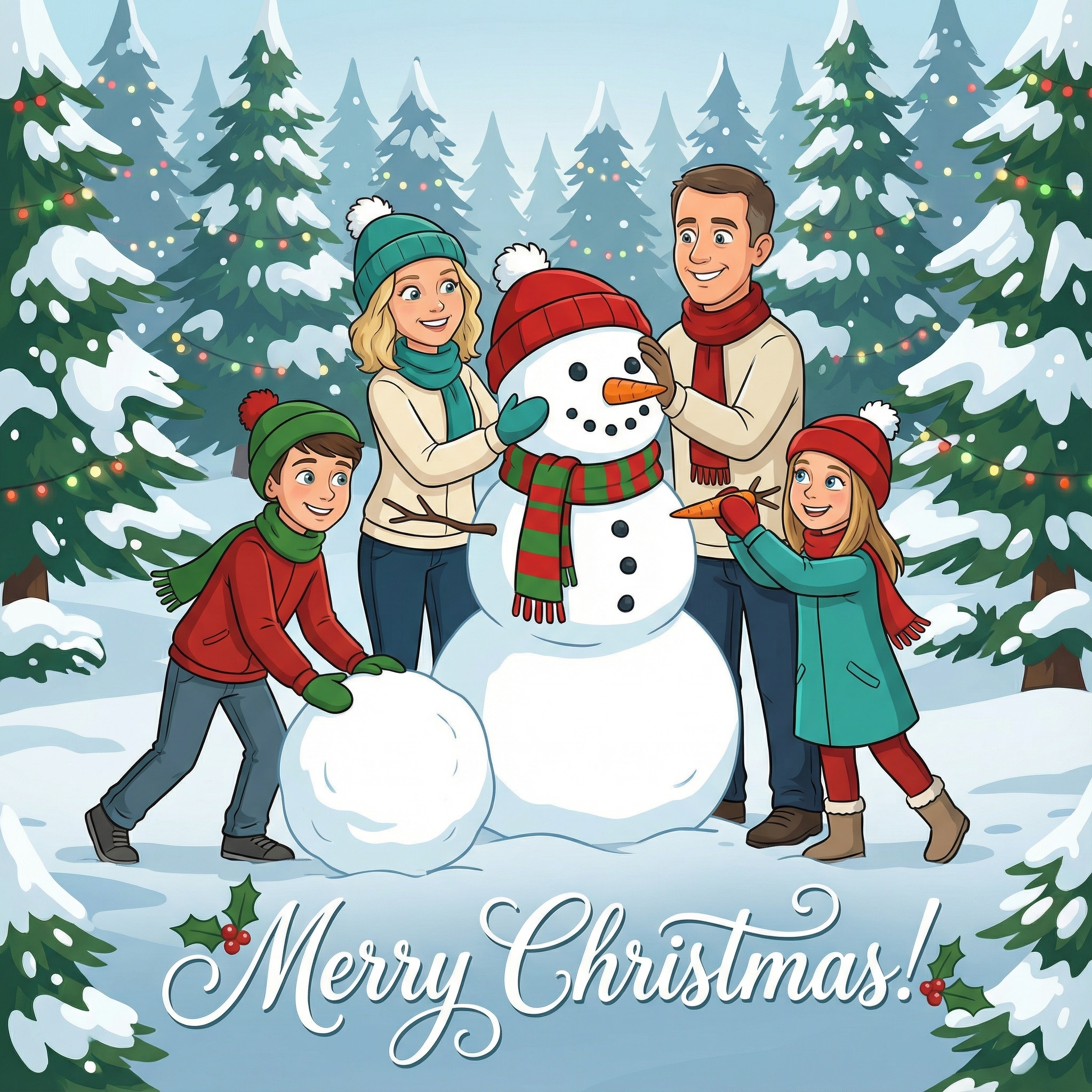
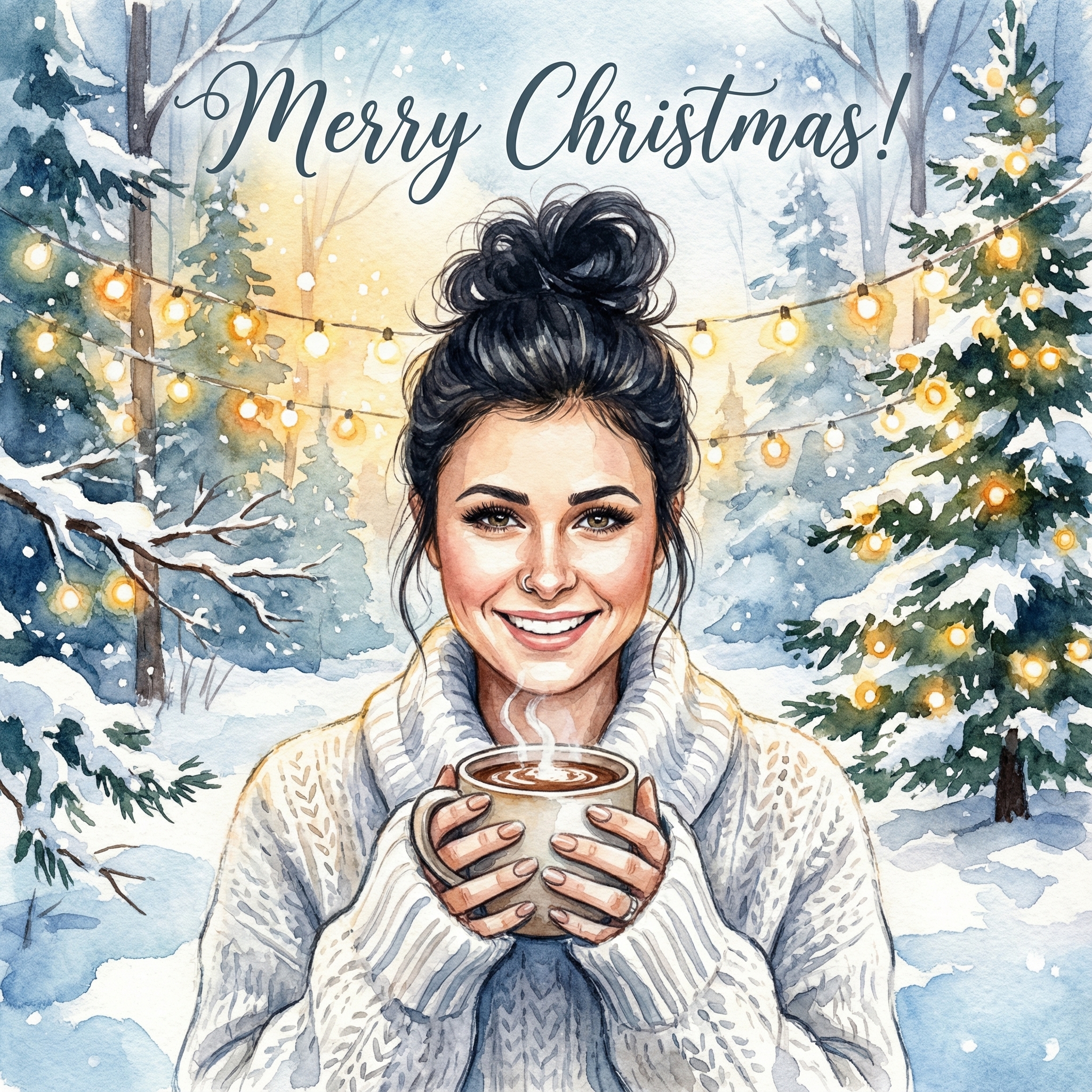
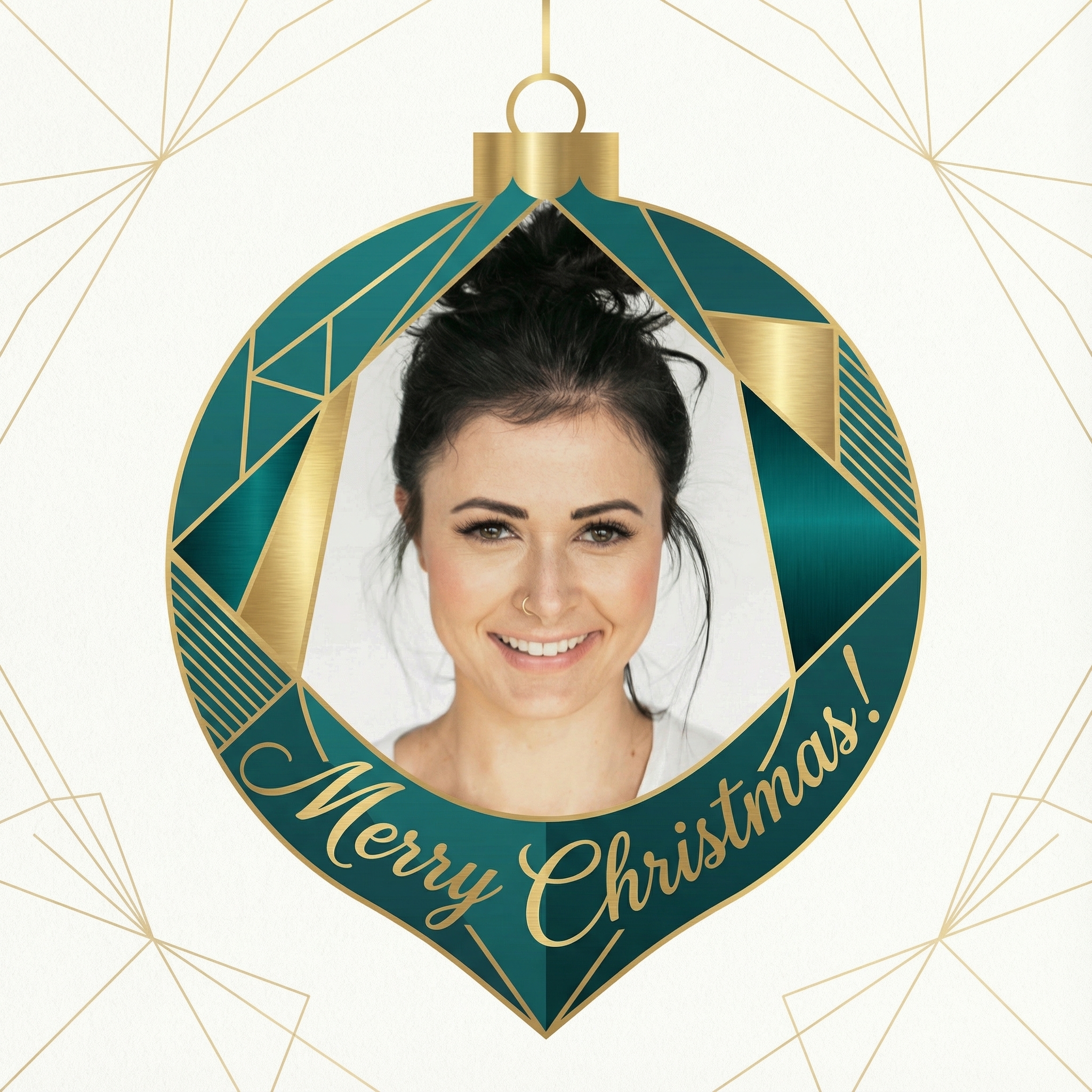
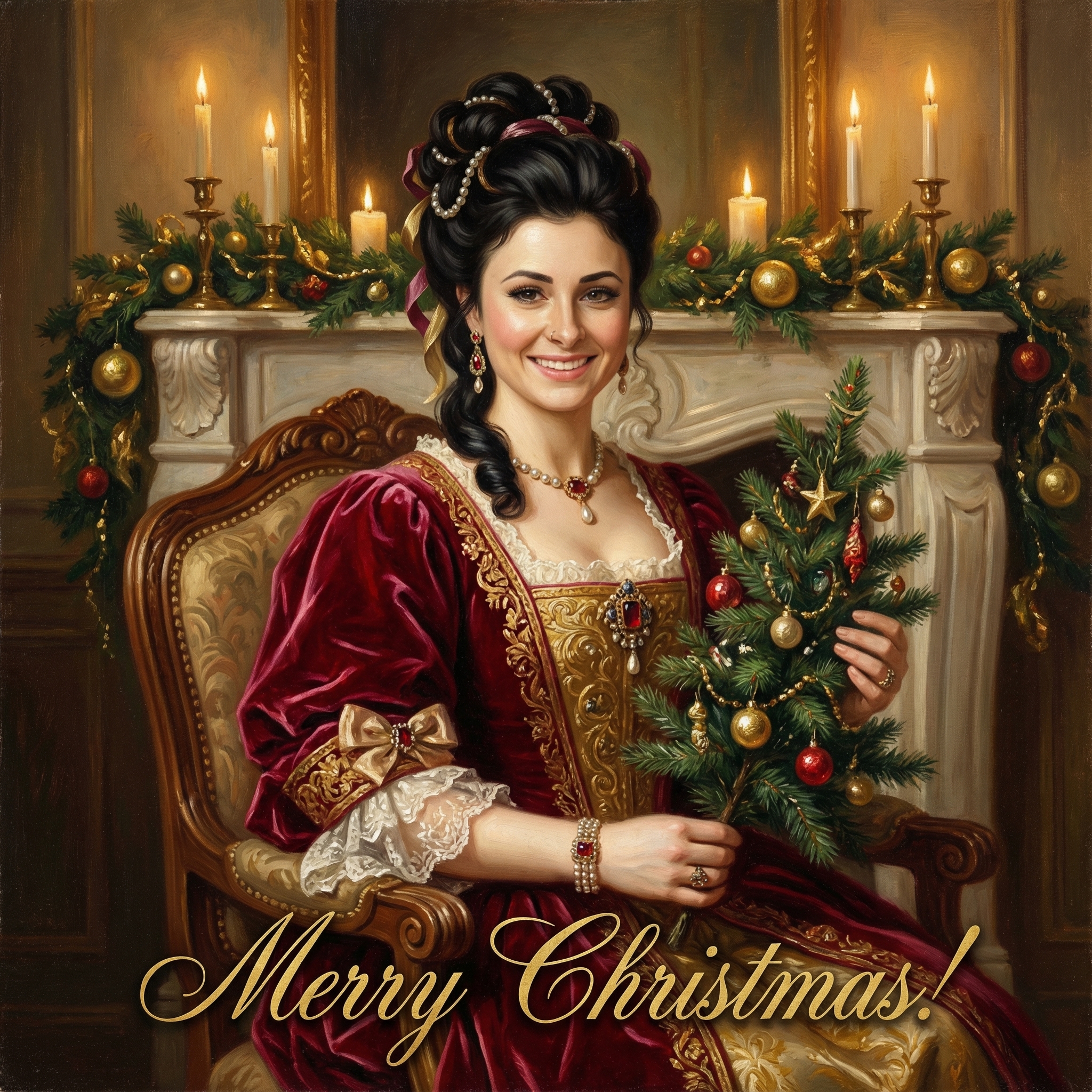
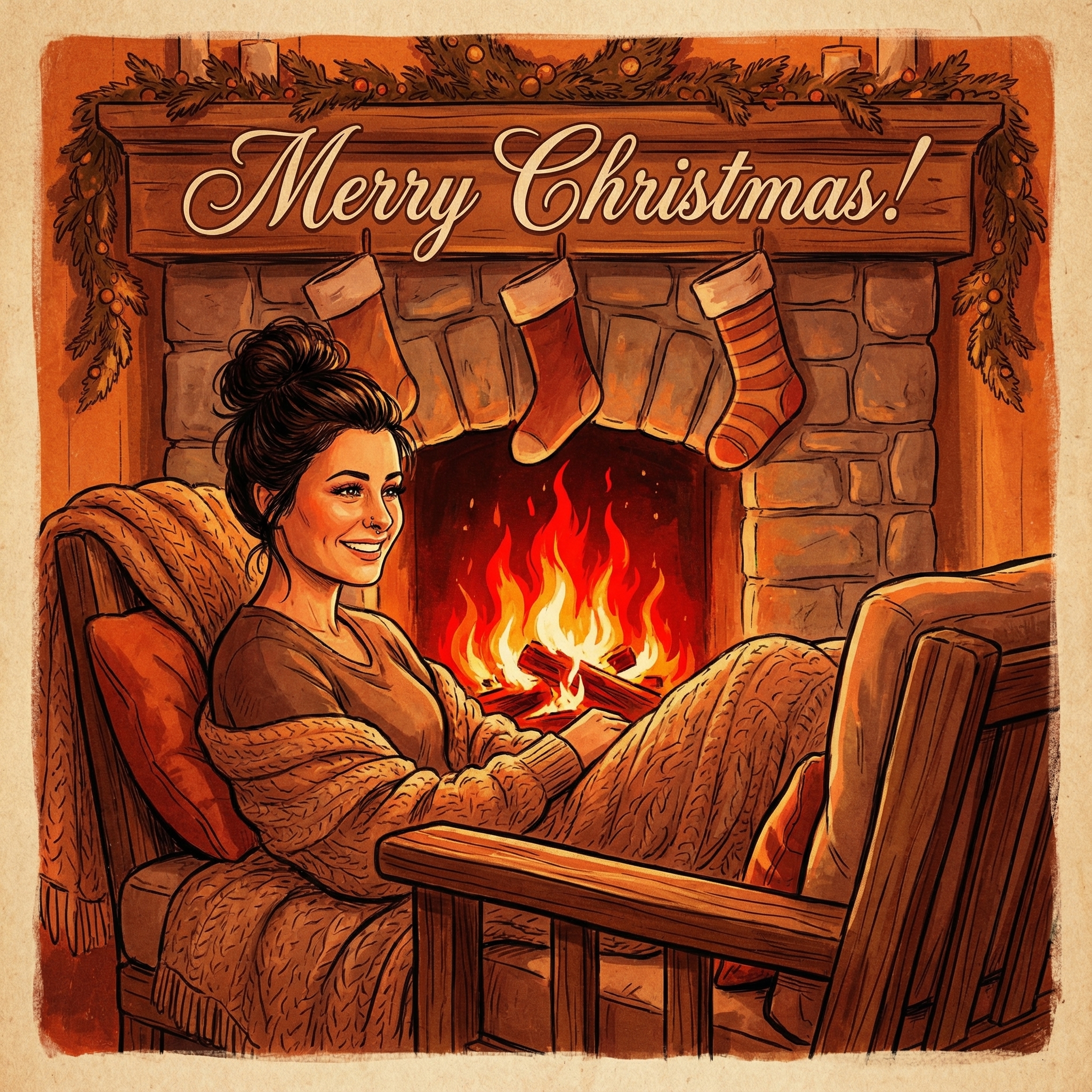
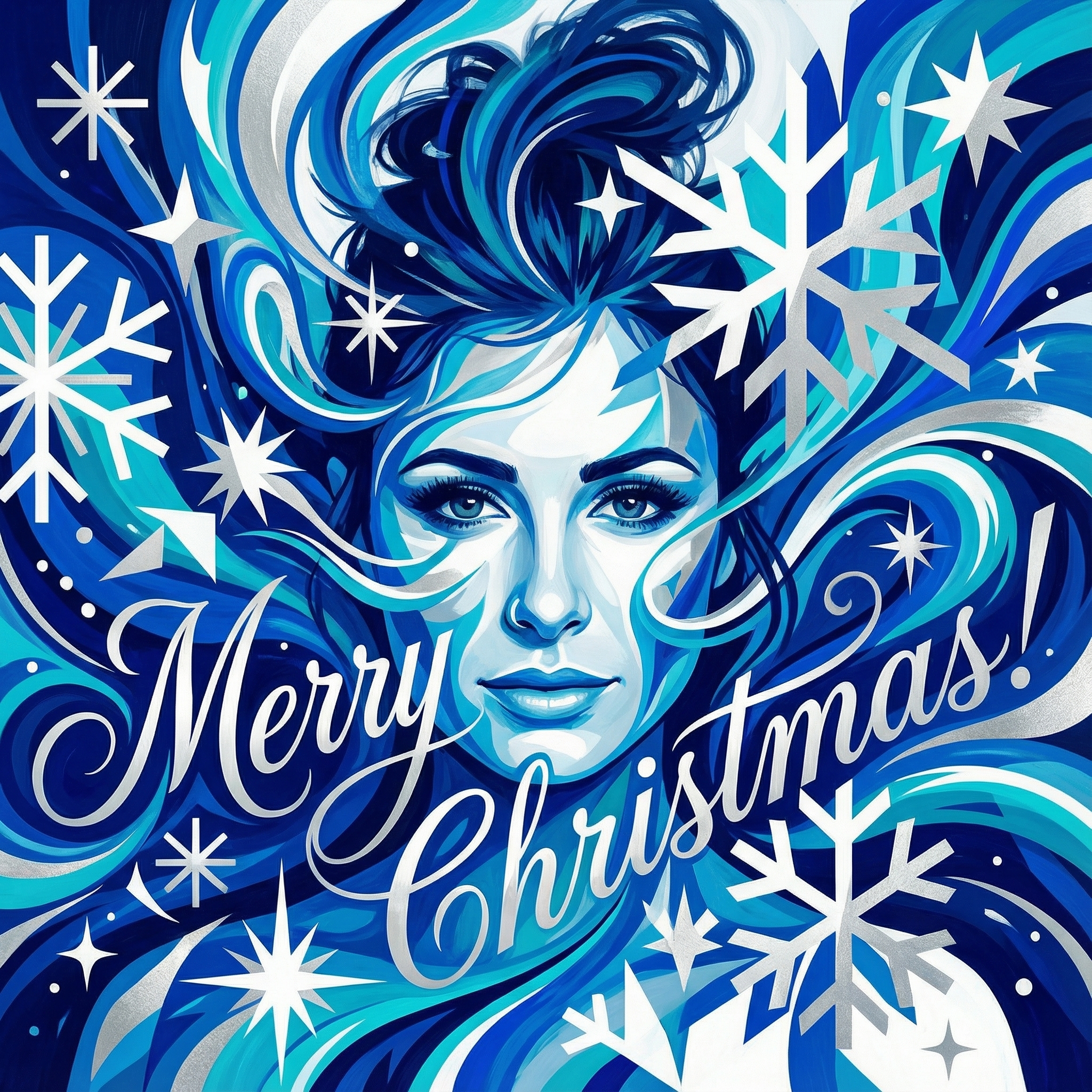
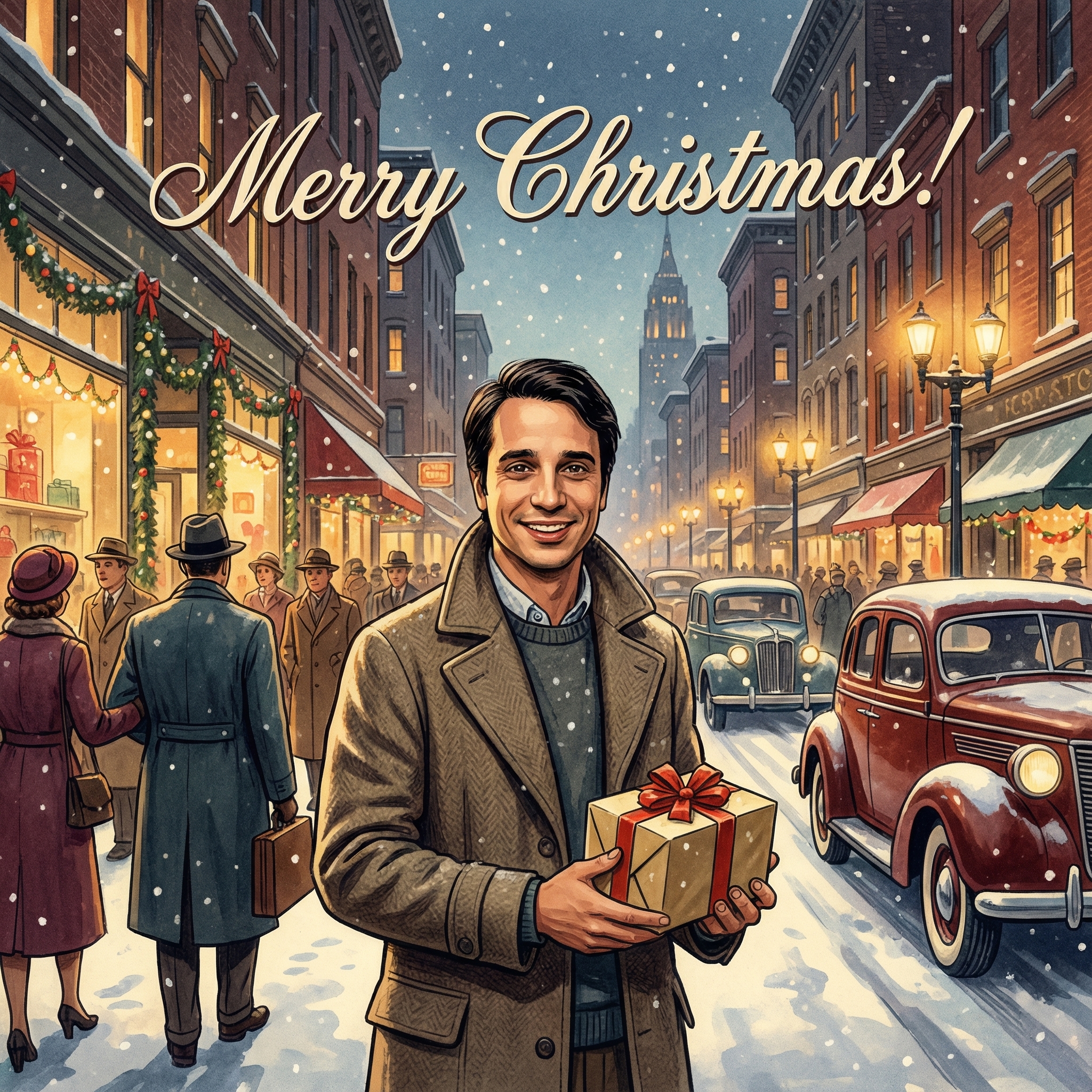
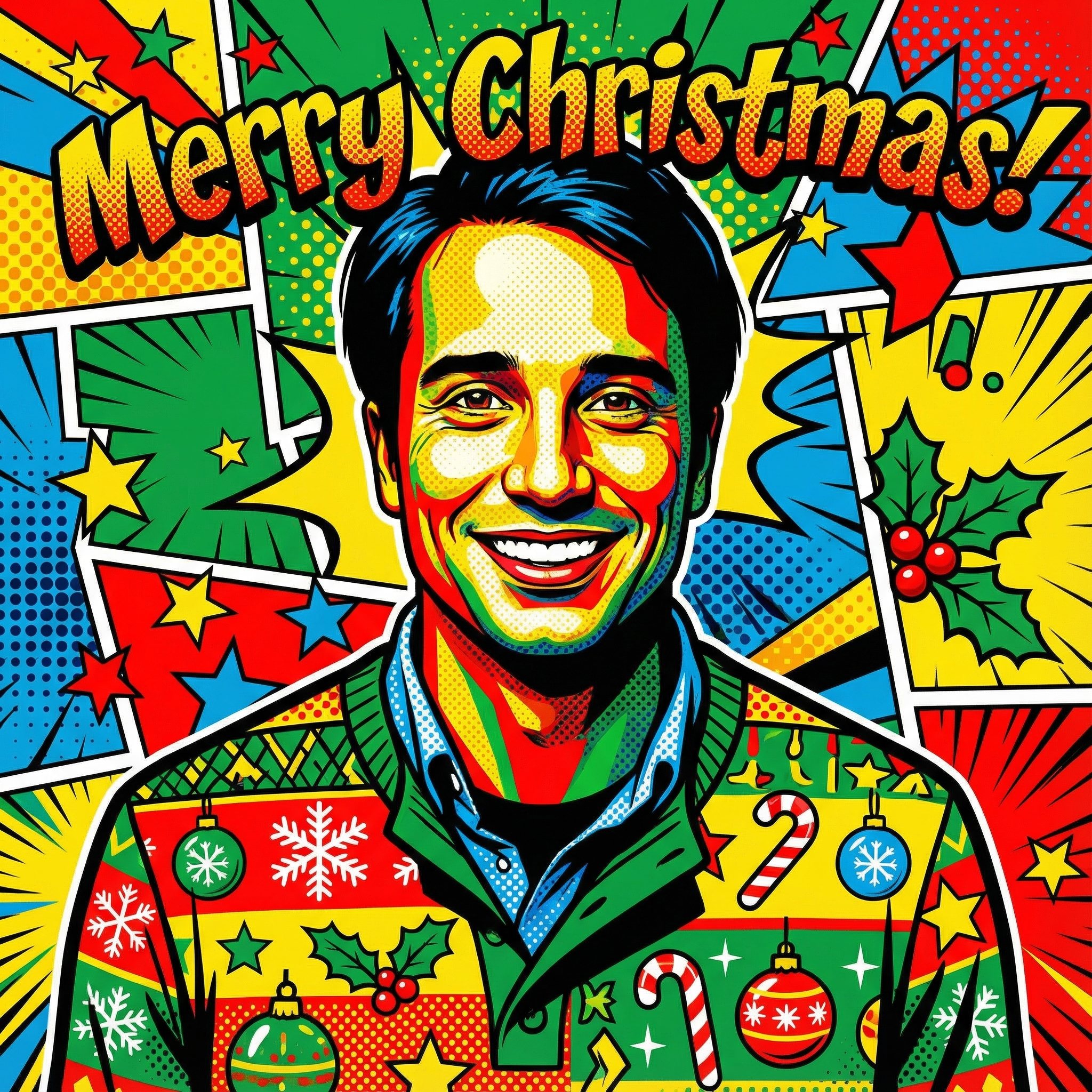
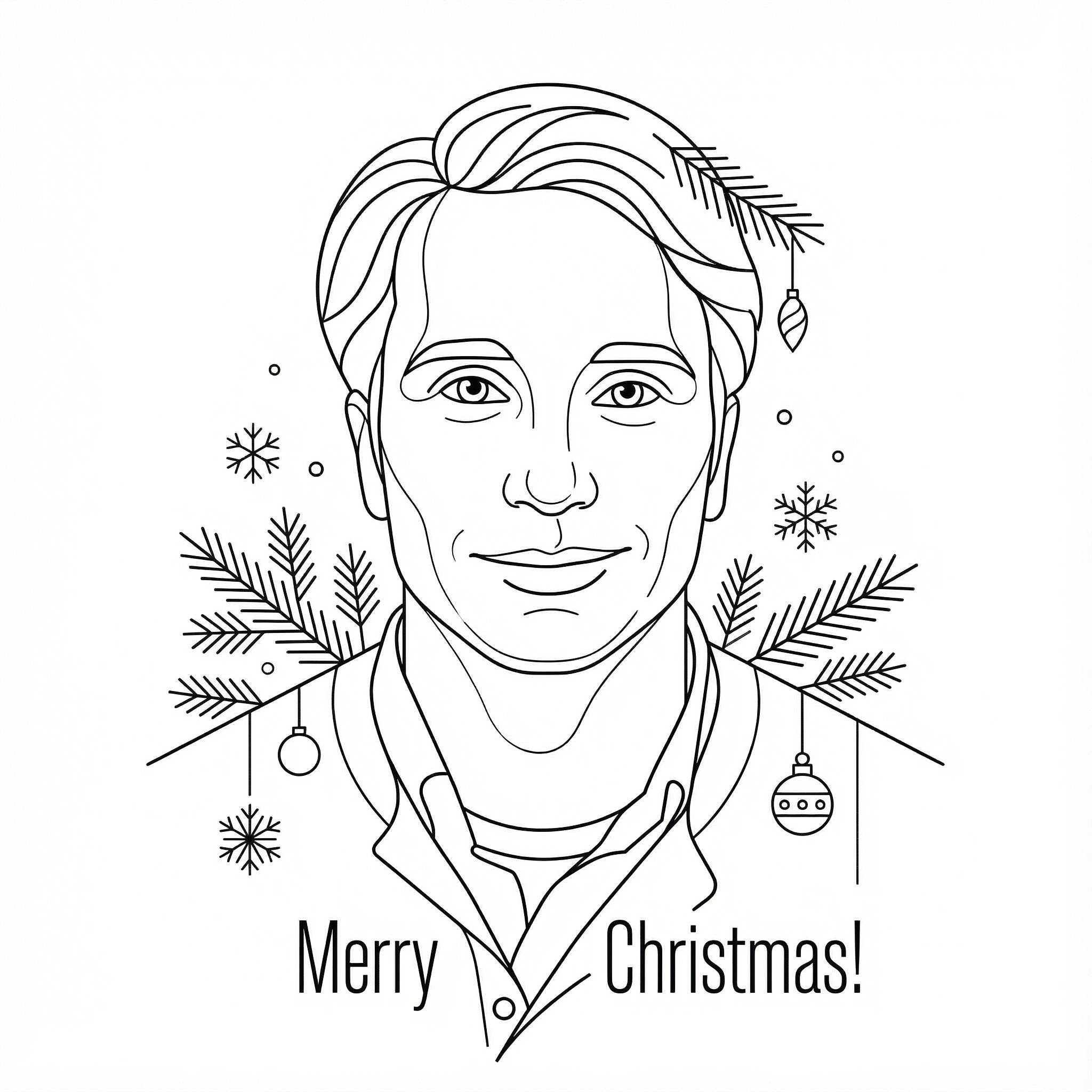
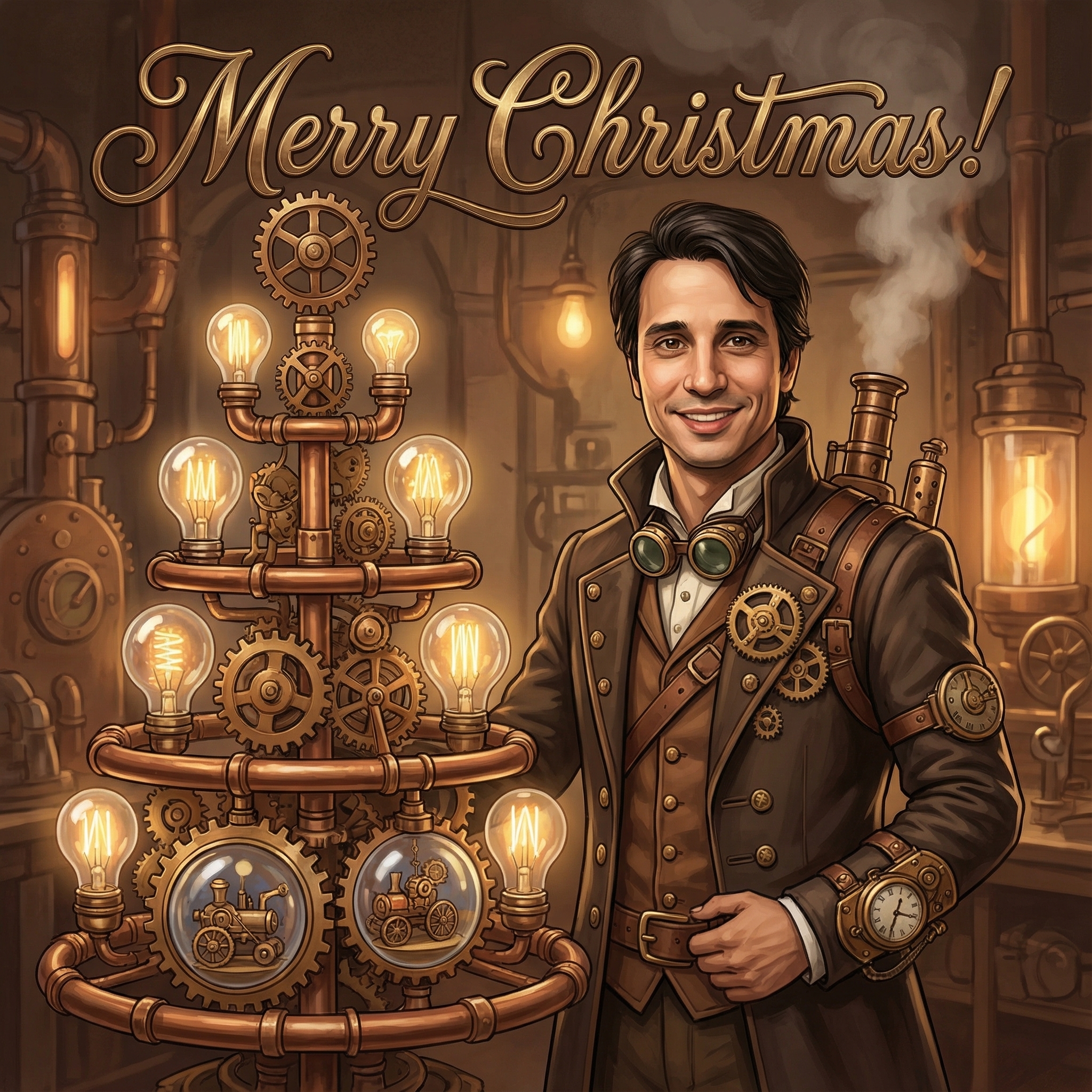
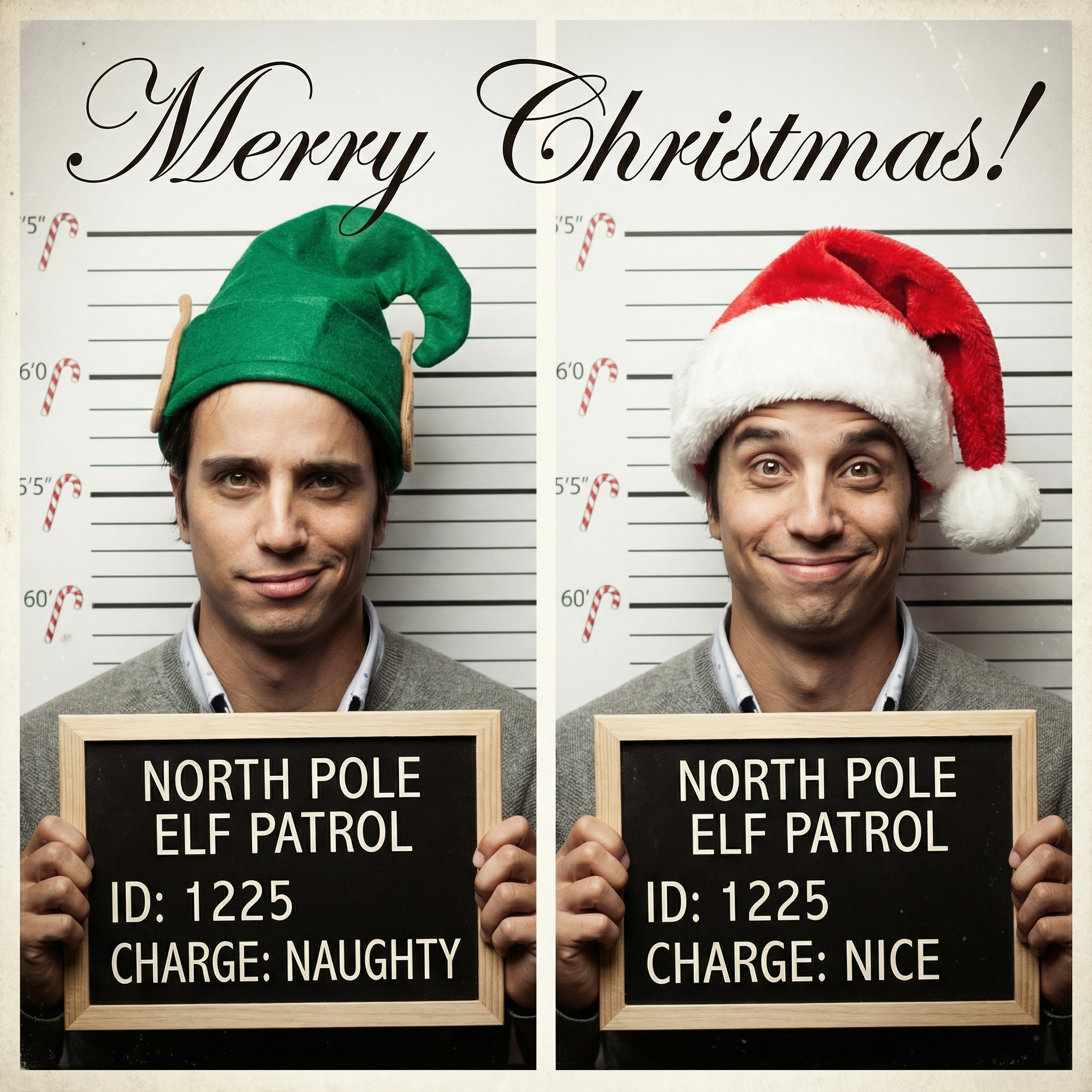
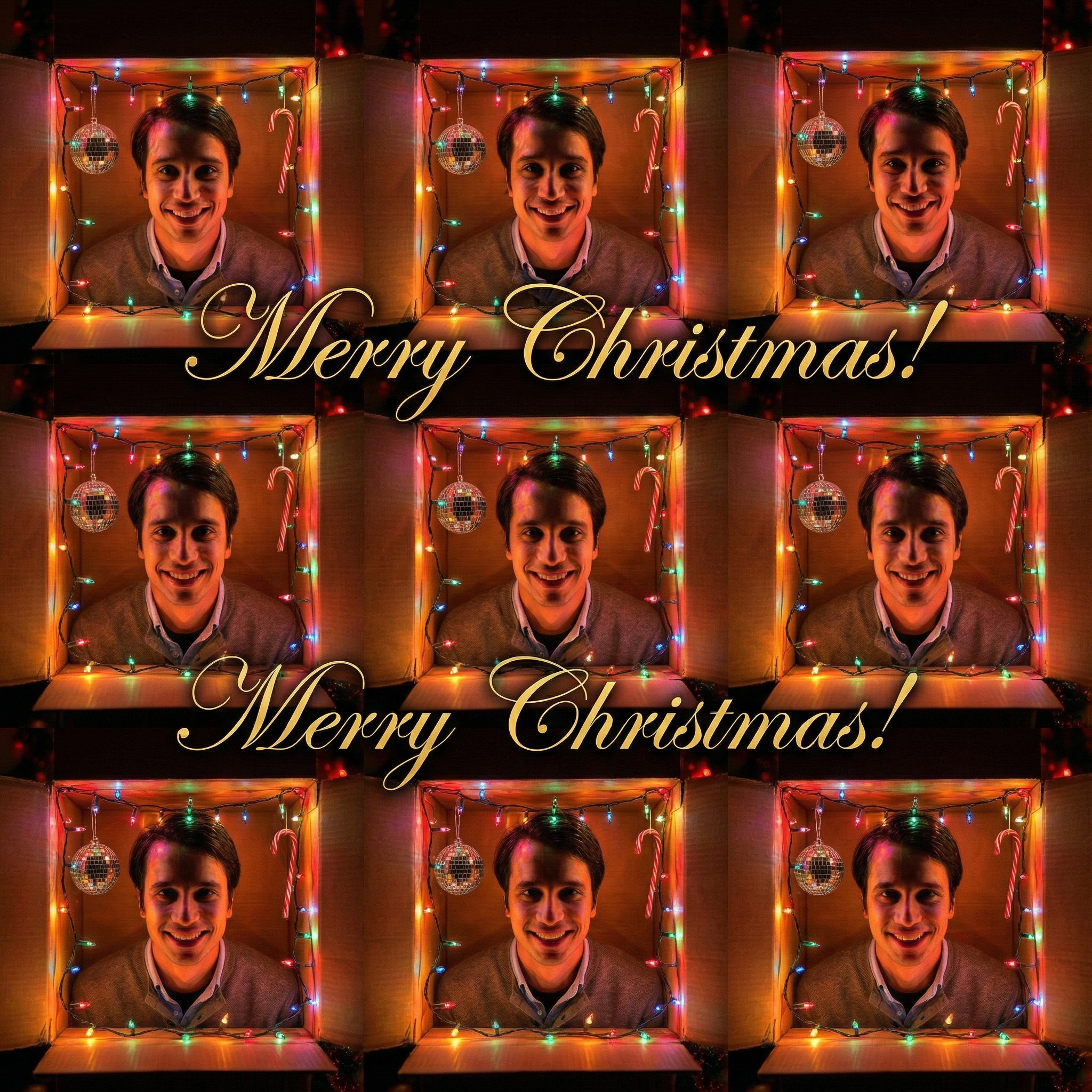
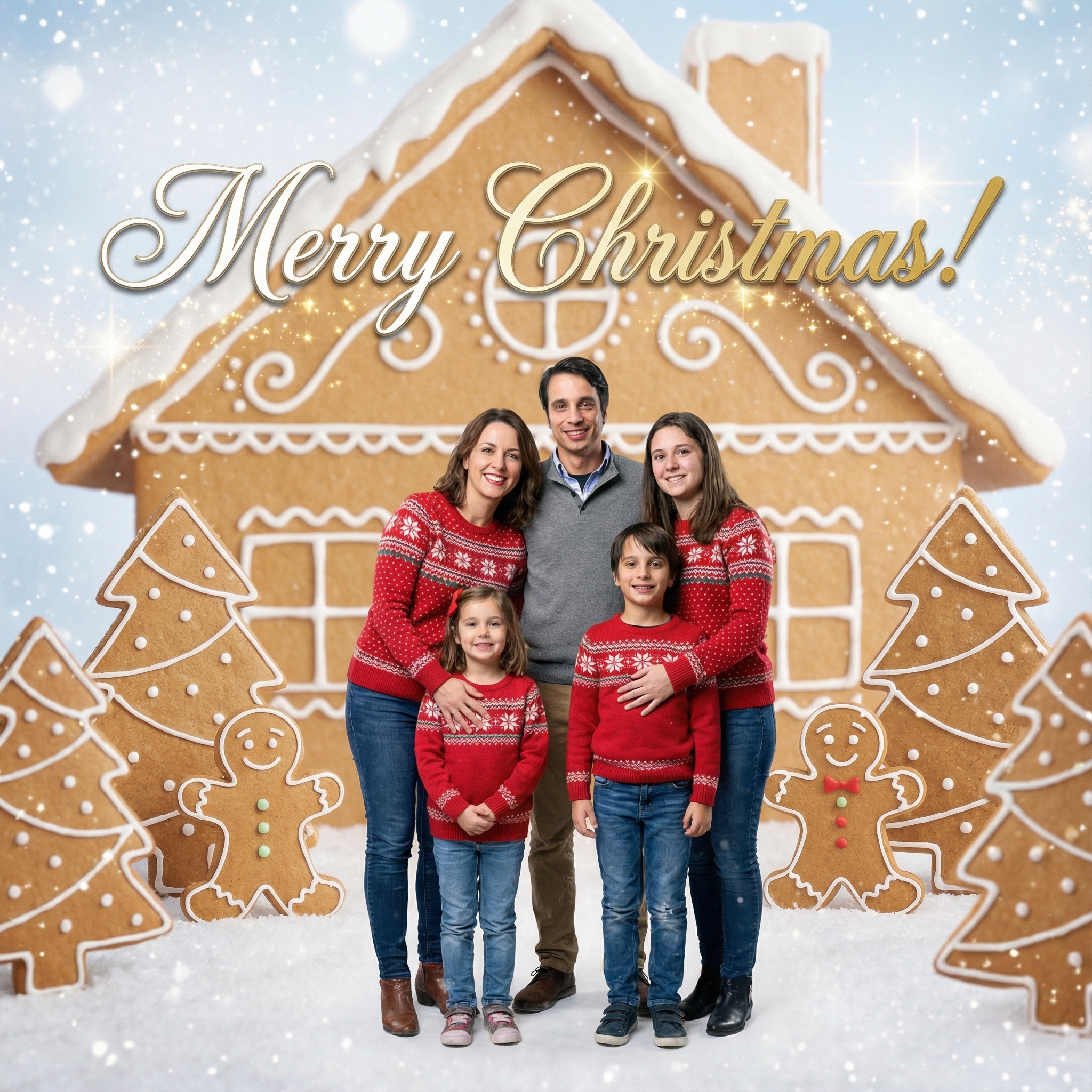
Choose from our collection of beautiful Christmas card styles. From classic to modern, there's a perfect style for everyone.

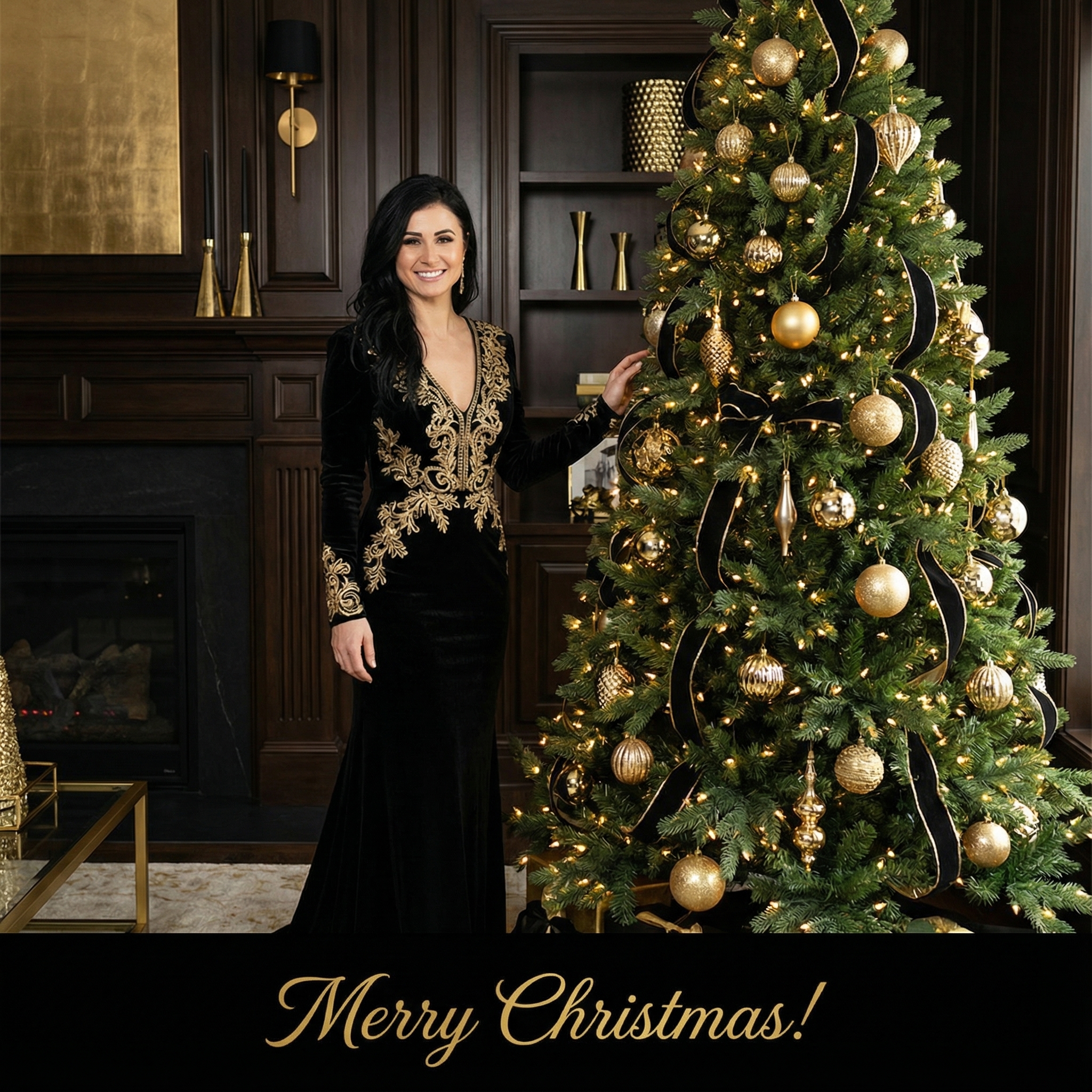
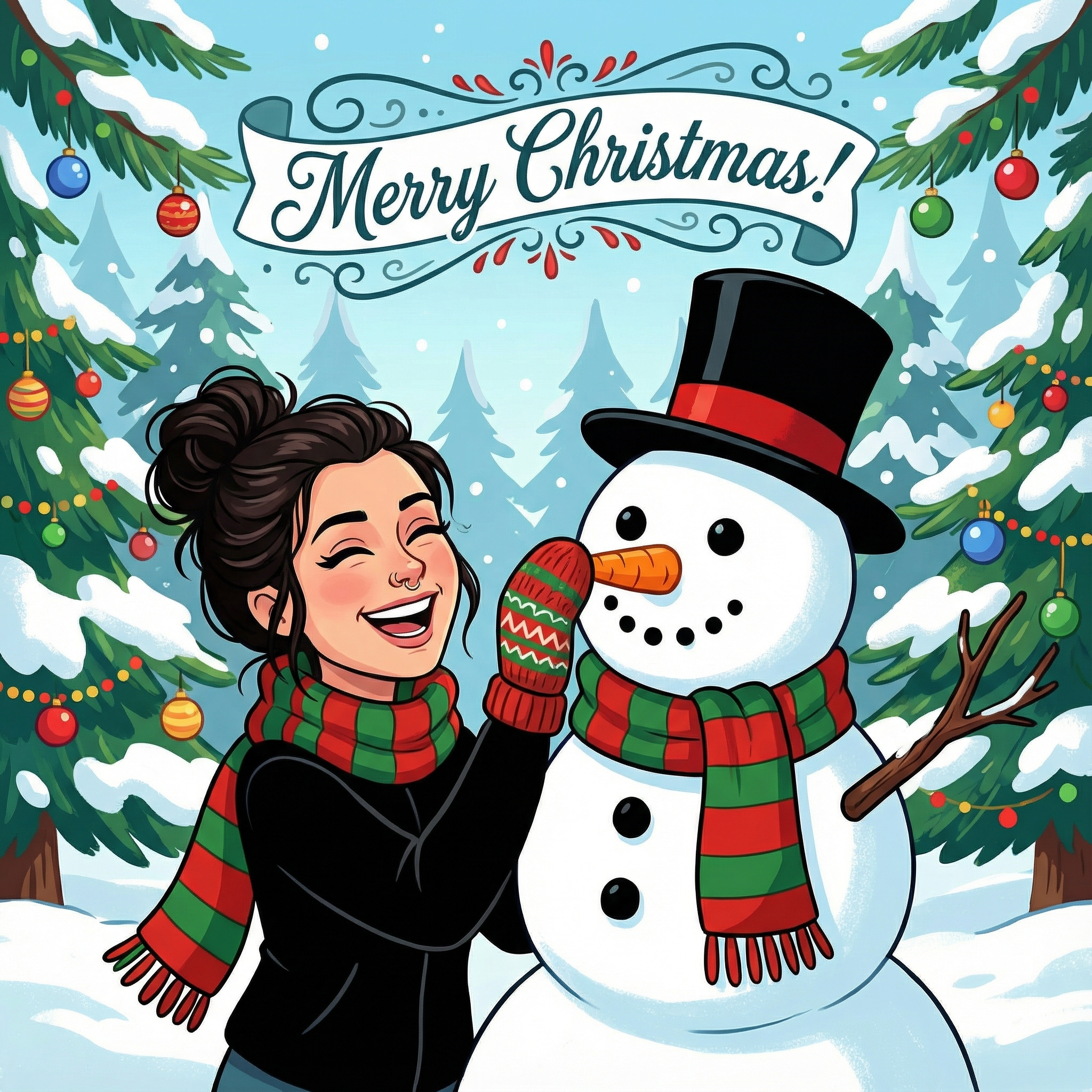
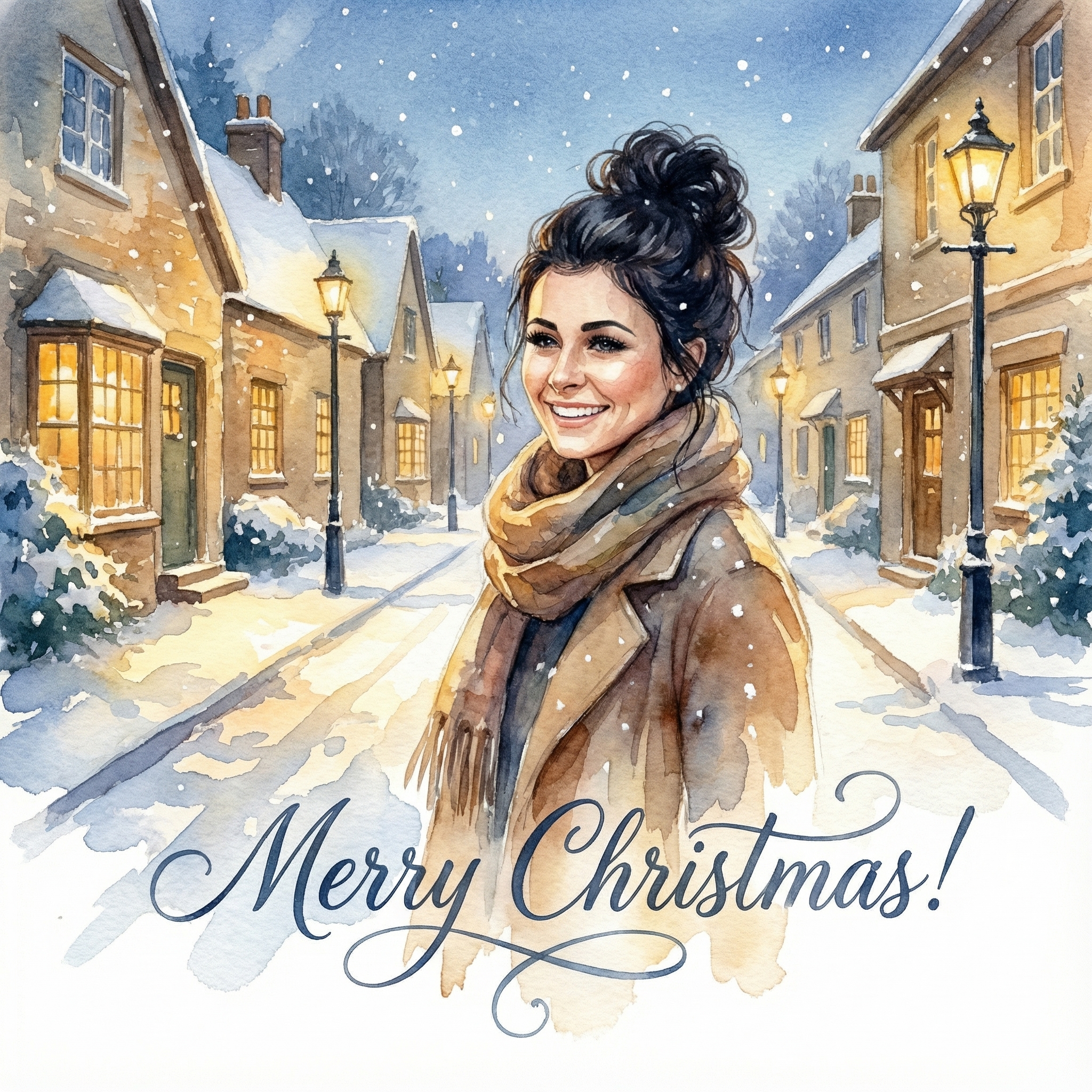
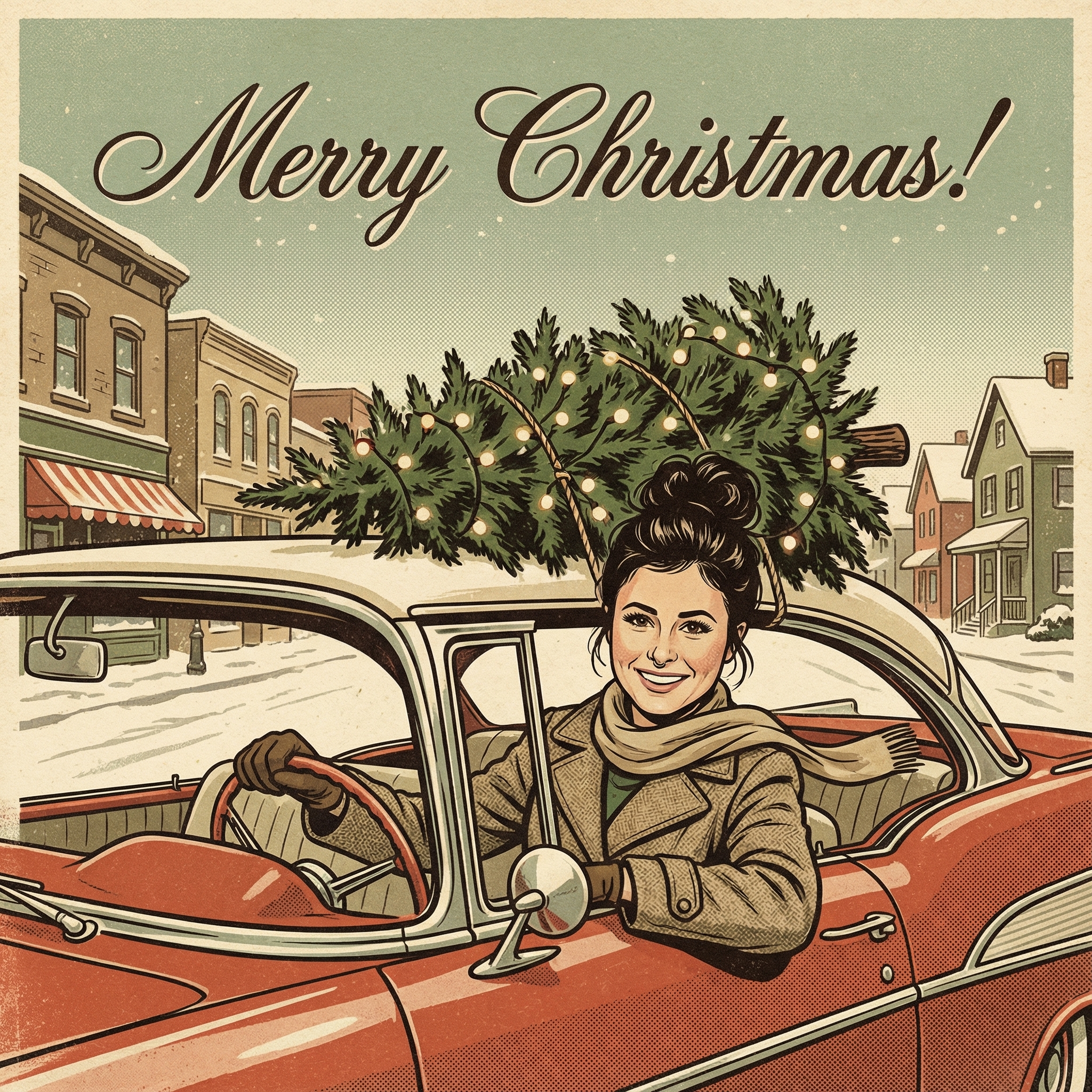
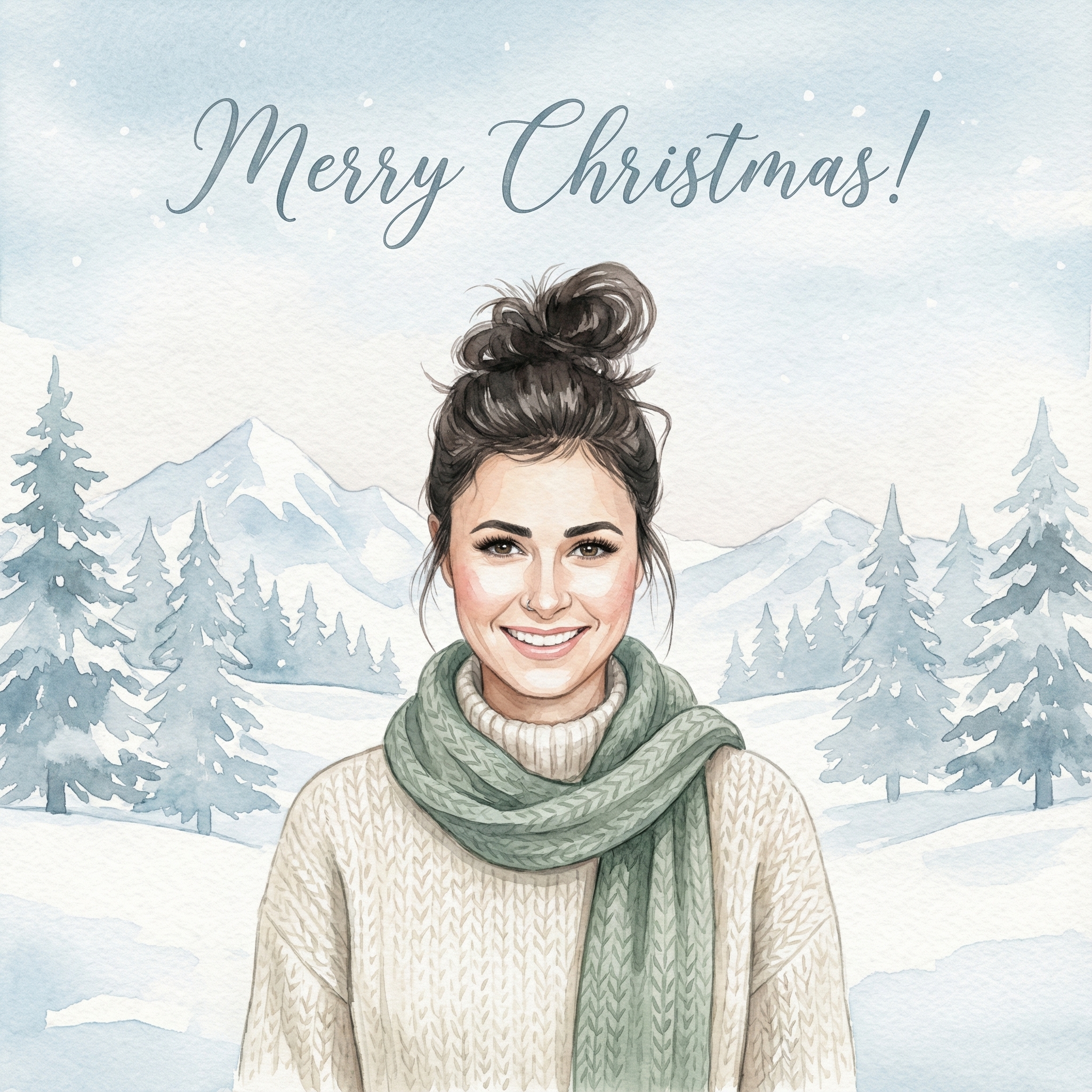
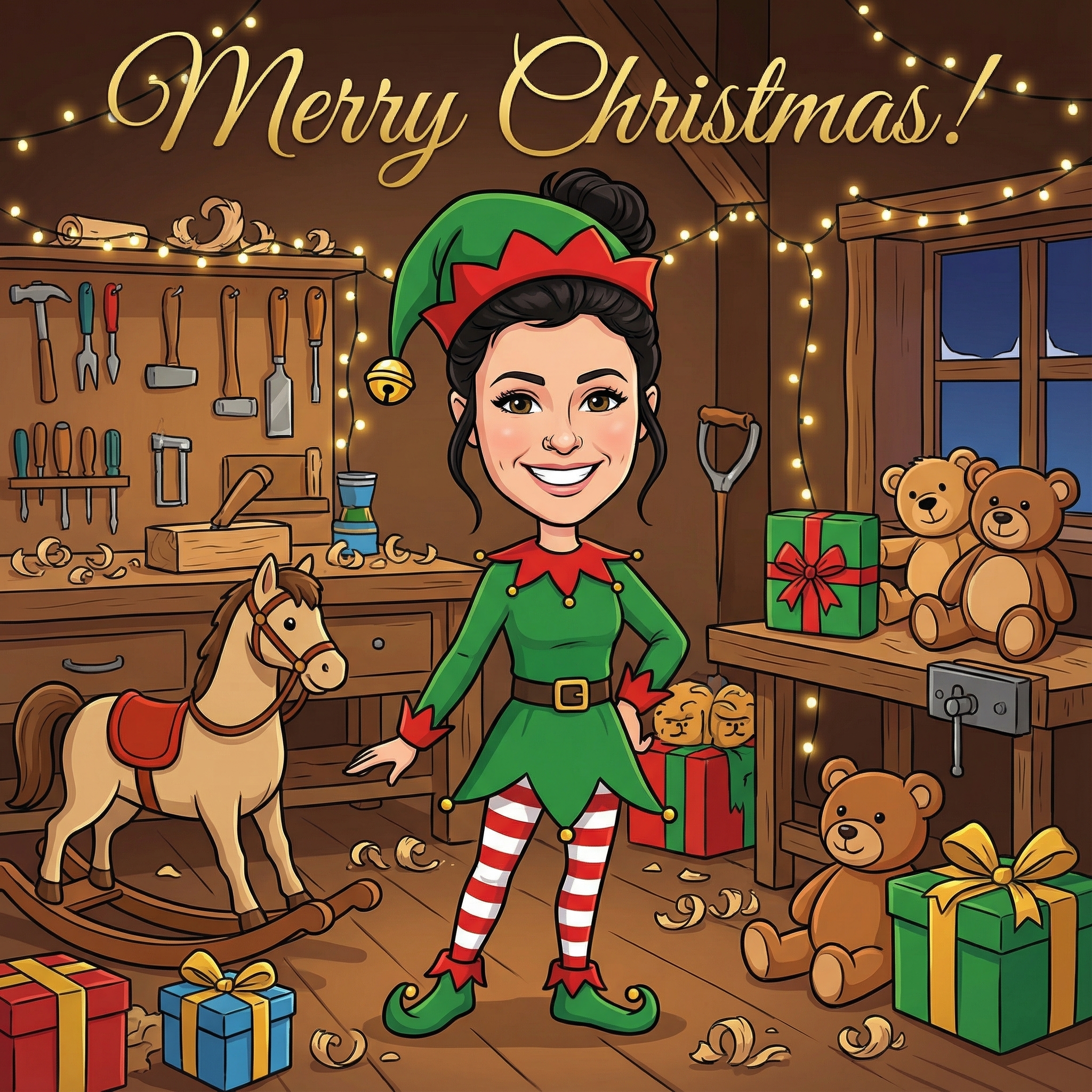
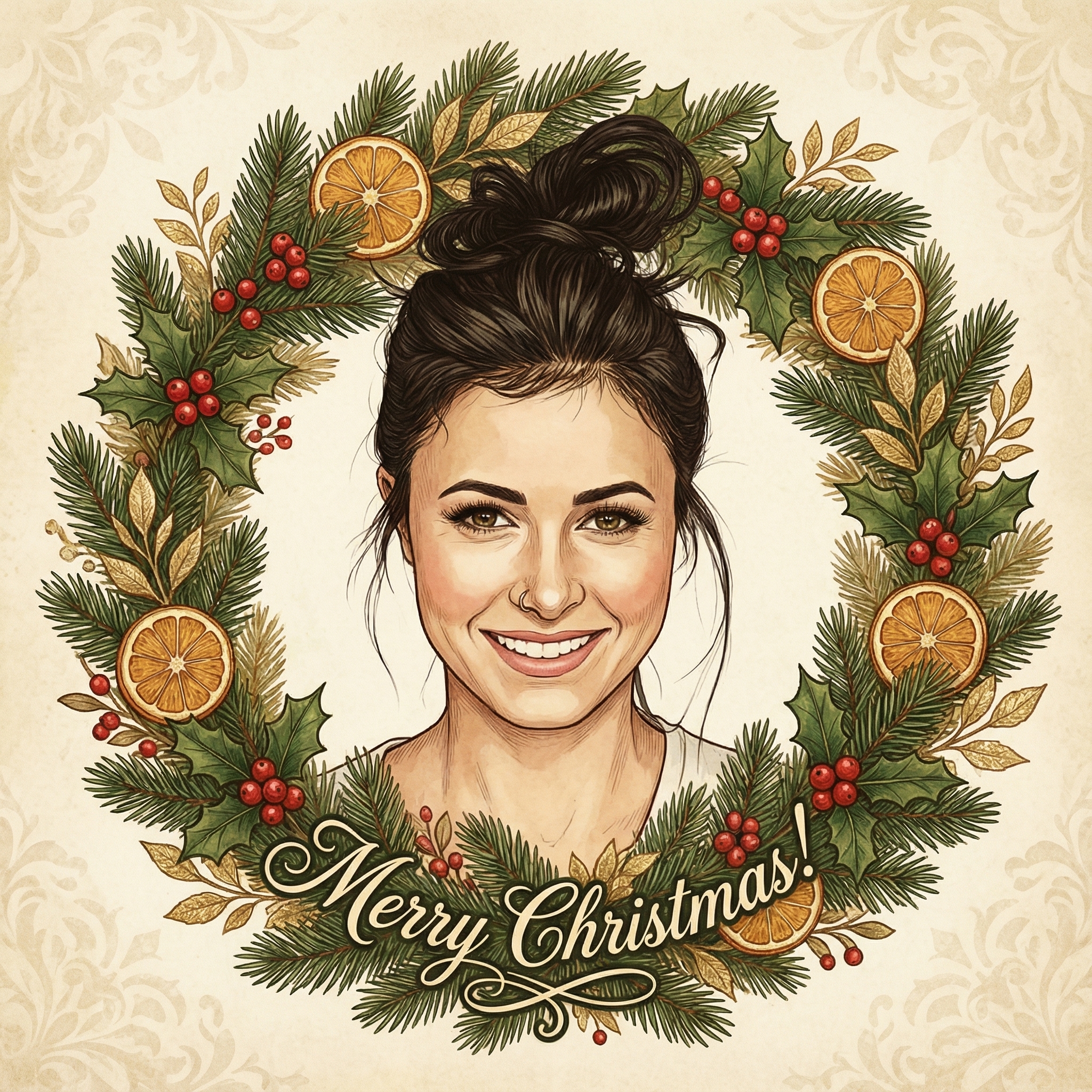
Create your Christmas card in three simple steps
Upload a clear photo of yourself. Our AI uses your unique features to create personalized Christmas cards.
Choose from 12+ beautiful Christmas card styles and add a personal message to your Christmas card.
Within 10 minutes your Christmas card is ready. Download the HD version and have it printed or send it digitally to your family and friends.
Hoe meer kaarten, hoe meer korting. Van €3,99 per kaart tot slechts €2,50 per kaart.
€3,33 per kaart
17% korting
€2,99 per kaart
25% korting
€2,50 per kaart
37% korting
So, you might be thinking, "Why go digital when I can just grab a box of cards from the shop?" And that's a fair point! Traditional cards are lovely, no doubt. But there are a few really good reasons why you might want to consider making your Christmas cards digitally this year.
First off, there's the environmental side of things. Think about all that paper, the printing, the shipping... it all adds up. When you send a digital card, you're cutting down on waste, which feels pretty good, doesn't it?
Then there's the cost. Buying a pack of nice cards, plus all those stamps, can actually get quite expensive, especially if you have a long list of people you want to send them to. With digital cards, you usually just pay for a subscription to a design tool (if you even need one, as many have free options) or nothing at all, and sending them is free via email or messaging apps. That's a huge saving right there.
And let's not forget convenience. No more trips to the post office, no worrying if you have enough stamps, and definitely no last-minute rush to get them in the mail before the cut-off date. You can design your card, hit send, and it's delivered almost instantly, no matter where your friends and family are in the world.
But for me, one of the biggest draws is the personalization. When you make digital Christmas card, you have so much freedom to really make it yours. You can include personal photos, videos, custom messages, even little animations. It's a way to send something truly heartfelt and unique that a pre-printed card just can't quite match. Imagine sending a card with a short video clip of your kids singing a Christmas carol, or a slideshow of your family's year. That's pretty special, right?
Alright, so you're on board with the idea. Now, what do you actually need to get going? Honestly, probably less than you think.
A computer or smartphone: This is pretty obvious, but any modern device will do the trick. You'll be using it to design and send your card. Photos or ideas: Do you have a great family photo from the summer? A silly picture of your dog in a Santa hat? Or maybe you just have an idea for a cool graphic design? Gather up any images or concepts you want to include. Even if you don't have perfect photos, there are tons of free stock photo sites like Unsplash or Pexels that have beautiful holiday-themed images you can use. Or, if you're feeling creative, you could even draw something yourself! A message: What do you want to say? Keep it personal, warm, and festive. Think about who you're sending it to and tailor your message a bit. A simple "Merry Christmas and Happy New Year from our family to yours!" is always a winner, but you can get more specific if you like. An email list (or messaging app contacts): How are you going to send it? Make sure you have the email addresses or contact info for everyone you want to send your card to.
That's pretty much it! No fancy art supplies, no special paper, just your device and your creativity.
This is where it gets fun, because there are so many user-friendly tools out there that make it incredibly simple to make digital Christmas card. You don't need to be a graphic designer, I promise!
#### Free and Easy Online Editors
Canva: This is probably one of the most popular and easiest-to-use options. Canva has tons of pre-made templates for Christmas cards, invitations, and pretty much anything else you can think of. You just pick a template, drag and drop your photos, change the text, and you're good to go. They have a free version that's more than enough for most people, and a paid 'Pro' version if you want access to even more features and stock content. It's super intuitive, and you can even add little animated elements if you want your card to twinkle or have falling snow. You can check them out at Canva.com. Adobe Express (formerly Adobe Spark): Similar to Canva, Adobe Express offers a fantastic range of templates and easy-to-use design tools. It's great for quickly putting together professional-looking cards without any design experience. They also have a free tier and a premium one. It integrates well if you happen to use other Adobe products, but it's totally standalone too. You can find it at Adobe Express. Greetings Island / Fotor / Piktochart: These are other great online tools that offer free templates and drag-and-drop functionality for card making. They might not have as many bells and whistles as Canva or Adobe Express, but they're perfectly capable of helping you create a beautiful holiday greeting.
#### Using What You Already Have
Your phone's photo editor: Believe it or not, you can create pretty decent digital cards just using the editing tools built into your smartphone. You can add text, apply filters, and even create collages. It might take a bit more manual effort, but it's totally doable, especially for a simple photo card. Microsoft Word / Google Docs / Apple Pages: If you're comfortable with these programs, you can actually design a card in them. You'd insert pictures, text boxes, and shapes. It's a bit more old-school for design, but if you're already familiar with them, it can be a quick way to get something done without learning new software.
This is where you can really let your personality shine! Don't feel limited to just a static picture and some text.
Family Photo Fun: The classic choice! A nice, recent family photo is always appreciated. Maybe it's a posed one, or a candid shot from a memorable moment this year. You could even do a 'year in review' collage with a few smaller photos showing different highlights. Pet Portraits: For many of us, our pets are family! A photo of your furry (or scaly!) friend in a festive setting, perhaps with a cute Santa hat or surrounded by fairy lights, is sure to bring a smile. Imagine a cat looking grumpy next to a tiny Christmas tree, or a dog wearing reindeer antlers – instant cheer! Custom Illustrations or Graphics: If you're a bit artistic, why not draw or digitally create your own holiday scene? Or, if not, many of the tools like Canva offer a huge library of holiday-themed illustrations and graphic elements you can use. You could have a minimalist design with a single snowflake, or a bustling scene of elves and reindeer. Short Video Clips: This is where digital really beats traditional cards! Embed a short video – maybe of your kids opening presents from a previous year, a quick "Merry Christmas!" message from your family, or even a time-lapse of snow falling outside your window. Just make sure the file size isn't too huge if you're emailing it. Animated Elements: Many digital card makers let you add subtle animations – falling snow, twinkling lights, a gentle fade-in for your message. These small touches can really make your card feel more dynamic and engaging. A Personal Letter/Update: Beyond the simple greeting, you can include a small update about what's been happening in your life or your family's lives over the past year. It's a lovely way to reconnect, especially with friends and family you don't see often.
Keep it simple: Sometimes less is more. Don't overcrowd your card with too many photos or too much text. A clean, uncluttered design is often the most appealing. Choose readable fonts: Fancy fonts can look great, but make sure your message is easy to read. Stick to one or two complementary fonts. Color scheme: Pick colors that evoke the holiday spirit but also look good together. Red, green, gold, silver, and blue are classic choices. Proofread! This is a big one. Nothing spoils a lovely card like a typo. Read your message carefully, and maybe even ask a friend to take a quick look before you send it out. Consider the recipient: Are they tech-savvy? Will they appreciate an animated card, or would a simple, elegant static image be better? Most digital cards are designed to be widely compatible, but it's worth a thought.
Once you're happy with your design, sending your digital Christmas card is super easy.
Email: This is the most common way. You'll usually download your card as a high-quality image (JPG or PNG) or a PDF, and then attach it to an email. You can also paste the image directly into the email body so people don't even have to open an attachment. If you made an animated card or a video, you might get a link to share instead, or download it as a GIF or MP4. Messaging Apps: For closer friends and family, you can send your card directly through WhatsApp, Facebook Messenger, Instagram DMs, or whatever app you use. This is great for instant delivery and often feels more personal. Social Media: If you're sending a general greeting to a wider audience, you could post your card on your social media profiles. Just remember that this is less personal than direct messages or emails.
Q: Do I need any special software to make digital Christmas card? A: Not at all! Most popular tools like Canva and Adobe Express are web-based, meaning you can use them right in your internet browser. They also have apps for smartphones and tablets if you prefer to design on the go.
Q: Can I really make digital Christmas card look as good as store-bought ones? A: Absolutely, sometimes even better! With the vast array of templates, fonts, and graphic elements available in modern design tools, you can create cards that look incredibly polished and professional. Plus, the ability to add personal photos and custom messages often makes them feel much more special than a generic store-bought card.
Q: What if my friends and family aren't very tech-savvy? Will they be able to open it? A: Most digital cards are sent as standard image files (like JPG or PNG) or PDFs, which pretty much everyone with a computer or smartphone can open. If you include video or animation, the platforms usually generate a link that's easy to click. Just avoid super obscure file formats, and you should be fine!
Q: Is it okay to send digital cards, or are they less thoughtful than paper ones? A: This is a really personal thing, but honestly, I think digital cards can be just as, if not more*, thoughtful. The effort you put into personalizing it, choosing special photos, and writing a unique message really shines through. It shows you've put time and care into creating something just for them, which is what truly matters, regardless of the format.
Q: Can I schedule my digital cards to be sent later? A: Some email services (like Gmail) let you schedule emails to be sent at a specific date and time. So, you can prepare all your cards in advance and set them to go out closer to Christmas, taking one more thing off your holiday to-do list!
Making digital Christmas card is a fantastic way to spread some holiday cheer this year. It's flexible, personal, and environmentally conscious. Why not give it a try and see what amazing creations you come up with? Your friends and family will surely appreciate the thought and effort you put into something made just for them.