Your Christmas Card on WhatsApp: Making Digital Greetings Feel Special



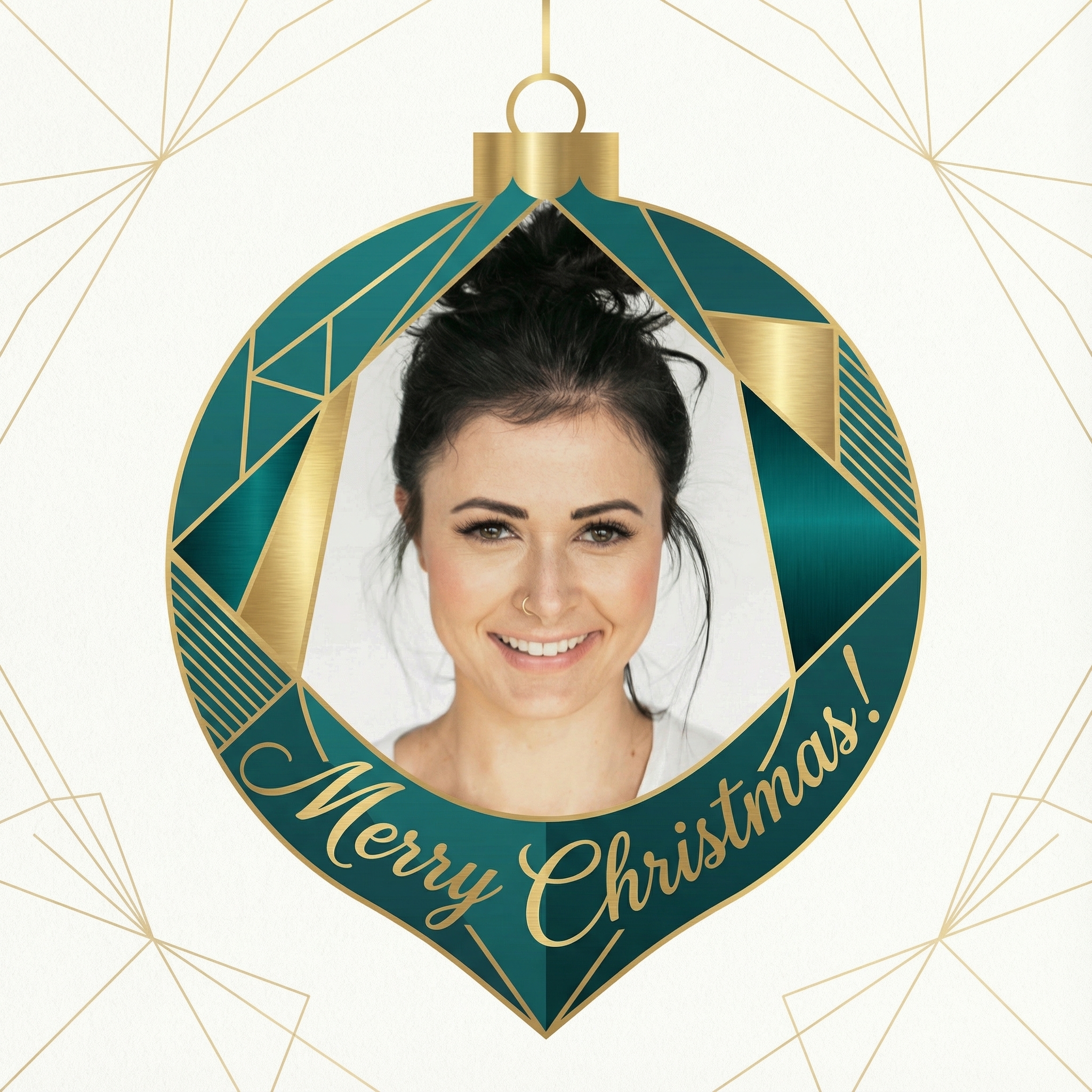
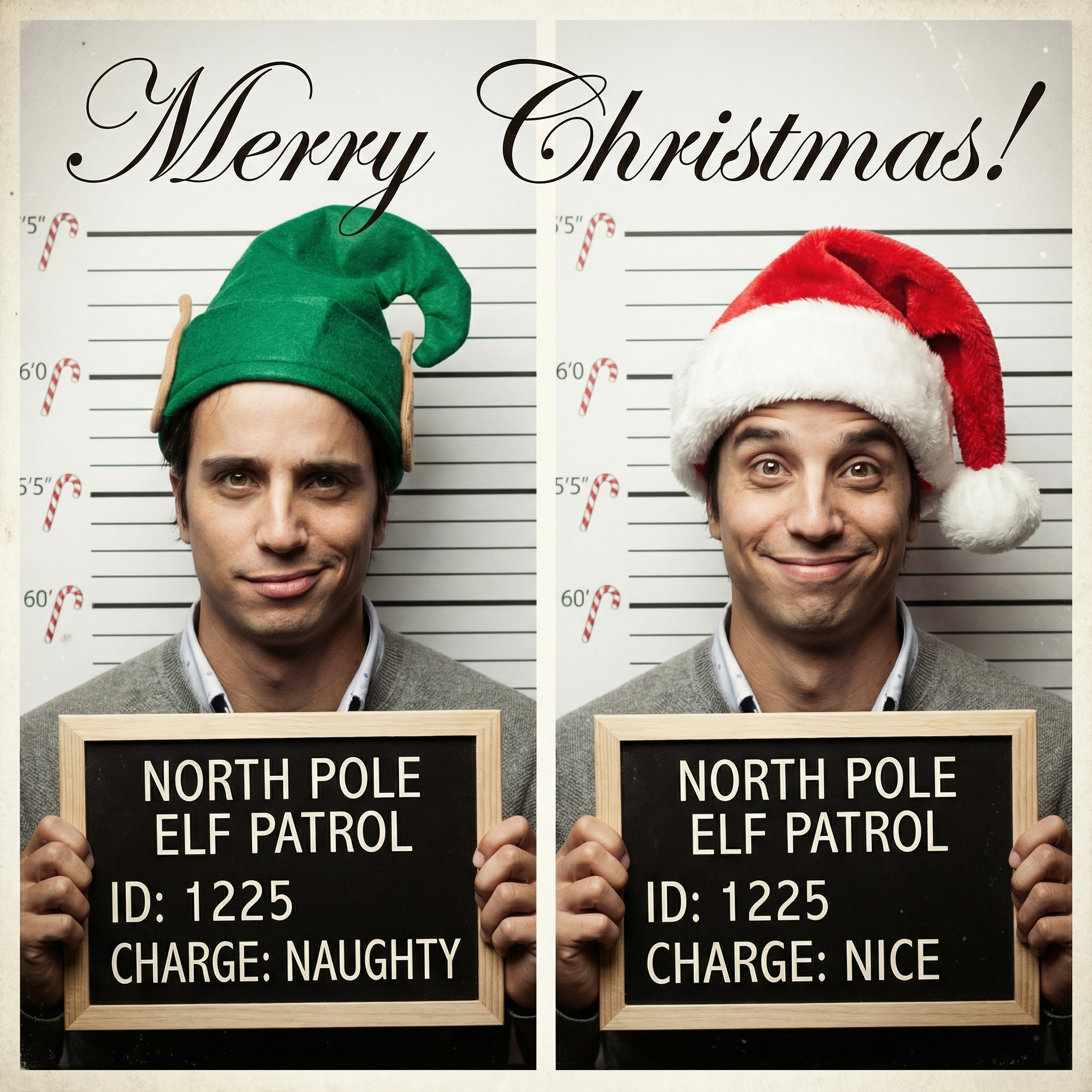
Choose from our collection of beautiful Christmas card styles. From classic to modern, there's a perfect style for everyone.








Create your Christmas card in three simple steps
Upload a clear photo of yourself. Our AI uses your unique features to create personalized Christmas cards.
Choose from 12+ beautiful Christmas card styles and add a personal message to your Christmas card.
Within 10 minutes your Christmas card is ready. Download the HD version and have it printed or send it digitally to your family and friends.
Hoe meer kaarten, hoe meer korting. Van €3,99 per kaart tot slechts €2,50 per kaart.
€3,33 per kaart
17% korting
€2,99 per kaart
25% korting
€2,50 per kaart
37% korting
Well, there are a few reasons, aren't there? For starters, think about the sheer convenience. No running to the post office, no worrying about stamps, and definitely no paper cuts! If you've got friends or family living abroad, sending a digital Christmas card via WhatsApp means it arrives instantly, no matter the distance. It's also a pretty good option if you're trying to be a bit more mindful of the environment and cut down on paper waste. And let's be honest, sometimes Christmas sneaks up on us, and a digital card can be a lifesaver for those last-minute greetings. It's about reaching out and sharing some festive cheer, and WhatsApp is just another tool in our kit for doing that.
This is probably the biggest question people have, right? How do you make a digital card feel as warm and personal as one you've written by hand? It's totally doable! The trick is to lean into what digital allows you to do. Think about adding:
Your own photos or videos: Instead of a generic picture of a snowman, why not use a recent family photo? Maybe a funny one from your summer holiday, or a shot of your pet looking festive. You could even record a super short video clip – just a quick 'Merry Christmas!' from you and the kids. That's way more personal than any store-bought card. Handwritten touches: If you're a bit tech-savvy, you can actually write a message on paper, take a photo, and then use a simple editing app to overlay it onto your digital card design. It gives that lovely, authentic feel without needing to mail anything. Personalized messages: Even if you're sending a similar design to a few people, always add a specific text message alongside it. Something like, "Thinking of you, Auntie Sue! Hope you have a wonderful Christmas with the family," makes all the difference.
For example, I once saw someone create a lovely little animated GIF of their dog wagging its tail next to a Christmas tree, and then they sent that as their digital Christmas card via WhatsApp with a sweet message. It was adorable and definitely memorable!
When you're thinking about creating your card, you've got a few options for what format works best on WhatsApp:
Images (JPEG/PNG): This is probably the easiest and most common. You design your card, save it as an image, and send. Simple, effective, and everyone can open it. GIFs: If you want something with a bit of movement – maybe some twinkling lights, or a short animation – a GIF is perfect. They loop, so they're quite engaging. Short Videos: As I mentioned, a quick video message is incredibly personal. It doesn't have to be Hollywood quality; just a genuine greeting is enough. PDFs: You can send a PDF, especially if you've designed something with multiple pages or a very specific layout. Just be aware that some people might find it slightly less immediate than an image or video.
You don't need fancy software or design skills to make something great. There are tons of user-friendly tools out there:
Canva: This is a fantastic option for pretty much anyone. They have tons of templates for cards, and it's super easy to drag and drop your own photos, change text, and pick colours. You can find it at Canva. Adobe Express (or similar free apps): If you're looking for something a bit more robust than basic phone editing, but still free and easy, apps like Adobe Express are brilliant. They often have filters, text options, and effects to make your photos pop. Your phone's built-in photo editor: Honestly, for a quick and simple card, sometimes just adding text over a photo in your phone's gallery is enough. You can crop, add filters, and type a message right there. Drawing apps: If you're feeling artistic, you could even hand-draw something on a tablet or phone screen and send that. It's truly unique!
To make sure your greetings land well, here are a couple of things to keep in mind:
Personalize, personalize, personalize: Try not to just send the exact same generic digital Christmas card via WhatsApp to your entire contact list. WhatsApp allows you to send to multiple people at once, but take a moment to add a specific message for each person or group. It makes a huge difference. Consider groups: If you have a family chat or a group of close friends, sending it there with a collective message can be really nice. It feels less like a mass-mail and more like a shared moment. Timing: Just like physical cards, sending them too early or too late can be a bit odd. Aim for the week or two leading up to Christmas Day. * Quality over quantity: A thoughtful, slightly imperfect card is better than a super slick but impersonal one. The effort and the thought behind it are what count.
For instance, if you're sending a photo of your kids dressed up, maybe add a little caption like, "The elves send their love! Hope you have a magical Christmas, [Name]!" It makes the digital card feel much more like a real conversation starter.
Now, let's be fair, a digital card isn't going to replace the joy of getting a beautifully printed card in the mail for everyone. Some people really cherish those physical keepsakes, and a digital message might just get lost in the endless stream of WhatsApp chats. It's also true that for some, the tradition of displaying cards on the mantelpiece is a big part of Christmas. So, it might not be the right choice for absolutely everyone on your list, and that's totally okay. It's just another option in our modern world.
Ultimately, whether you send a physical card, a digital Christmas card via WhatsApp, or even just give someone a call, the most important thing is the thought behind it. It's about letting people know you're thinking of them during the festive season. So go ahead, get creative, and share some joy in whatever way feels right for you!
***
Absolutely! In today's world, it's a perfectly acceptable and often appreciated way to send holiday greetings. Many people prefer the convenience and eco-friendliness, especially for friends and family living far away. It's all about the thought you put into it, regardless of the format.
For general ease of use and instant viewing, an image (JPEG or PNG) or a short video clip usually works best. GIFs are also great for adding a bit of fun and animation. PDFs are an option if you have a more complex design, but images and videos are generally more immediate for recipients.
You can, but it's generally better to personalize it a bit. While the core design can be the same, try to add a unique text message alongside it for each person or group. This makes the greeting feel much more genuine and less like a mass-produced message.
Focus on personalization! Use your own photos, add a short video message, incorporate a handwritten element, or even create a custom GIF. The more unique and personal it is to you and the recipient, the more it will stand out and be cherished.
Yes, absolutely! Tools like Canva offer many free templates and design elements that are perfect for creating beautiful digital cards. Your phone's built-in photo editor can also be surprisingly powerful for simple designs, and apps like Adobe Express offer more features for free too. You can also find great free stock photos for backgrounds on sites like Pexels.