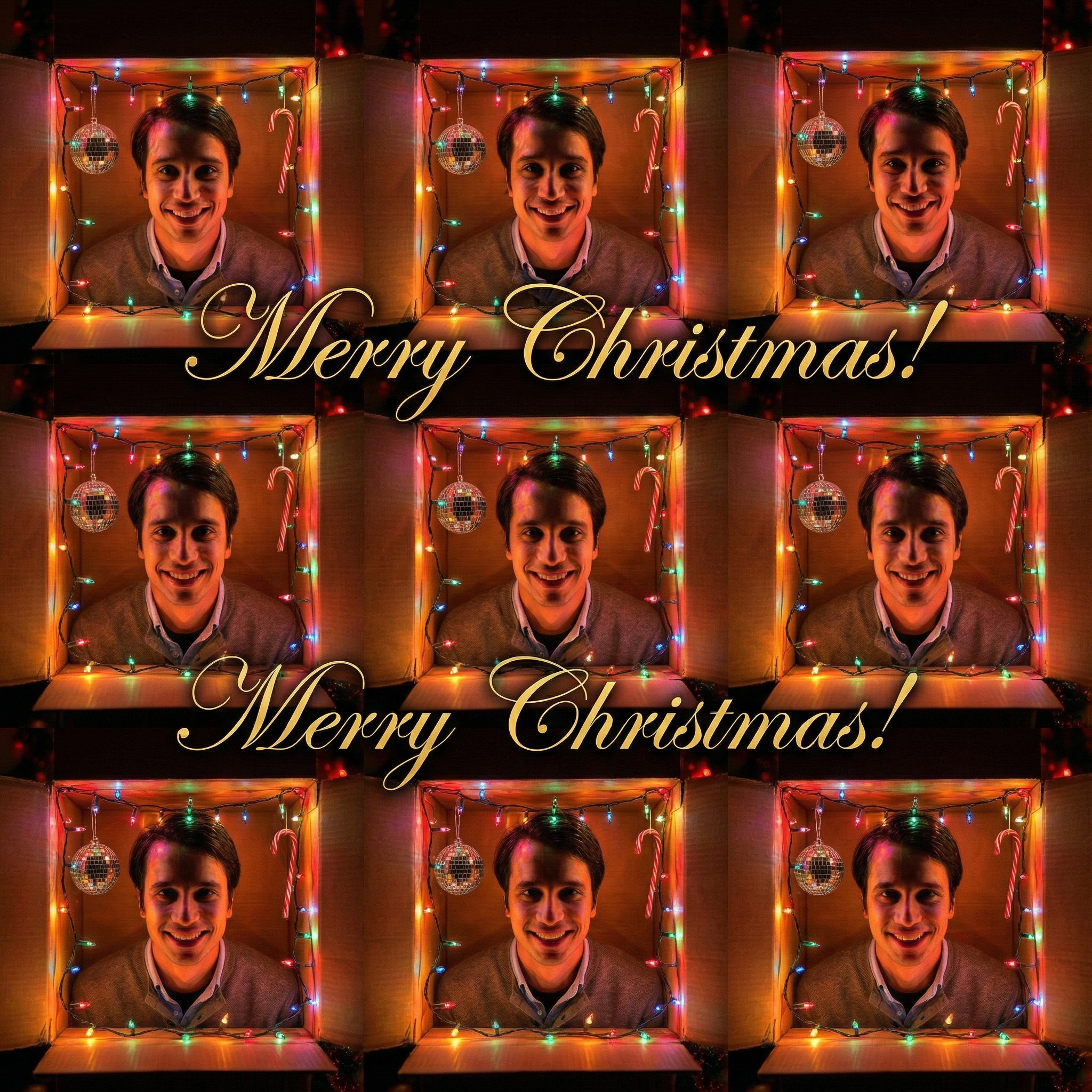
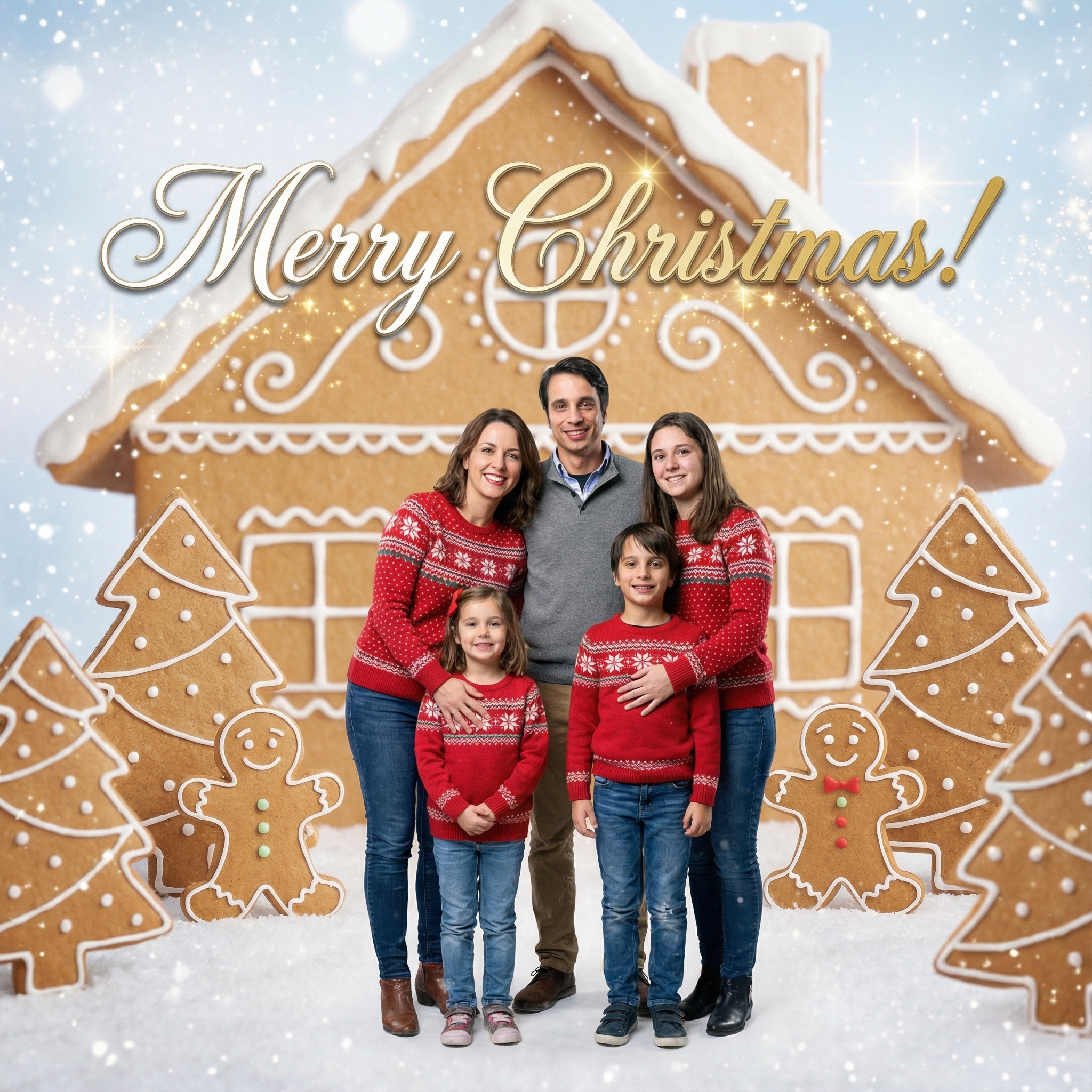
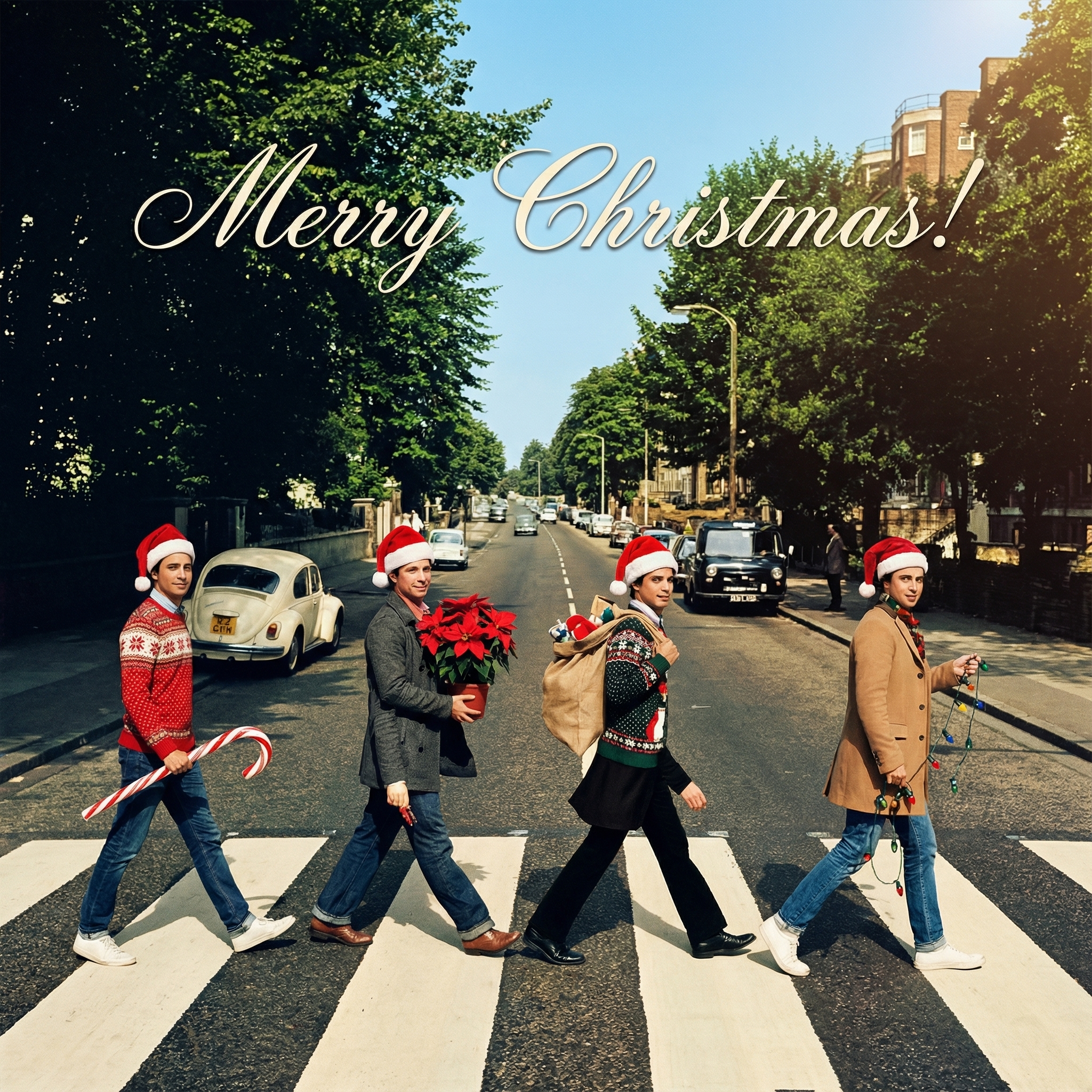
Making Your Christmas Cards Really Special with a Digital Christmas Card Maker App
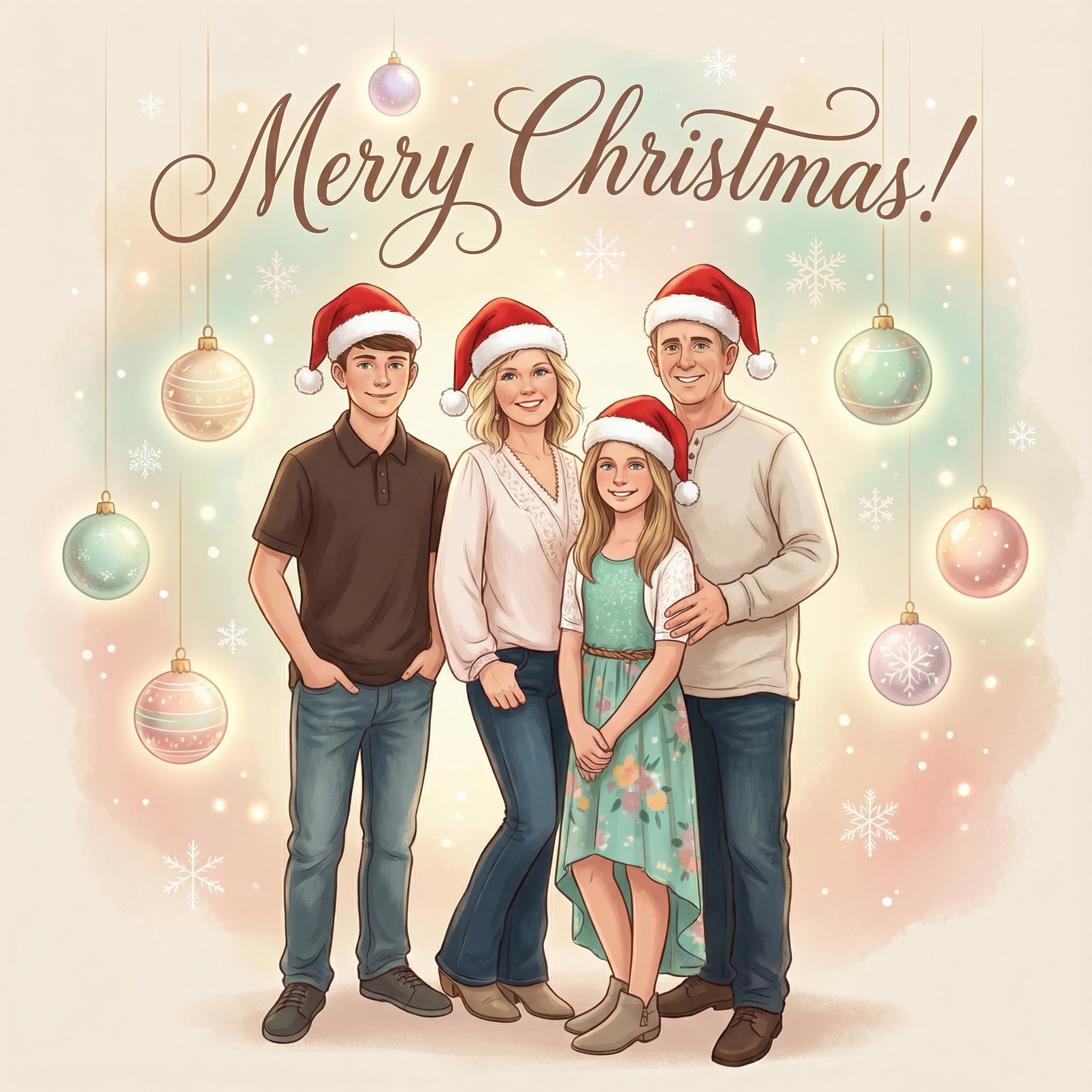
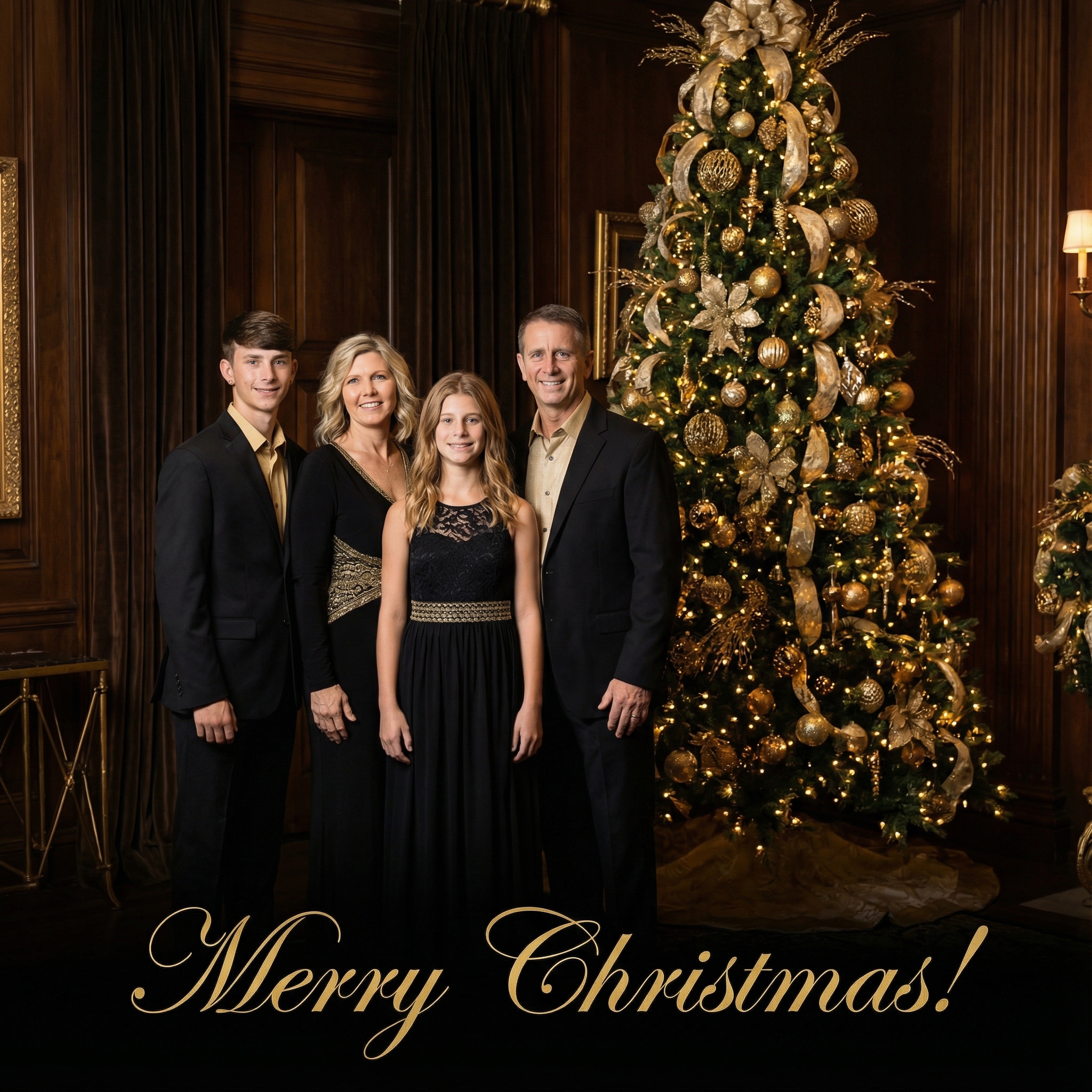
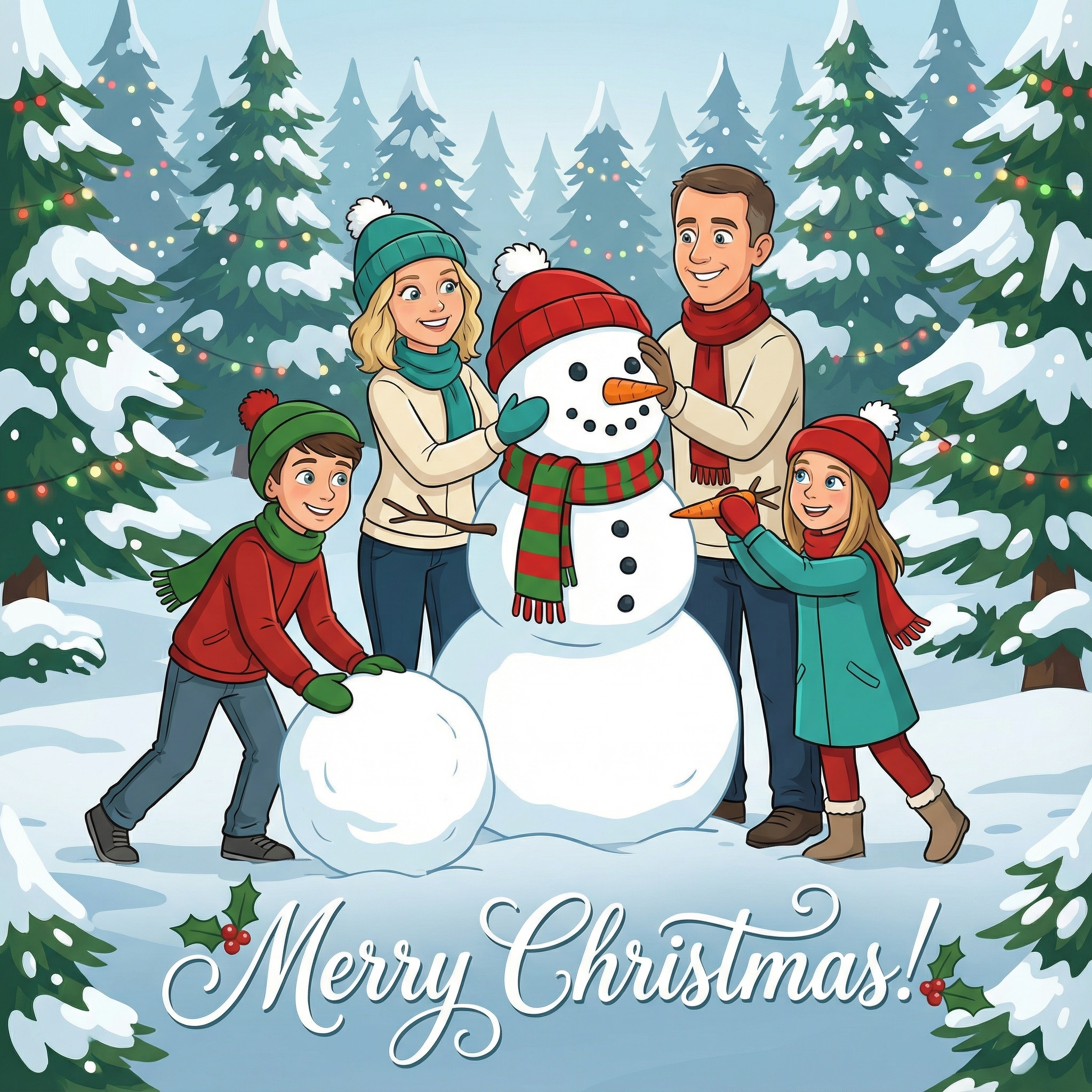
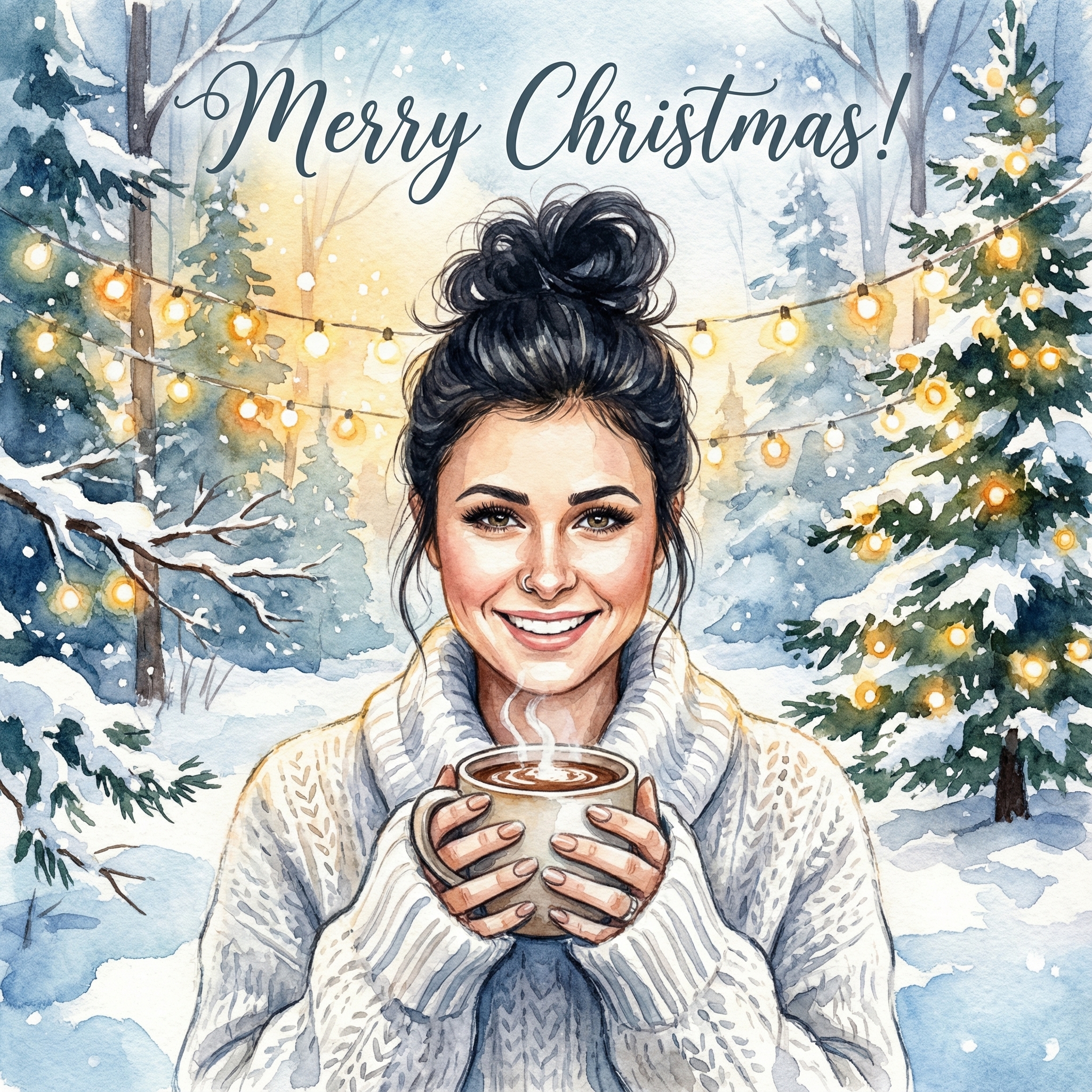
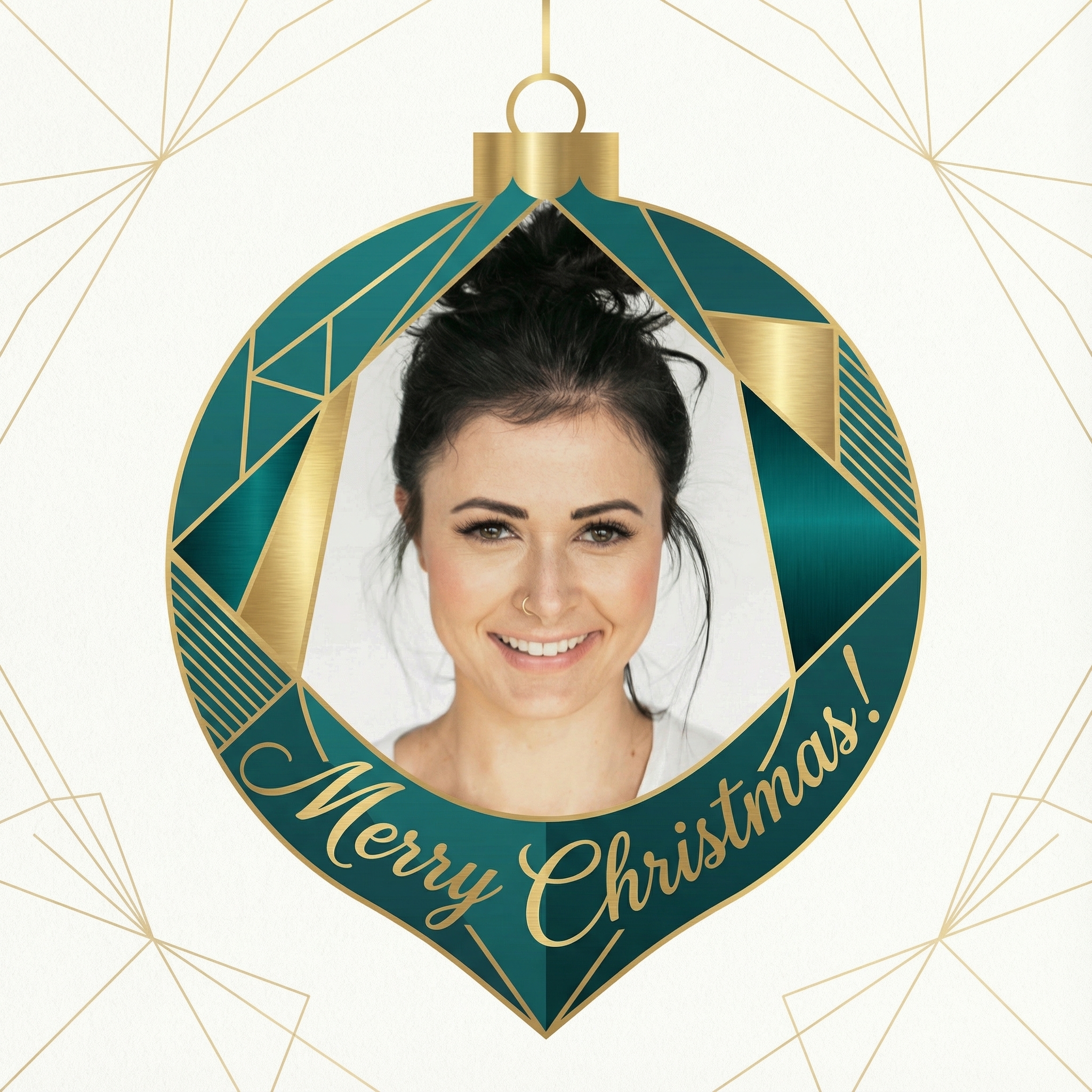
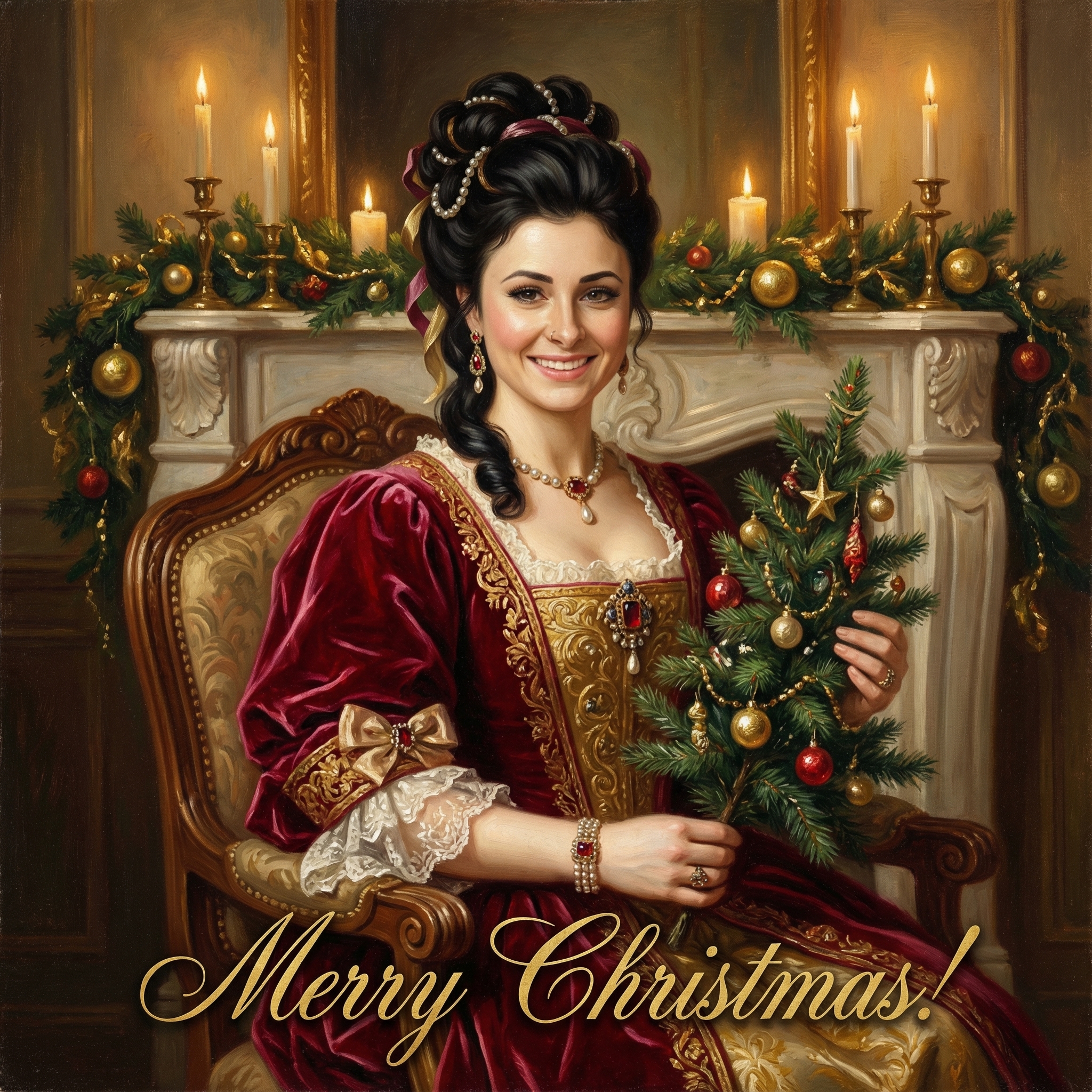
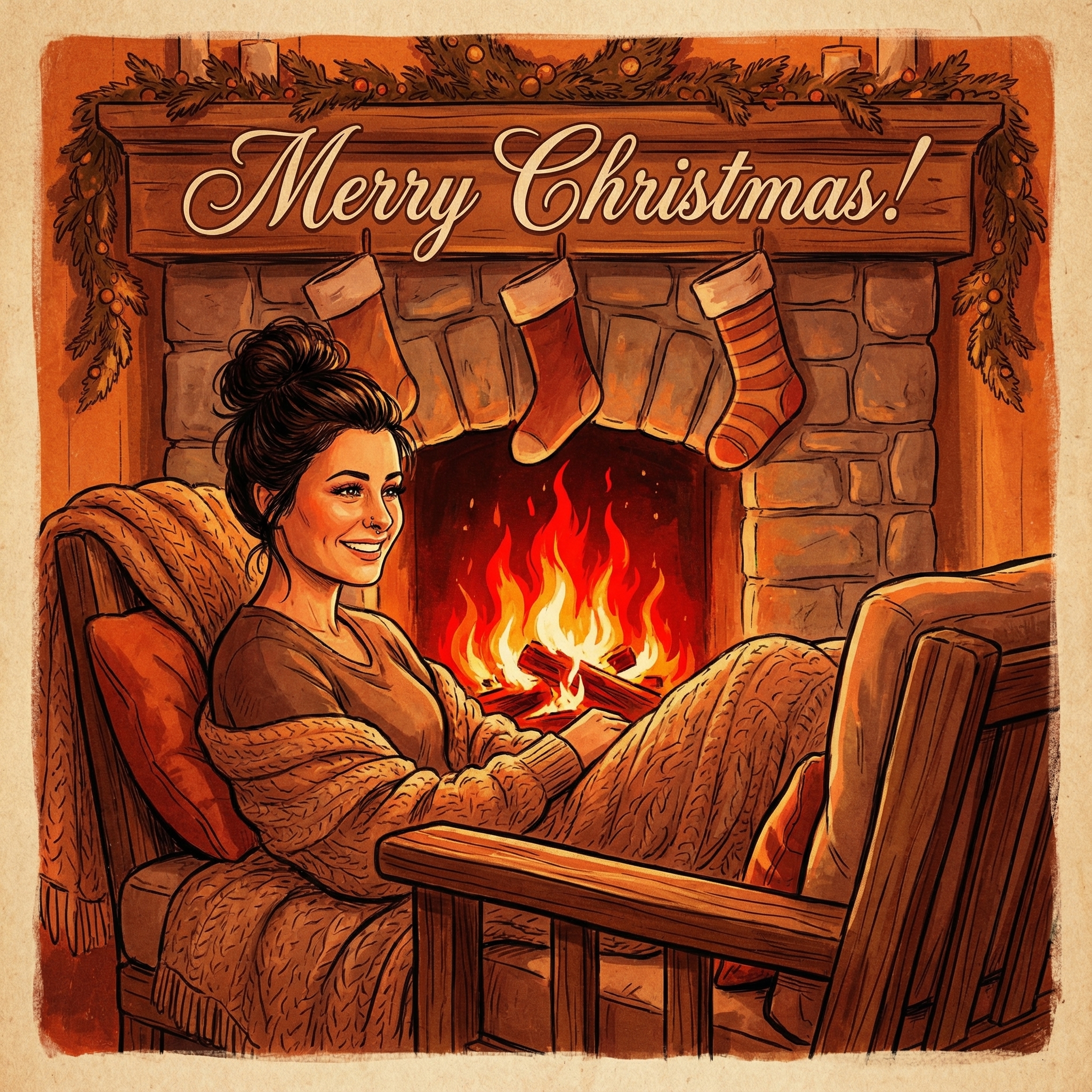
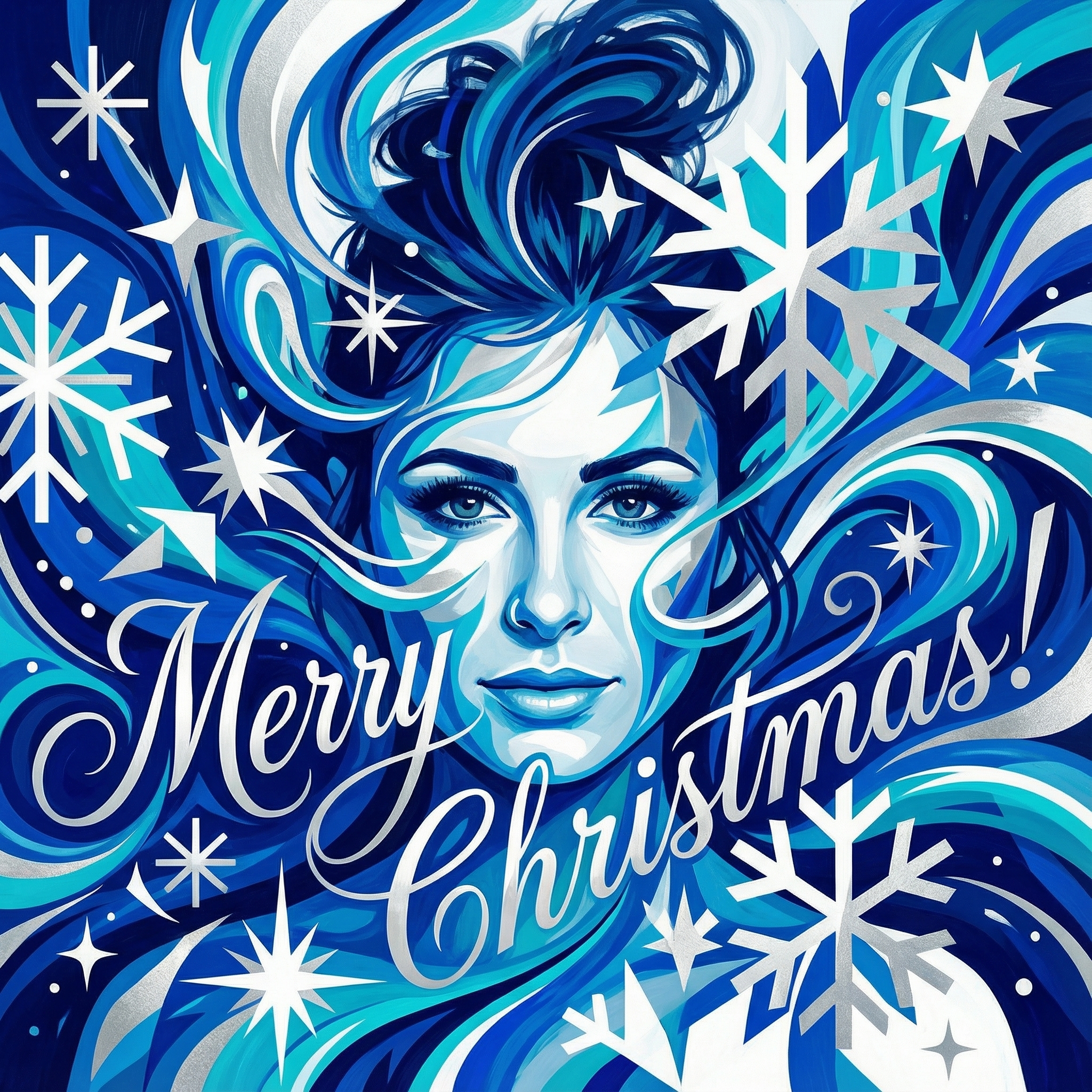
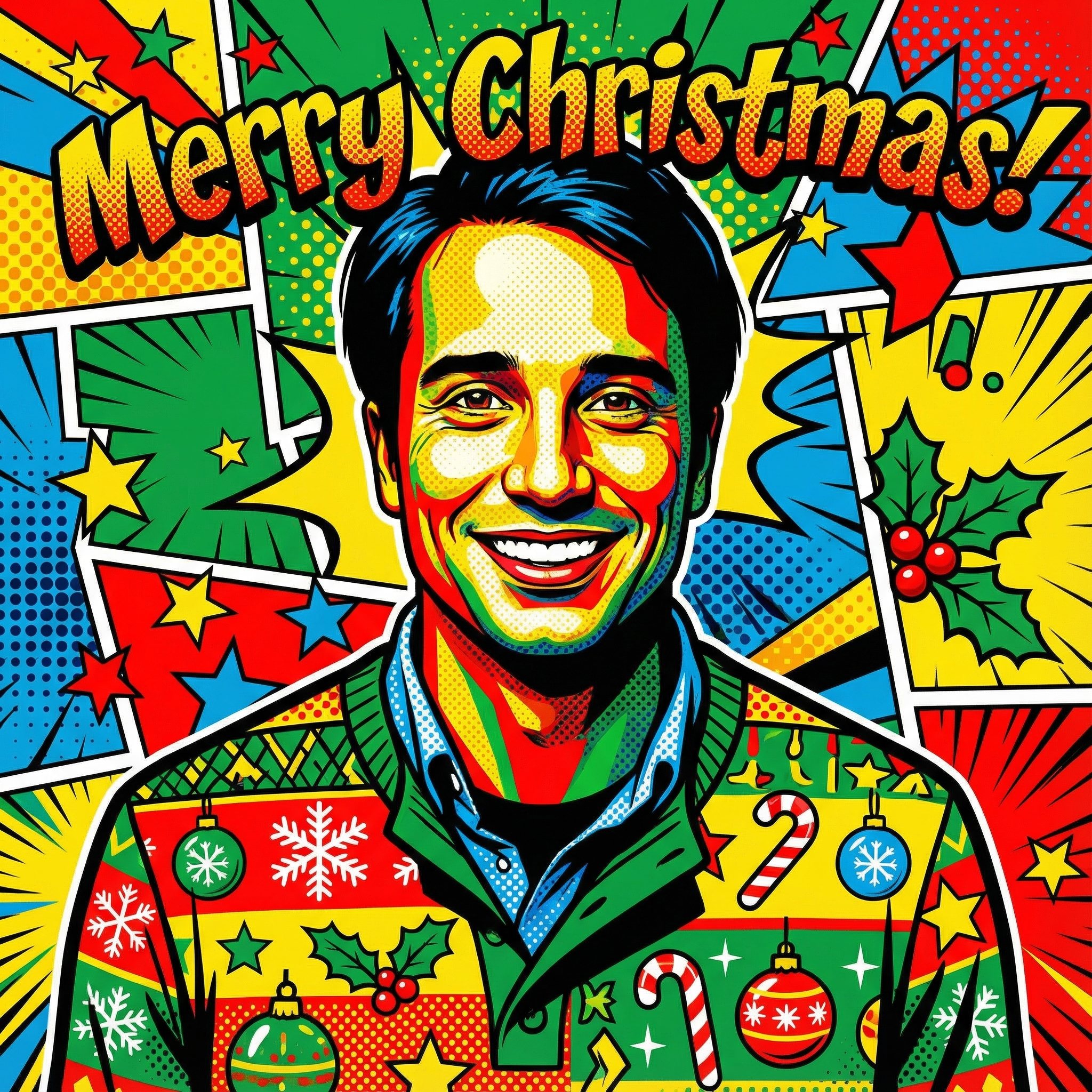
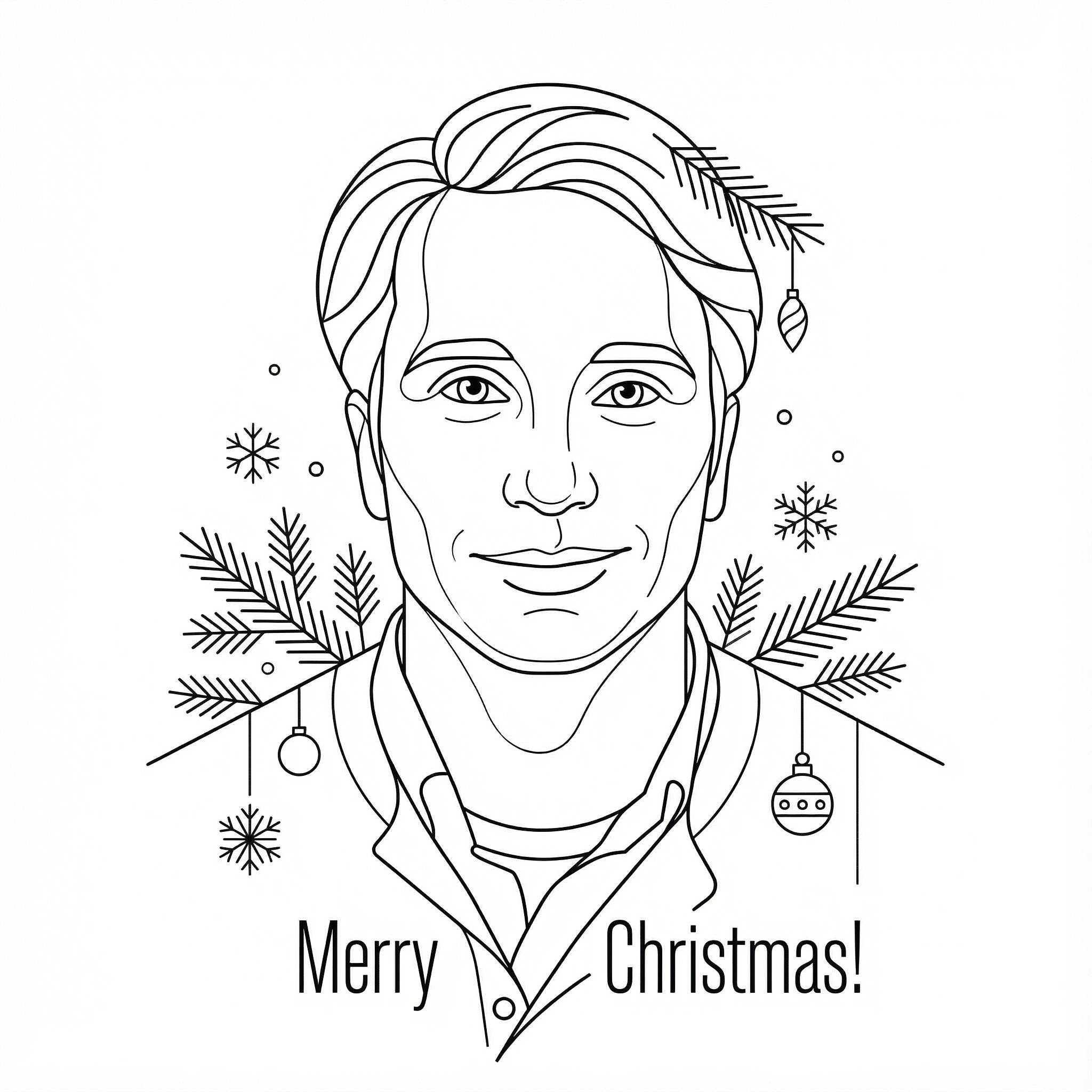
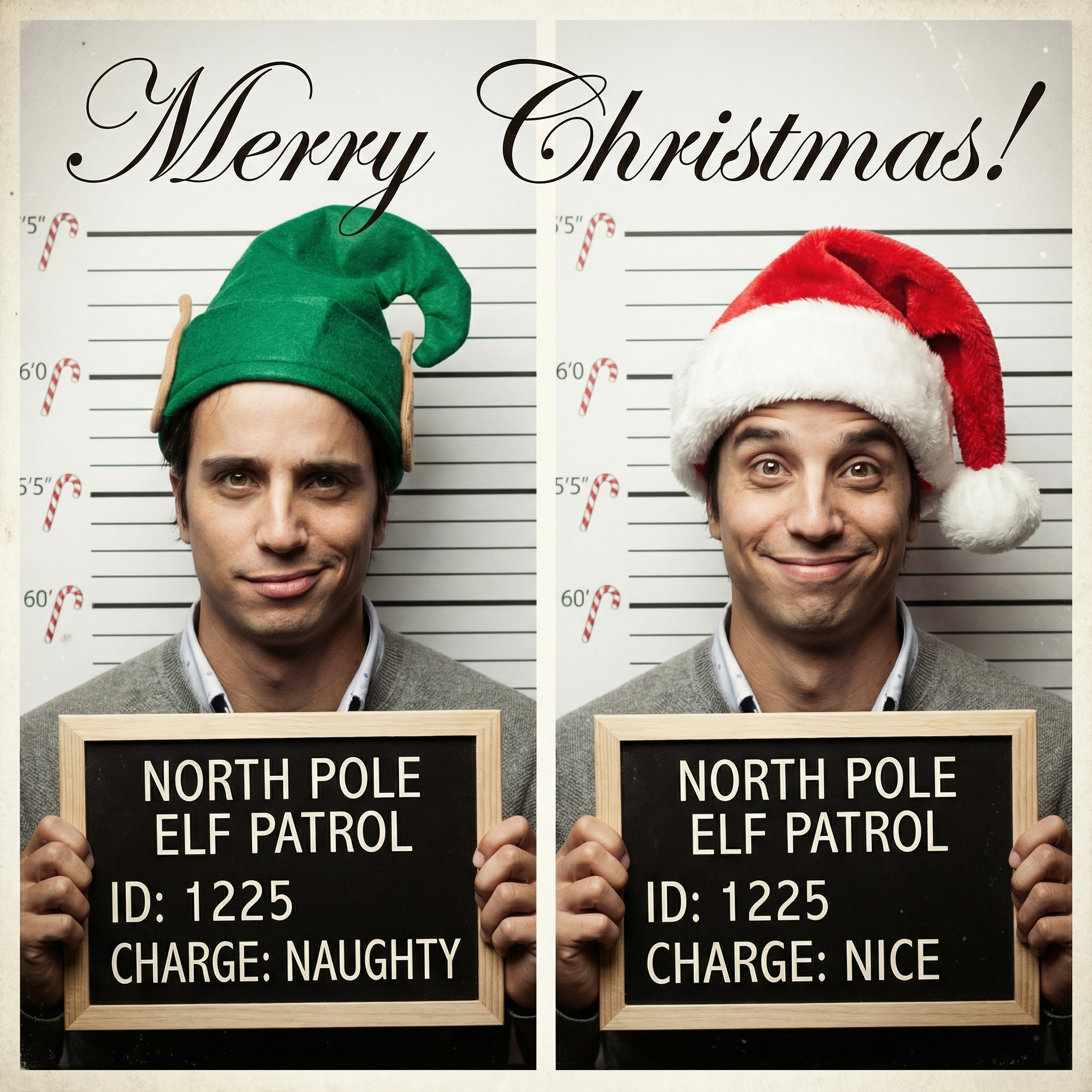
Choose from our collection of beautiful Christmas card styles. From classic to modern, there's a perfect style for everyone.
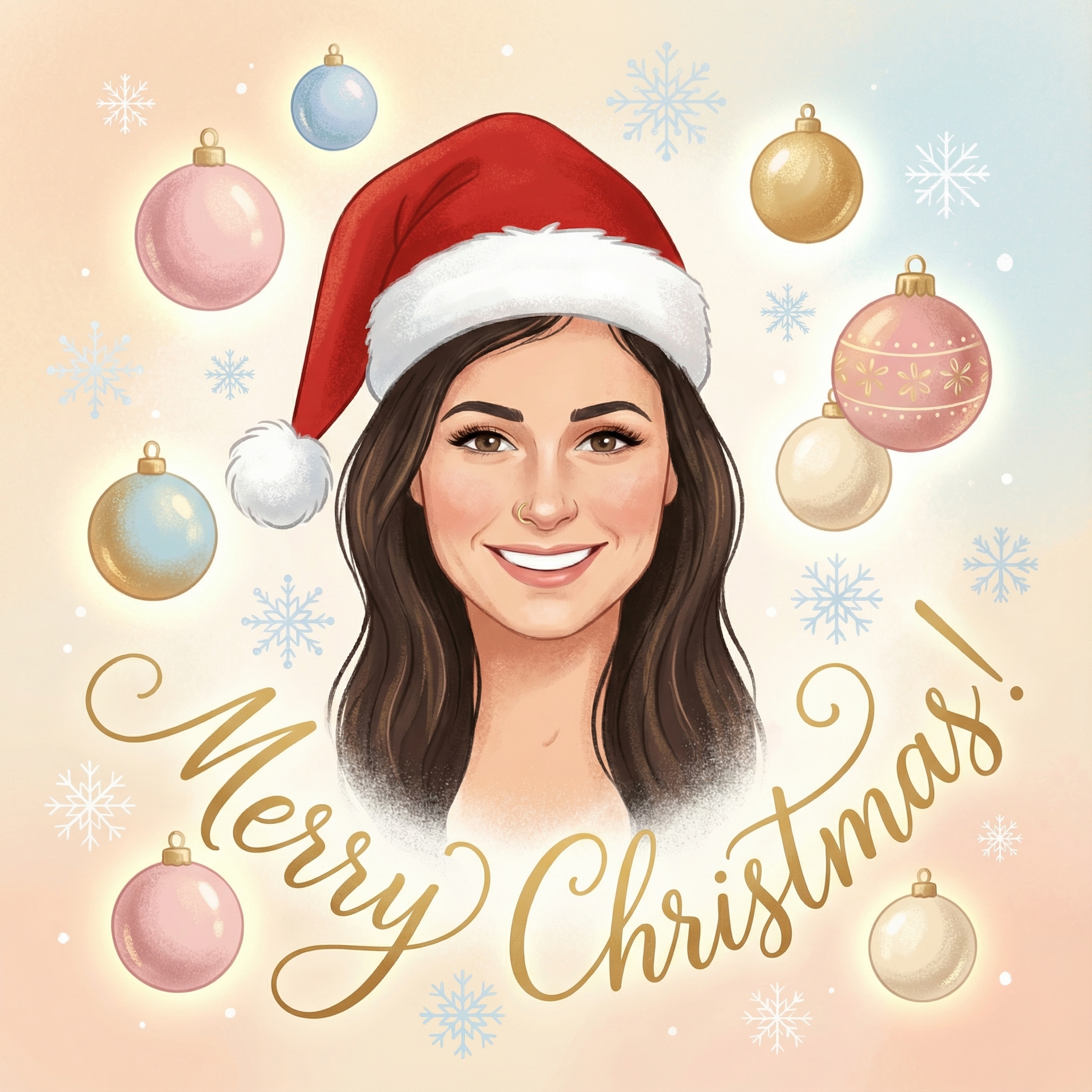
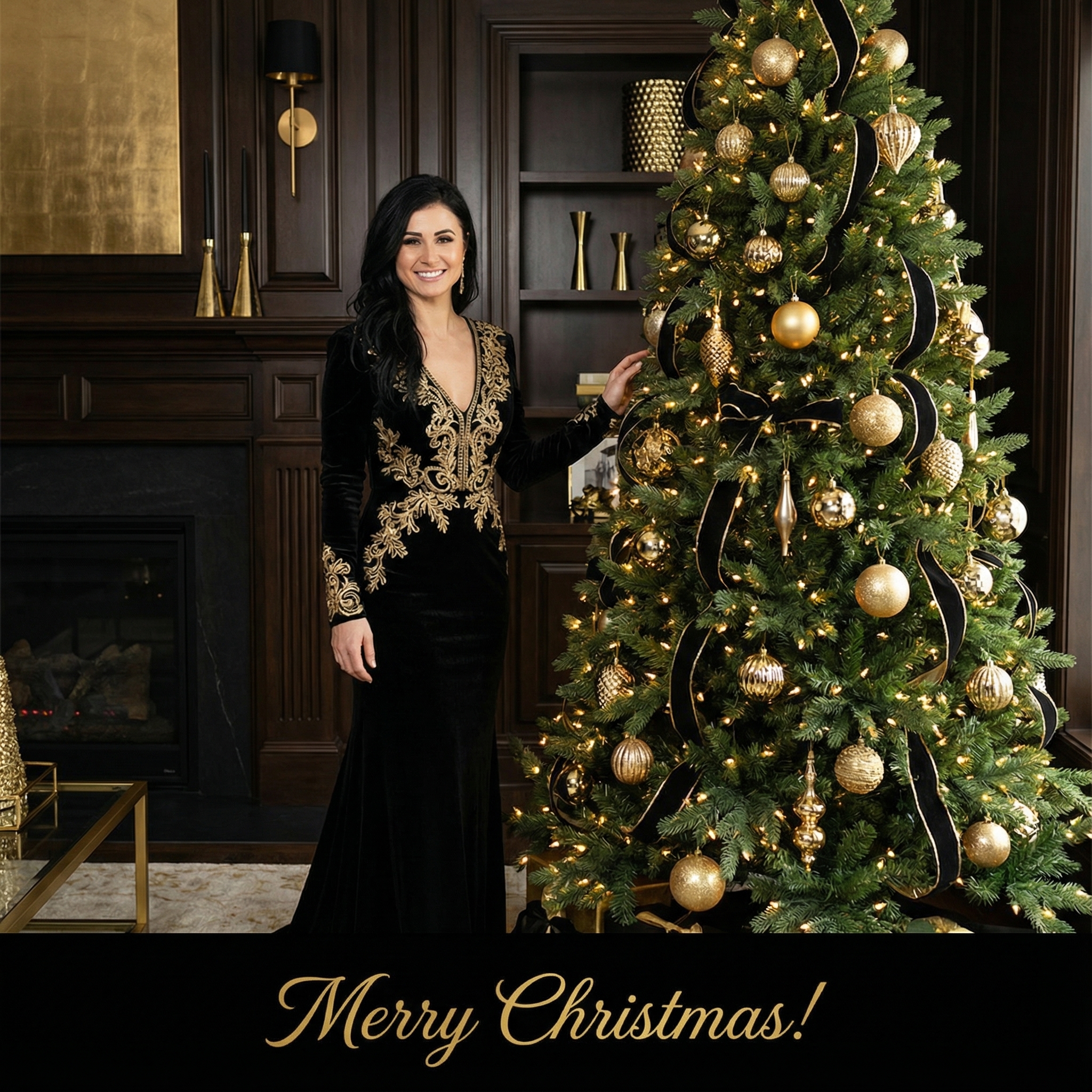
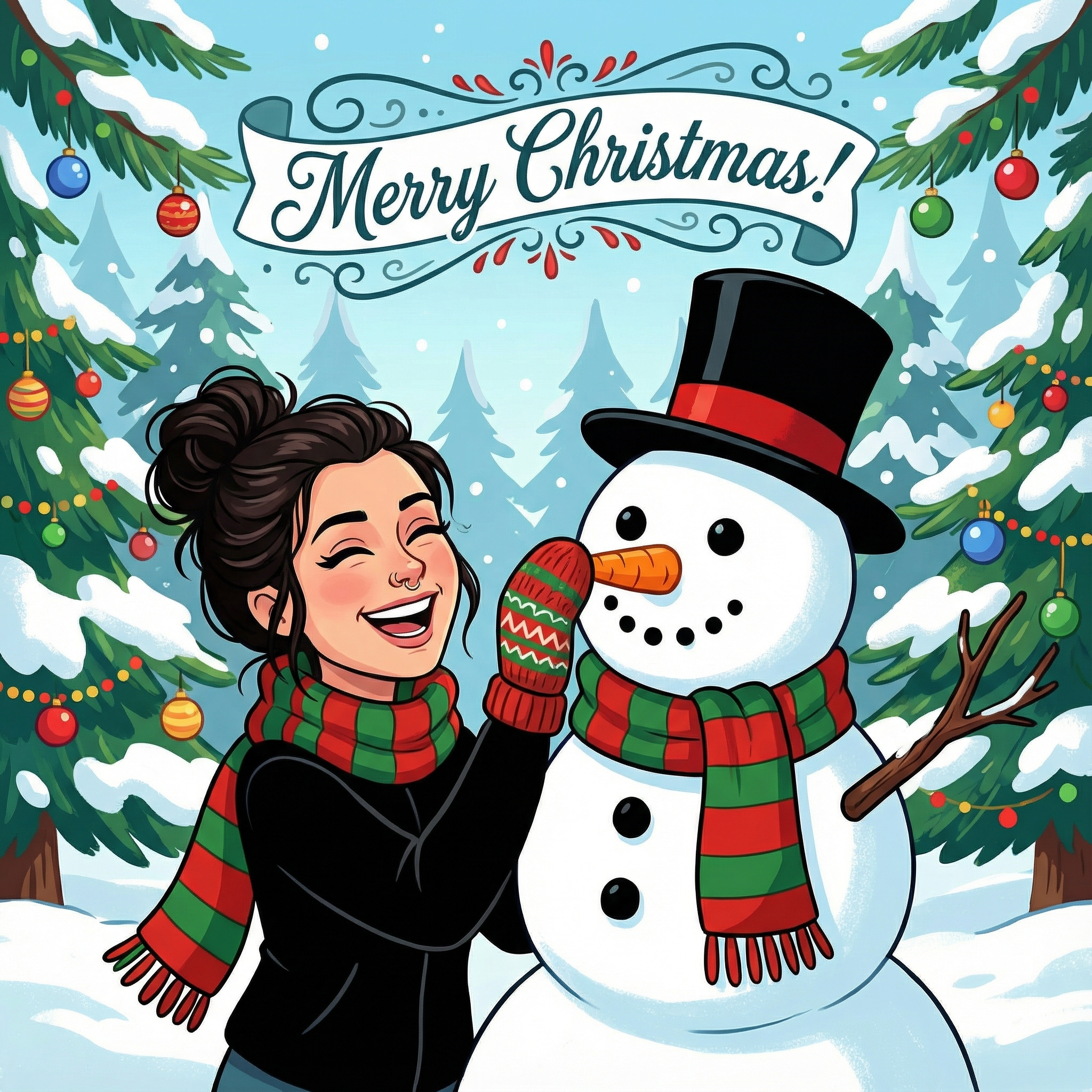
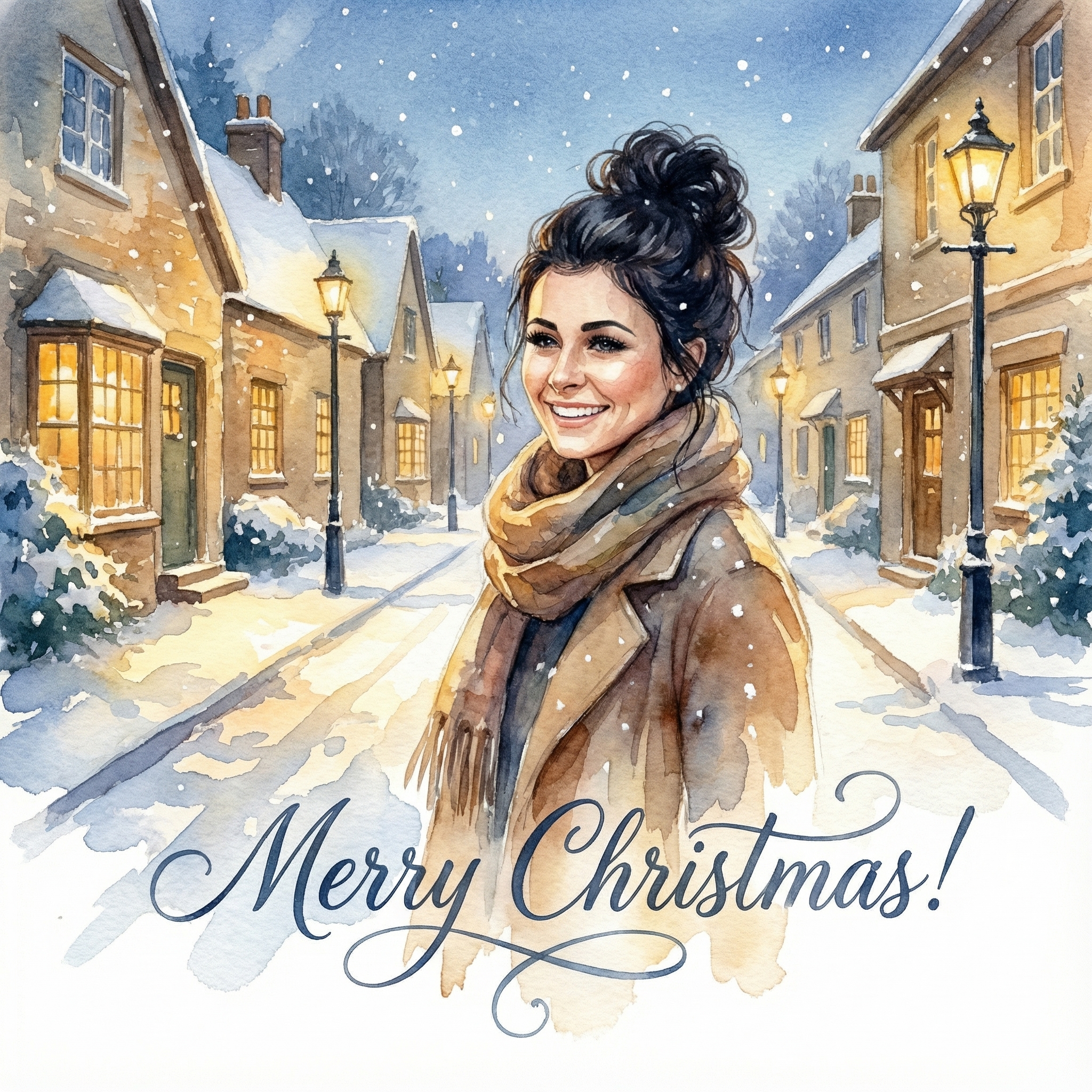
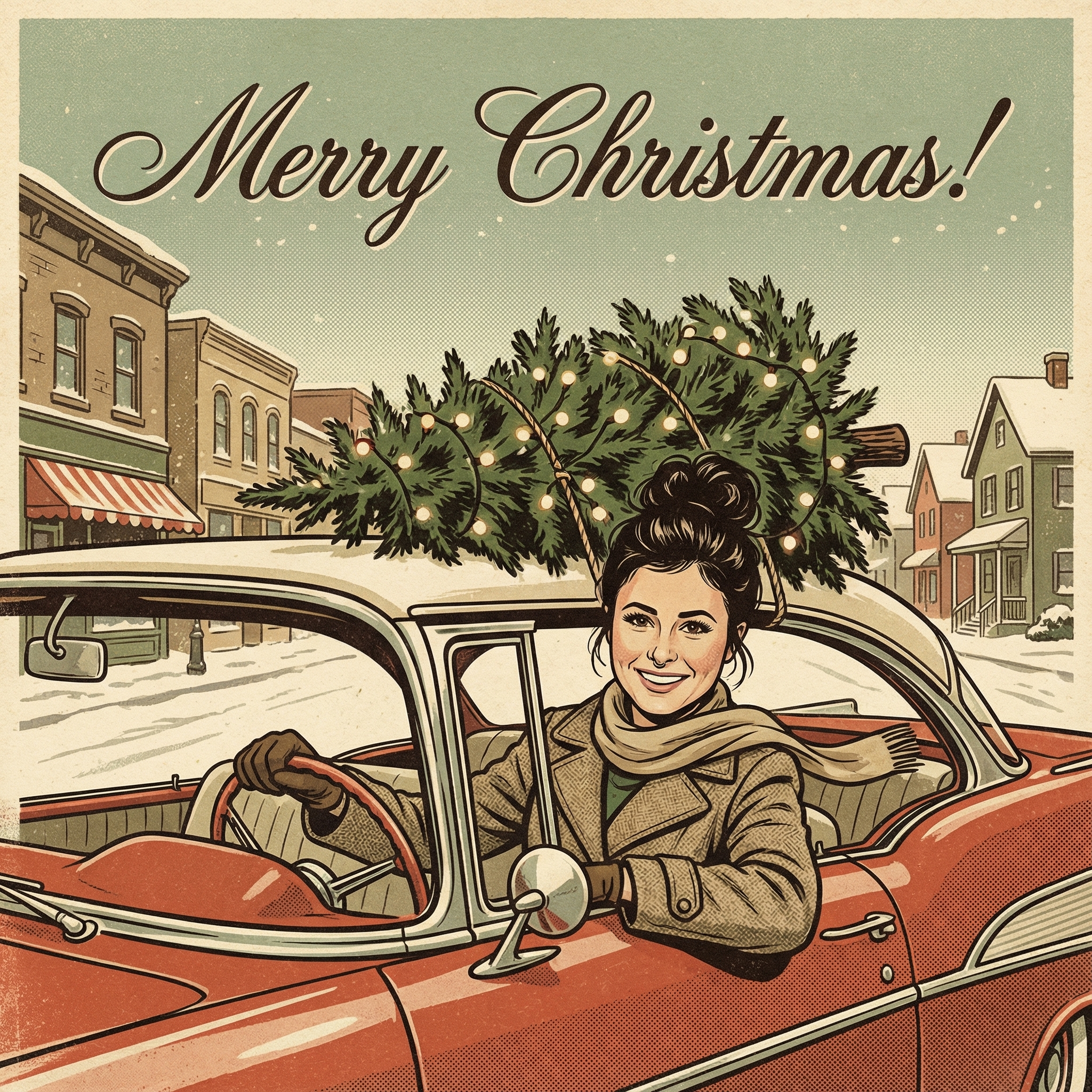
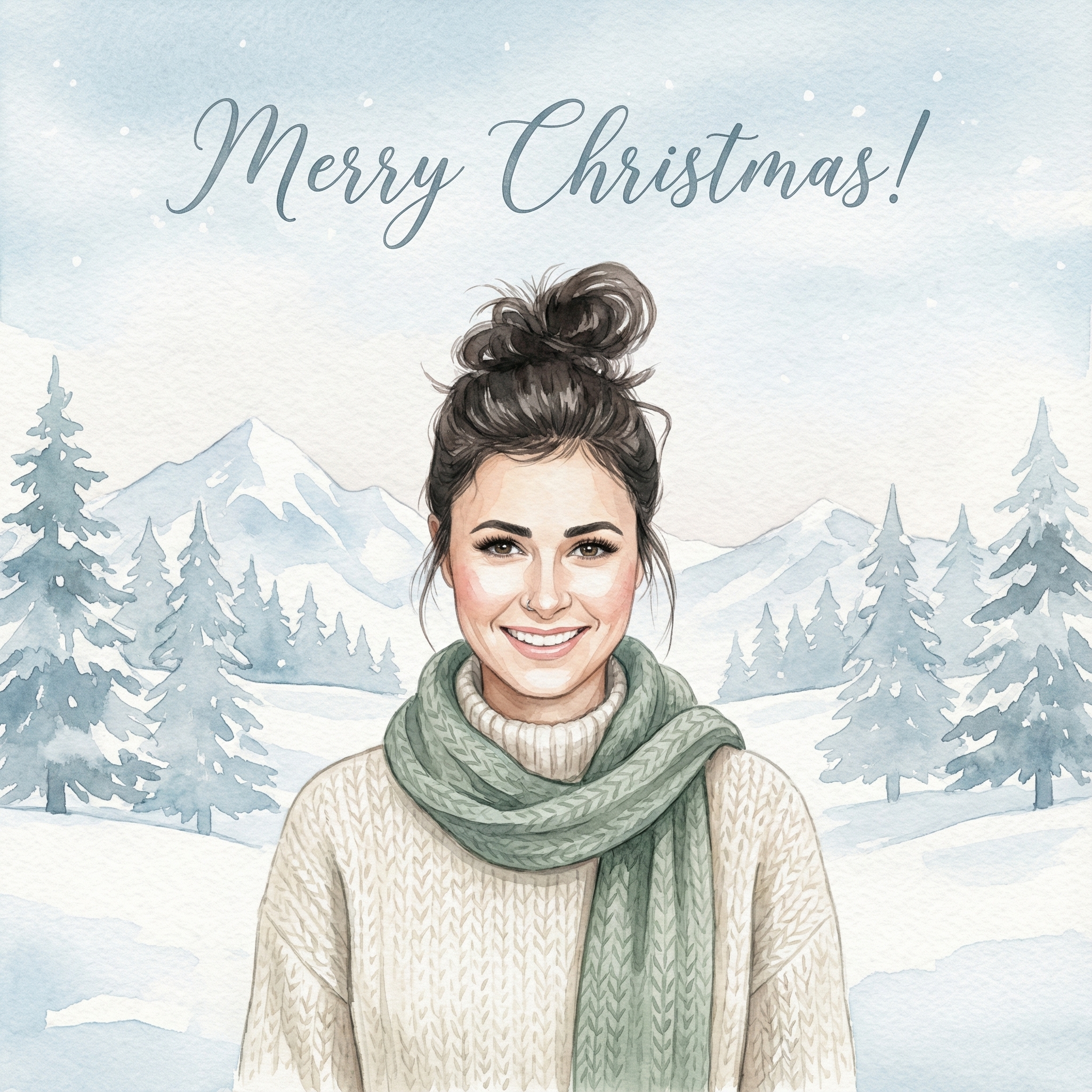
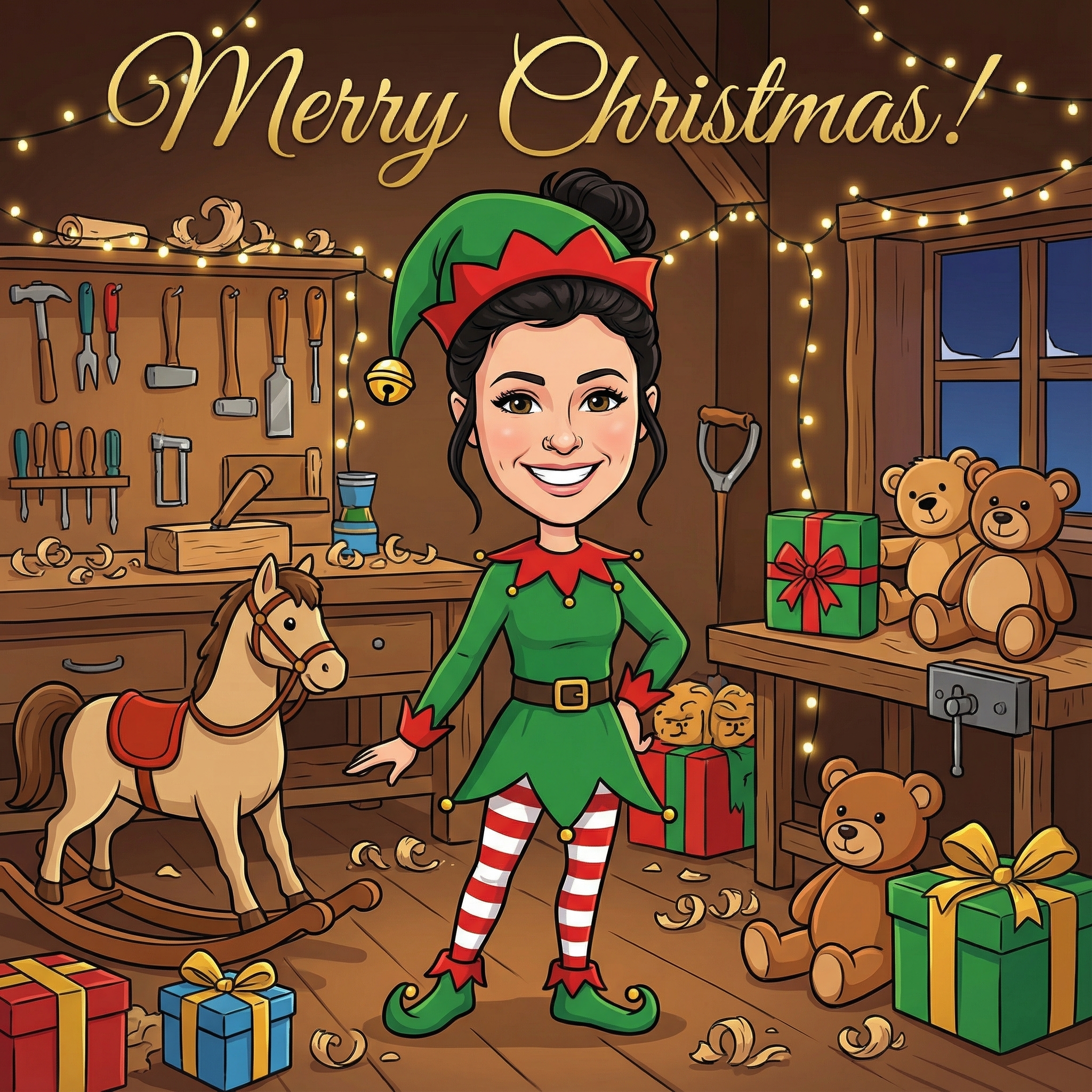
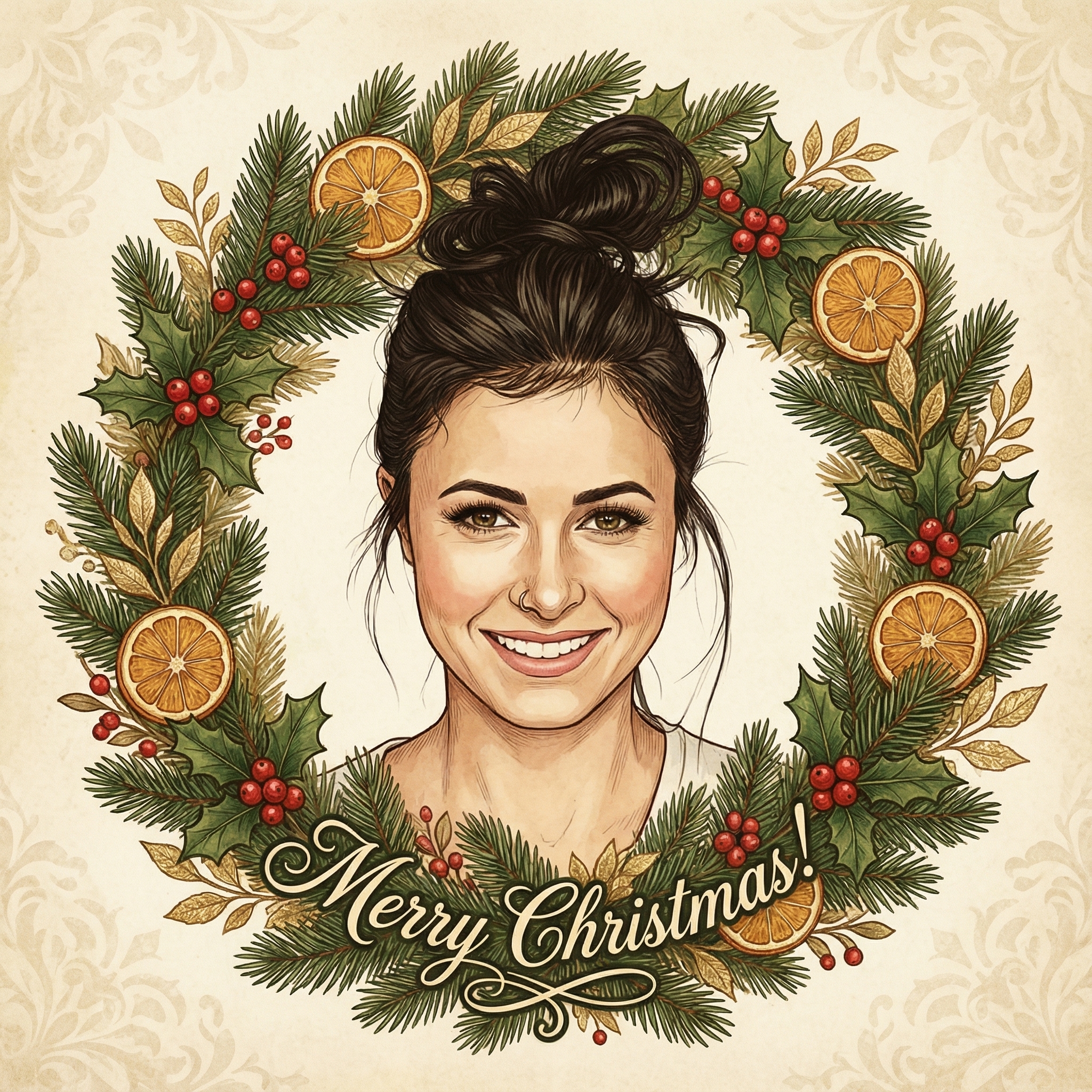
Create your Christmas card in three simple steps
Upload a clear photo of yourself. Our AI uses your unique features to create personalized Christmas cards.
Choose from 12+ beautiful Christmas card styles and add a personal message to your Christmas card.
Within 10 minutes your Christmas card is ready. Download the HD version and have it printed or send it digitally to your family and friends.
Hoe meer kaarten, hoe meer korting. Van €3,99 per kaart tot slechts €2,50 per kaart.
€3,33 per kaart
17% korting
€2,99 per kaart
25% korting
€2,50 per kaart
37% korting
Honestly, for years, I used to dread the Christmas card process. It felt like a chore, you know? First, finding a design I liked, then buying a huge pack, then the actual writing – my hand would cramp up after just a few! But then I started playing around with a digital Christmas card maker app, and it completely changed my perspective. It's just so much easier to get started. You don't need to be some super-talented graphic designer or anything. These apps are usually really user-friendly, with lots of templates and tools that make it pretty much foolproof.
What I really appreciate is how personal you can make them. Store-bought cards are nice, but they don't have your family's face on them, or that funny inside joke you want to share. With an app, you can pop in a favorite photo, write a message that actually sounds like you, and pick colors and fonts that match your vibe. It feels genuinely thoughtful, and that's what Christmas cards are all about, right? Sharing a little piece of yourself and your year with people you care about.
So, you might be wondering, what exactly can you do with one of these apps? Well, a lot! Most of them are packed with features that let you get pretty creative without needing any special skills. Here are some of the things I've found super helpful:
Photo Power: This is probably the biggest one for me. You can upload your own photos – maybe that adorable family portrait you finally got everyone to pose for, or a funny candid shot of your pet wearing a Santa hat. Some apps even let you add multiple photos, create collages, or put little filters on them to make them look extra festive. I once made a card with a progression of my kids' heights over the year, which was a huge hit. Templates Galore: Don't know where to start? No problem. Most digital Christmas card maker apps come with tons of pre-designed templates. You can pick one that catches your eye and then just swap out the photos and text. It's like having a professional designer give you a head start. You can usually tweak the colors, move things around, and really make it your own, so it doesn't look like everyone else just used the same template. Text and Fonts: You're not stuck with just one boring font. These apps usually have a whole library of fonts, from elegant scripts to fun, whimsical styles. You can change the size, color, and even add effects like shadows. This means your personal message can look just as good as the design. I like to use a fancier font for the main 'Merry Christmas' and then a simpler, readable one for the longer message inside. Stickers and Graphics: Want to add a little sparkle, a tiny snowflake, or a cute reindeer? Most apps have a collection of festive stickers and graphics you can drag and drop onto your card. It's a simple way to add those small, charming details that make a card feel complete.
Even though these apps make things easy, a few simple tricks can really take your cards from good to amazing. I've learned these through a bit of trial and error:
1. Pick Your Best Photo (or Photos): This sounds obvious, but it's worth saying. Good lighting makes a huge difference. Try to choose a photo where everyone is looking at the camera (if that's the goal) and smiling naturally. Candid shots can be great too, especially if they capture a fun moment. If you're using multiple photos, try to pick ones that have a similar feel or color palette so they look cohesive. 2. Keep Your Message Heartfelt and Clear: Whether it's a short 'Happy Holidays!' or a longer update about your year, make sure it's genuine. And please, please, please proofread! Nothing spoils a beautiful card like a typo. It's easy to miss things when you're looking at your own work, so maybe ask a friend or family member to take a quick look before you finalize it. 3. Don't Go Overboard with Fonts and Colors: It's tempting to use all the cool fonts and bright colors available, but sometimes less is more. Stick to maybe two or three complementary fonts at most – one for headings, one for body text. The same goes for colors; choose a main color and one or two accent colors that work well together. A good rule of thumb is to look for inspiration online. Pinterest is full of great color palette ideas for Christmas cards. 4. Consider the Layout: Think about where your photo, text, and any graphics will go. Does it all fit nicely without looking too crowded? Is there enough 'white space' (empty areas) so the card doesn't feel overwhelming? A little bit of empty space can actually make your design look more professional and easier to read.
This is a common question, and honestly, there's no right or wrong answer. It really depends on what you're looking for and who you're sending them to. The great thing about using a digital Christmas card maker app is that you usually have both options!
Printing Your Creations: For me, there's still something really special about getting a physical card in the mail. My grandparents, for example, just prefer a tangible card they can put on their mantelpiece. If you're like me and want to send out physical cards, many of these apps allow you to download a high-resolution file that you can then upload to an online printing service (like Shutterfly or Vistaprint) or even print at home if your printer is up to the task. Just make sure to check the resolution before printing so your cards don't look blurry. Printing can take a little more time and cost money, but the result is a classic, tangible keepsake. Sending Them Digitally: On the other hand, digital cards are fantastic for speed, convenience, and being eco-friendly. You can email them to friends and family, share them on social media, or even send them through messaging apps. This is especially great for friends who live far away or if you're trying to save a bit of money and paper. Plus, you can often add animations or music to digital cards, which is a fun touch you can't get with paper ones. It's an instant way to spread cheer!
After using these tools for a few years now, I can confidently say they've made my holiday season a little less stressful and a lot more fun. Here are a few of my personal highlights:
Saving Time (and My Hands!): Seriously, no more hand cramps. I can design a batch of cards in an hour or two, rather than spending days on them. Then, if I'm sending digitally, it's just a few clicks. If I'm printing, I send the file off, and they arrive at my door. Being Creative Without Being an Artist: I'm not naturally artistic, but these apps let me feel like I am. The templates and easy-to-use tools mean I can put together something really nice without needing any special drawing or design skills. It's incredibly satisfying. It Feels Personal, Even if it's Digital: Because you're putting your own photos and words into it, the card feels genuinely from you, whether it's printed or sent as an e-card. That personal touch is what really matters during the holidays. Less Waste: If you go the digital route, it's a great way to reduce paper waste, which is something many of us are trying to be more mindful of these days.
So, if you're looking for a way to make your Christmas cards stand out this year without all the usual fuss, definitely give a digital Christmas card maker app a try. You might just find it's your new favorite holiday tradition!
Yes, absolutely! Most digital Christmas card maker apps allow you to download a high-resolution version of your finished card, which you can then upload to an online printing service or print yourself at home. Just make sure the resolution is high enough for a clear print.
Not usually! The great thing about most of these apps is that they're designed to be super user-friendly. They often have drag-and-drop interfaces and lots of templates, so you don't need any special tech skills to create something lovely. Just play around with it a bit, and you'll get the hang of it.
Photos with good lighting and clear subjects usually work best. High-resolution photos will look sharper, especially if you plan to print the cards. Candid, fun shots or well-posed family photos can both look great, depending on the vibe you're going for.
If you're sending digitally, yes! You can usually email your e-card to multiple recipients at once or share it on social media. If you're printing, you'll still need to address and stamp each physical card, but the design process for all of them will be quick and easy.