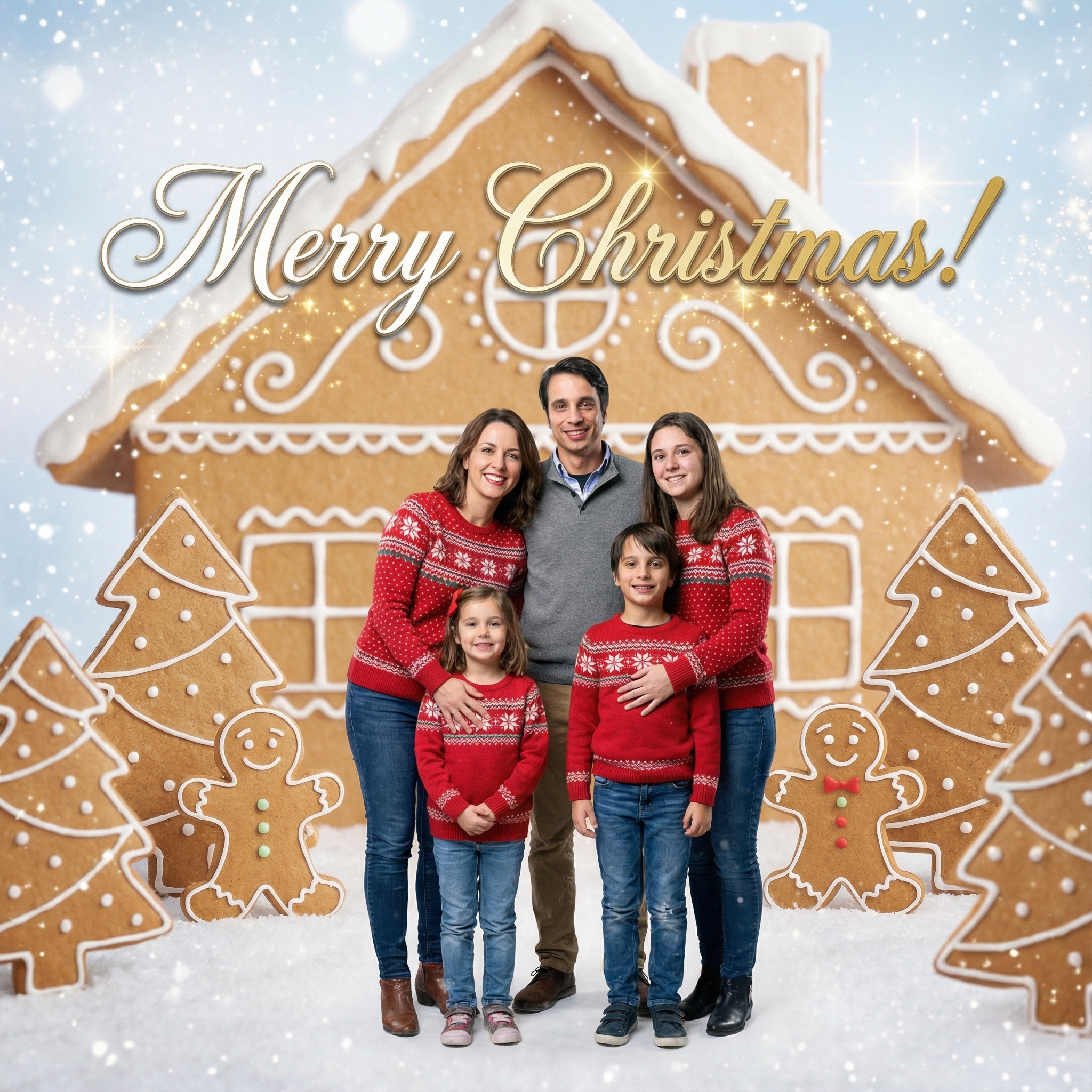
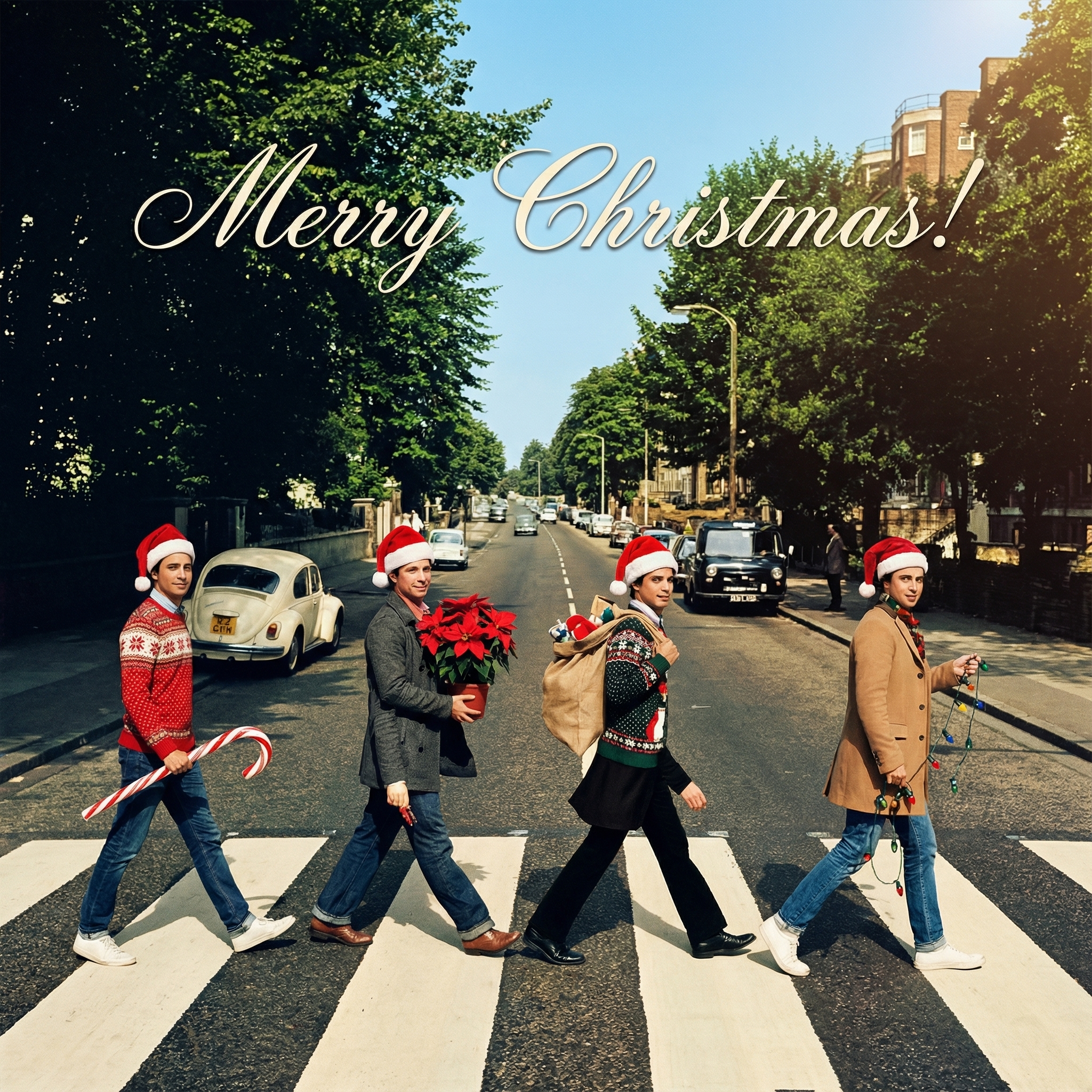
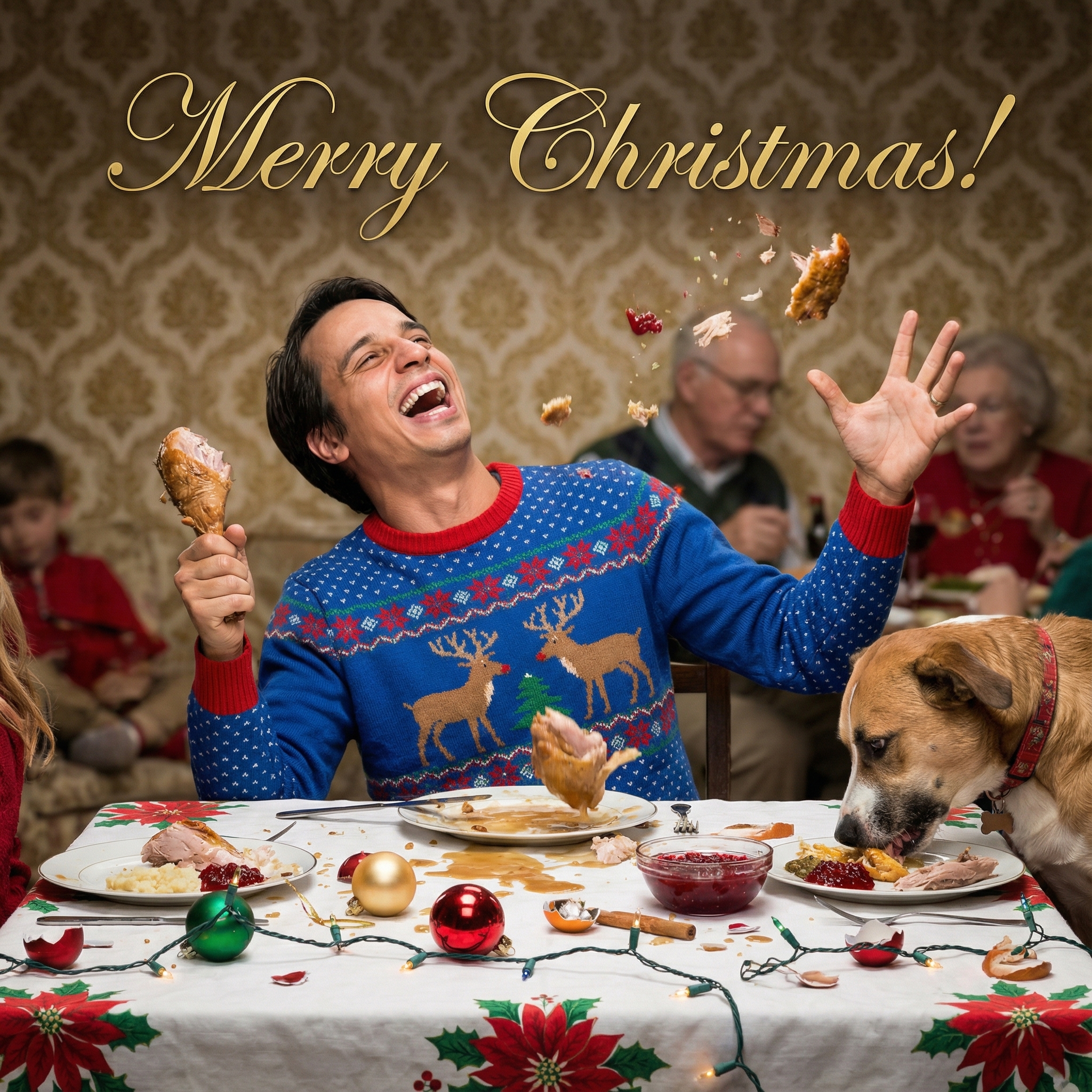
Thinking About Making a Photo Christmas Card This Year?
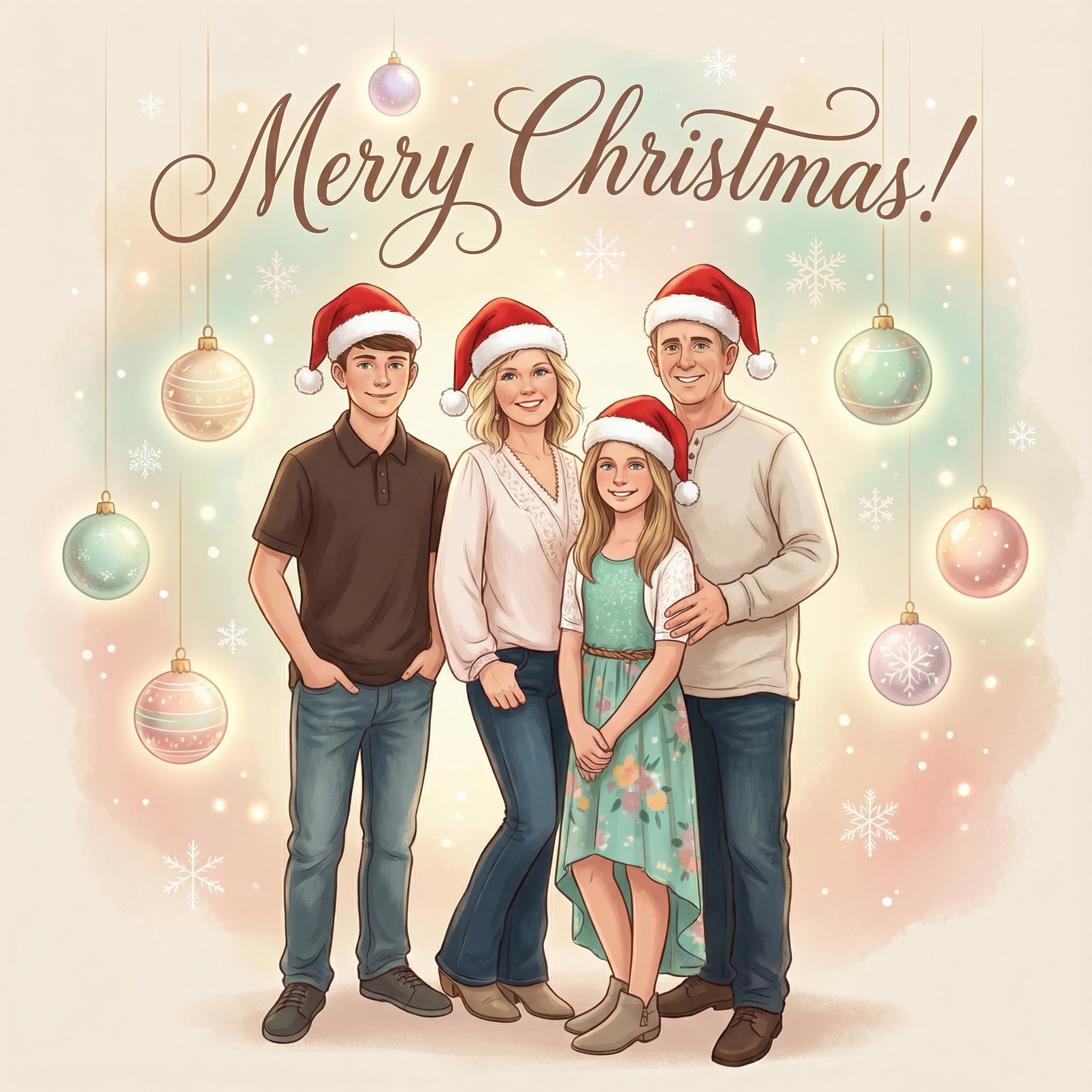
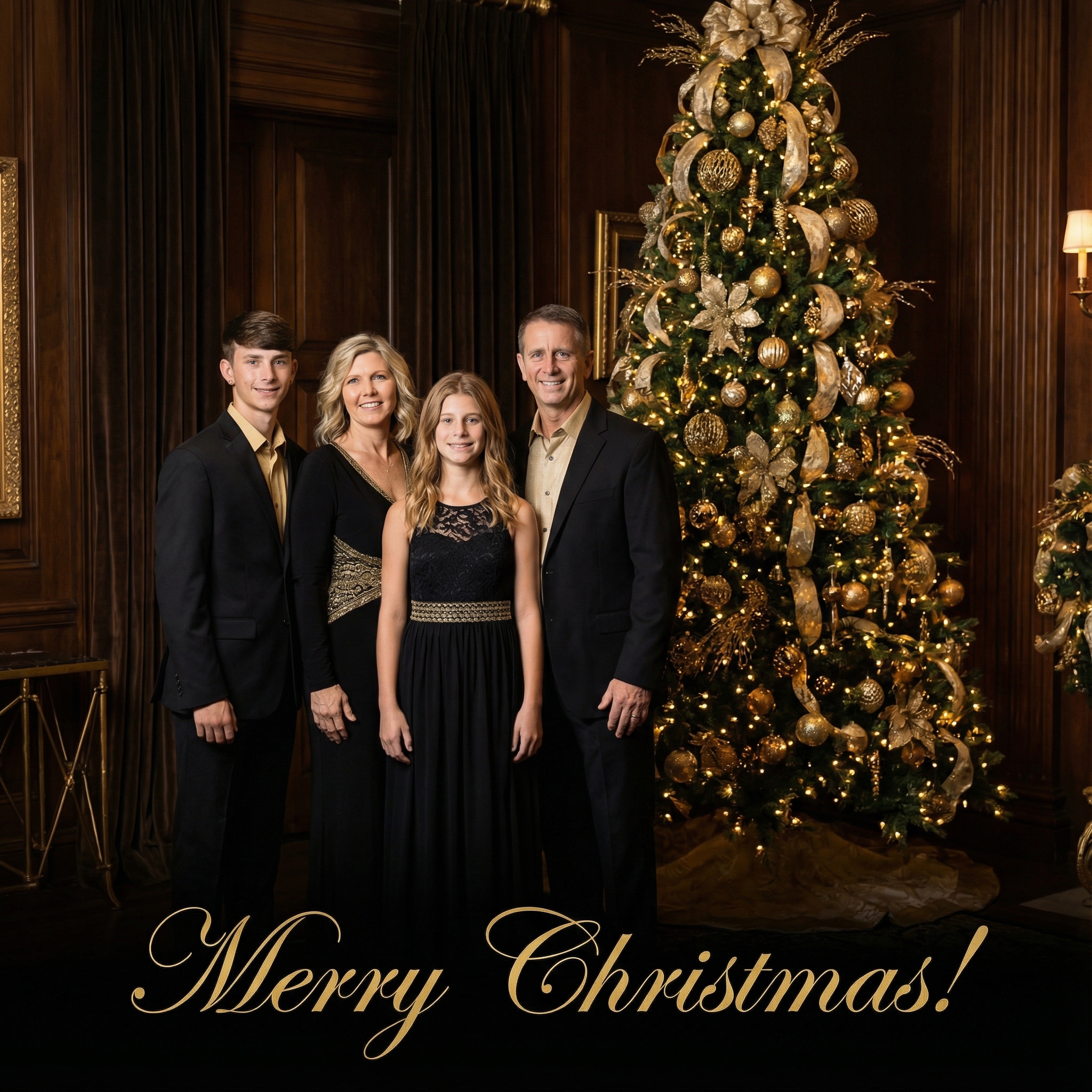

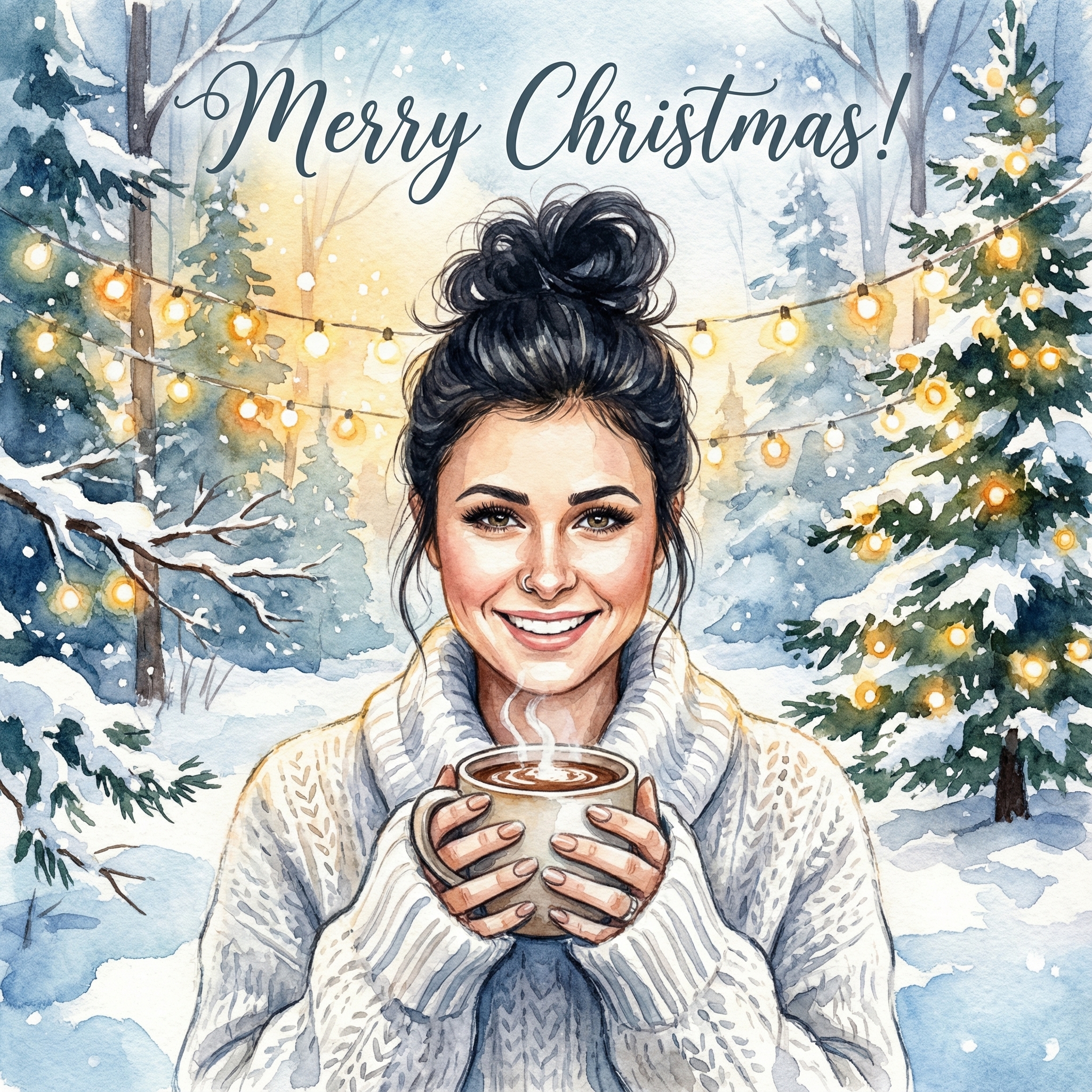
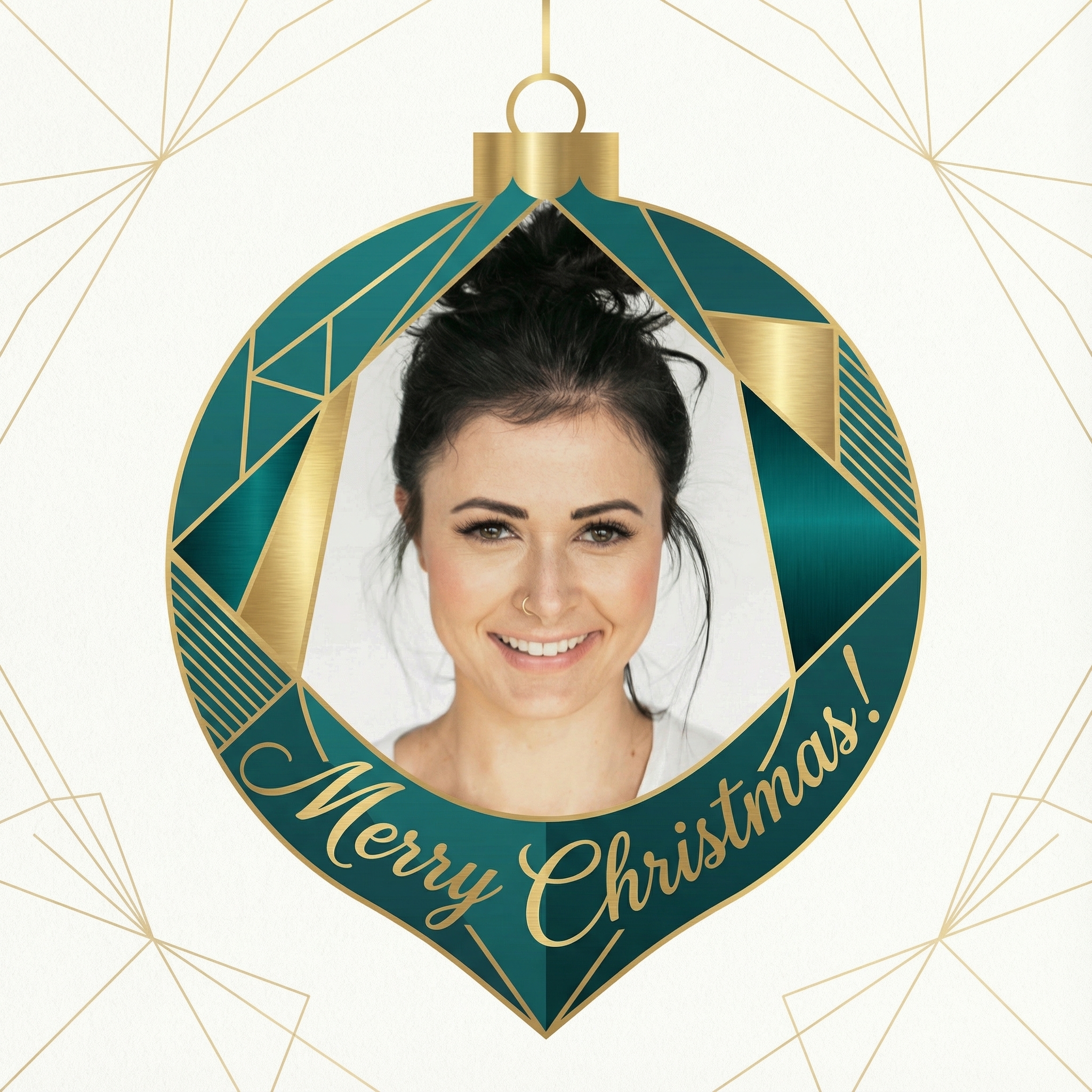
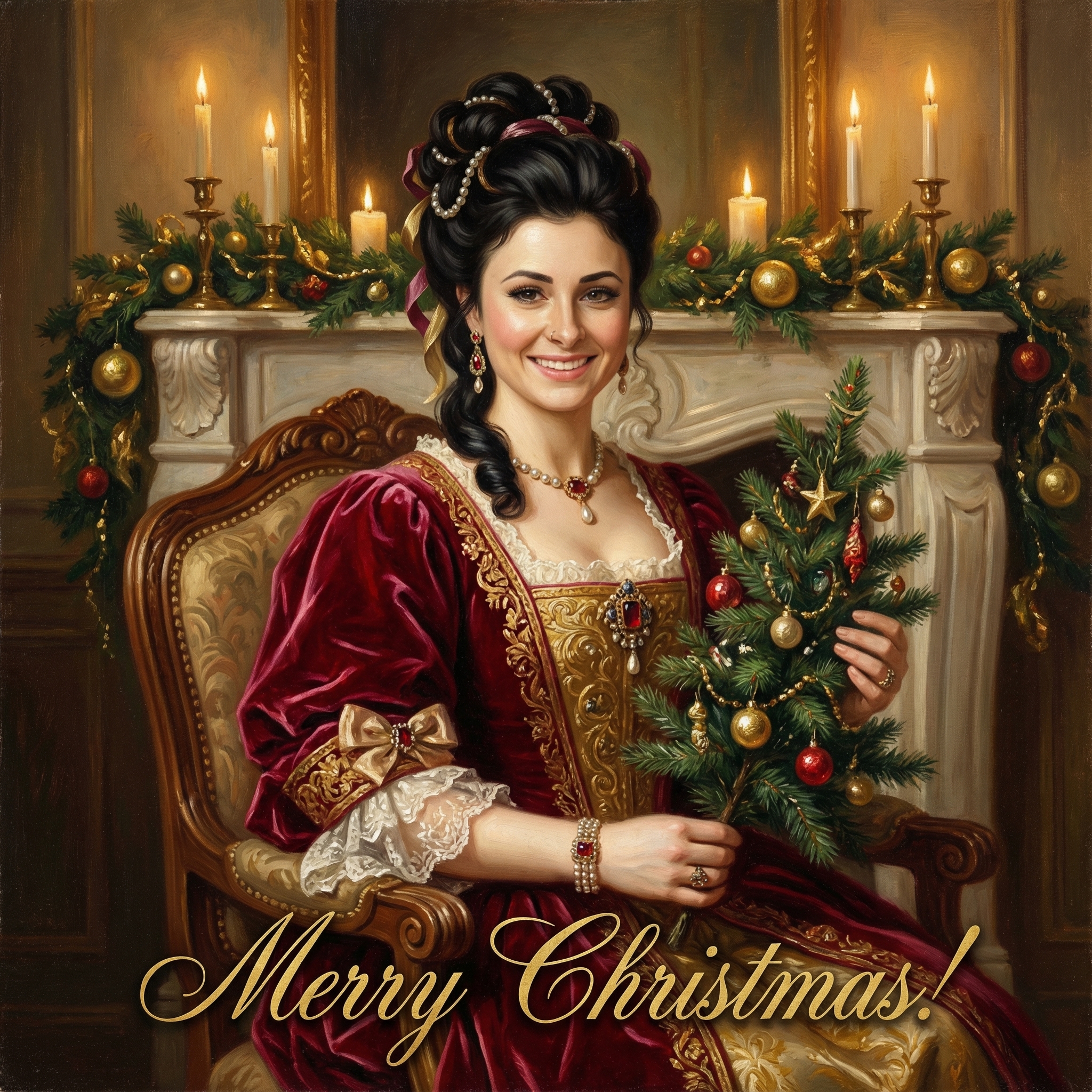
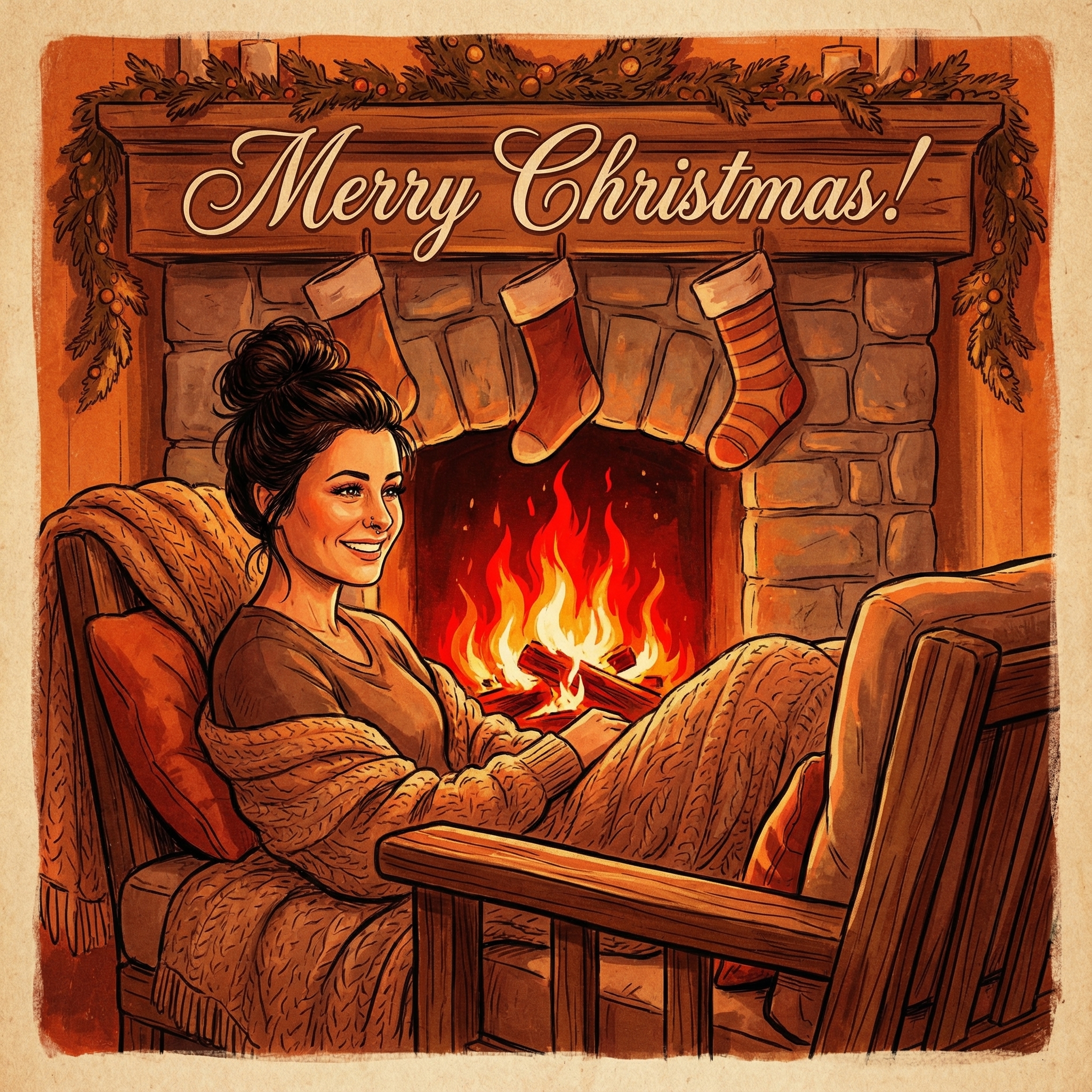
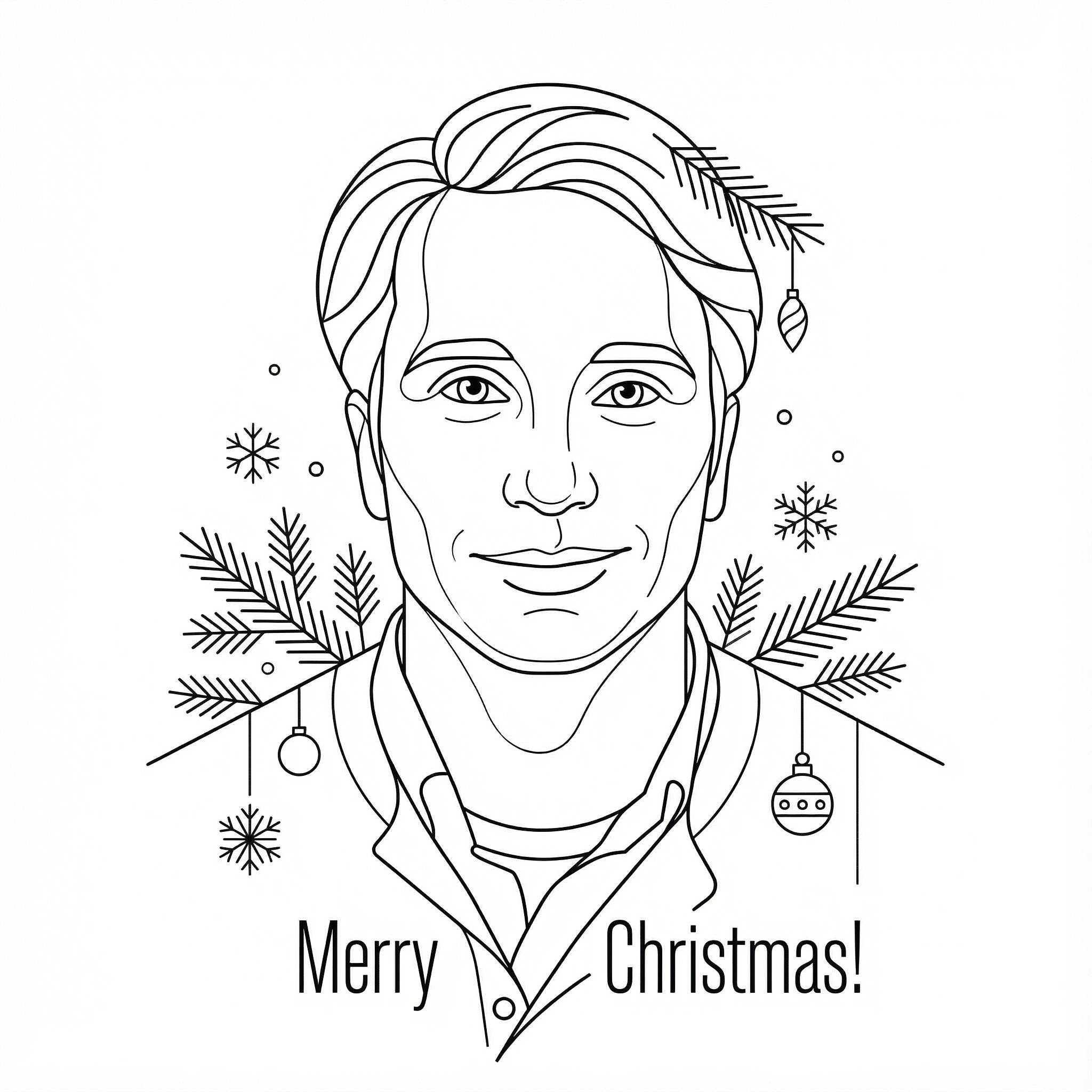
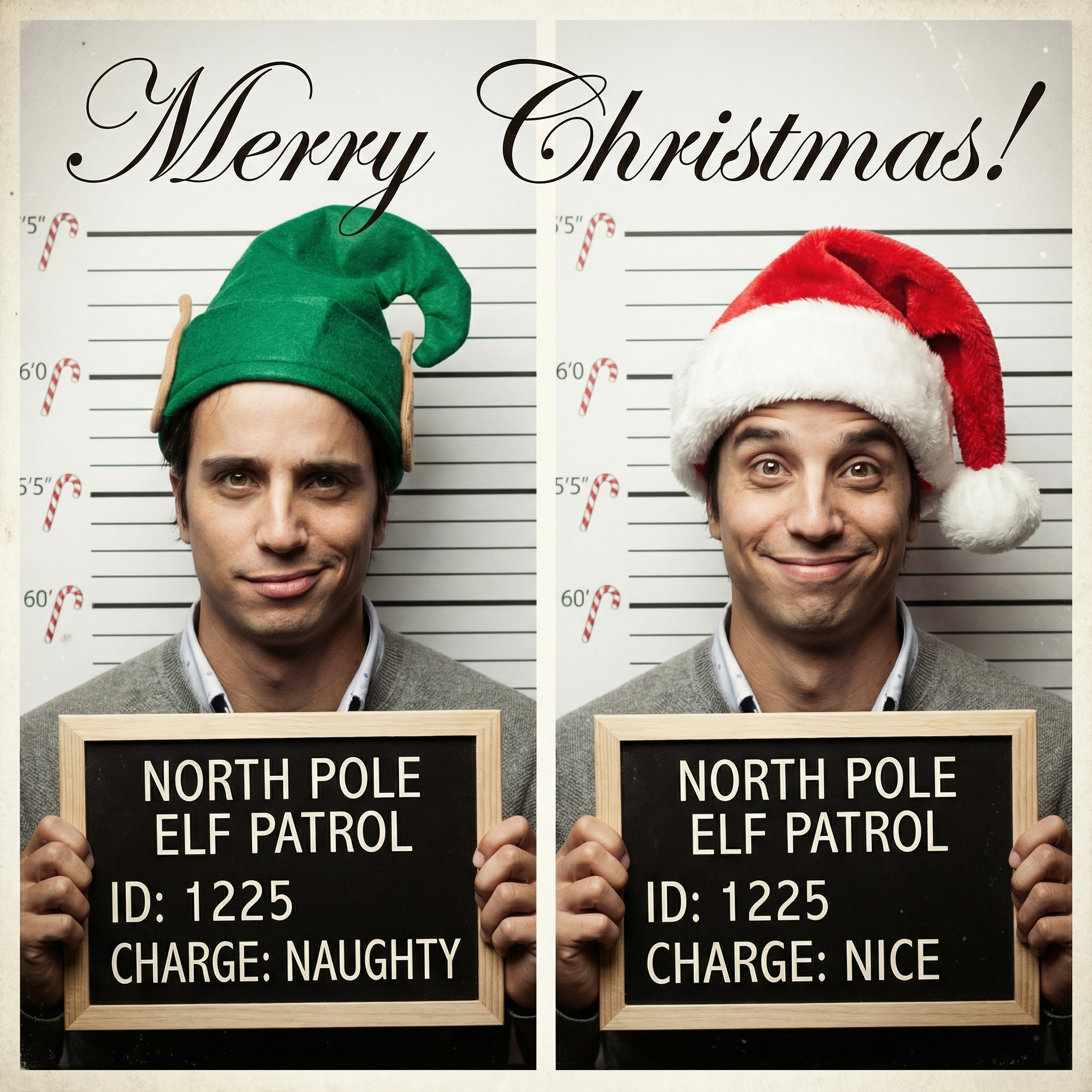
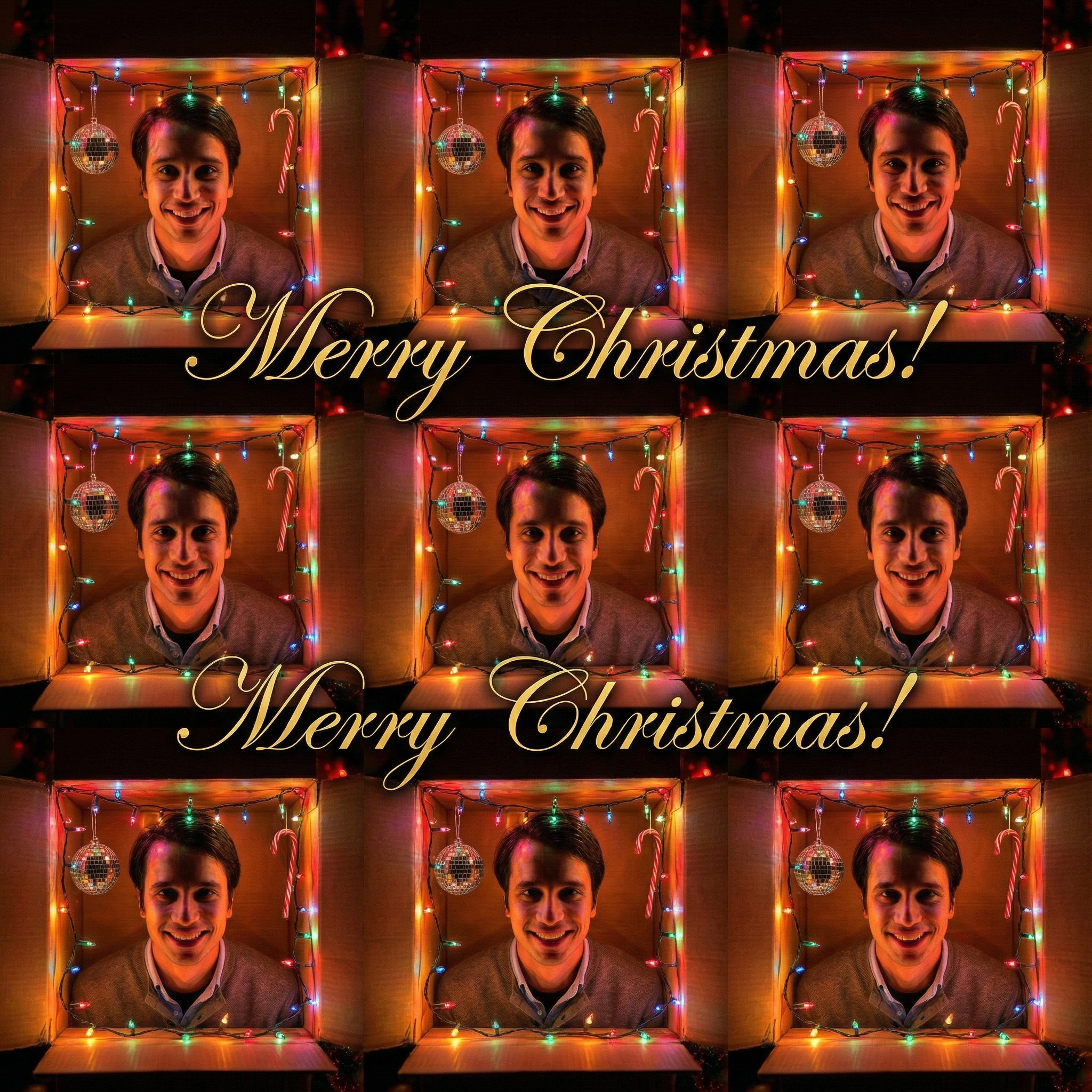
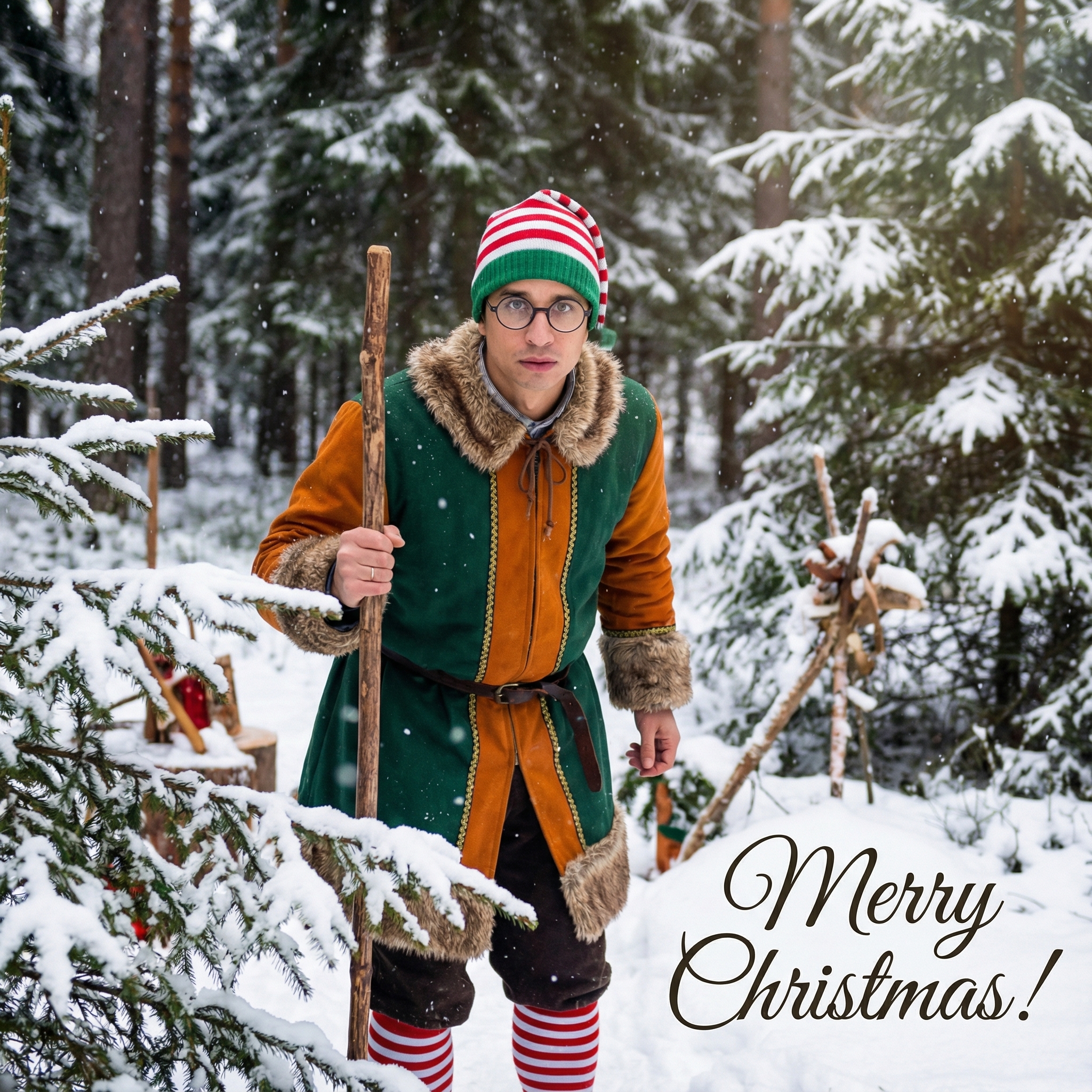
Choose from our collection of beautiful Christmas card styles. From classic to modern, there's a perfect style for everyone.

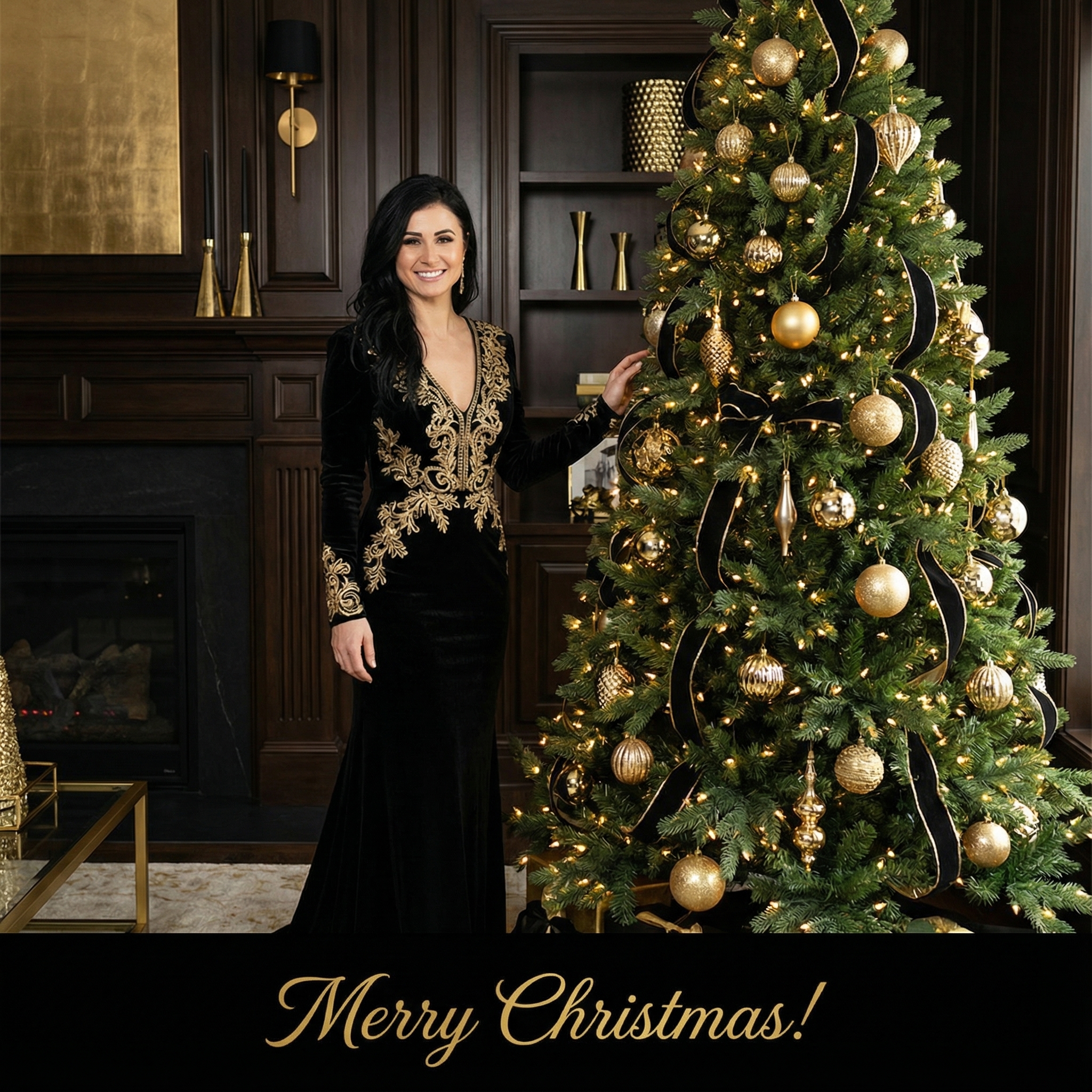

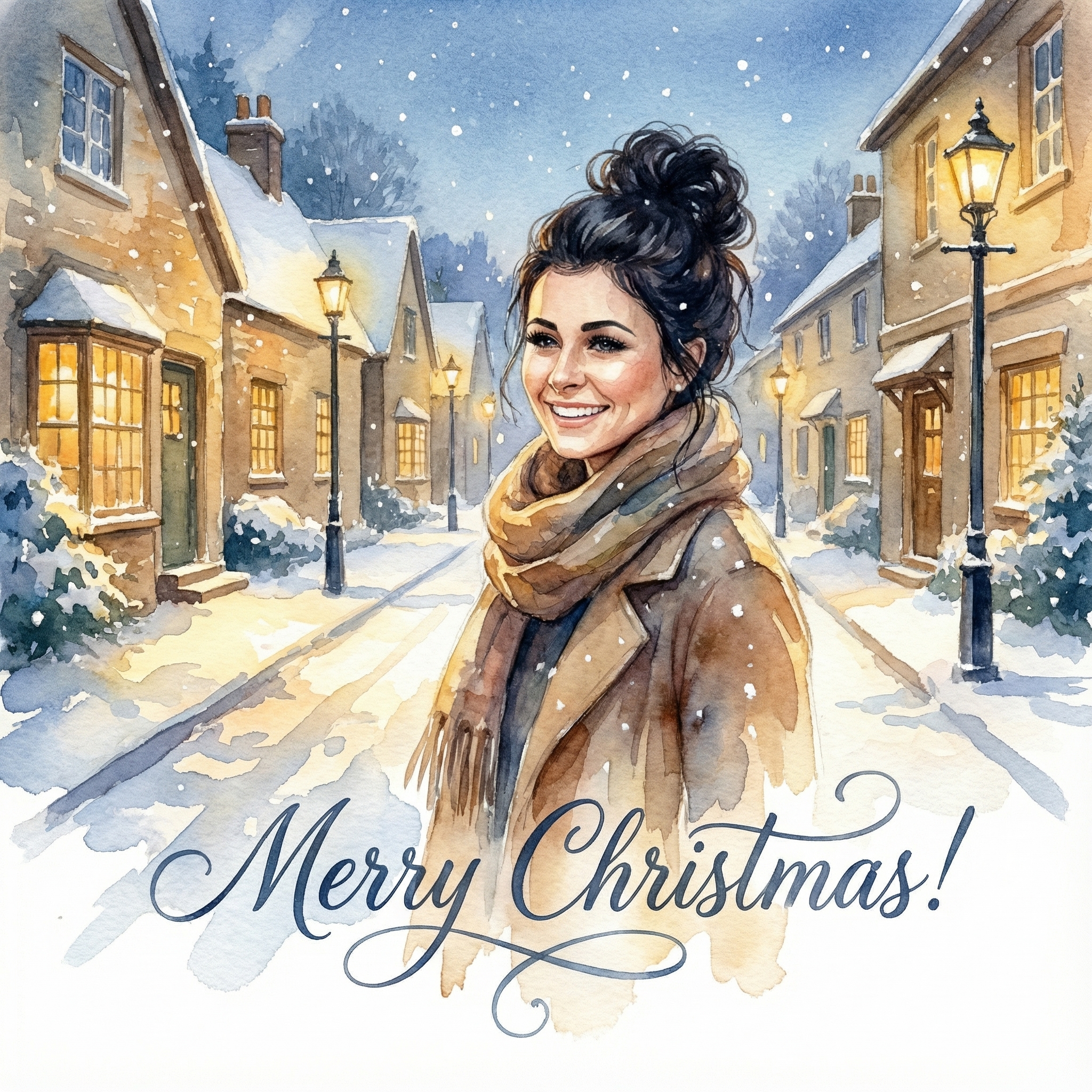
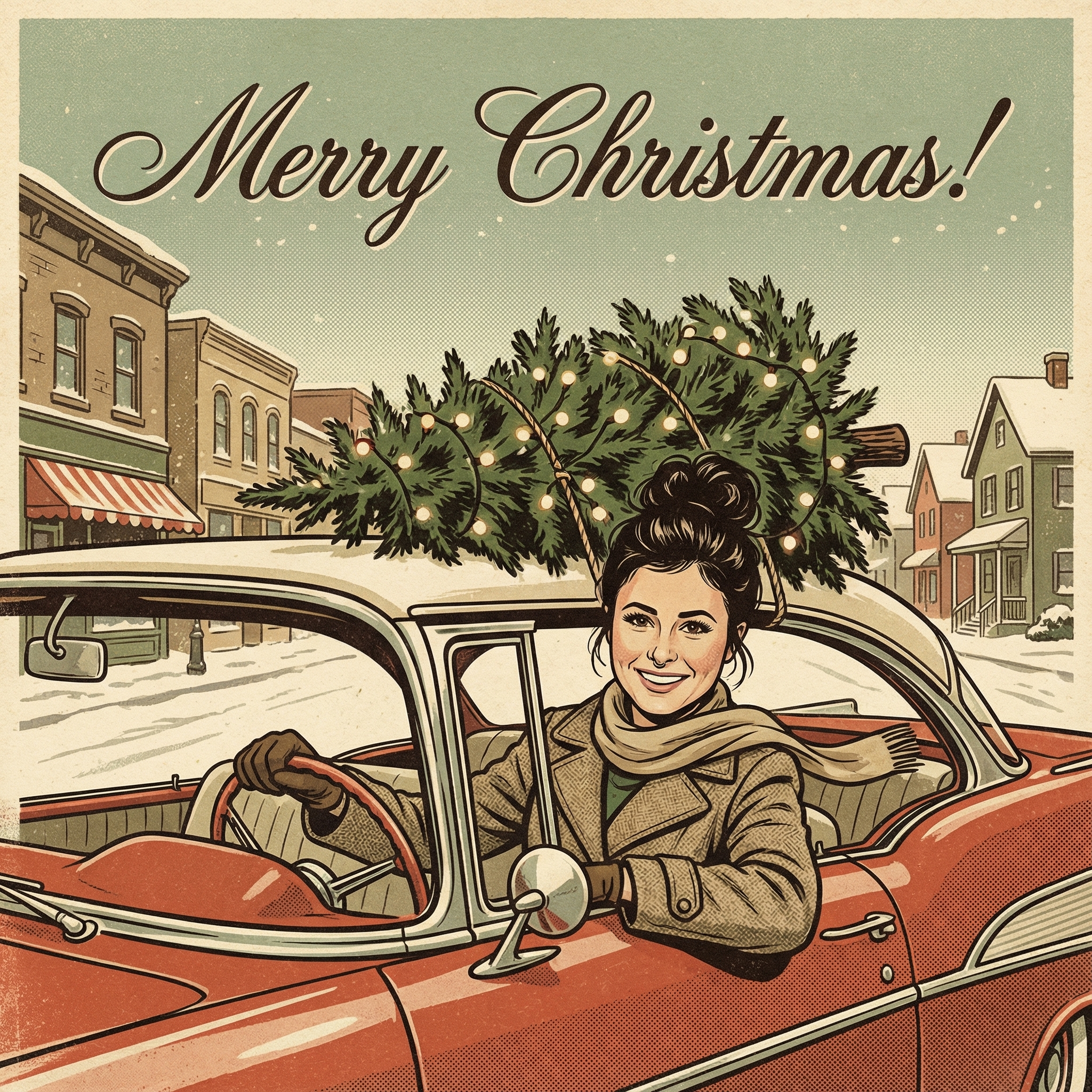
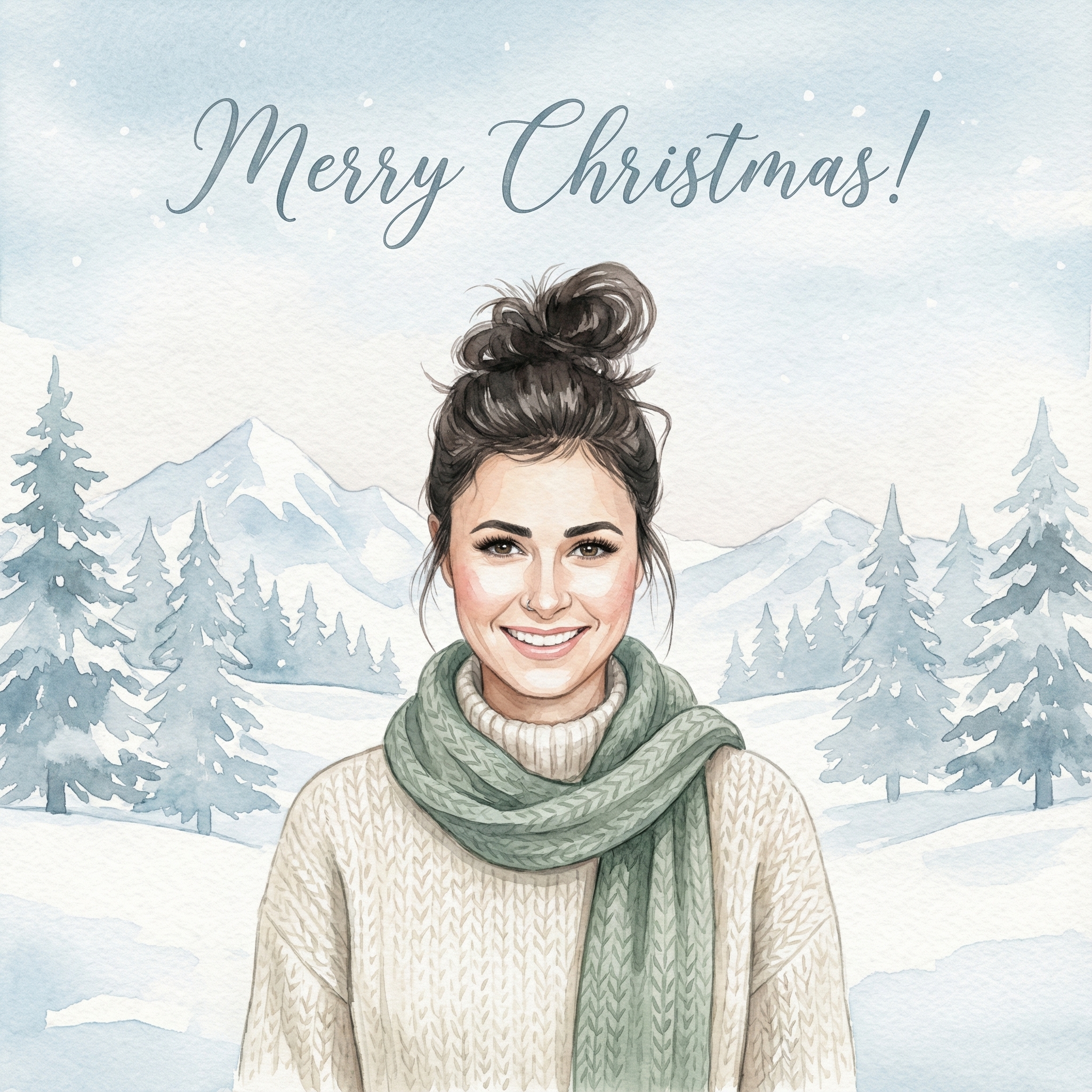
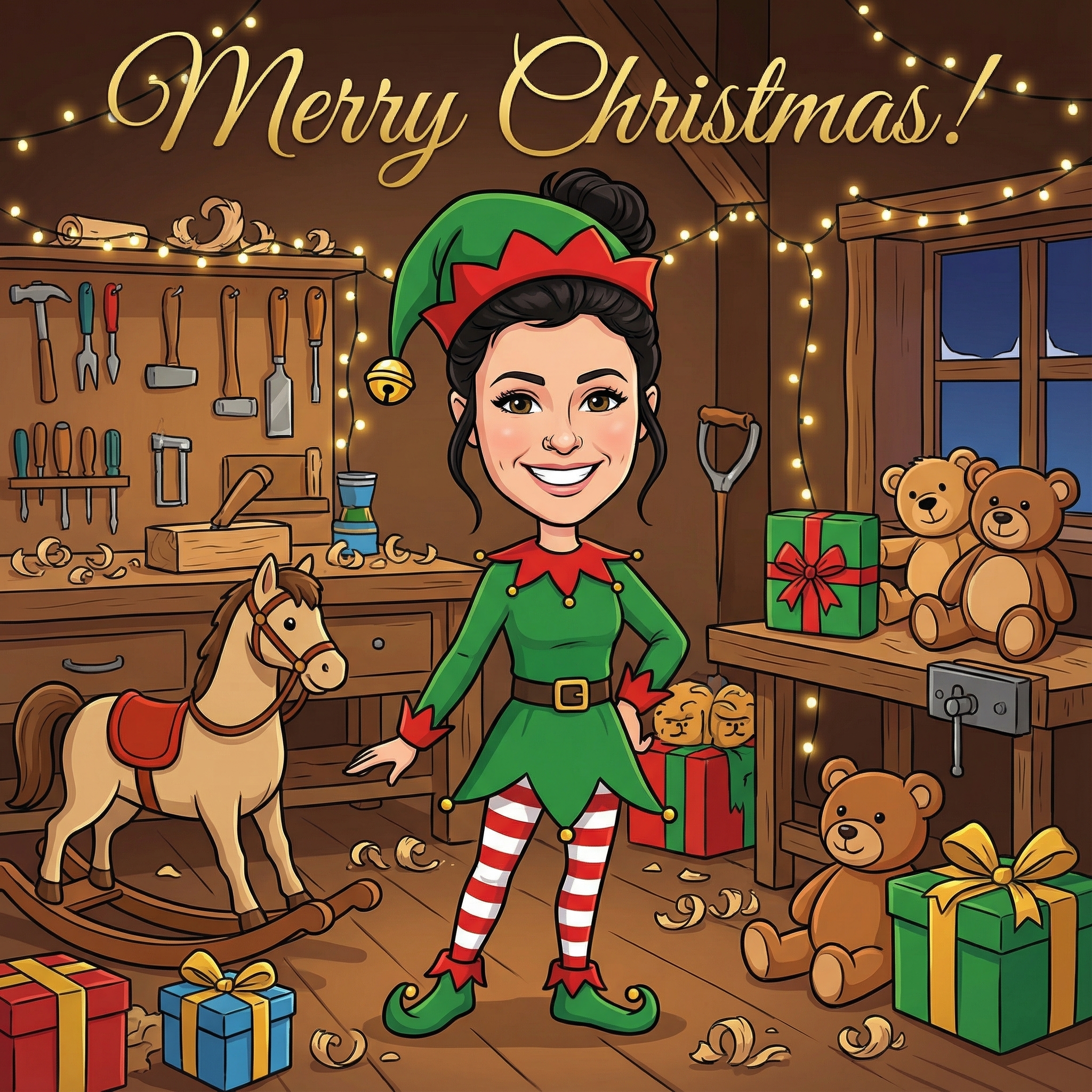
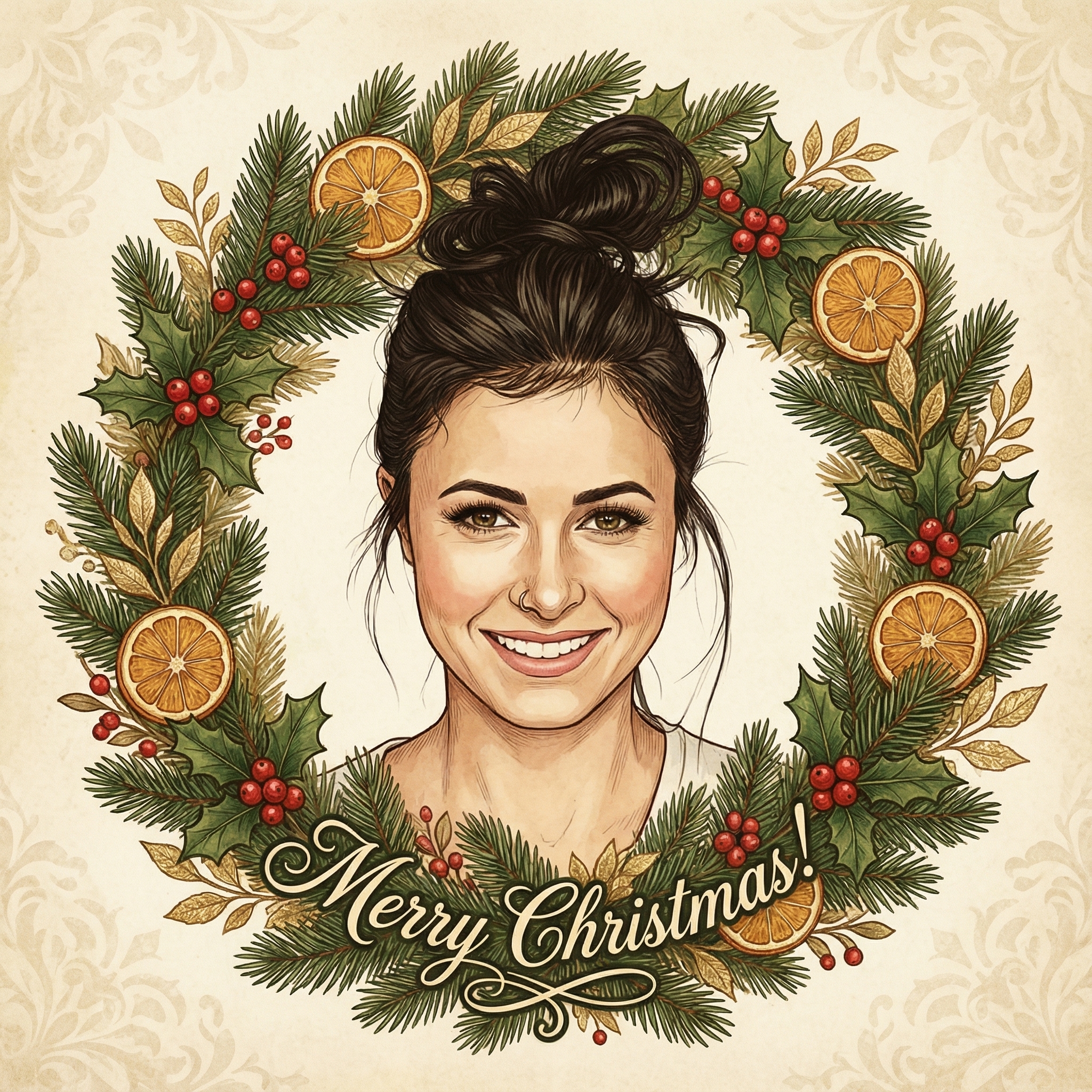
Create your Christmas card in three simple steps
Upload a clear photo of yourself. Our AI uses your unique features to create personalized Christmas cards.
Choose from 12+ beautiful Christmas card styles and add a personal message to your Christmas card.
Within 10 minutes your Christmas card is ready. Download the HD version and have it printed or send it digitally to your family and friends.
Hoe meer kaarten, hoe meer korting. Van €3,99 per kaart tot slechts €2,50 per kaart.
€3,33 per kaart
17% korting
€2,99 per kaart
25% korting
€2,50 per kaart
37% korting
Well, let's be honest, we all get a stack of cards around the holidays, right? Some are lovely, some are... well, generic. But there's just something different when you open up an envelope and pull out a photo Christmas card. It instantly grabs your attention. It’s personal. It’s a little update, a glimpse into someone's life, and often, it brings a smile.
Think about it: when you get a card with a picture of your friends' kids, or a snapshot from their big adventure this year, you actually look at it. You might even stick it on the fridge or keep it on the mantle for a while. It tells a story, even a tiny one, and it feels like a real connection. It’s not just a printed message; it’s a shared memory, a little piece of their year sent just to you. Plus, it’s a nice way to remind people you care, especially if you haven't seen them in a while. It really stands out in a pile of store-bought greetings.
This is probably the biggest decision, isn't it? What photo sums up your year, or just looks great? You don't need a super fancy, professional photoshoot, unless that's your thing. Honestly, some of the best photo Christmas cards I've received have featured really natural, candid shots.
Here are a few ideas for what kind of picture works well:
The Classic Family Portrait: This could be a posed shot, maybe everyone dressed up a bit, or it could be a really natural moment. Maybe you're all laughing, or doing something together that you love. My cousin always sends one of her family in matching pajamas by the tree, and it's always adorable and very 'them'. Kids (and Pets!) Growing Up: If you have little ones or furry friends, a picture showing how much they've grown or a funny moment they had is always a winner. A friend of mine once sent a card with their cat wearing a tiny Santa hat, and it was a huge hit. A "Year in Review" Snapshot: Did you go on an amazing trip? Welcome a new baby? Get a new pet? Move into a new house? A photo celebrating a big milestone from the year is a fantastic choice. It's a nice way to share your news without writing a whole letter. The Funny or Unexpected Shot: Don't be afraid to show some personality! A silly face, a candid laugh, or a slightly chaotic but heartwarming family moment can make for a truly memorable card. These are often the ones that people remember and talk about. A Beautiful Landscape: If you're more about the scenery, maybe a stunning shot from a hike you took, or a gorgeous winter scene from your area, could be the focal point. You could even be a small part of the landscape.
Whatever you choose, try to make sure the photo is clear, well-lit, and in focus. You don't want a blurry mess, because then people can't really appreciate your lovely faces!
Once you have your picture, the next step is actually making the card. You've got a couple of main routes here, and both have their perks.
If you're a bit of a creative soul or just like to have total control, making your own photo Christmas card at home can be really satisfying.
You can print your chosen photo, either at home on good quality photo paper or at a local print shop. Then, you'd get some nice cardstock, cut it to size, and attach your photo. From there, you can go wild with decorations: glitter, ribbons, stamps, stickers, even a little hand-drawn border.
Pros of DIY: Total control: You decide every single detail, from the paper texture to the exact placement of your photo. Potentially cheaper: If you're only sending a small batch, or already have supplies, it can be more budget-friendly. Super personal: Each card can be slightly different, adding to that handmade charm.
Cons of DIY: Time-consuming: This isn't a quick job, especially if you're making a lot of cards. Quality can vary: Your home printer might not give you the same crispness as a professional service. Requires supplies: You'll need cardstock, a printer, possibly a paper cutter, glue, and whatever embellishments you fancy.
This is probably the most popular option for a lot of people these days. Websites like Shutterfly, Minted, or Zazzle (and many others!) let you upload your photo, pick a template, customize the text, and then they print and ship them right to your door.
Pros of using a service: Professional quality: The printing is usually really high quality, with nice paper options. Saves time: Once you've designed it, they do all the heavy lifting of printing and cutting. Plenty of templates: If you're not a design whiz, their templates make it easy to create something beautiful. You can usually find a template that perfectly suits your chosen photo Christmas card. Bulk ordering: Great if you have a long list of people to send cards to.
Cons of using a service: Can be pricier: Especially if you go for premium paper or rush shipping. Keep an eye out for sales, though – they happen all the time! Less unique: While you customize, you're still using a template, so your card might look similar to others that used the same design. Less hands-on control: You can't physically touch the paper or add glitter yourself.
My advice? If you're sending more than, say, 20 cards, an online service is probably going to save your sanity. For a very small, intimate batch, DIY can be really lovely.
So you've got your photo and decided how you're going to print it. Now, let's talk about making it really shine.
Honestly, less is often more. Don't try to cram too many photos onto one card unless it's a very specific collage design. One great photo is usually more impactful than five mediocre ones. The same goes for text – a short, sweet message is usually better than a dense paragraph. Let your beautiful photo be the star of your photo Christmas card.
If you're adding text or a background color, try to pick something that complements your photo. You can pull a color directly from the picture itself, or go with classic holiday tones like deep reds, forest greens, or metallic golds and silvers. Just make sure the text is readable against the background!
Again, keep it genuine. A simple "Merry Christmas and Happy New Year from our family to yours!" is always perfect. If you want to add a quick update, a sentence or two about a big event from the year (like "We loved our summer trip to the mountains!" or "Little Lily started kindergarten this year!") is a nice touch. And always, always sign it by hand if you can. It makes a huge difference.
I know I mentioned this earlier, but it's worth saying again. Make sure your photo isn't blurry or pixelated. If you're using a phone picture, make sure it's a high-resolution version. A good rule of thumb is that if it looks fuzzy on your computer screen, it'll look even worse when printed. Also, pay attention to the lighting – natural light is usually best and avoids harsh shadows. You don't need to be a Photoshop expert, but a quick crop or a slight brightness adjustment can sometimes make a big difference.
Just a couple of friendly pointers based on cards I've seen over the years:
Overly staged, uncomfortable photos: You know the ones. Everyone looks like they're being held hostage. Aim for natural smiles and genuine interactions if you can. Photos that are too old: Unless your theme is "throwback Christmas," try to use a photo from the current year or at least the past few months. People want to see how you are now. Too much text about just one person: If it's a family card, try to keep the update balanced. Forgetting to proofread: Seriously, nothing ruins a lovely card faster than a typo in the main greeting or your family name! Get a second pair of eyes on it before you send it to print or start writing.
Sending out a photo Christmas card is such a lovely way to connect with friends and family during the holidays. It takes a little extra thought, but the smiles it brings are totally worth it. Whether you go all out with a DIY masterpiece or use a slick online service, the most important thing is that it comes from you and shares a little bit of your joy. Happy card making!
Honestly, the earlier the better! If you're planning a specific photoshoot, aim for early fall. If you're using an existing photo, you can start designing in October or early November to beat the holiday rush and ensure you get them out in time for Christmas.
Not at all! While professional photos are lovely, many people use great quality pictures taken on their phones or by a friend. The most important thing is that the photo is clear, well-lit, and captures a genuine moment.
Yes, absolutely! Many online services offer templates specifically for photo collages. Just be careful not to overcrowd the card; two to four well-chosen photos usually work better than trying to squeeze in too many.
That's totally fine! Your photo doesn't have to be of you in Santa hats. A great family photo from summer, a picture from a special event, or even just a lovely candid shot can be perfect. You can add a festive touch with the card's design, colors, and message.
The cost varies a lot depending on whether you DIY, the service you use, the paper quality, and the quantity. DIY can be very cheap if you have supplies, while online services might range from $0.50 to $3.00+ per card, often with discounts for bulk orders. Keep an eye out for sales!