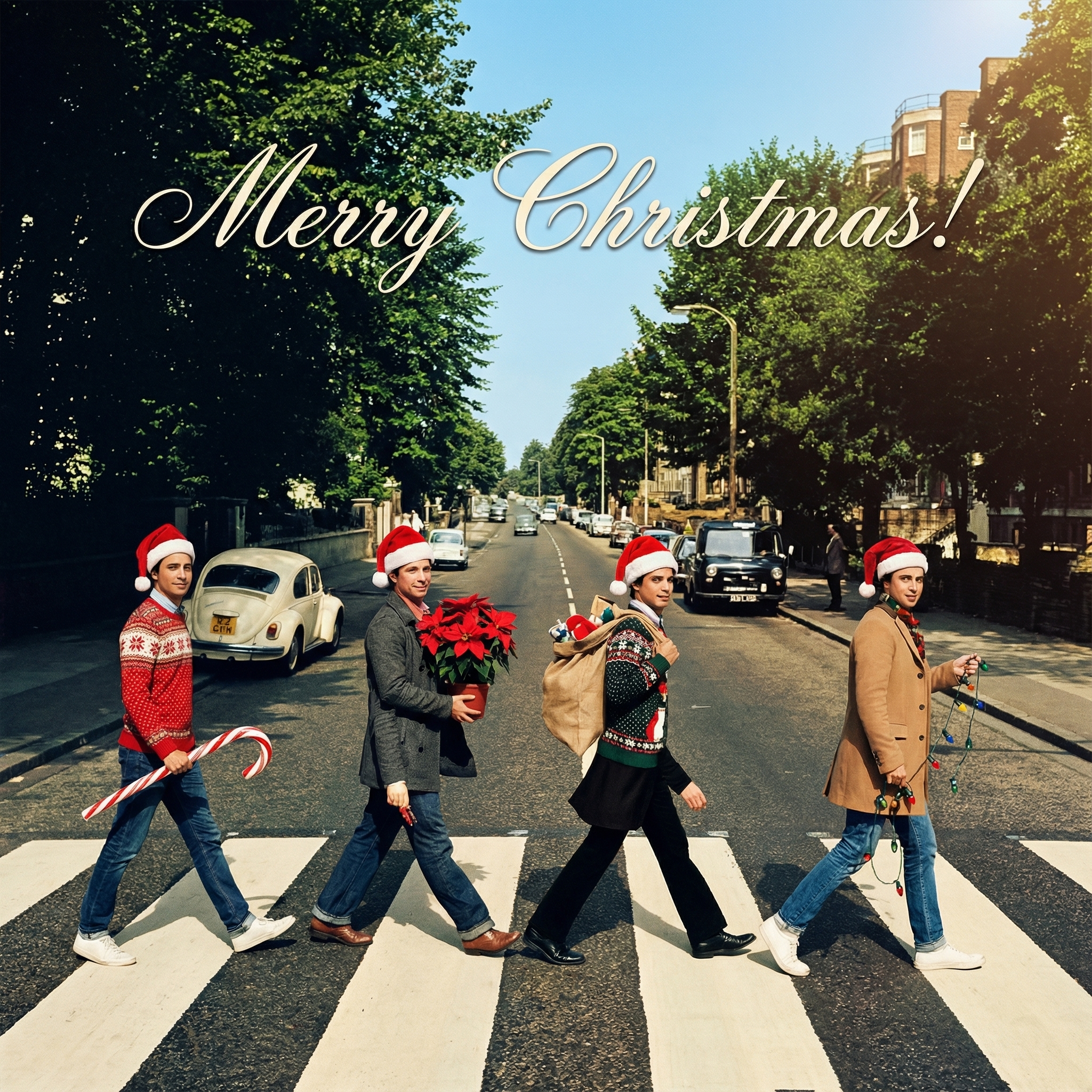
Christmas Cards: Thinking About a Digital Christmas Card This Year?
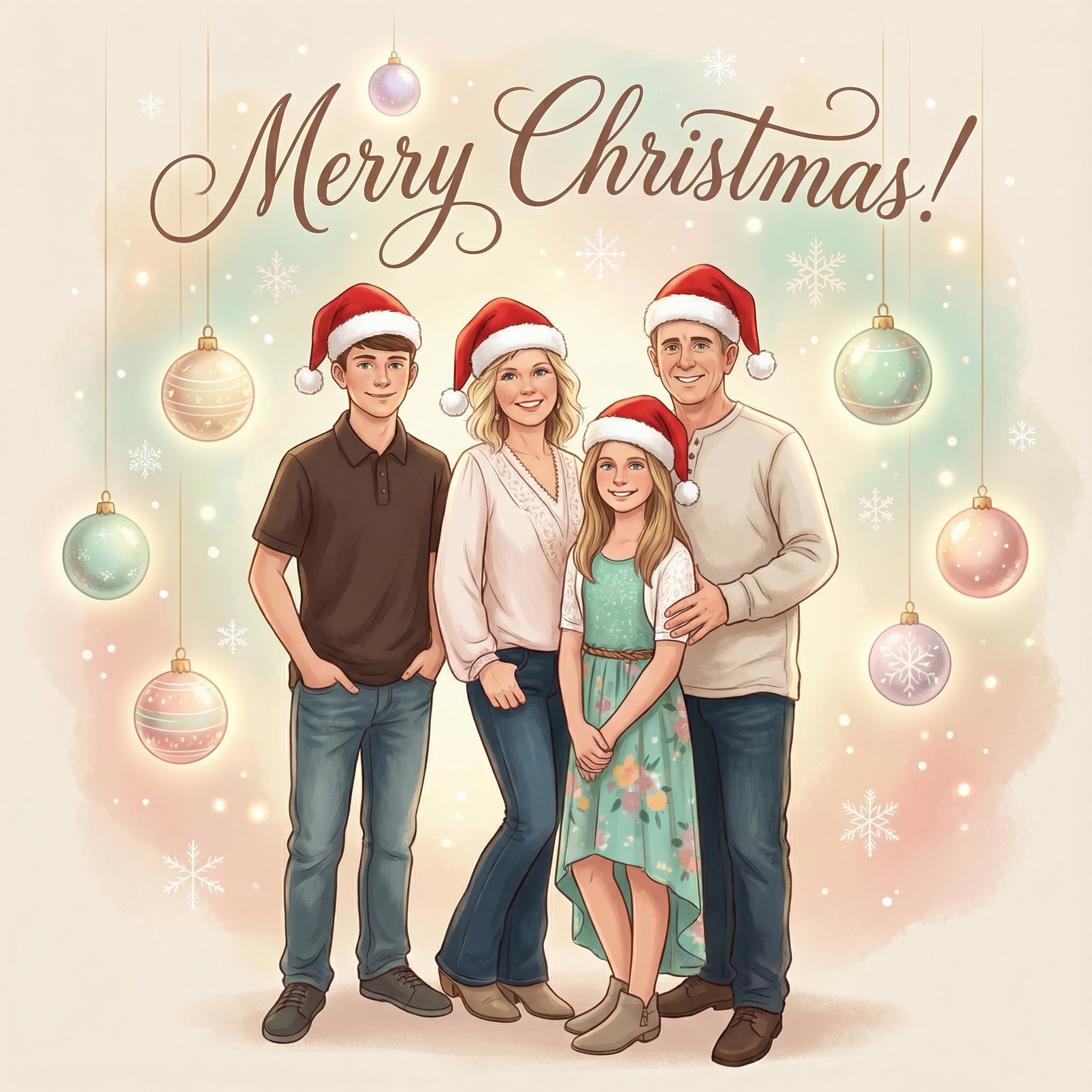
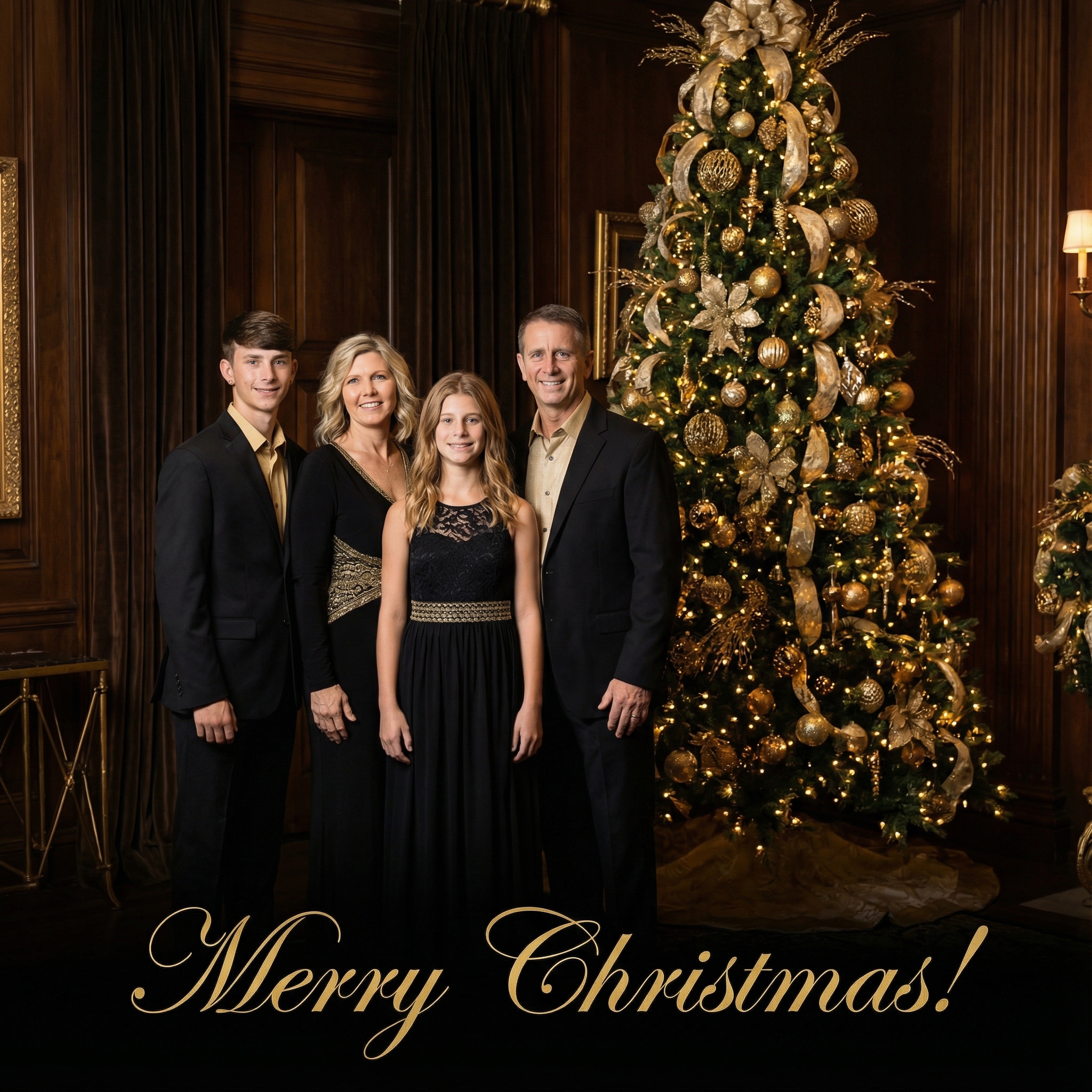
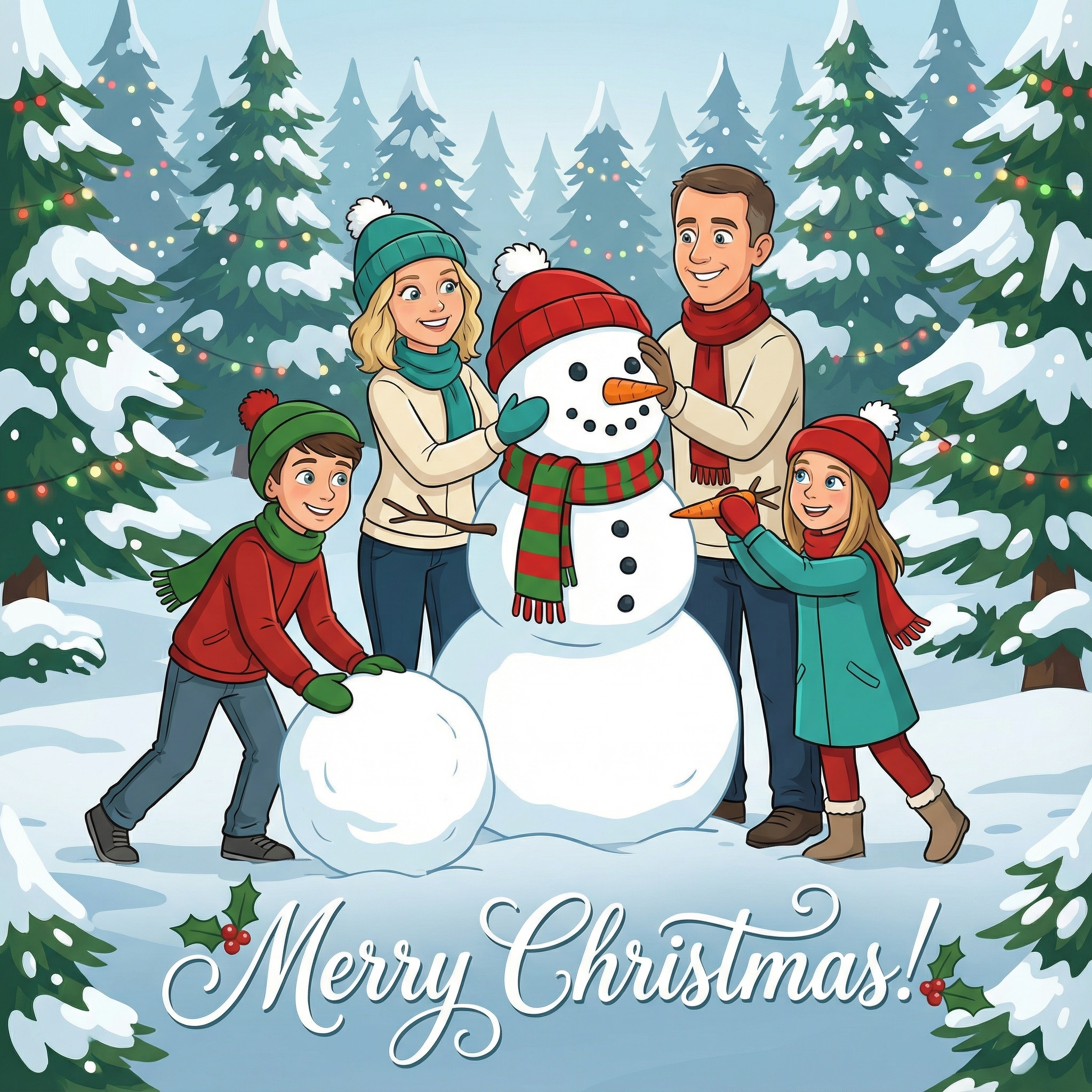
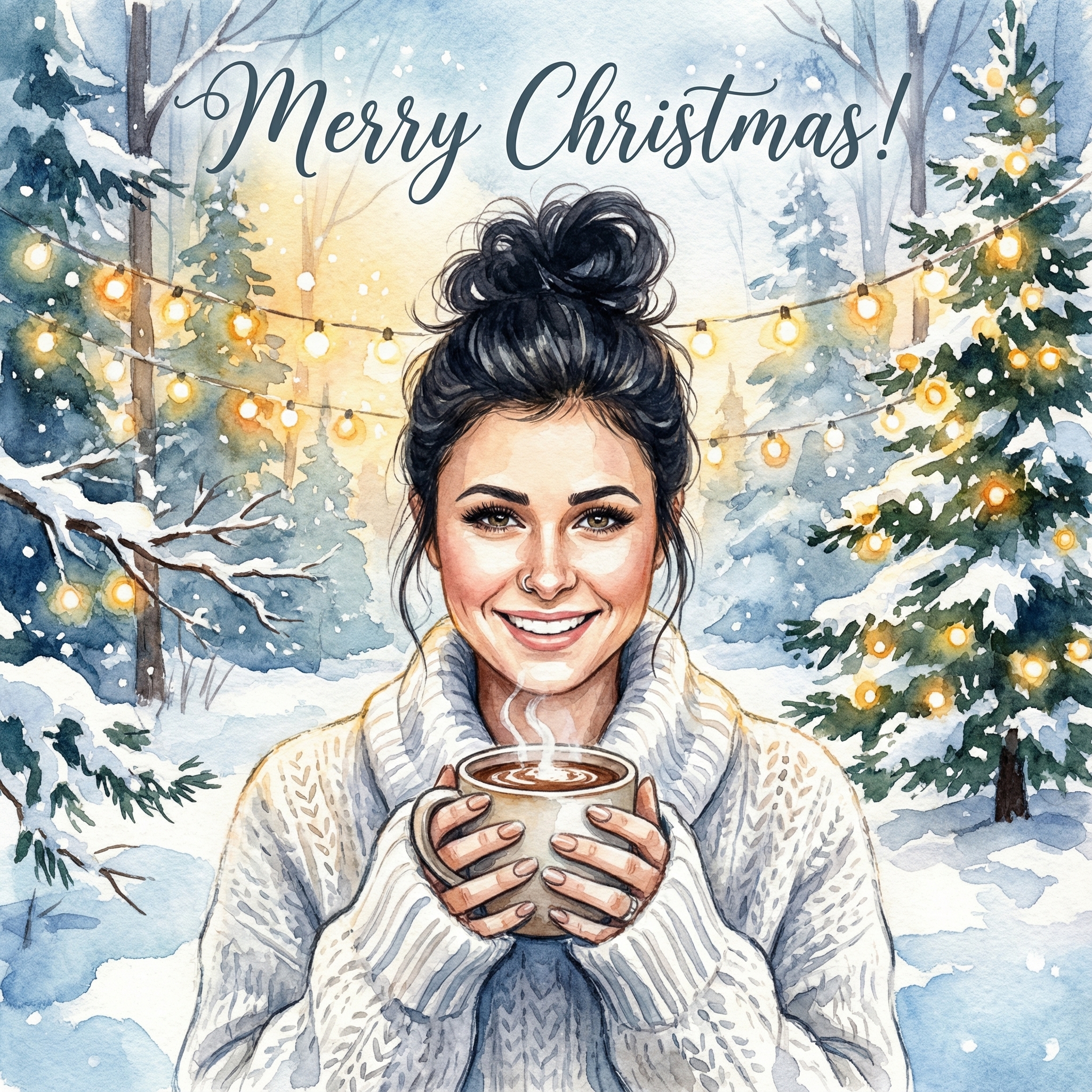
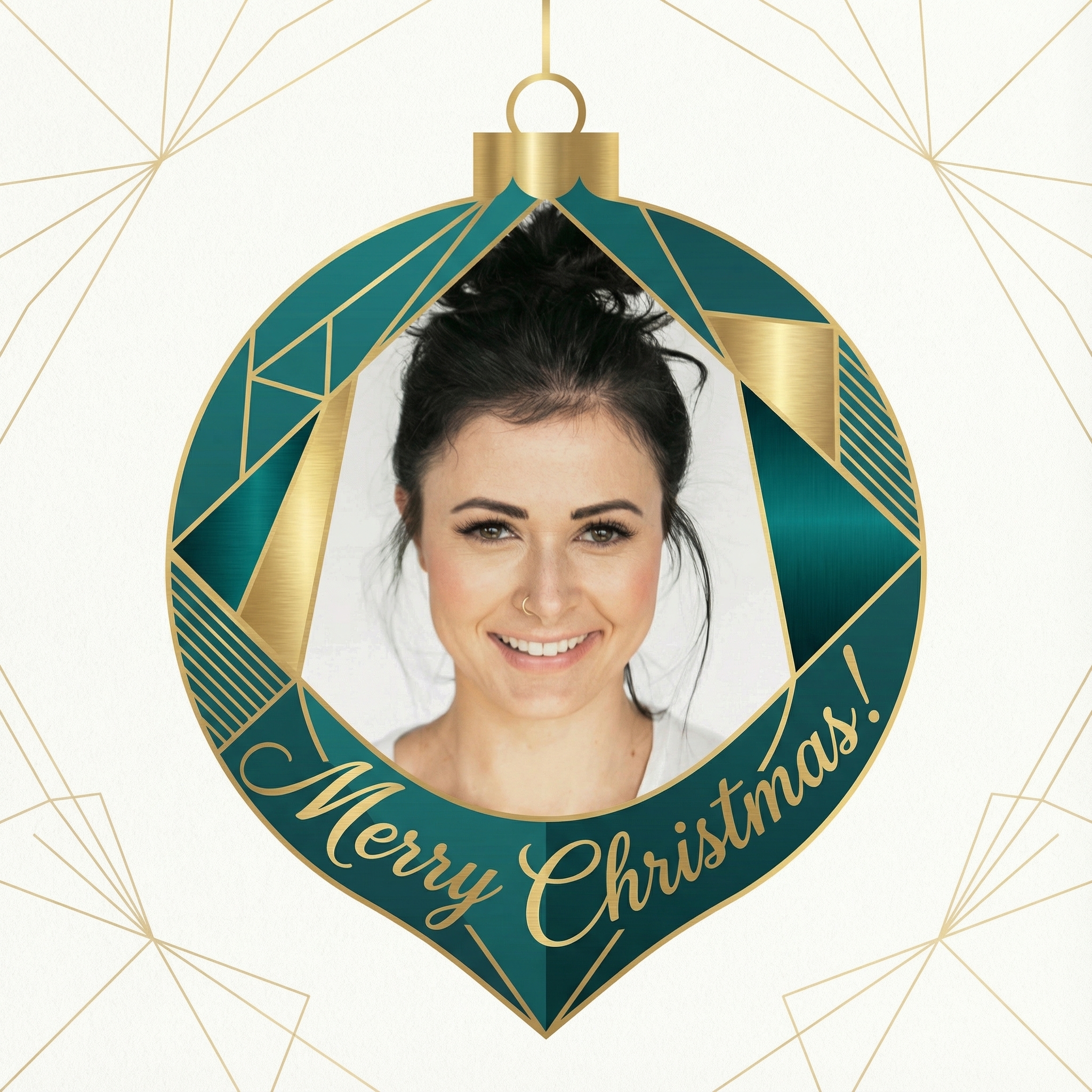
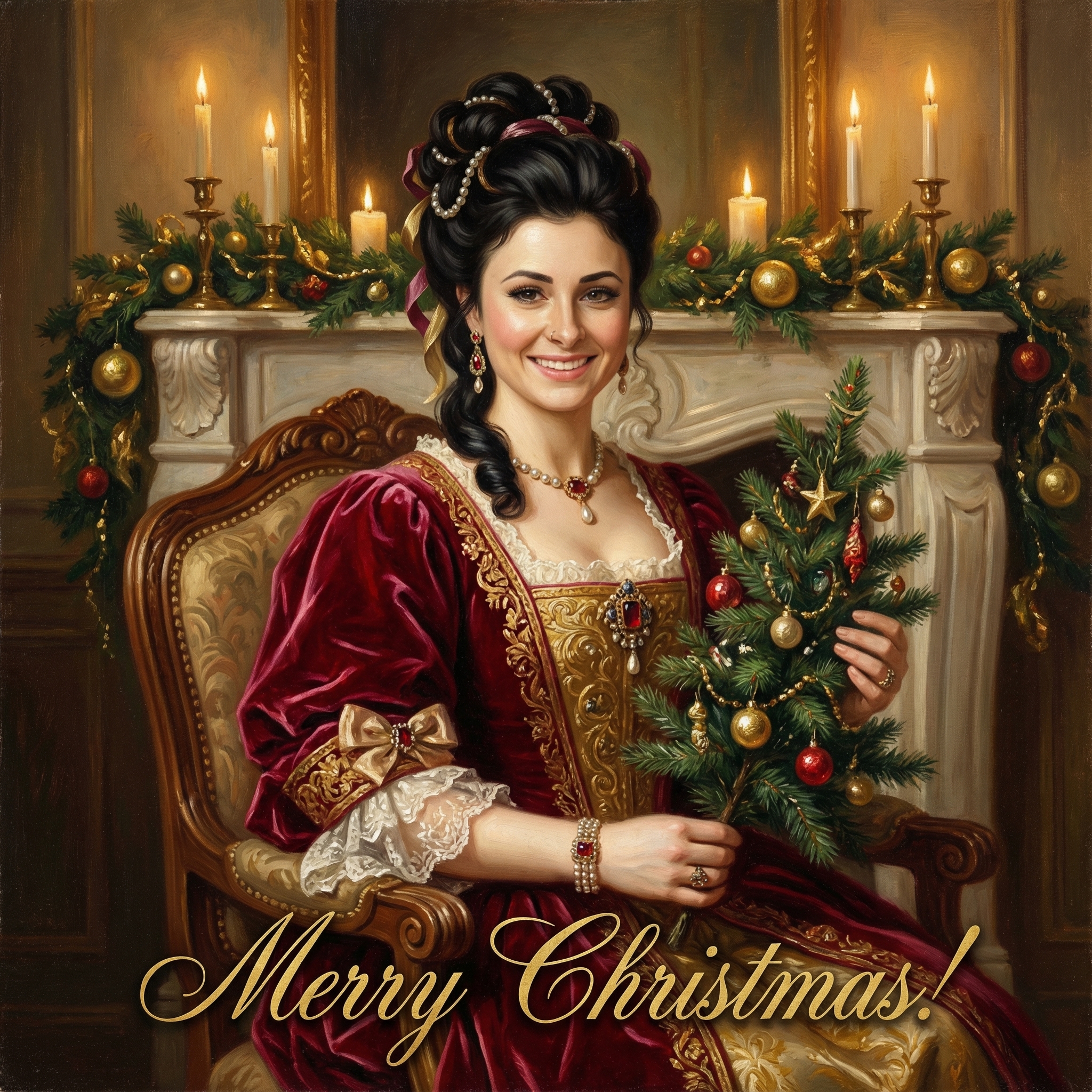
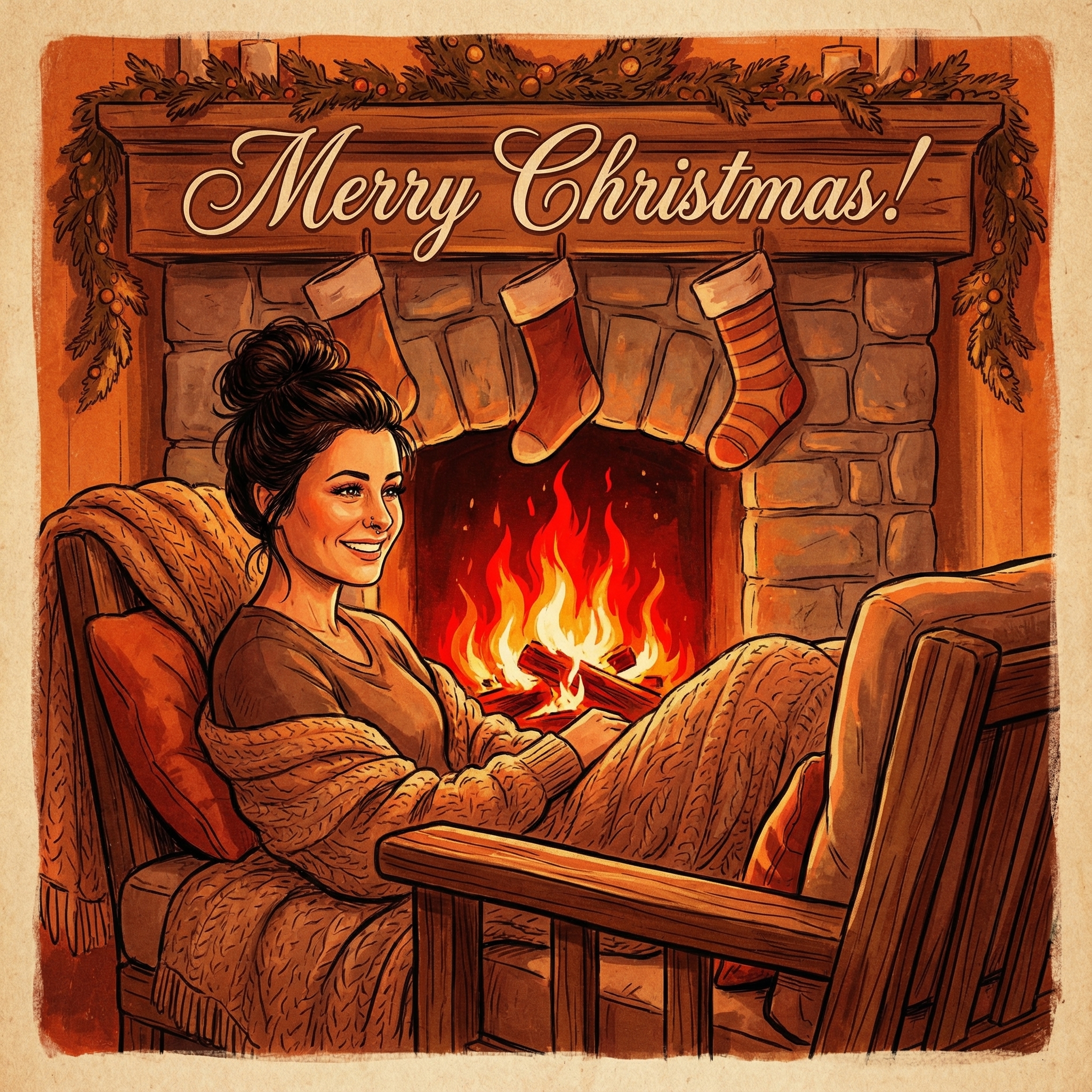
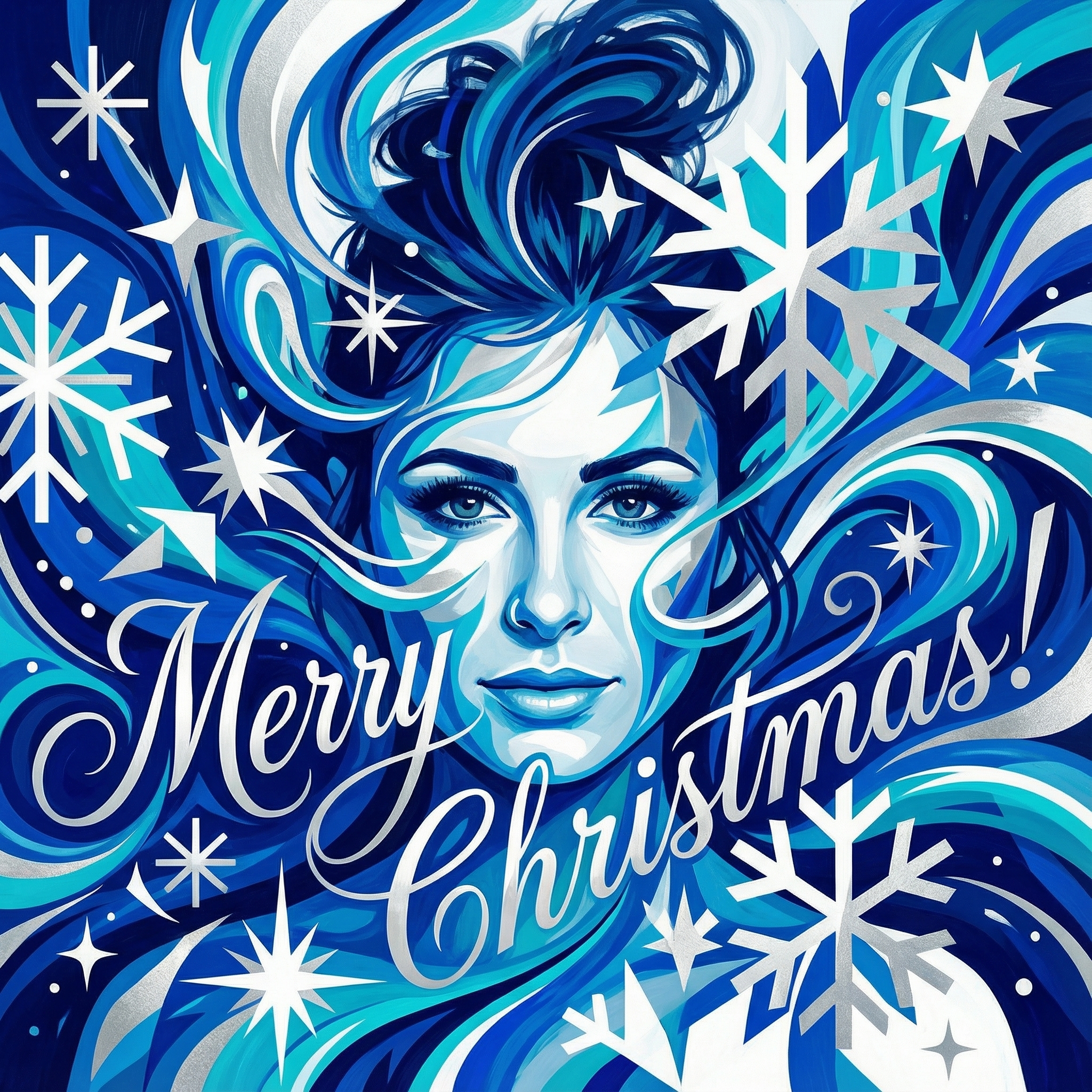
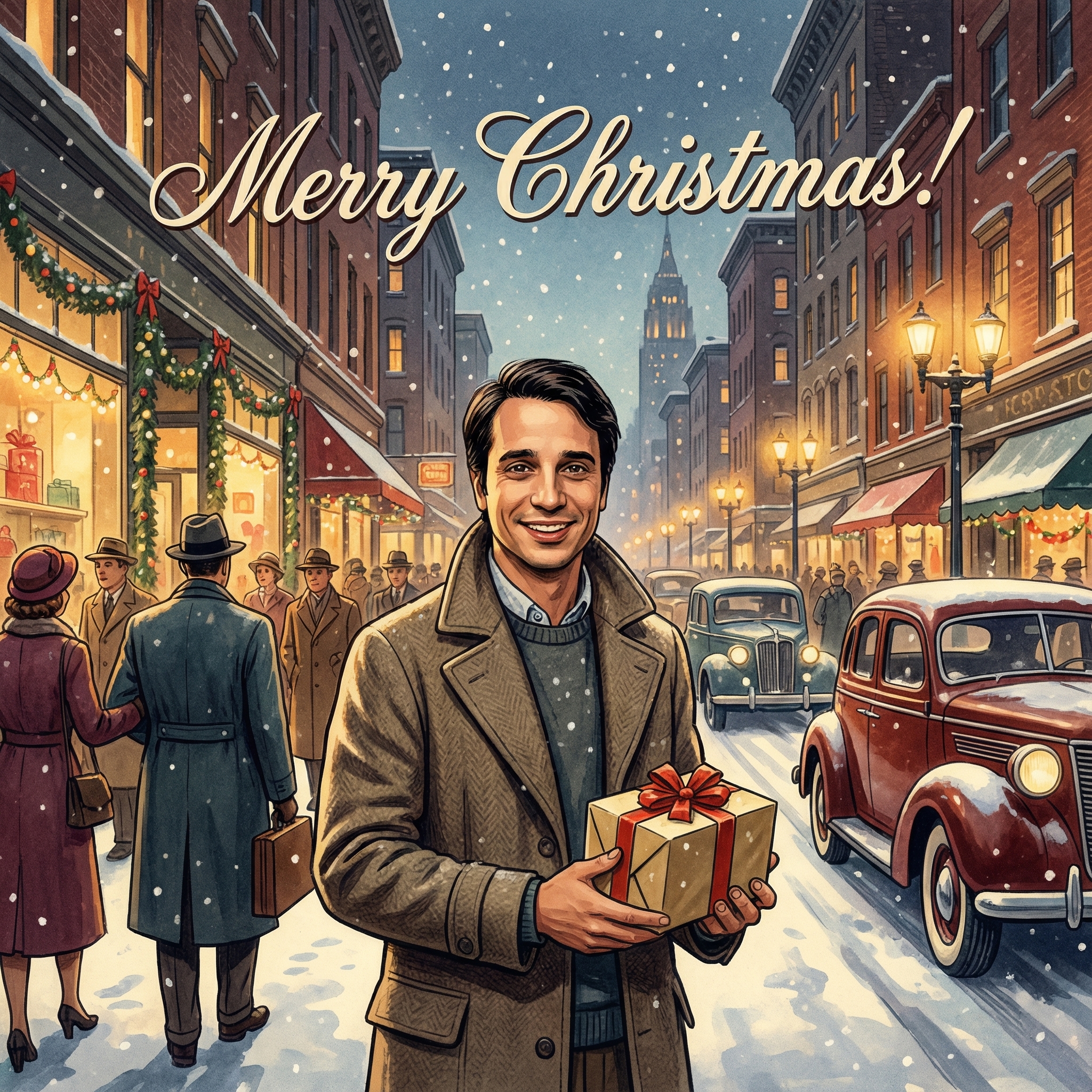
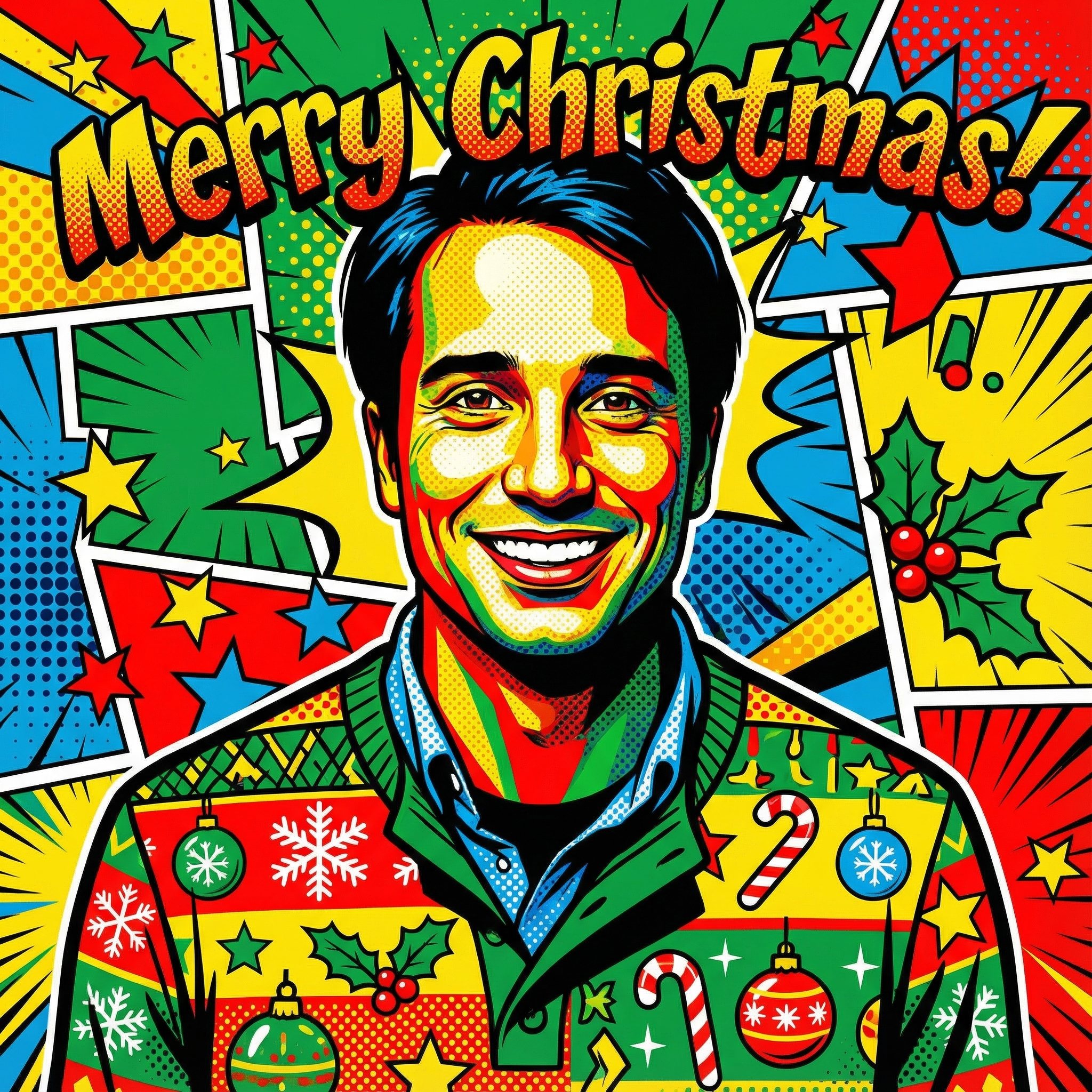
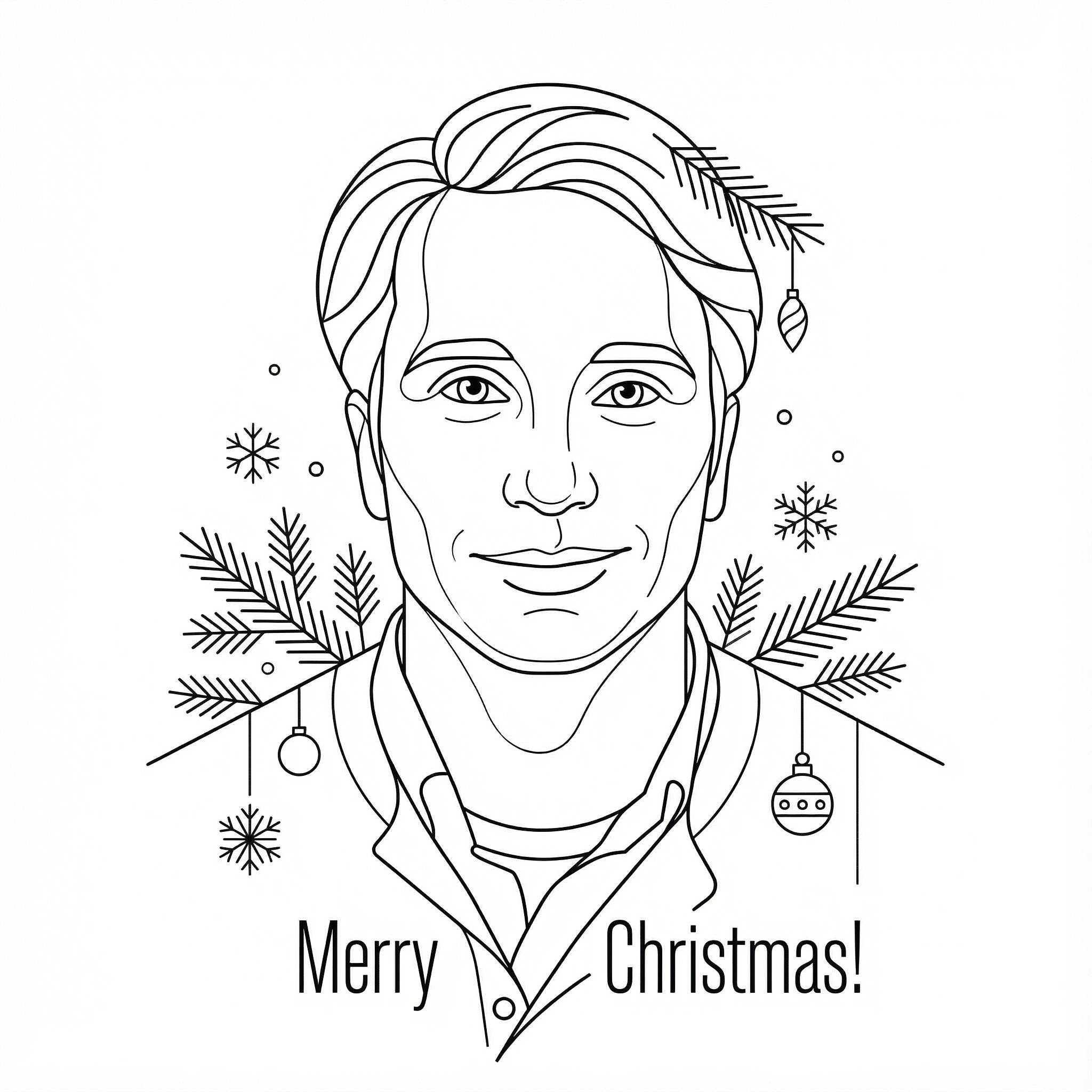
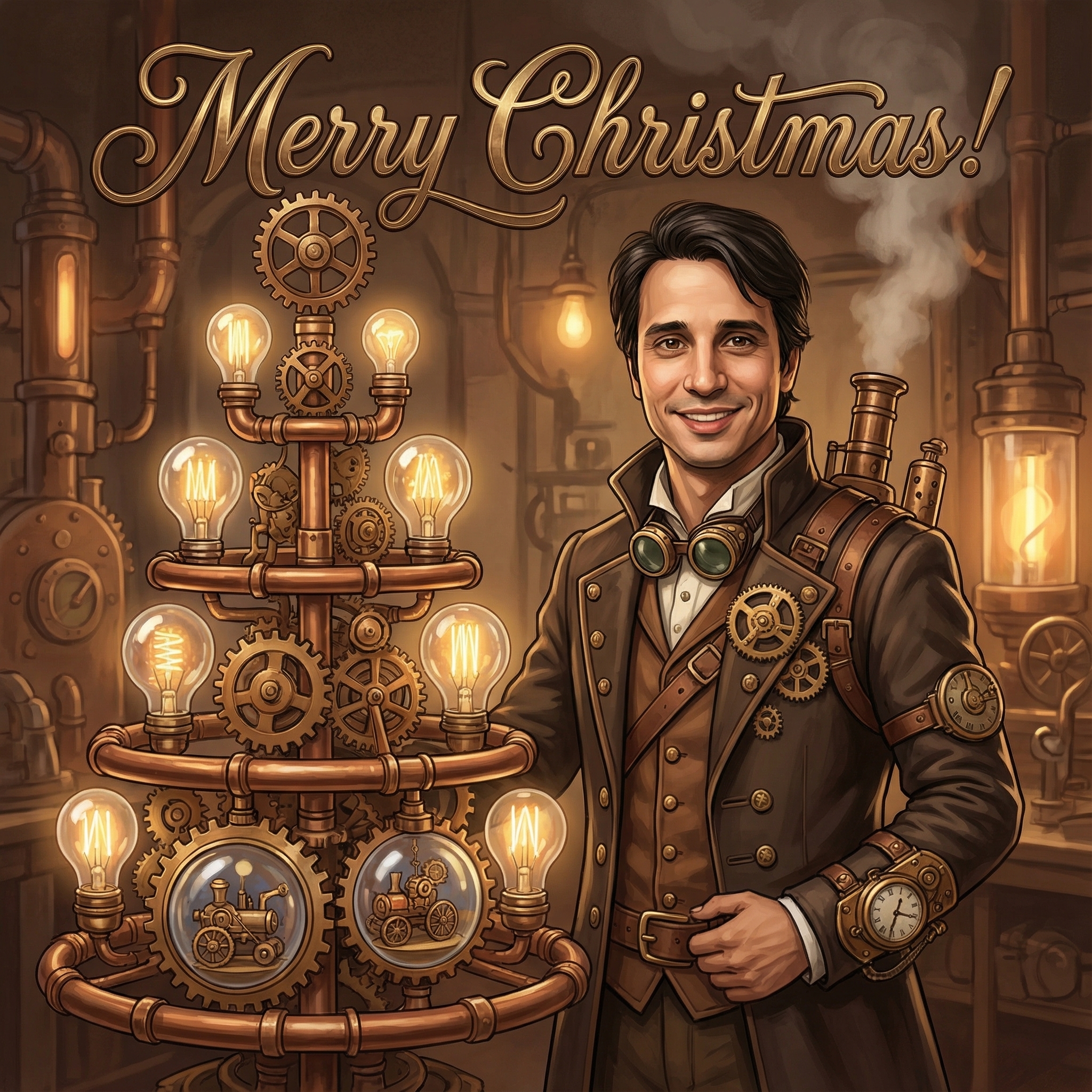
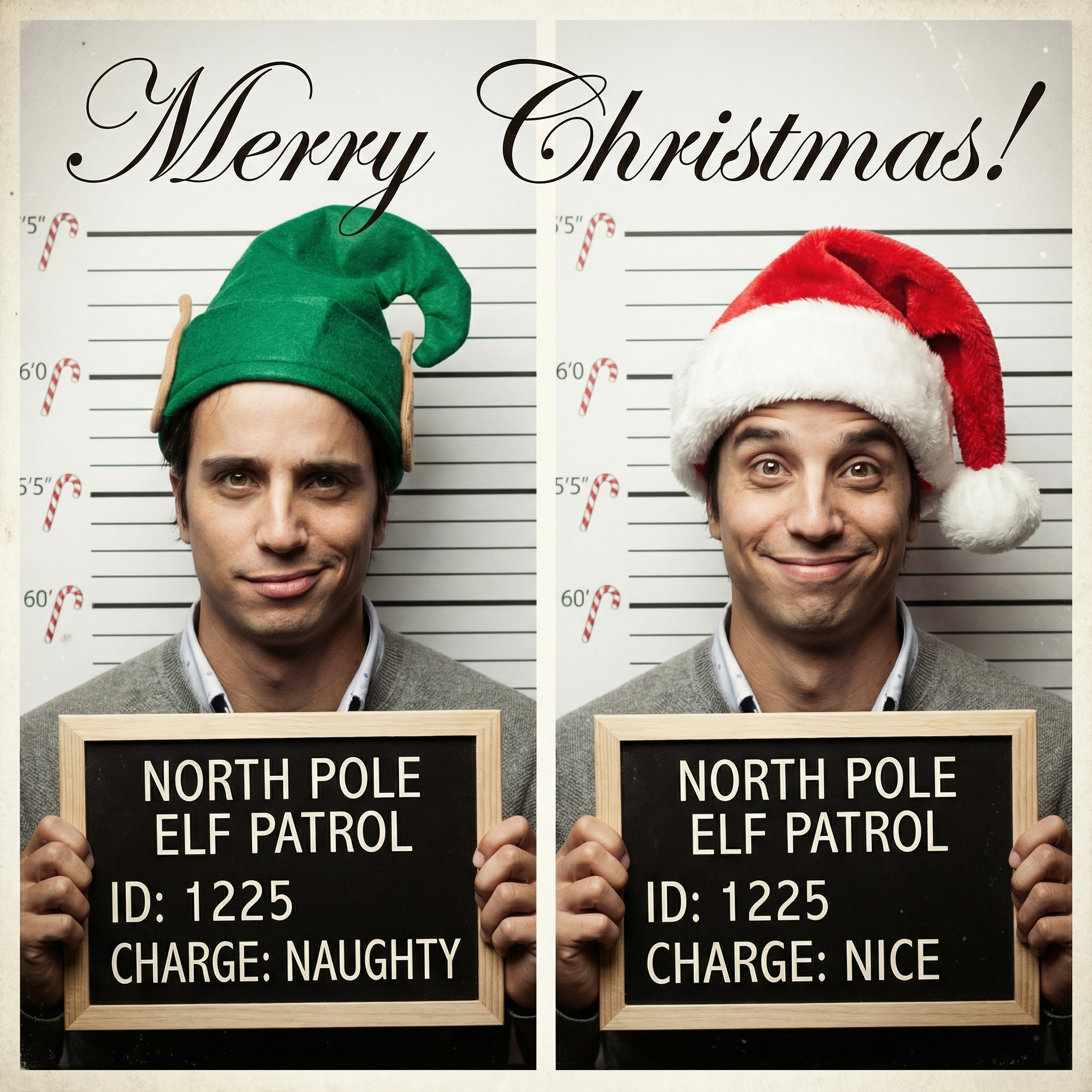
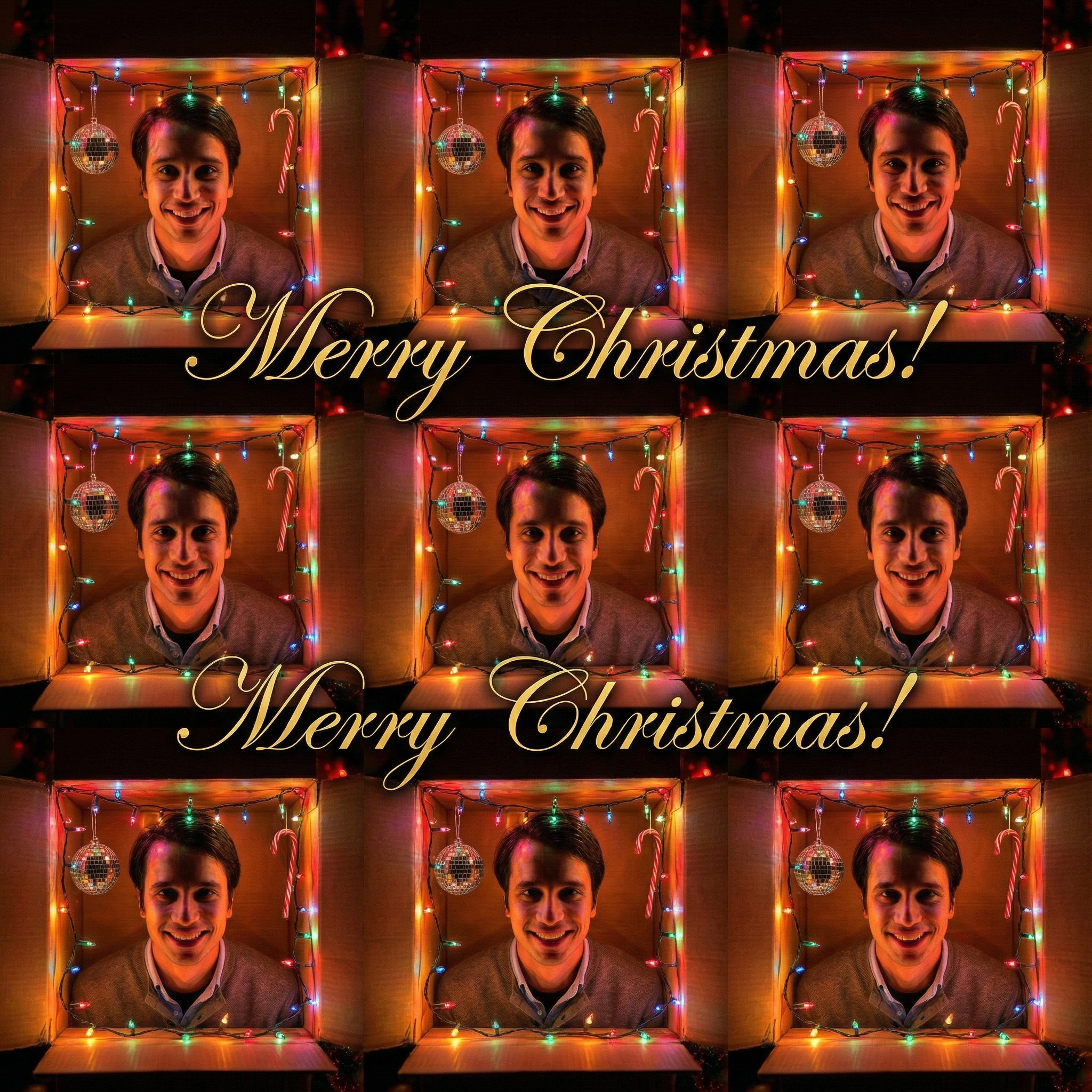
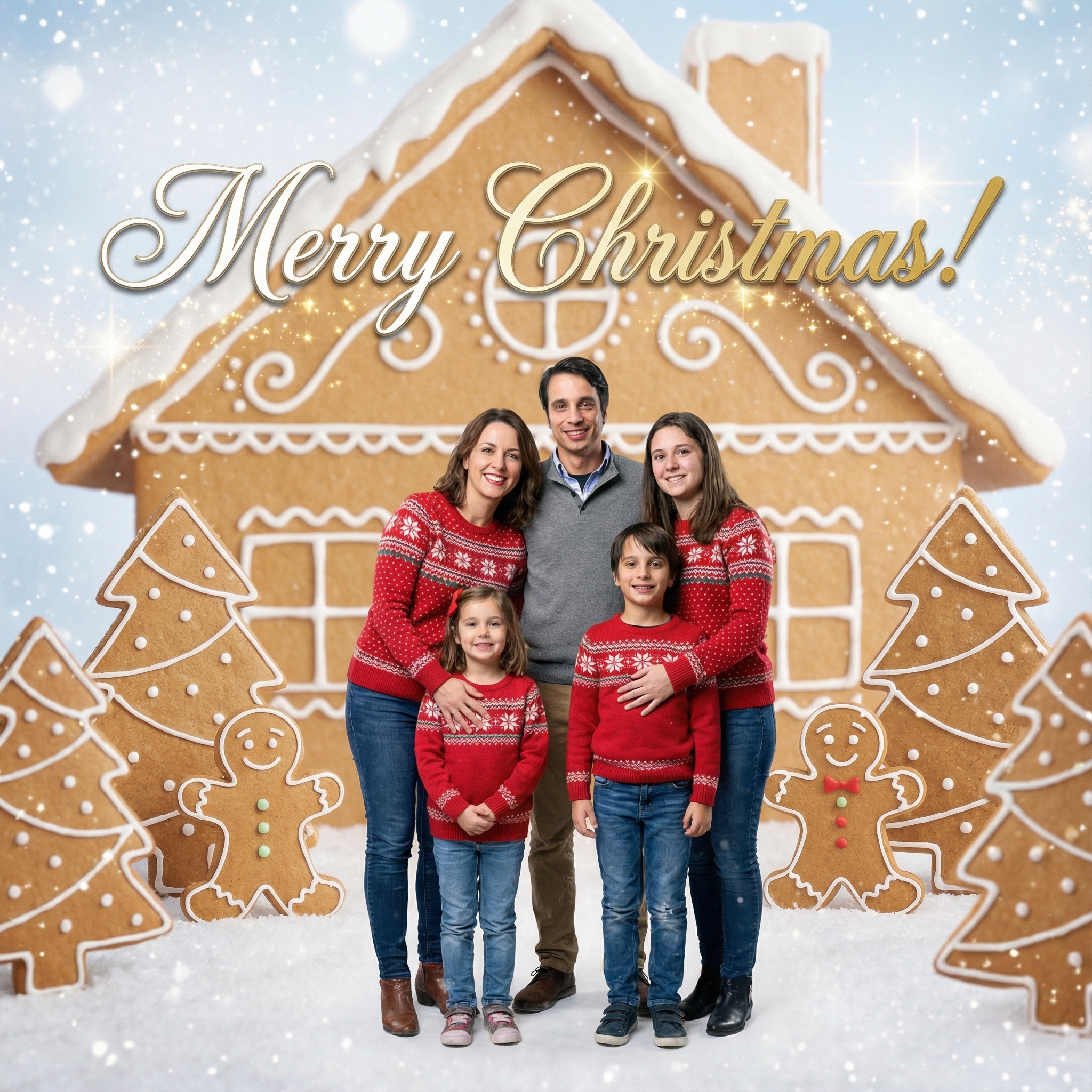
Choose from our collection of beautiful Christmas card styles. From classic to modern, there's a perfect style for everyone.

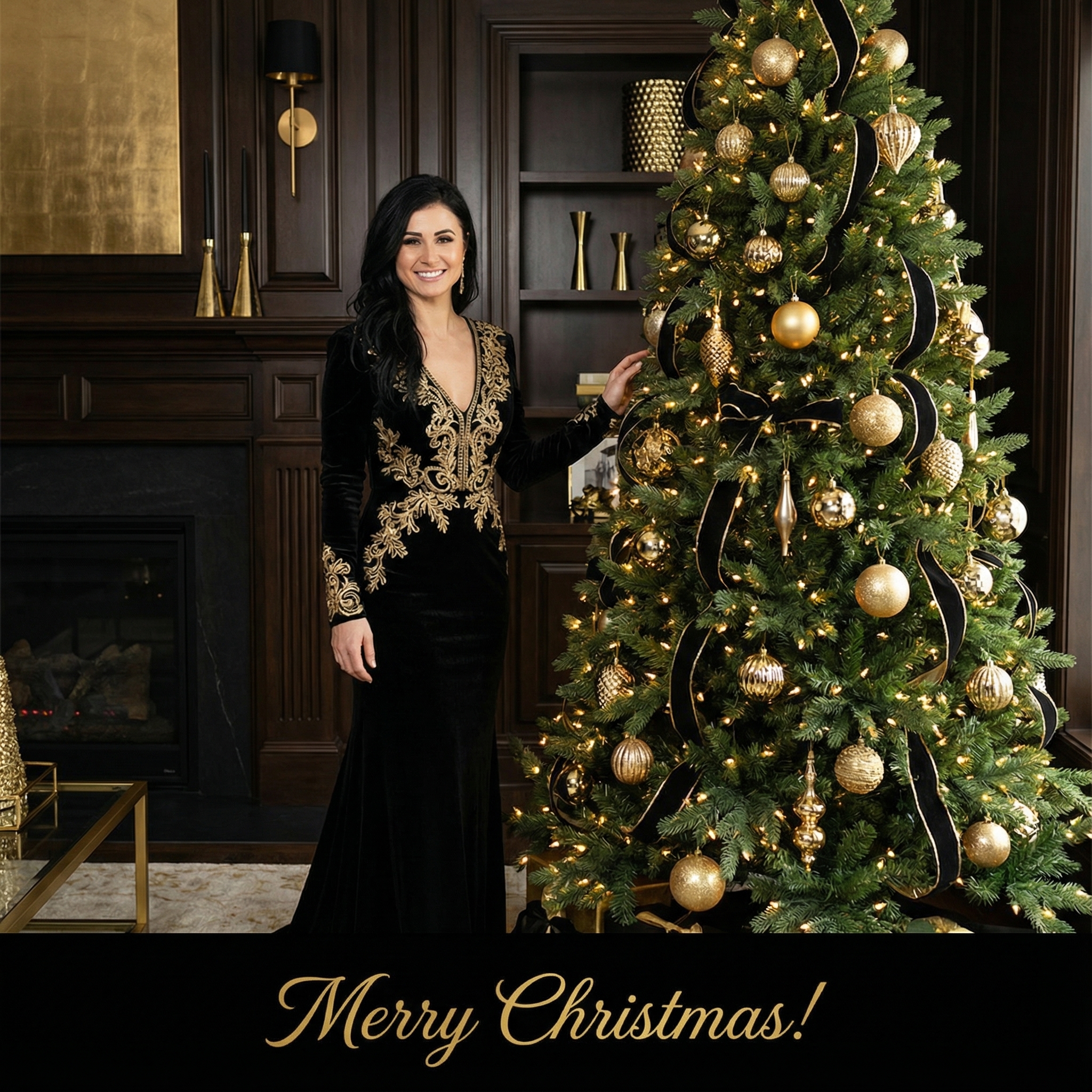

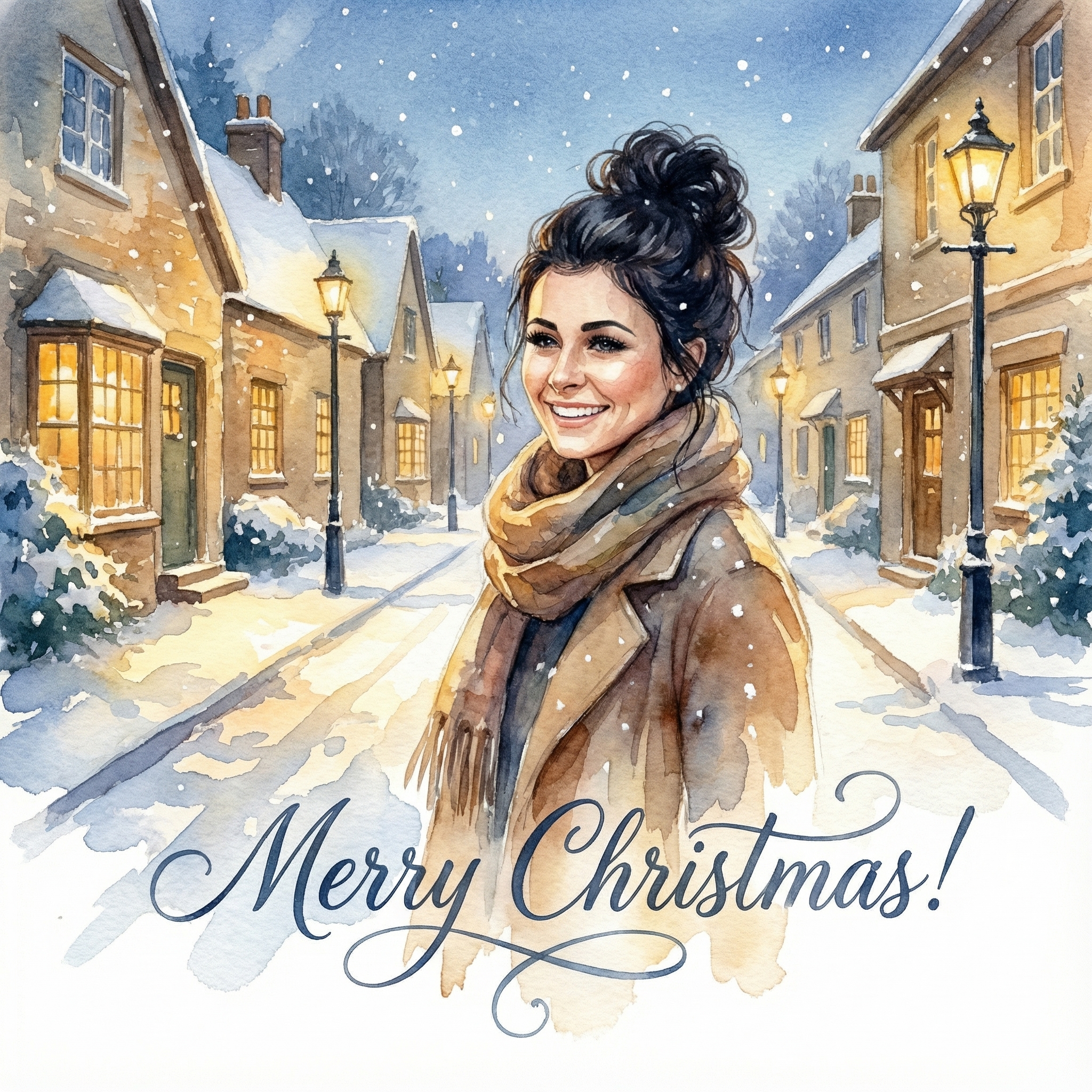
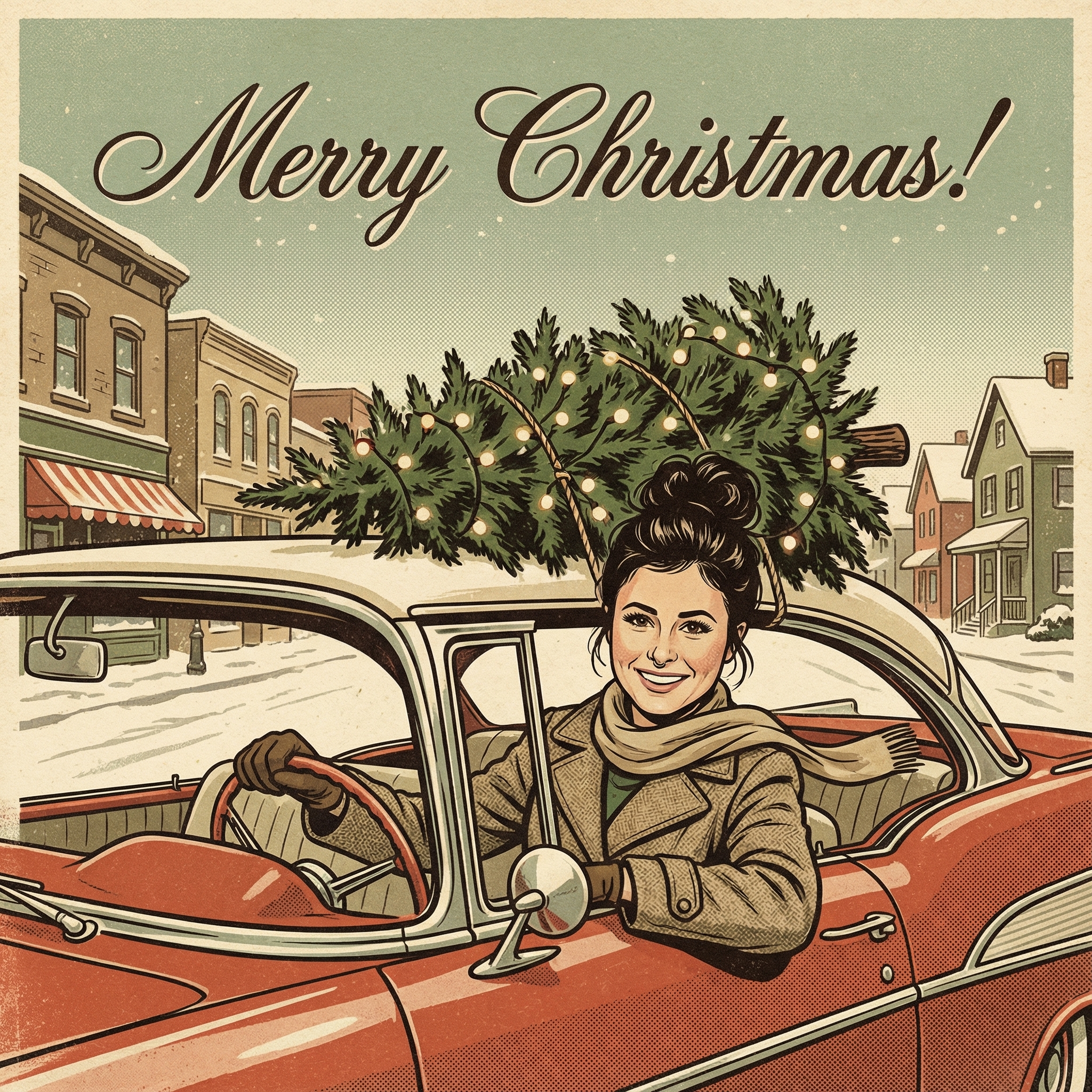
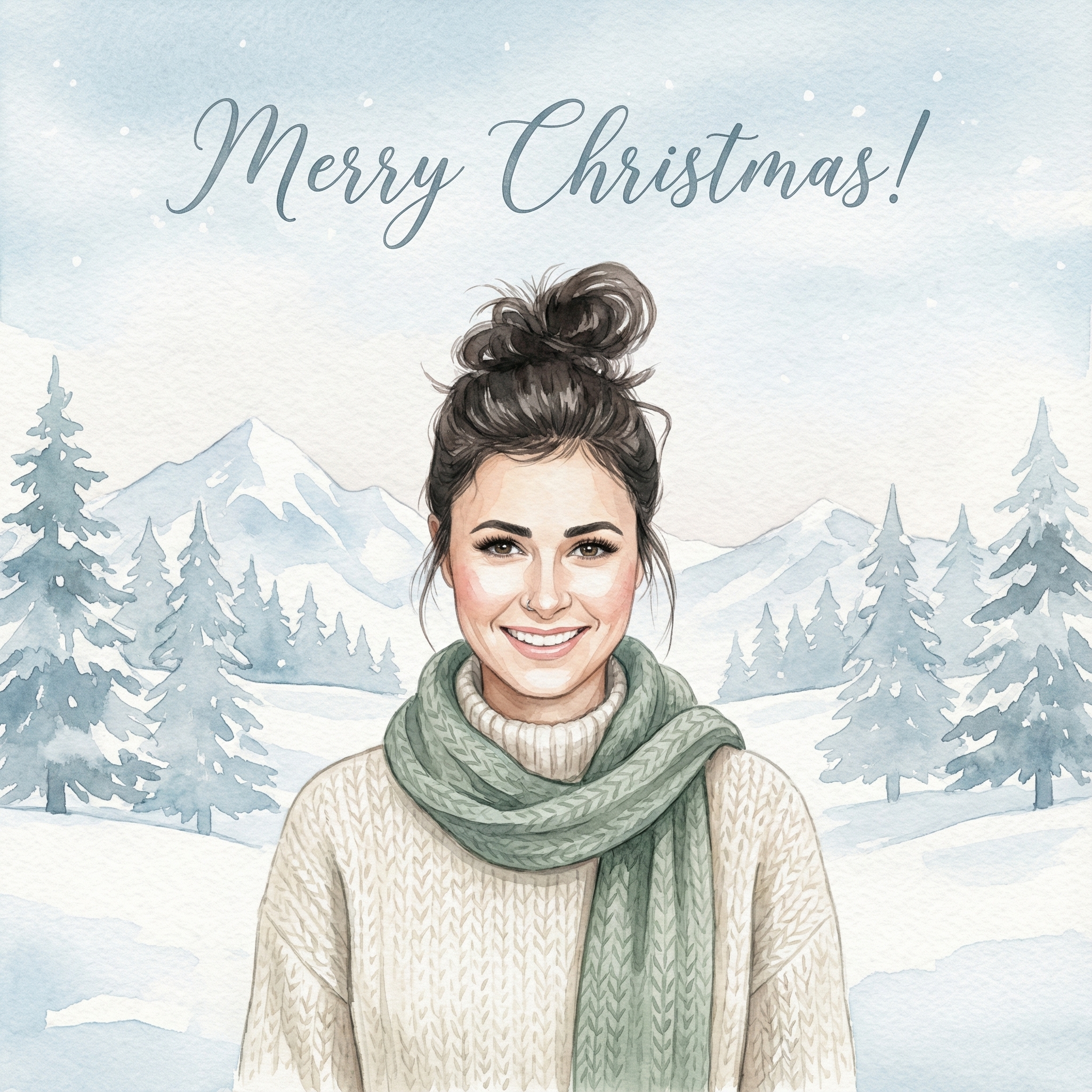
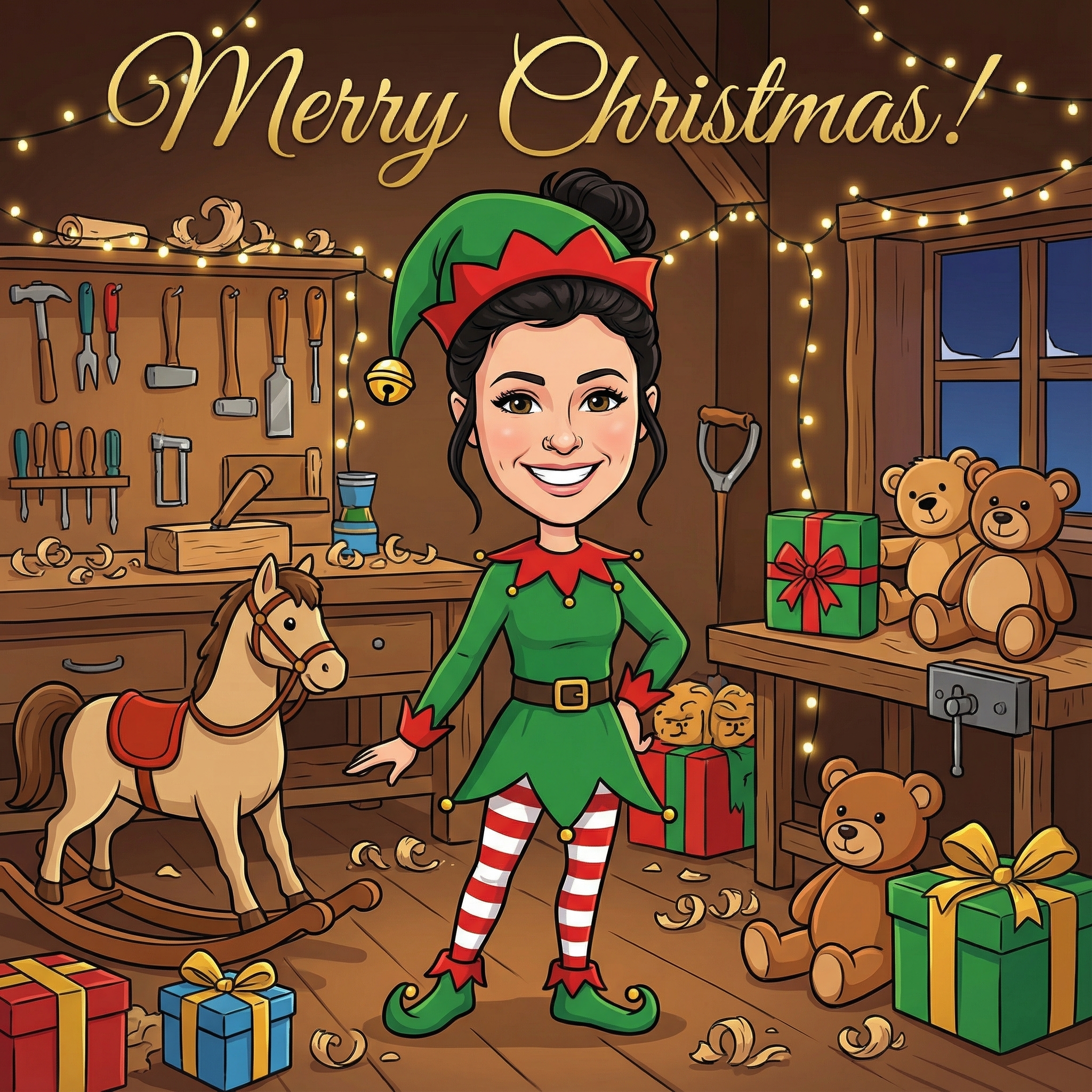
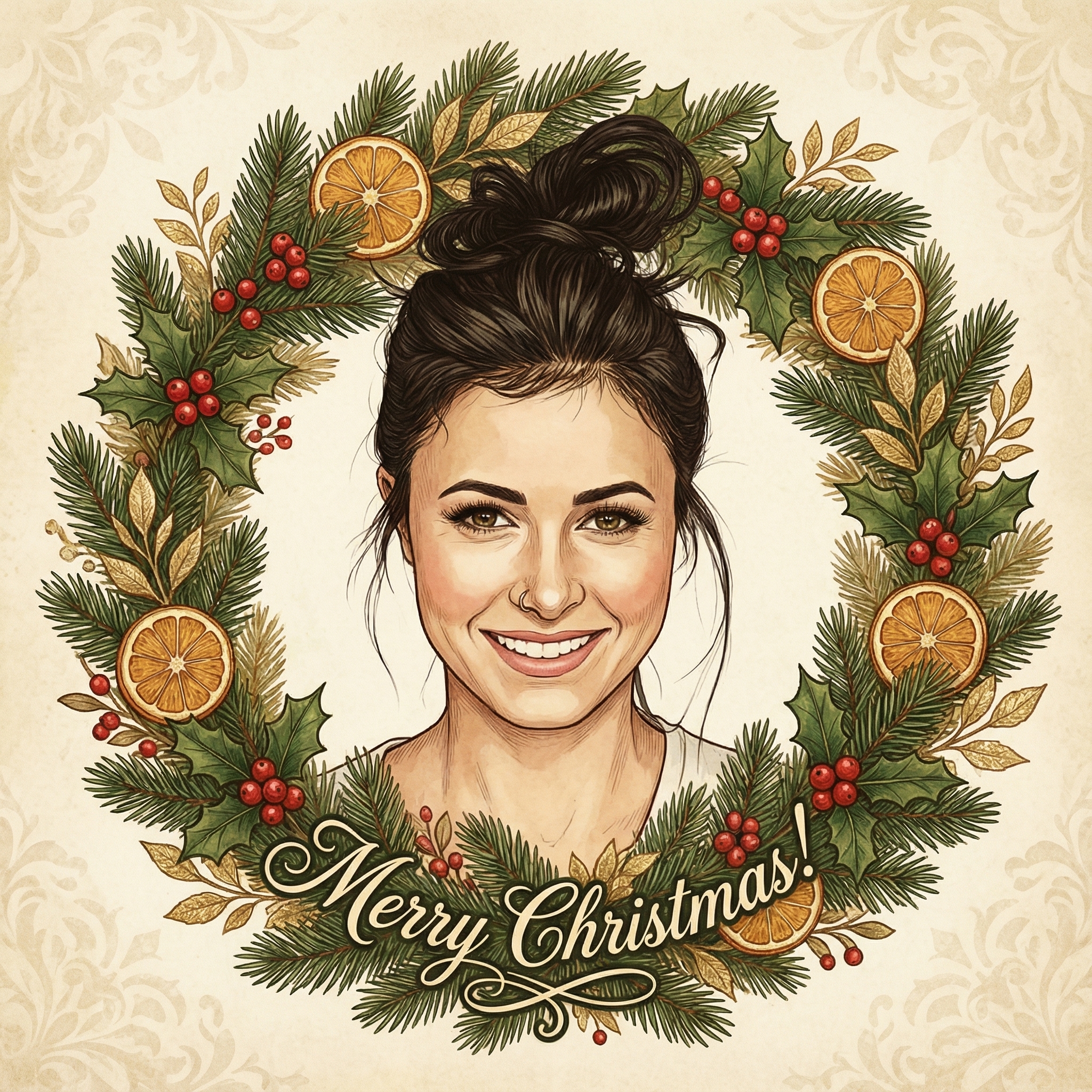
Create your Christmas card in three simple steps
Upload a clear photo of yourself. Our AI uses your unique features to create personalized Christmas cards.
Choose from 12+ beautiful Christmas card styles and add a personal message to your Christmas card.
Within 10 minutes your Christmas card is ready. Download the HD version and have it printed or send it digitally to your family and friends.
Hoe meer kaarten, hoe meer korting. Van €3,99 per kaart tot slechts €2,50 per kaart.
€3,33 per kaart
17% korting
€2,99 per kaart
25% korting
€2,50 per kaart
37% korting
Well, for starters, it's pretty much a given that we're all spending a lot more time online these days, right? Our phones and computers are how we connect with people for pretty much everything else. So, why not Christmas cards too? One big reason people are leaning into the idea of a digital Christmas card is how much easier it can make things. No more worrying about running out of stamps, or if your card will make it across the country (or the world!) in time. You just hit send.
Then there's the environmental side of things. Think about all that paper, all that ink, all that transportation. Going digital means you're cutting down on that, which feels pretty good. And let's be honest, it can be a lot cheaper too. No buying packs of cards, no postage costs. That frees up a bit of cash for, well, more Christmas treats!
But beyond the practical stuff, a digital Christmas card can actually be really creative and personal in ways a flat paper card just can't. You can add videos, music, animations – all sorts of fun things that really make your message pop.
This is where it gets fun! When you're making a digital Christmas card, your imagination is pretty much the only limit. Instead of just a photo glued to cardstock, you could:
Include a short family video: Imagine a quick clip of your kids singing a carol, or everyone waving and saying "Merry Christmas!" It's so much more dynamic than a still photo. Add a slideshow of your year's best photos: Maybe a quick montage of your favorite memories from the past twelve months, set to some festive music. It tells a whole story. Use animated GIFs: A little dancing Santa, twinkling lights, or a snowfall effect can really bring your card to life and add a touch of whimsy. Record a voice message: For those really special people, you could add a personal audio message wishing them well. It feels incredibly intimate and thoughtful. Interactive elements: Some platforms even let you add little clickable links – maybe to a shared photo album, or a favorite Christmas recipe.
It’s about making your message as engaging as possible, using all the cool digital tools we have at our fingertips. You can really show off your personality and what your family has been up to.
You don't need to be a tech wizard to make a great digital Christmas card. There are tons of user-friendly tools out there that make it super easy. Here are a few that come to mind:
Canva: This is a fantastic option for pretty much anyone. It has loads of templates for digital cards, and it's super intuitive to drag and drop your own photos, add text, and even some basic animations. You can easily make a really polished-looking digital Christmas card here. (Check out Canva for their templates). Adobe Express (formerly Adobe Spark): Similar to Canva, but with a slightly different set of templates and features. It's also very user-friendly and great for combining photos, text, and even short video clips into a nice little package. (You can find it at Adobe Express). Video Editors (like InShot, CapCut, or even iMovie/Windows Video Editor): If you're planning on making a more video-centric digital Christmas card, these apps are brilliant. You can stitch together clips, add music, text overlays, and even some fun filters. They're often free or very low cost and surprisingly powerful. Even just PowerPoint or Google Slides: Don't knock the classics! You can design some really nice static or animated slides, save them as a PDF or even a video, and send them off. It's simple, and most people already know how to use them.
The key is to pick a tool that feels comfortable for you. You don't want to spend hours battling with software; you want to spend it creating something lovely.
Once you've crafted your masterpiece, how do you get it to your loved ones? Luckily, this part is usually the easiest.
Email: This is probably the most common way. You can attach your card (if it's a small file like a JPG or PDF) or, even better, embed it directly into the email or link to it if it's hosted online (like a video on YouTube or a design on Canva). Just make sure the subject line is festive so it doesn't get lost in the spam folder! Messaging Apps (WhatsApp, Messenger, etc.): For close friends and family, sending your digital Christmas card directly through a messaging app is super quick and personal. They'll get it instantly and can reply right away. Social Media: If you're sending a general greeting to a wider circle, you could post it on Facebook, Instagram, or another platform. Just remember that this is a public option, so only share what you're comfortable with everyone seeing.
Think about who you're sending it to. Your tech-savvy niece might love a video message, while your grandparents might prefer a simple, elegant image they can easily open in an email. A good idea is to test it out on yourself or a close friend first to make sure it looks good and opens correctly.
The whole point of a Christmas card, whether it's physical or a digital Christmas card, is to send a personal message. So, even though it's digital, don't forget to inject your own personality into it. Use your family photos, write a genuine message, and pick colors and fonts that reflect your style.
Maybe you have a running joke with a friend – could you incorporate that into a little animation? Or if your family has a tradition of a certain type of Christmas sweater, could you include a photo of everyone in them? These small touches are what make it truly special and not just another generic greeting. It's about making your digital Christmas card stand out because it's uniquely yours.
---
Absolutely! The personal touch comes from the message and the effort you put in, not just the medium. With the ability to add photos, videos, and custom messages, a digital Christmas card can feel even more personal and engaging than a traditional paper one.
For most people, emailing it is the easiest. You can attach a file or, if it's a video or interactive card, share a link to where it's hosted. For close friends and family, sending it directly through a messaging app like WhatsApp is also super simple.
Definitely! Family photos are one of the best parts of Christmas cards, and they work brilliantly in a digital format. You can include a single photo, a collage, or even a short slideshow of multiple pictures from the year.
Yes, many people really appreciate them! They're often seen as a thoughtful, modern way to connect. Plus, the interactive elements like videos or music can be a pleasant surprise compared to a static card. It's a fun change of pace!
Don't worry! Tools like Canva and Adobe Express are designed to be very user-friendly, even for beginners. They have lots of ready-made templates, and it's mostly about dragging and dropping your content. Start simple, and you'll be surprised at what you can create!