Adding a Little Tune: Making a Christmas Card with Music
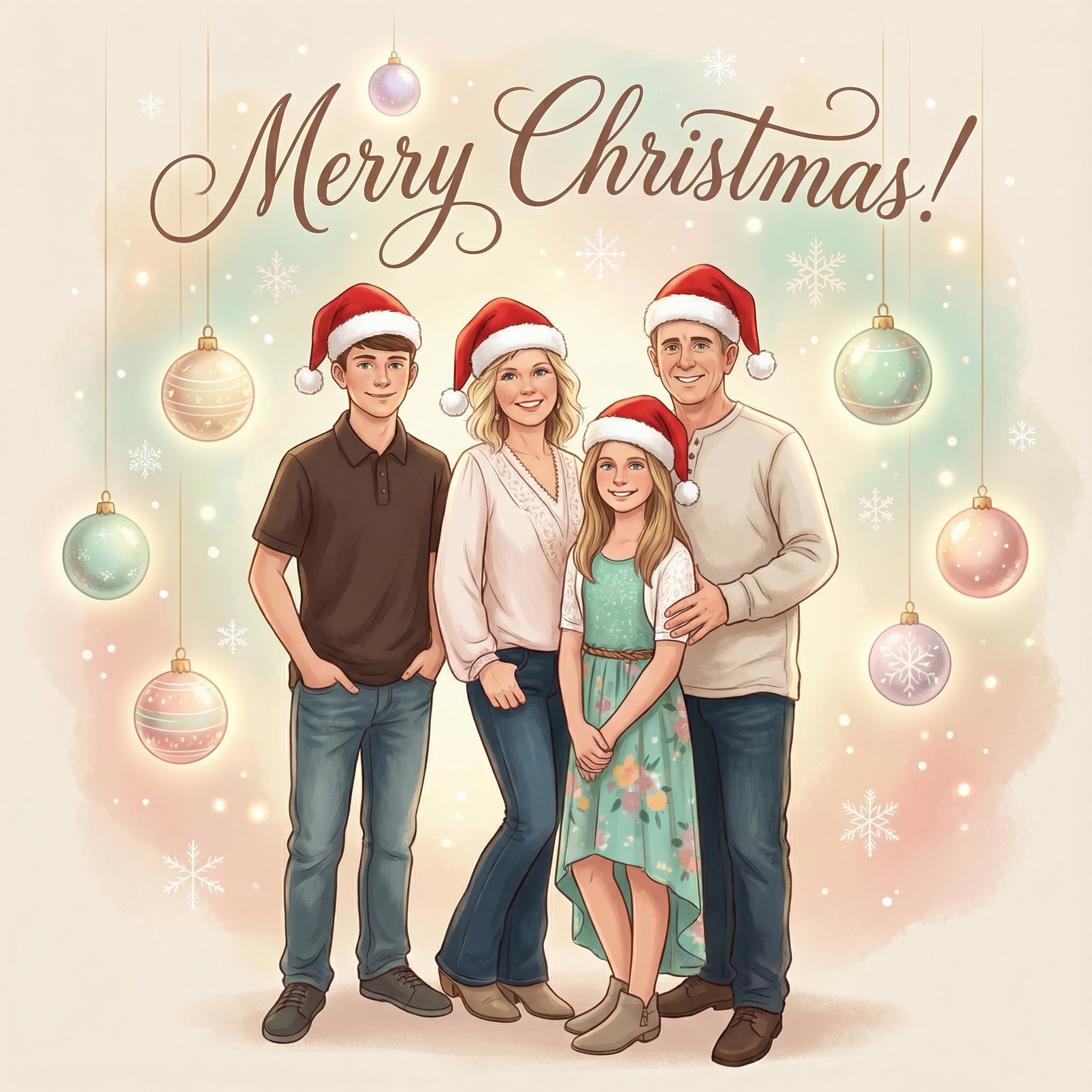
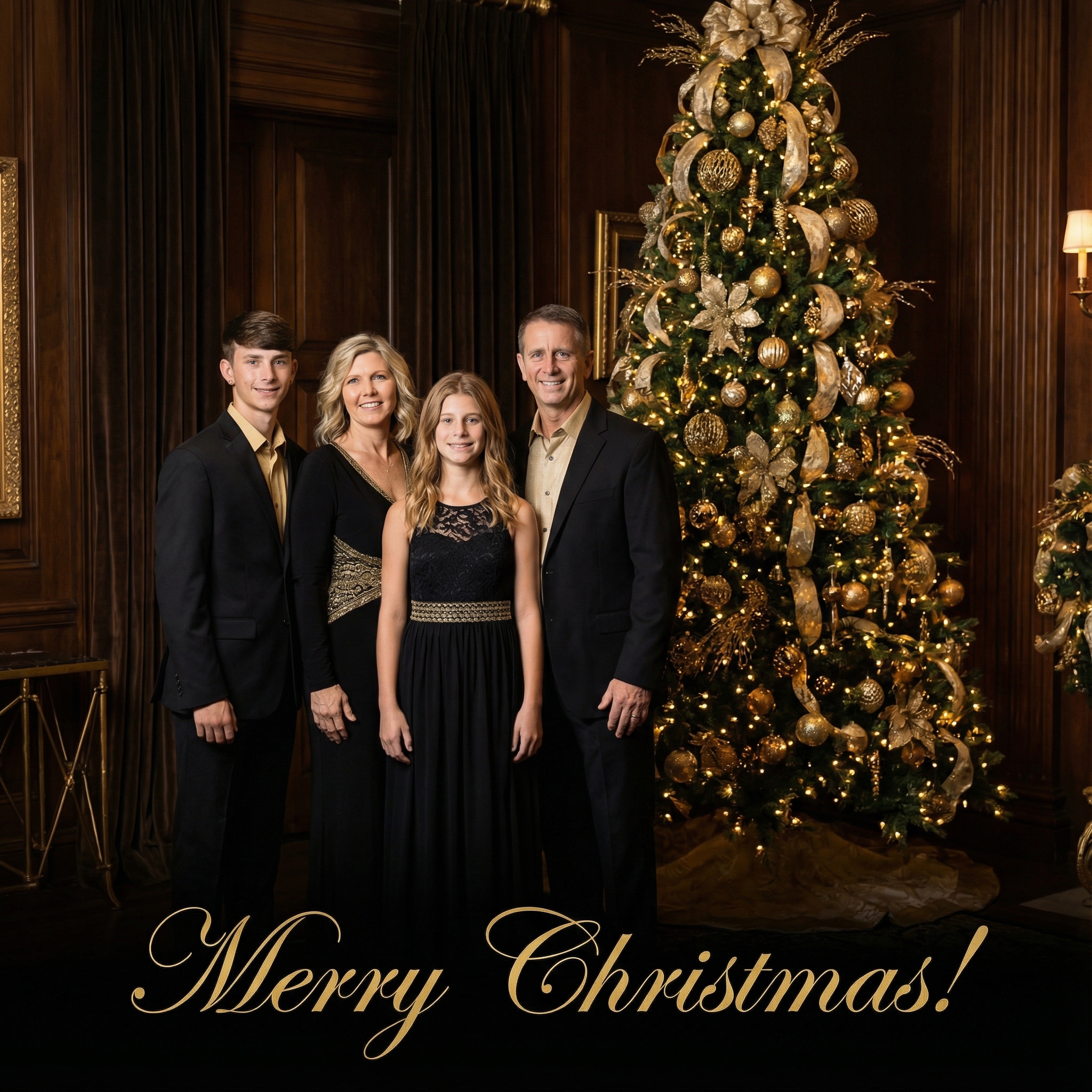
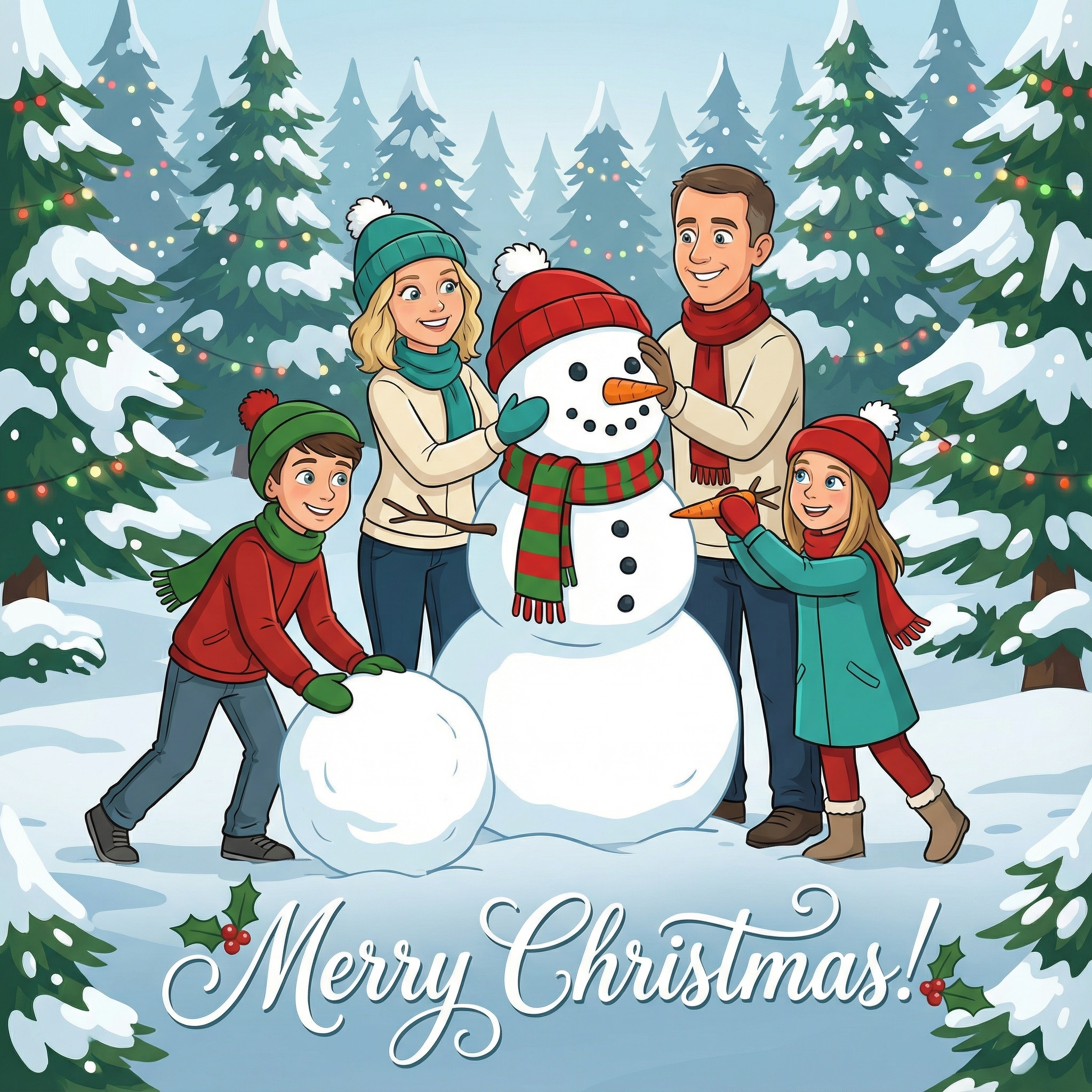
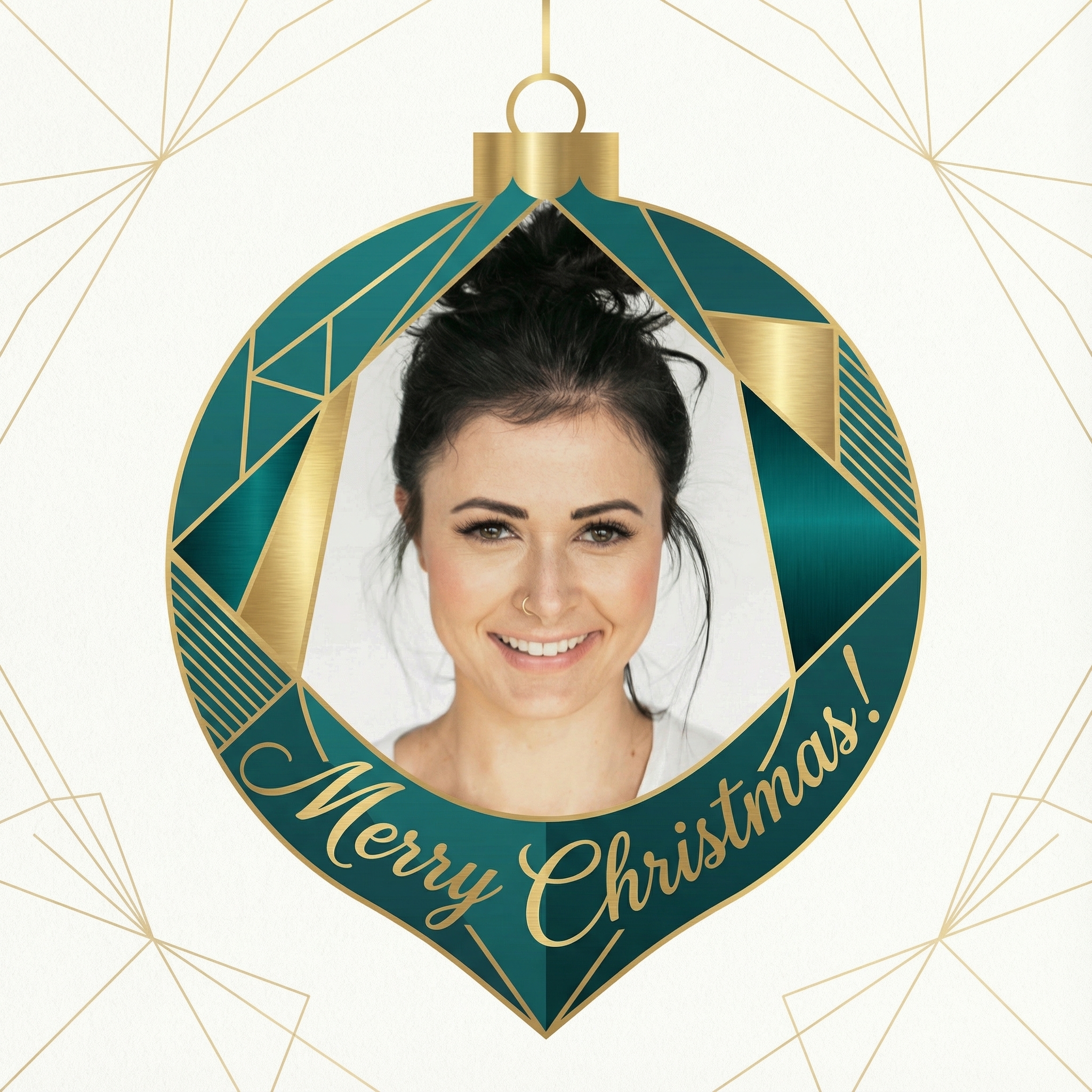
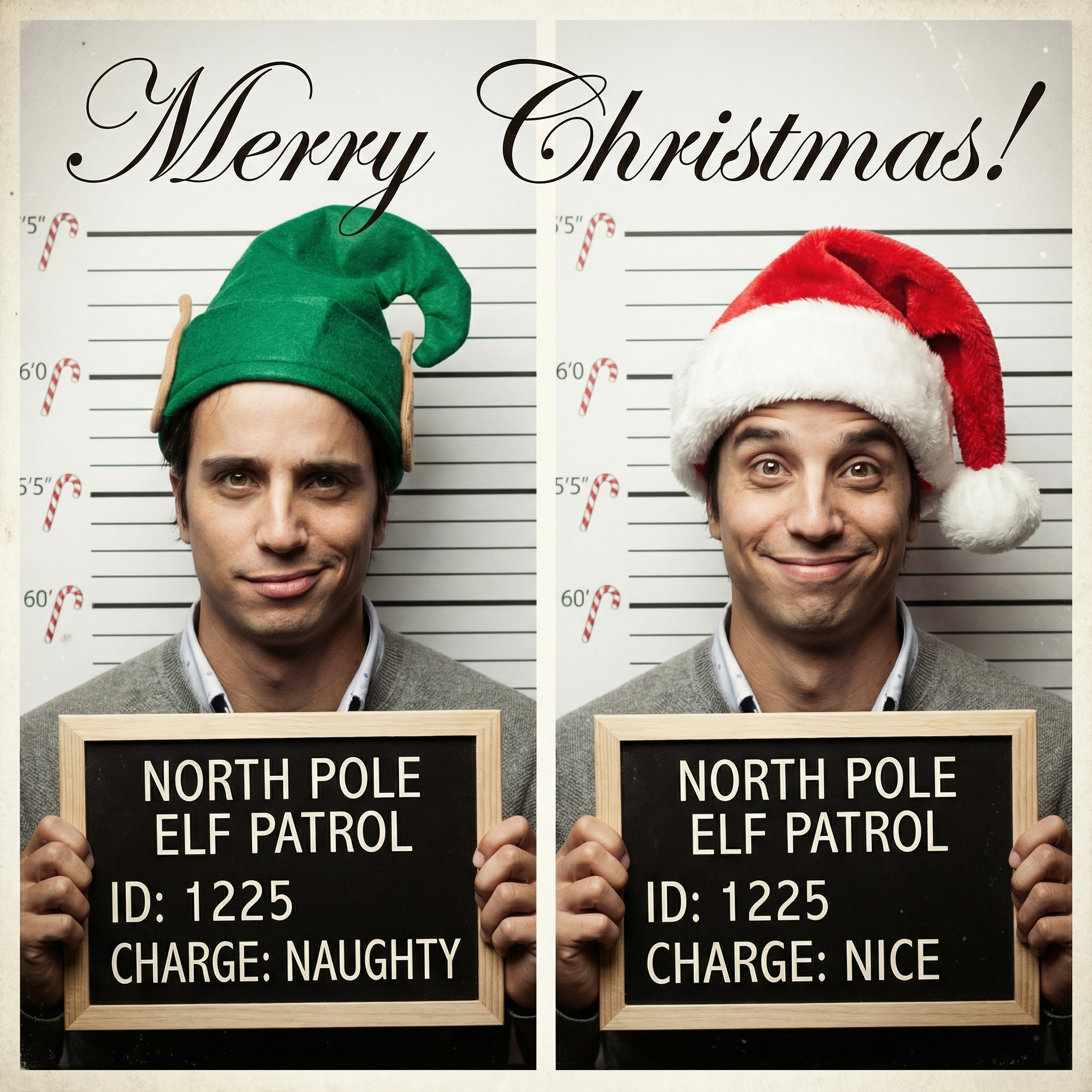
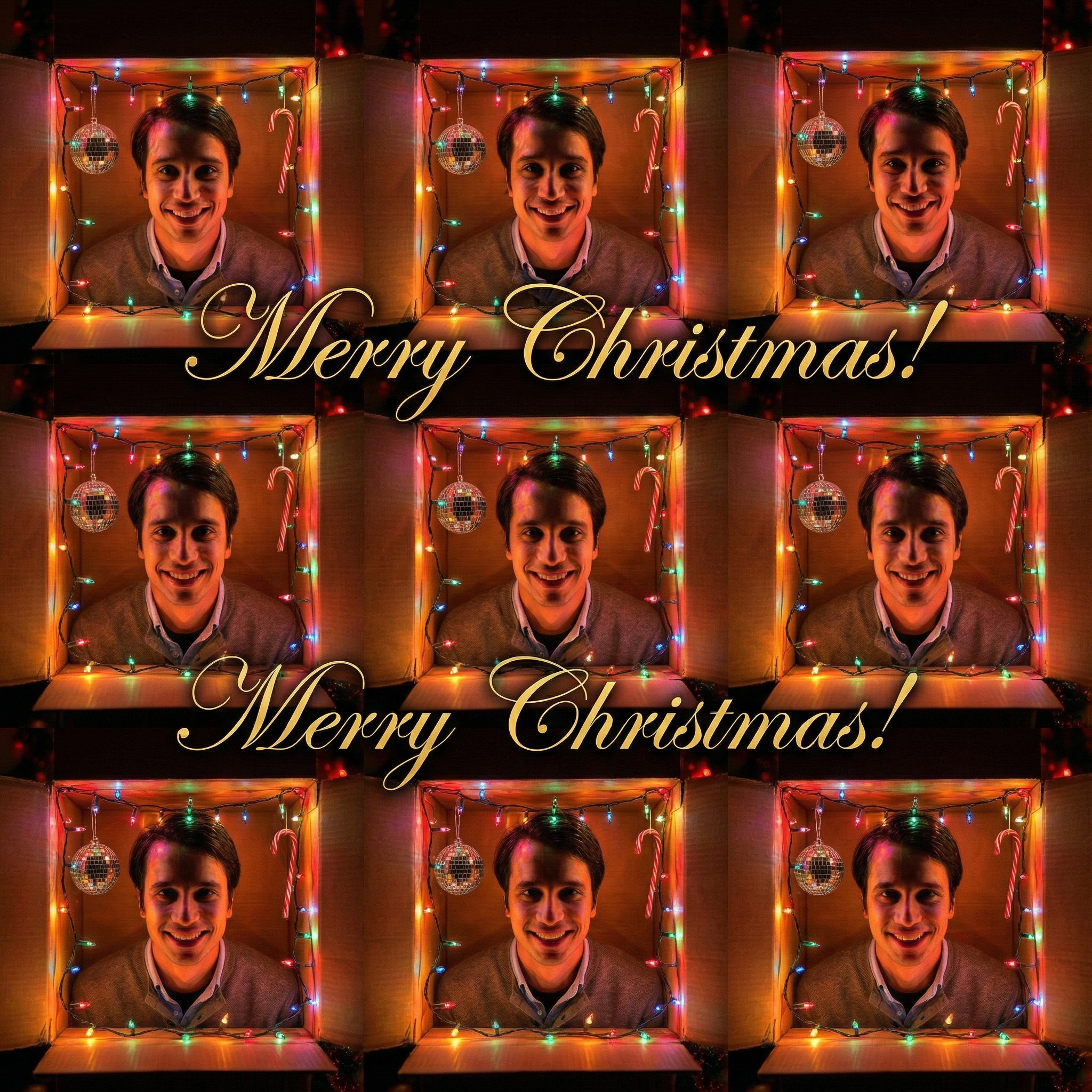
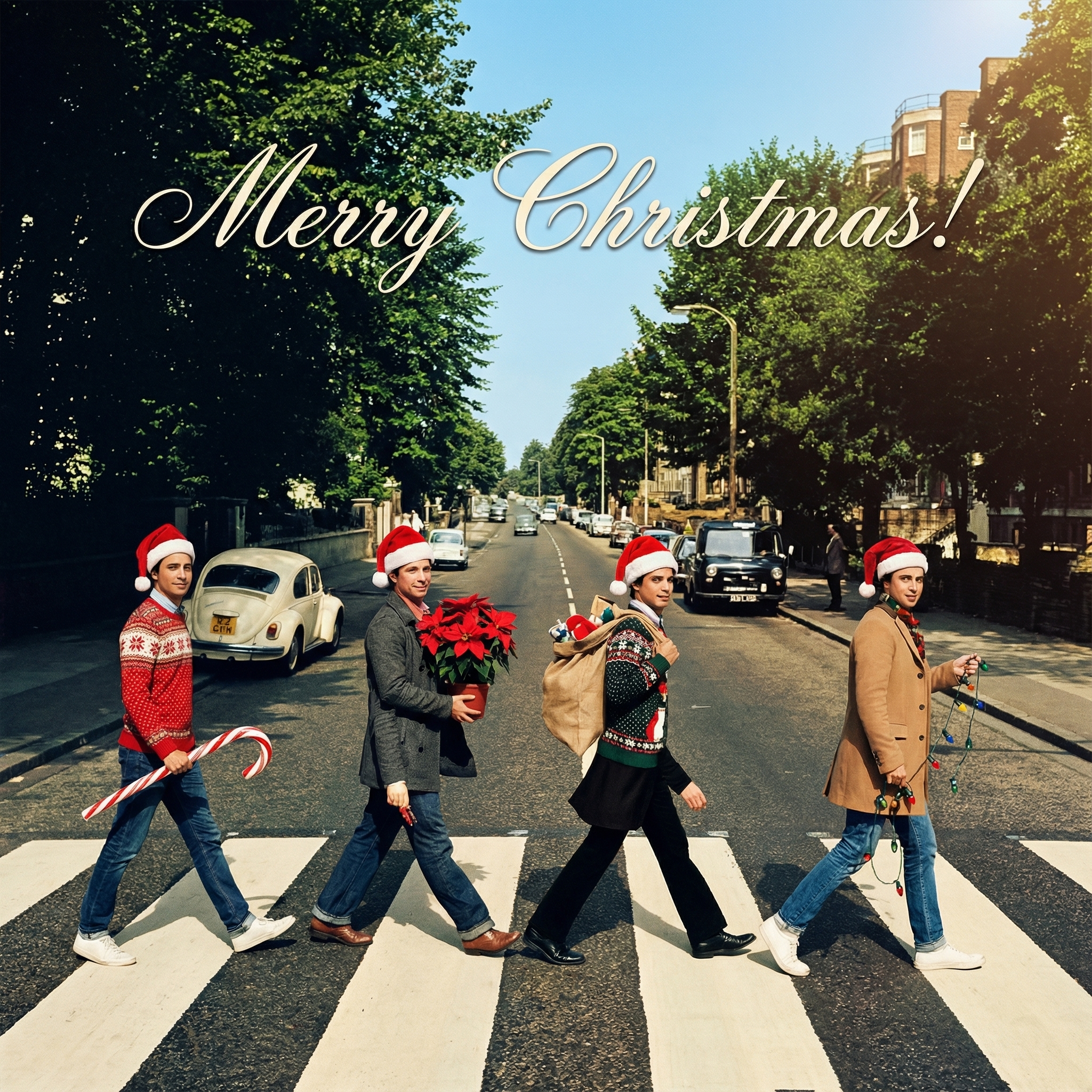
Choose from our collection of beautiful Christmas card styles. From classic to modern, there's a perfect style for everyone.








Create your Christmas card in three simple steps
Upload a clear photo of yourself. Our AI uses your unique features to create personalized Christmas cards.
Choose from 12+ beautiful Christmas card styles and add a personal message to your Christmas card.
Within 10 minutes your Christmas card is ready. Download the HD version and have it printed or send it digitally to your family and friends.
Hoe meer kaarten, hoe meer korting. Van €3,99 per kaart tot slechts €2,50 per kaart.
€3,33 per kaart
17% korting
€2,99 per kaart
25% korting
€2,50 per kaart
37% korting
You might be thinking, "Isn't a regular card good enough?" And absolutely, it is! But there's something extra special about a Christmas card with music. It's like a little surprise party in an envelope. It engages another one of their senses, making the whole experience of opening your card a bit more memorable. Instead of just seeing your lovely photo or heartfelt message, they get to hear something too. It shows you went that extra mile, and honestly, who doesn't love a thoughtful gesture during the holidays? It’s not about grand gestures, but about making a connection feel a bit more vibrant.
Okay, so how do you actually get music into a piece of paper? There are a few pretty neat ways, depending on how tech-savvy you want to get and how much you want to spend.
#### Sound Recording Modules (The Classic Approach)
Remember those birthday cards that played "Happy Birthday"? That's exactly what these are. You can buy tiny sound modules that you record your own message or song onto. They usually have a little button or a light sensor that triggers the sound when the card is opened.
How it works: You usually press a record button, speak or play music near the microphone, and then it's saved. When someone opens the card, a small tab or light sensor activates the playback. Pros: Very direct, no internet needed for the recipient. It's a tangible, physical experience. Cons: Limited recording time (usually 10-60 seconds), can be a bit bulky for a flat card, and requires batteries. You also have to think about where to hide the module so it looks neat.
#### QR Codes (Super Easy and Modern)
This is probably the easiest way to add music without any bulky electronics. A QR code is that square barcode you see everywhere. You can generate one that links directly to an audio file, a YouTube video of a song, or even a personalized video message.
How it works: You record your audio or video (maybe your kids singing a carol, or you playing an instrument, or just a sweet message). Upload it somewhere online (like YouTube, Vimeo, or even a cloud storage link). Then, use a free QR code generator online to create a code that links to that specific URL. Print the QR code and stick it inside your card. Pros: Very flat, no batteries, unlimited length of music/video (within reason), and you can change the linked content even after the card is sent (though that's a bit sneaky!). Recipients just scan it with their phone camera. Cons: Requires the recipient to have a smartphone and internet access. Some people might not be familiar with scanning QR codes, though it's pretty common these days.
#### Embedded Video Screens (The High-Tech Option)
Alright, this one is definitely more advanced and pricier, but it’s super impressive. You can get small, thin video screens that are designed to be embedded into cards. They play a video when the card is opened.
How it works: You load your video file onto the tiny screen module. It's usually self-contained with a battery and speaker. You then integrate it into your card design. Pros: Full video and audio experience, very high impact. Cons: Expensive, much bulkier, and definitely not a "simple" DIY project for most people. Probably best left for very special recipients or if you're really passionate about electronics and card-making.
No matter which method you choose for the music, the card itself still needs to look festive and inviting.
If you're using a sound module, you'll need to think about where it sits. Maybe you can create a little pocket for it, or integrate it into a pop-up element. A small, subtle "Press Me" or "Open for a Surprise" text might be helpful. For QR codes, you have a lot more freedom. You can make the QR code part of the design – maybe print it on a small tag that tucks into a slot, or even make it a central focus with a border.
The beauty of making your own Christmas card with music is the personal touch. Instead of just a generic carol, what about:
Your family singing: Even if it’s a bit off-key, it’s charming and authentic. A personalized message: "Merry Christmas, Aunt Sue! We miss you and hope you have a wonderful holiday!" A pet's sounds: If you have a cat that purrs loudly or a dog that barks a happy greeting. A favorite memory song: If you share a special song with the recipient, a snippet of that would be incredibly meaningful.
Cardstock: Good quality, sturdy paper for the card itself. Craft knife or scissors: For cutting and shaping. Adhesive: Glue stick, double-sided tape, or craft glue. Decorations: Glitter, stickers, ribbons, stamps – whatever makes your card festive. For sound modules: The module itself, maybe a soldering iron if you're getting fancy (but usually not needed for basic ones). For QR codes: A printer, and access to a free online QR code generator. You'll also need a way to record audio/video (your phone works perfectly!).
If you're going the DIY recording route, here are a few pointers to make sure your sound quality is decent:
Find a quiet spot: Background noise can really detract from your recording. Speak clearly and at a normal volume: Don't shout, but don't whisper either. Test it out: Do a few practice recordings and listen back to them. Keep it short and sweet: Especially for sound modules, you only have limited time. Get your message across efficiently.
Making a Christmas card with music is really about adding that extra layer of thoughtfulness. It’s a bit more effort than just signing your name, but the reaction you’ll get from friends and family will totally be worth it. It turns a simple card into a cherished keepsake, something they might just play again and again. So, what do you think? Ready to try making a Christmas card with music this year?
Sometimes, new craft projects can feel a bit daunting, right? But making a Christmas card with music doesn't have to be a headache.
Start Simple: If you're new to this, begin with the QR code method. It's the least intimidating and gives you a lot of flexibility. You can always level up to sound modules later if you enjoy it. Embrace Imperfection: Your kids' singing might not be studio quality, and your recording might have a tiny bit of background noise. That's okay! It adds to the charm and authenticity. The goal is heartfelt, not professional. Batch Making: If you're sending a lot of cards, maybe consider making only a few special Christmas cards with music for your closest family or friends. This way, you don't overwhelm yourself. For everyone else, your beautifully handmade regular cards will still be a hit! * Pre-made Components: Don't feel like you have to build everything from scratch. You can buy blank cards, pre-cut shapes, and even entire card-making kits. Your personal touch comes in the message, the decoration, and, of course, the music.
Think about the sheer delight on someone's face when they open your card and suddenly hear a familiar tune or your voice wishing them well. It’s a moment that truly stands out. A Christmas card with music isn't just a card; it's an experience, a little piece of joy delivered right to their home. It's a fantastic way to show you care in a truly memorable way. So, why not give it a whirl this holiday season?
Q: Is it really hard to make a Christmas card with music? A: Not at all, especially if you go the QR code route! That's super straightforward – just record your audio, upload it, generate a code, and stick it in your card. Using sound modules is a bit more hands-on, but still very manageable for a beginner crafter.
Q: What kind of music can I use for a Christmas card with music? A: You have tons of options! You can record yourself or your family singing a classic carol, play a snippet of a favorite Christmas song, or even just record a personalized spoken message. If you're linking to external music, make sure it's something the recipient will enjoy and ideally, consider copyright if you're sharing widely (though for personal cards, it's usually less of an issue).
Q: Where can I buy the sound modules for these cards? A: You can usually find small recordable sound modules at craft stores, electronics hobby shops, or online retailers like Amazon or Etsy. Just search for "recordable sound module for cards" or "voice recorder for greeting cards."
Q: How long do the batteries last in a sound module card? A: It really depends on the module and how often it's played. Most small button cell batteries will last for quite a while, often months or even a year if only played occasionally. Some modules even allow you to replace the batteries, extending their life even further.