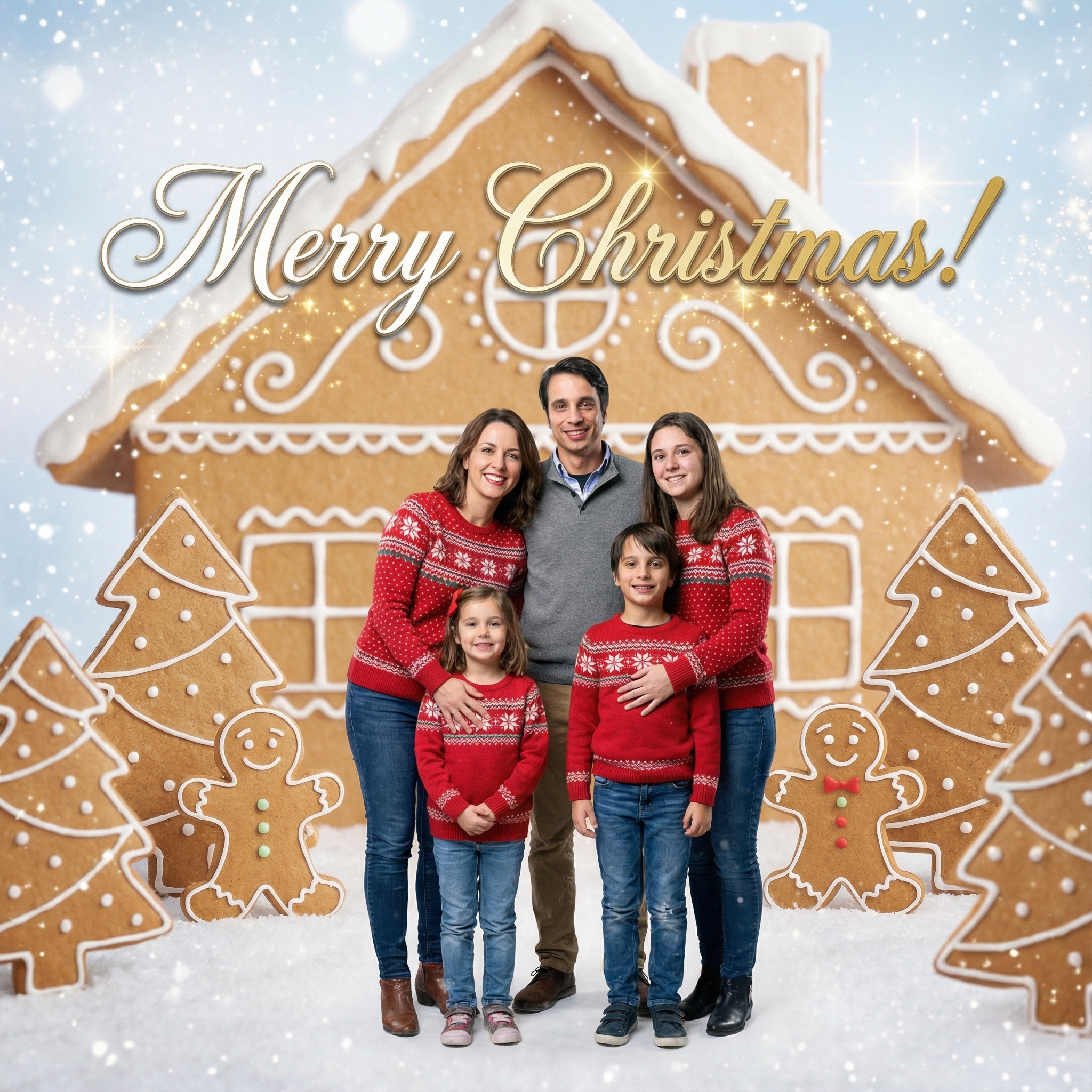
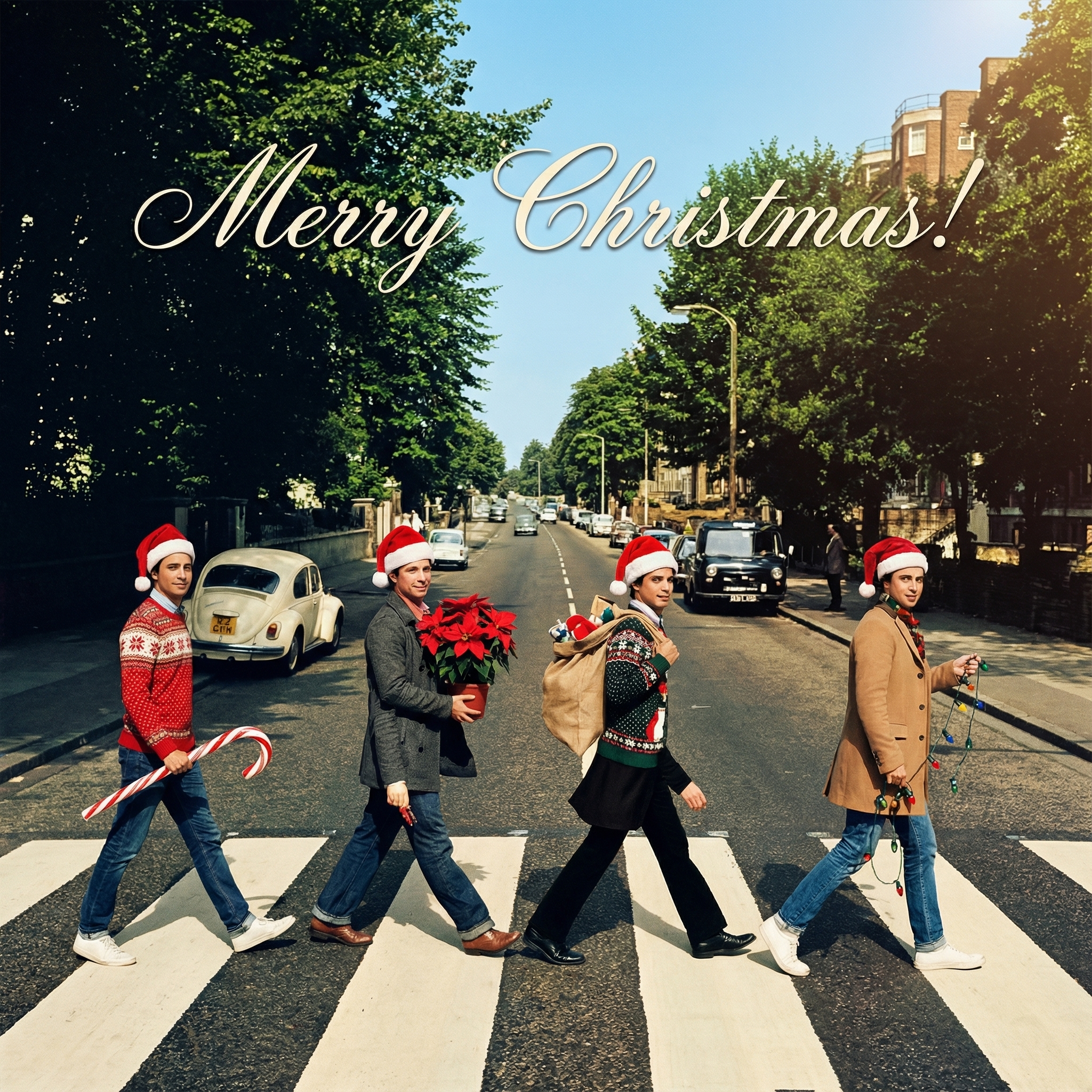
Want to Make Christmas Cards with Your Own Photo? Here's How!
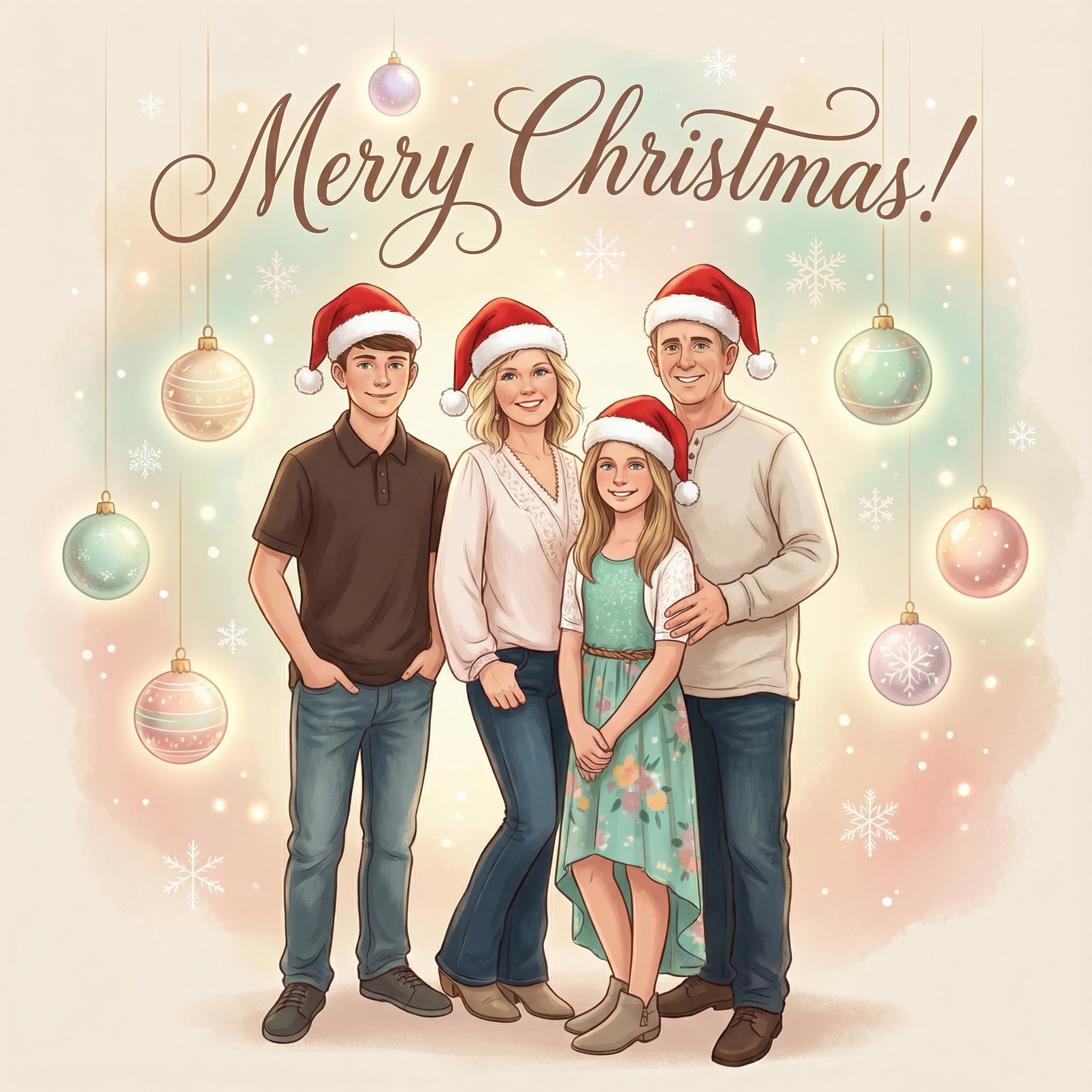
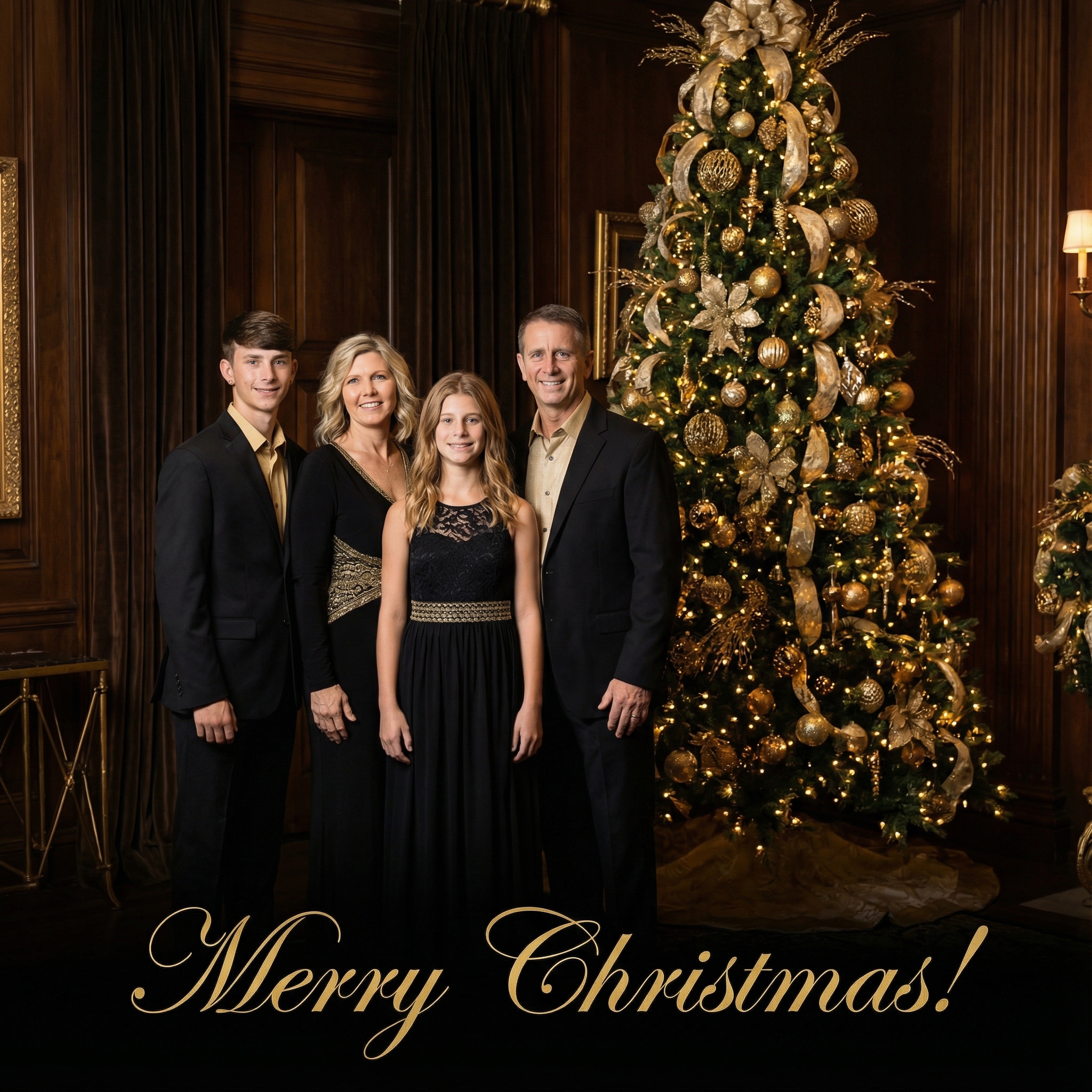

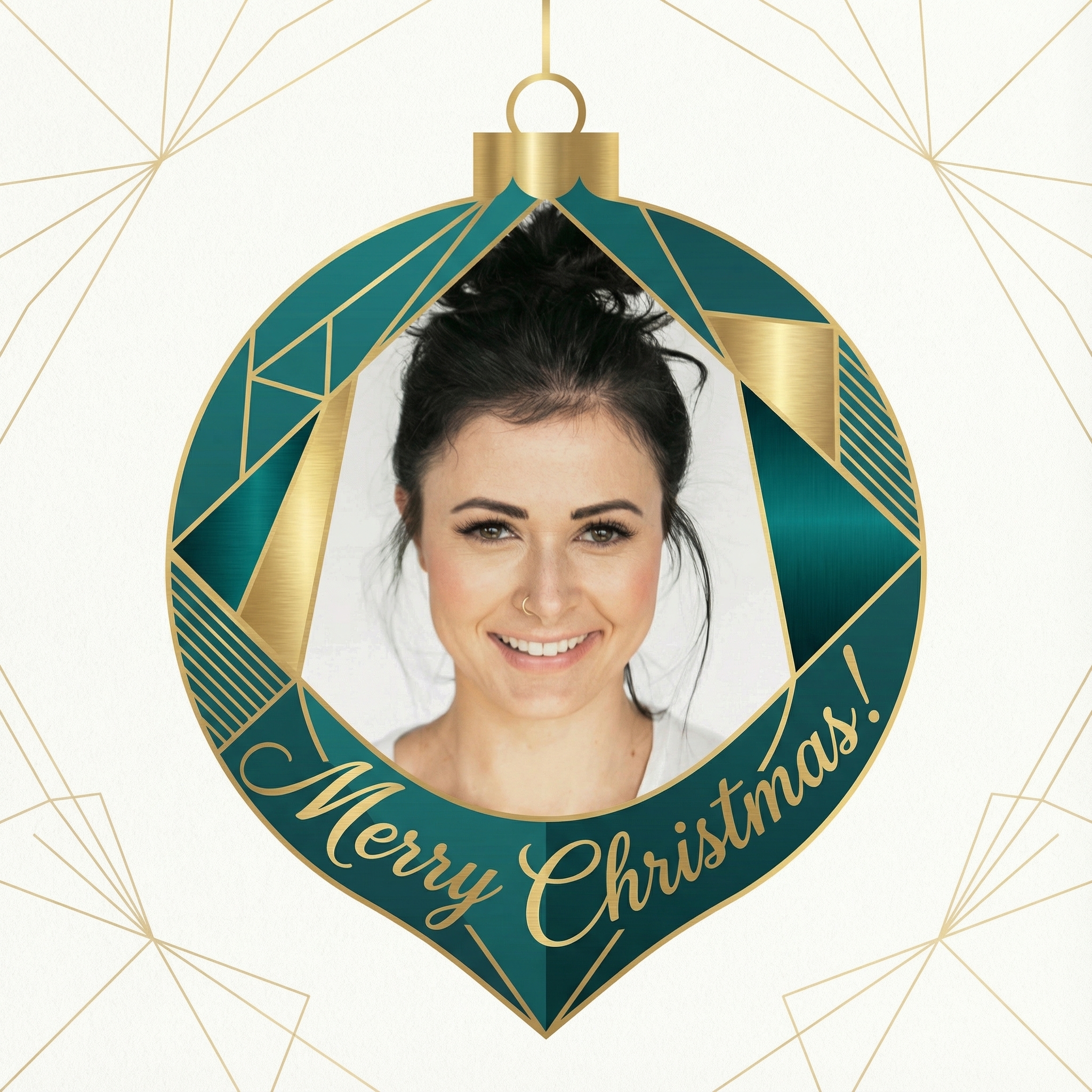
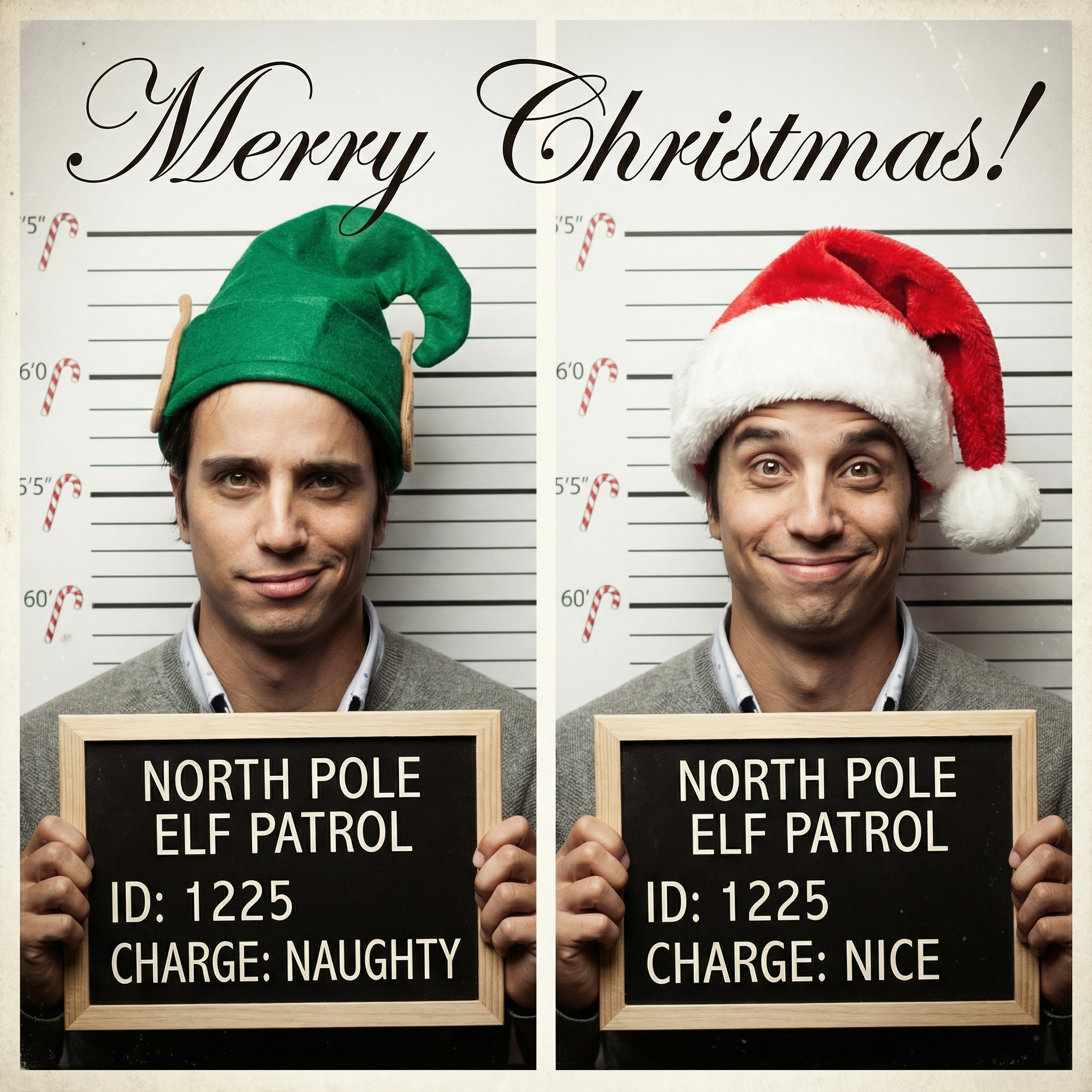
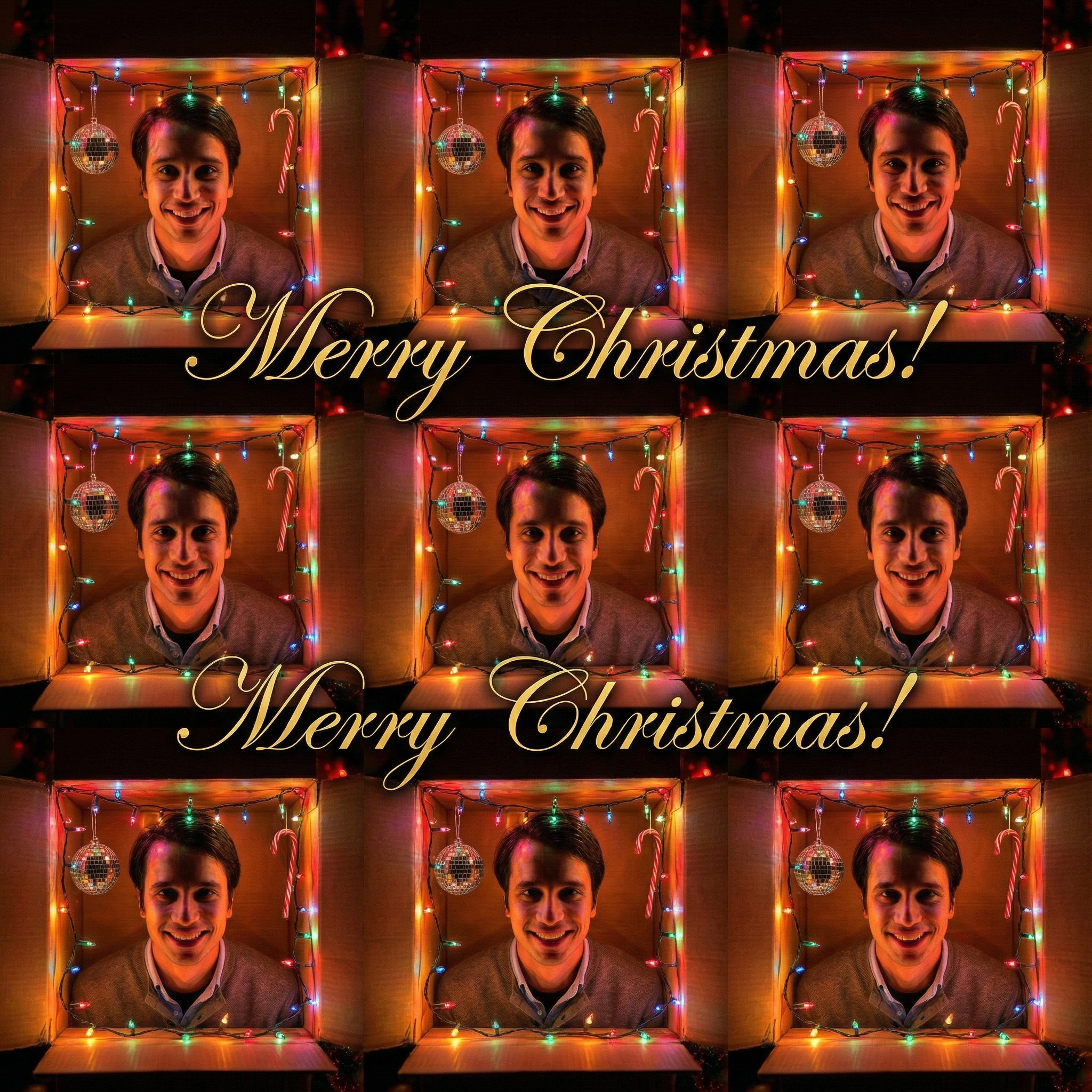
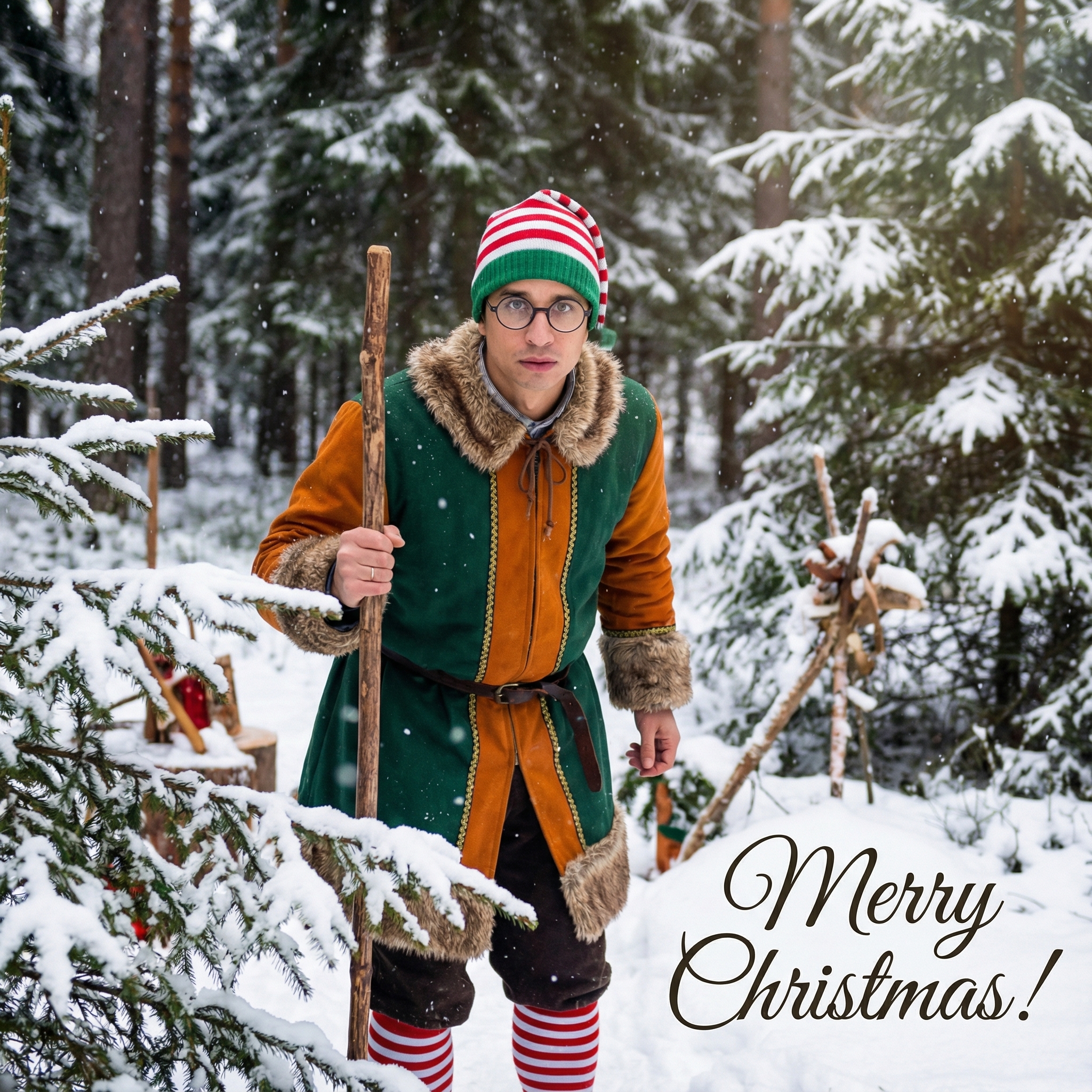
Choose from our collection of beautiful Christmas card styles. From classic to modern, there's a perfect style for everyone.

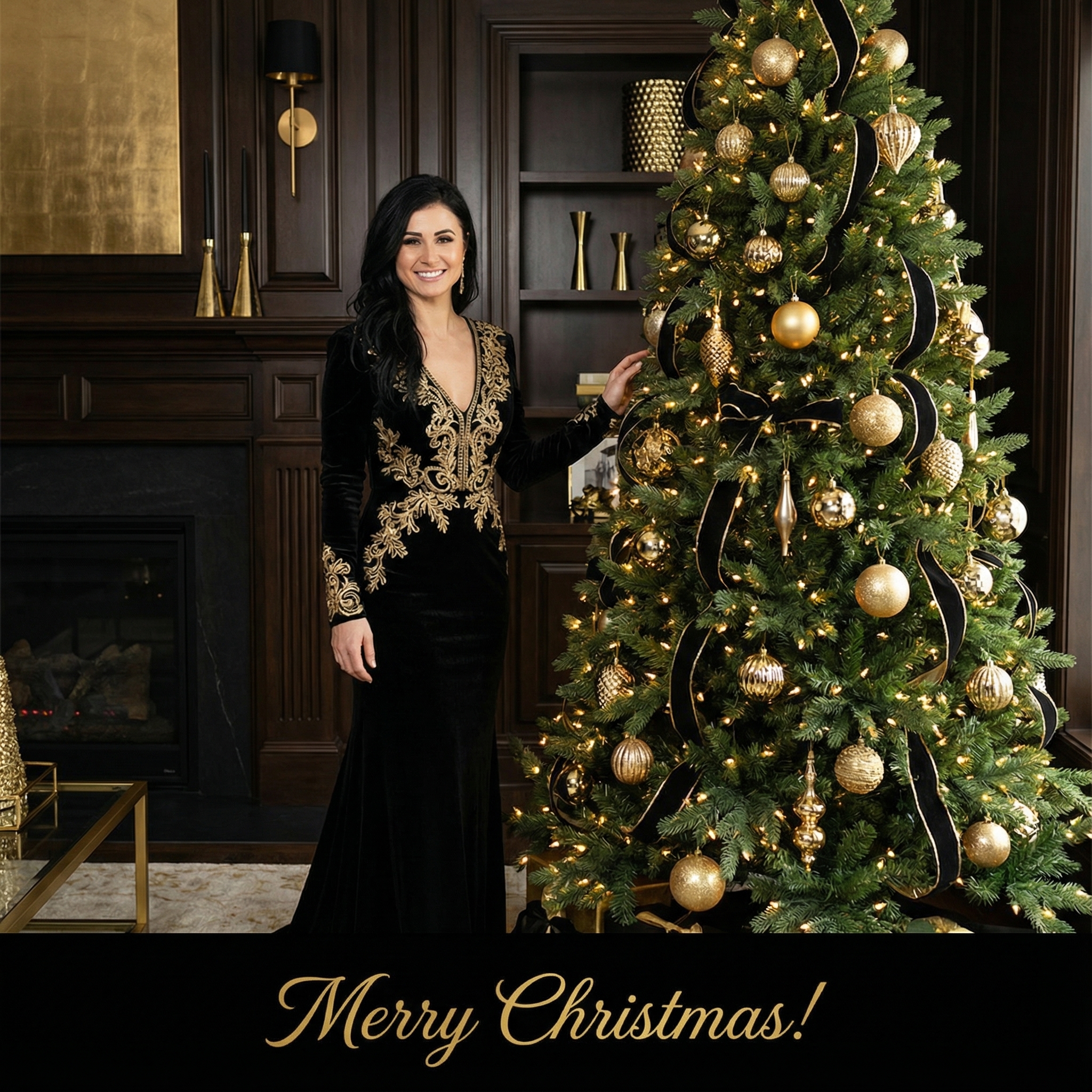

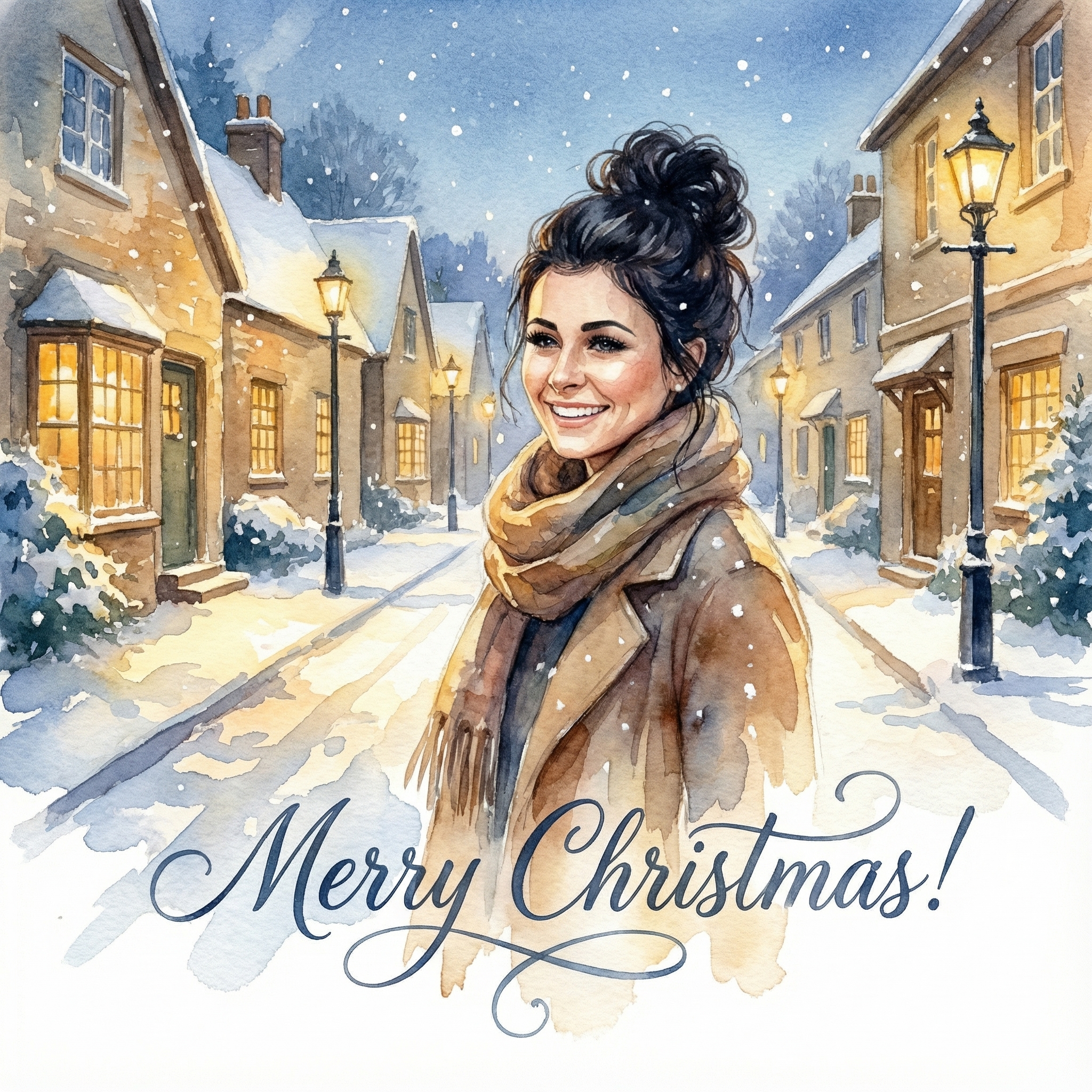
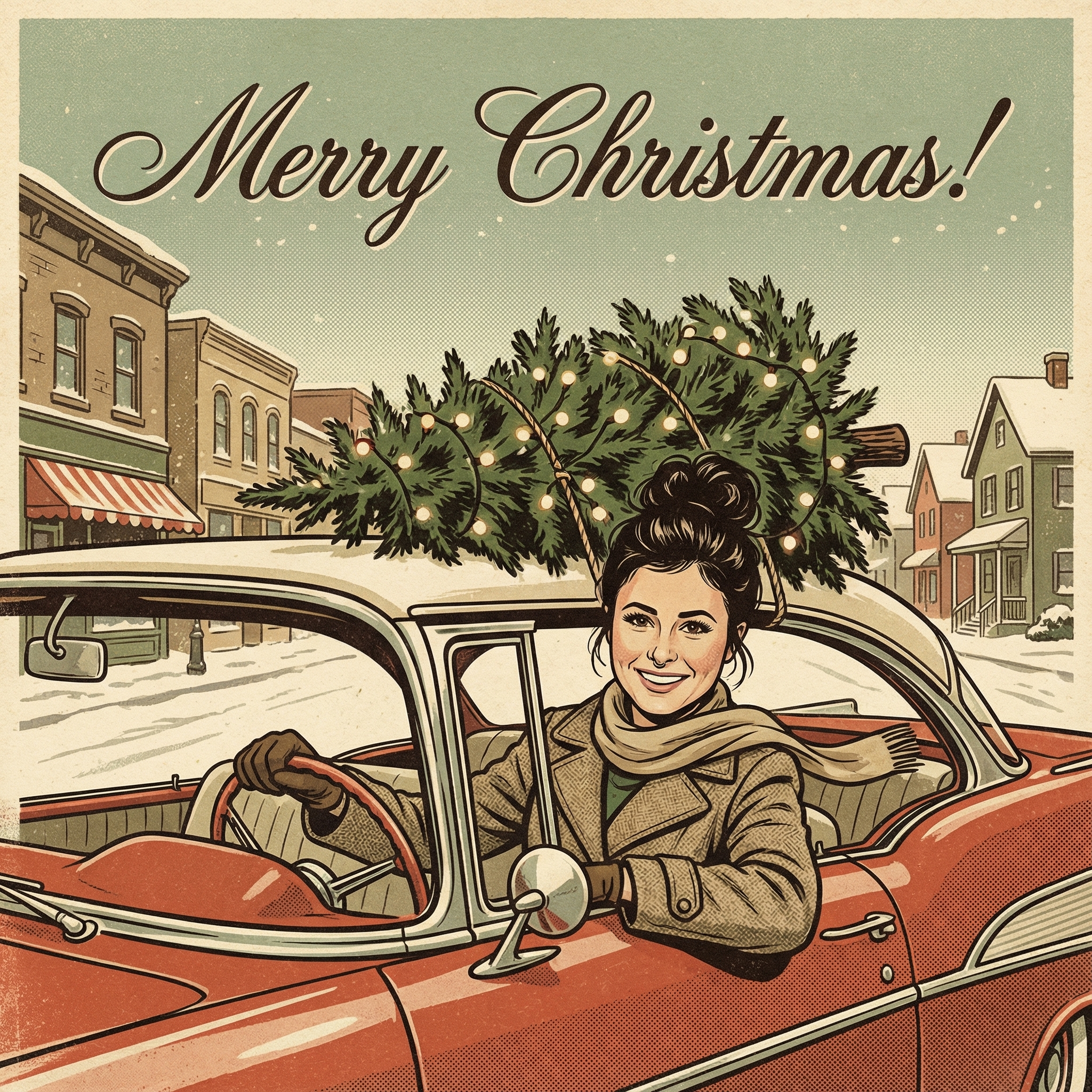
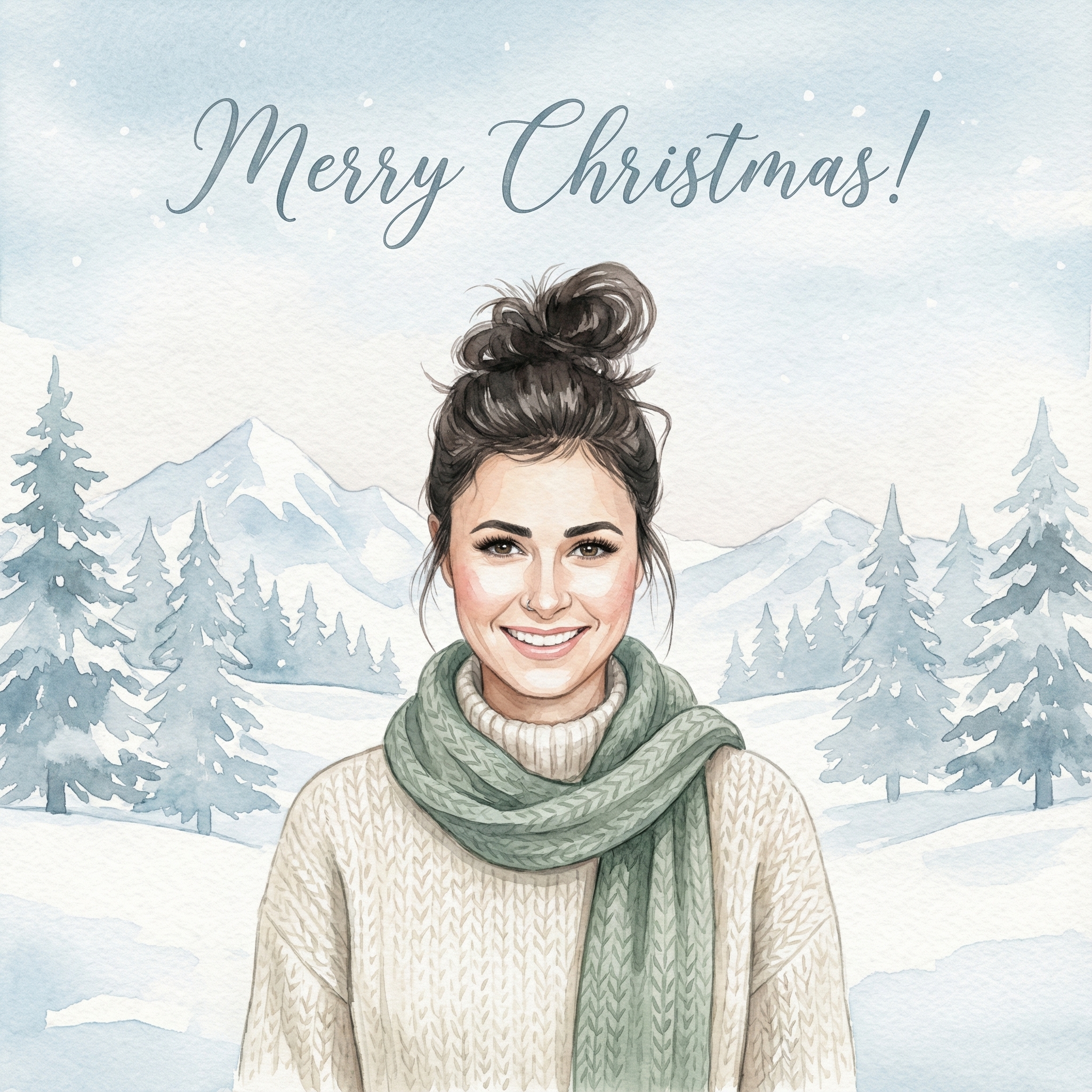


Create your Christmas card in three simple steps
Upload a clear photo of yourself. Our AI uses your unique features to create personalized Christmas cards.
Choose from 12+ beautiful Christmas card styles and add a personal message to your Christmas card.
Within 10 minutes your Christmas card is ready. Download the HD version and have it printed or send it digitally to your family and friends.
Hoe meer kaarten, hoe meer korting. Van €3,99 per kaart tot slechts €2,50 per kaart.
€3,33 per kaart
17% korting
€2,99 per kaart
25% korting
€2,50 per kaart
37% korting
Seriously, why go through the extra step when you could just grab a box of cards at the store? Well, think about it. When you get a Christmas card, what's the first thing you look for? Often, it's the sender's name, right? But imagine opening it up and seeing a lovely picture of your friend's kids, or maybe a funny shot of them and their dog. It just instantly feels warmer, doesn't it? It's like a little update on their life, a personal touch that says, "Hey, we're thinking of you, and here's a little piece of us." For families, it's a brilliant way to share how much the kids have grown over the year. For couples, it might be a sweet photo from a recent trip or a cozy moment at home. It really makes the card stand out from the pile of store-bought ones.
This is often the trickiest part, isn't it? You want a photo that's festive, maybe a little bit fun, and definitely reflects you or your family. You could go for a really classic, posed family portrait – you know, everyone in matching sweaters, perhaps by the fireplace. Those are lovely and timeless. But don't be afraid to think outside the box! Maybe you've got a candid shot from a summer vacation that just makes everyone smile, or a silly picture of your pet wearing a tiny Santa hat. The best photos are usually ones where everyone looks relaxed and happy. Natural light is your friend here; it makes everyone look their best. If you're trying to decide between a few, ask a friend for their opinion. Sometimes an outside eye can spot the winner. Remember, the goal is to make Christmas card with own photo that genuinely represents you.
Okay, once you've got your photo (or a few options!), what's next? You've got a couple of main paths here.
Going the DIY Route: If you're a bit crafty and have a good printer, you can absolutely design and print your cards at home. This gives you total control over everything. You can use simple design software, even something like Canva or basic photo editing tools, to add text, borders, and maybe a little festive clip art. Think about the layout: do you want the photo to take up the whole front? Or maybe just a smaller inset with some nice holiday wishes around it? You can print them on nice card stock, fold them, and even add a little glitter or ribbon if you're feeling fancy. It's a bit more work, but it's incredibly satisfying to know you made every single part of it yourself. Plus, it's a great way to make Christmas card with own photo on a budget.
Using Online Printing Services: For most people, using an online service is probably the easiest way to go. There are tons of great websites out there (like Shutterfly or Minted). You just upload your chosen photo, pick a template you like, type in your message, and they do all the printing and often even the mailing for you. They have a huge variety of styles, from super elegant to modern and minimalist, so you're bound to find something that fits your vibe. It's usually pretty intuitive, and they often have sales around the holidays, so keep an eye out for those! This option is great if you want a professional finish without the hassle of buying special paper or worrying about your printer running out of ink.
So you've got your awesome photo card ready to go. Now for the message! Again, keep it personal. Instead of just a generic "Happy Holidays," maybe add a quick sentence or two about what you've been up to this year, or a little anecdote about the photo itself. For example, if it's a picture from a family trip, you could write, "Wishing you joy this holiday season from sunny California!" or "This year has flown by, but we loved every minute, especially our camping trip shown here!" It makes the card even more engaging and gives the recipient a little peek into your life. Don't feel pressured to write a novel; a short, sweet, and sincere message is perfect. Remember, you're trying to make Christmas card with own photo that feels personal inside and out.
Start Early: Seriously, don't wait until December 20th. Picking a photo, designing, and printing takes time. Getting a head start in November means less stress later on. Check Photo Resolution: If you're printing, especially with an online service, make sure your photo is high enough quality. You don't want a blurry, pixelated card! Most services will warn you if your resolution is too low. Proofread, Proofread, Proofread: Nothing's worse than getting a batch of cards back with a typo in your name or a wrong date. Have someone else read over your message before you finalize the order or print. Consider the Back: Some online services let you add a little extra design or text to the back of the card. This is a great spot for a longer update, a favorite quote, or even a few more small photos if you couldn't pick just one. * Envelopes Matter: Don't forget about the envelopes! Some services offer custom printed envelopes, which can be a nice touch. Or, if you're doing it yourself, consider some festive stamps or even a decorative sticker to seal them.
Making your own Christmas cards with your own photos doesn't have to be a huge production. It's really about adding a little bit of your personality to a holiday tradition. It's a thoughtful gesture that your friends and family will really appreciate, and it’s actually pretty fun to put together. So, why not give it a try this year and make Christmas card with own photo that truly shines?
Q: What if I don't have a professional camera? Can I still use phone photos? A: Absolutely! Modern smartphone cameras are incredibly good. As long as the lighting is decent and the photo isn't blurry, it should work perfectly for making your own cards. Just try to use the original, unedited version for the best quality.
Q: How do I make Christmas card with own photo without spending a fortune? A: There are a few ways! Printing at home on basic card stock is usually the cheapest. Many online services also have economy options or offer significant discounts if you order early or in bulk. Look for coupon codes around the holiday season!
Q: Should I include a year on the card? A: That's totally up to you! Including the year can be nice for people who keep cards as mementos, helping them remember when the photo was taken. If you prefer a more timeless feel, you can leave it off. There's no right or wrong answer here.
Q: What if my family hates having their picture taken? A: I totally get it! Instead of a posed shot, try to capture candid moments. Sometimes the best photos are the ones where people don't even realize they're being photographed, laughing together or doing an activity. Or, you could just feature pets if they're more cooperative! A funny outtake can also be a hit.